










Modern customers are bombarded with messages from all directions: emails, ads, blogs, pop-ups, and more.
To get customers to notice and engage with your business, you have to work to make your message stand out. The best strategy? Embracing video.
Video does more than deliver your message. It helps you build emotional connections and reinforces trust by showing your brand’s “human side.”
Further, video streamlines customer educational content and product updates, helping audiences learn faster. As Michelle Massey, our VP of Community Outreach & Customer Operations, says, “The ability to condense paragraphs of text into a video that can convey the same thoughts in minutes is intense.”
Read on as we cover how video can help you capture your target audience’s attention and improve customer retention.
Discovering the real power of video in customer connection
As the VP of Community Outreach & Customer Operations at TechSmith, Michelle’s journey has gone from traditional proposal writing to using video to share content, and she knows what works: video.
Why?
Well, according to Michelle, “Video meets people where they are. The customer can watch as many times as they need, or just listen if they can’t watch.” This level of flexibility is unrivaled by any other form of communication.
Video also breaks down complex topics, which promotes customer understanding. For example, a product demo video shows customers what they need to do to achieve their desired results.
Video training has a particularly significant impact on customer success in critical scenarios, like high-stakes instructions, complex software installations and troubleshooting, and safety guidance — because it eliminates the need for guesswork and allows customers to rewatch as many times as needed to understand the content.
Where personalization efforts fall short
While video is a powerful medium, it’s not a one-size-fits-all solution. The truth is, it may not always be the best option for every customer situation. For example, it may not make sense to send a thank-you video every time a customer makes a purchase. Or it might not be reasonable (or realistic) to rely solely on video as your primary communication tool if your customer persona suggests that your audience is primarily readers.
To provide a seamless customer journey, “You still need to know your audience and create a response that fits their experience level, their knowledge of the topic, and their comfort with video,” says Michelle. The goal is to provide video content for customers who prefer it in situations that make the most sense.
For effective personalization, create a video strategy that highlights:
- Which touchpoints benefit the most from video content
- What type of customers prefer video communication to other alternatives
- How to customize messaging for different personas, as most customers want brands to deliver personalized experiences
- How to maintain data accuracy in videos, which helps build customer trust and confidence
Matching the message to the moment
Remember, video may not be the best fit for every customer situation. So, instead of adding video to every touchpoint, put yourself in your customers’ shoes and ask:
- “Would I want to watch a video in this scenario?”
- “Would a video make this process easier for me?”
If yes, make your video. If not, consider an alternative like text or a quick phone call.
Video is typically a great option in situations that need visual support, such as:
- Onboarding walkthroughs
- Product demos and tutorials
- Complex software troubleshooting
However, it may be overkill in scenarios where customers expect short responses or one-on-one support, like when inquiring about your pricing plans.
Accuracy as a trust builder
Even with the highest-quality visuals and the most engaging content, customers may question your brand if your information is outdated or incorrect. So, be cautious — especially when using video because it’s harder to fix errors in recordings than in text.
One of the best ways to maintain data accuracy in video assets is to use tools like Camtasia or Snagit to create easy-to-update brand templates. Ideally, these templates should contain pertinent brand information as well as highlight the areas to fact-check. This way, teams can maintain consistency and data accuracy, even when scaling video production.
Go from screen recording to polished video
A screen recording is just the start. Camtasia’s editor helps you add the callouts, animations, and edits you need to create a truly professional video.
Free Download
What video does better than text in customer interactions
Video improves many customer interactions because it:
- Shows that you’re willing to go above and beyond to help your customers: A personalized video showing a customer how to deal with an issue they’ve reported is bound to be more impactful than a text-only troubleshooting guide.
- Creates an emotional connection: Seeing and hearing a real person instead of blocks of text can help build customer trust.
- Aligns with modern consumers’ love for video content: According to a Pew Research Center survey, 83% of U.S. adults have used YouTube, highlighting consumers’ preference for video.
Here’s a little more on how video beats text:
Boosting retention and understanding
Video engages the parts of the brain that process and store visual and verbal details, making it easier for customers to recall information. It’s also better than text-heavy messages, especially when delivering complex answers, because it provides visual demonstrations for customers to follow.
Take a troubleshooting video, for example. It shows viewers exactly where specific features are and how to use them to solve issues, so customers don’t have to figure out what’s what on their own. This makes instructions easier to follow and promotes better retention.
To make concepts stick, use Snagit to take quick screenshots or screen recordings with callouts and Camtasia to create annotated videos that highlight key processes.
Record your screen with Snagit
Snagit makes it easy to share quick updates and how-to’s by capturing exactly what’s happening on your screen.
Get Snagit
Building trust through transparency
While text-only messages can convey valuable information, they miss out on the nonverbal cues that humanize brands and promote emotional connections with customers.
Video, on the other hand, displays everything from your core message to your tone, facial expressions, and overall body language. Essentially, it makes customers feel like they’re talking to a real person rather than a bot on the other side of their screens, potentially building trust.
If you’re concerned about the practicality of attaching human-led videos in email threads or customer proposals, you don’t have to be. Create your videos with Snagit and Camtasia and export them to Screencast for easy sharing. With Screencast, you can forward relevant video links instead of attaching them directly to your messages or presentation.
Creating presence and empathy in async communication
“With the push for AI bots, customers love to know that they are working with a human who cares about them and their problems,” says Michelle.
To humanize your videos and enhance the support experience for your customer:
- Start with a quick check-in. You could start your video with something like “Hi, hope your week is going well.” A few seconds can help build a connection while keeping your video short.
- Speak like you’re on a live call with your customers, maintaining a conversational tone and natural pacing.
- Use a real person’s face and voice. While you can use AI avatars and voiceovers for repetitive content, they shouldn’t take over your communication.
- Leave some imperfections in your videos to make them more authentic and relatable.
Appearing and sounding natural in front of the camera takes some practice. So, start coaching your team on how to be personable and empathetic on camera.
Using video to repair friction and restore trust
According to Michelle, “Tone can be lost easily in a written email to a customer.” So, text-only messages may not be the best solution for addressing frustrated audiences — they may read them through the lens of their own emotions, creating a potential misunderstanding.
Video gives you control over your delivery. It helps you convey sincerity by letting you communicate with words as well as your voice and body language. A human voice and a nod can show customers that you’re actively working to help them fix errors or find solutions. This can diffuse frustration and promote civil conversations.
Of course, how you use video in such situations matters. To improve the customer service experience:
- Ensure a quick turnaround time. Having video templates on Camtasia on standby can help.
- Acknowledge customers’ frustrations.
- Use a calm, empathetic tone.
- Provide clear solutions, embedding visuals like screenshots whenever necessary to help customers understand processes.
Understanding global customer reach through instant translation options
If you have an international audience, you may be on the fence about using video because of the need to regularly translate messages and content. But here’s the thing: translating video content is just as easy as translating text, thanks to solutions like Camtasia Audiate.
Camtasia’s AI-powered voice translator can make your onboarding videos, product education guides, or other video content global-ready quickly, all without reshooting. So, rather than being a barrier to global expansion, video can be one of your greatest assets.
If you can edit a doc, you can edit a video
Stop fearing the timeline. Camtasia Audiate transcribes your recording so you can edit your video just by editing the text.
Free Download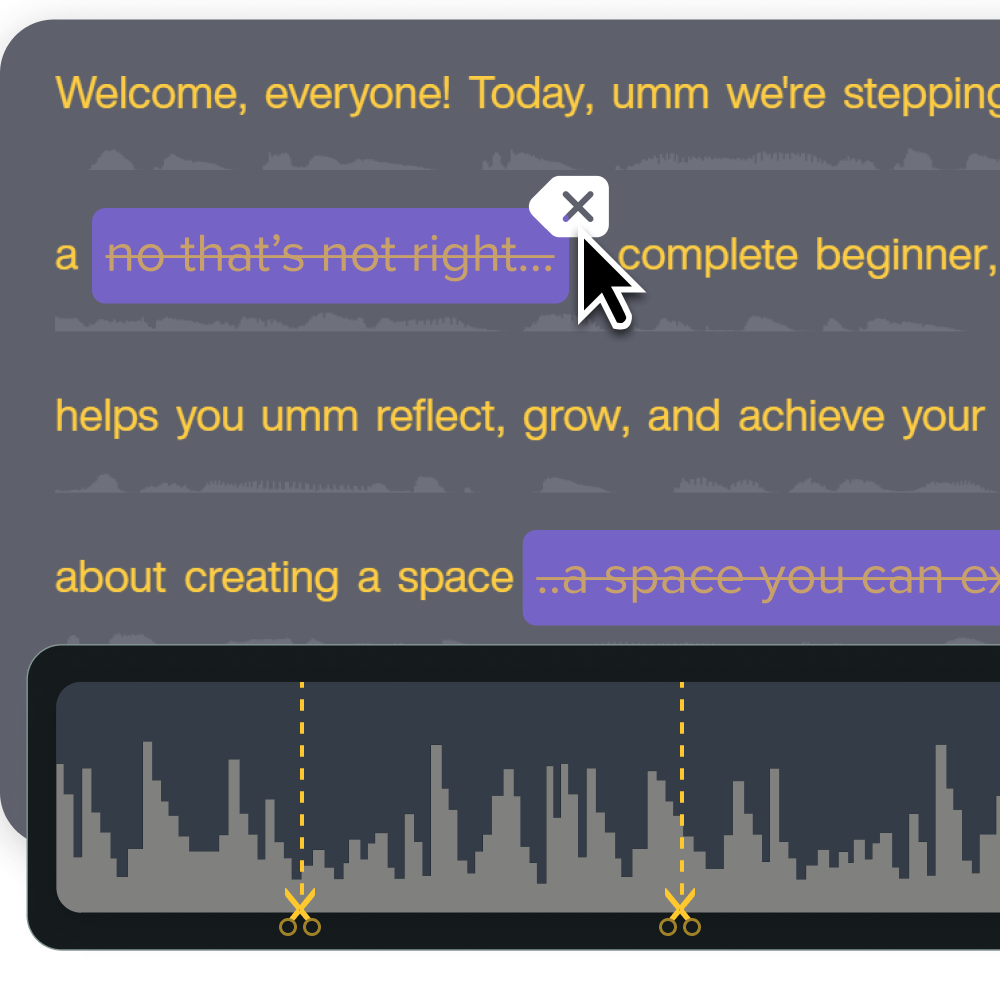
Our top tips for customer teams new to video
Ready to give video a try? Here are some tips that could enhance customer experiences:
- Think about your customers before hitting record. Do they like video content? Is it ideal for their situations? How can you use video to address their pain points or improve their experiences?
- Let your target audience know how long each video is so they can determine when to watch it and how much time to set aside.
- When narrating, speak like you would on a live call.
- Prioritize authenticity instead of perfection. As Michelle says, “Take the pressure off. Your video doesn’t have to be perfect. It’s about being authentic and genuine.” Show your human side by leaving in some minor “imperfections.”
- Use real people and human voices for personalized videos, like responses to customer complaints.
- Leverage AI for quick videos or batch production.
Don’t forget to use the tools that make video as fast as email
With modern video creation and editing tools, you don’t need to be a pro to create high-quality, engaging content. The AI features in most modern solutions make the process of creating customer videos just as easy and fast as writing lengthy emails without compromising quality.
Our AI-powered tools can help you:
- Generate custom scripts that align with your preferred tone of voice, target audience, and ideal video length
- Present your script in multiple languages and with different voices
- Edit video content just like you would standard text
- Clean up your audio by removing background noise and filler words
- Create and apply video templates and themes
- Improve video accessibility through auto-captioning and translations
We offer a variety of tools to meet your video production needs, including:
- Snagit for quick screenshots and screen recordings
- Camtasia for polished screen recording and video editing
- Camtasia Audiate (available in Camtasia Pro) for automated script generation, background noise removal, text-based editing, and voiceovers
- Screencast for seamless and secure video collaboration and sharing
Do AI Voices and Avatars Improve Learning?
Discover what the data reveals about learning outcomes.
Get the Full Report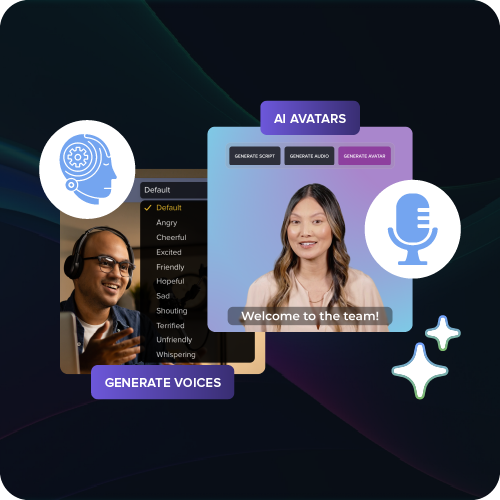
Build lasting customer relationships — one video at a time
Want to improve customer loyalty? Try communicating via video. Well-crafted videos bridge the gap between your company and customers by building a human connection, simplifying complex processes, and helping resolve issues more effectively.
They can help you stand out in the sea of endless emails and reinforce trust by letting customers see and hear the people behind your brand.
With TechSmith’s suite of tools, you can easily create videos that speak to your target audience, regardless of your video production or editing experience. Our tools have AI features that streamline everything from script generation to audio cleanup, reducing the burden on your team. This allows you to focus on tasks that show your customers you care, like responding to tickets and personalizing responses.
Ready to enhance customer interactions with video? Get started with TechSmith — check out our full suite today!
Looking for professional screen recording software?
From simple screen captures to polished video editing, TechSmith has everything you need to create professional-quality content.
Learn More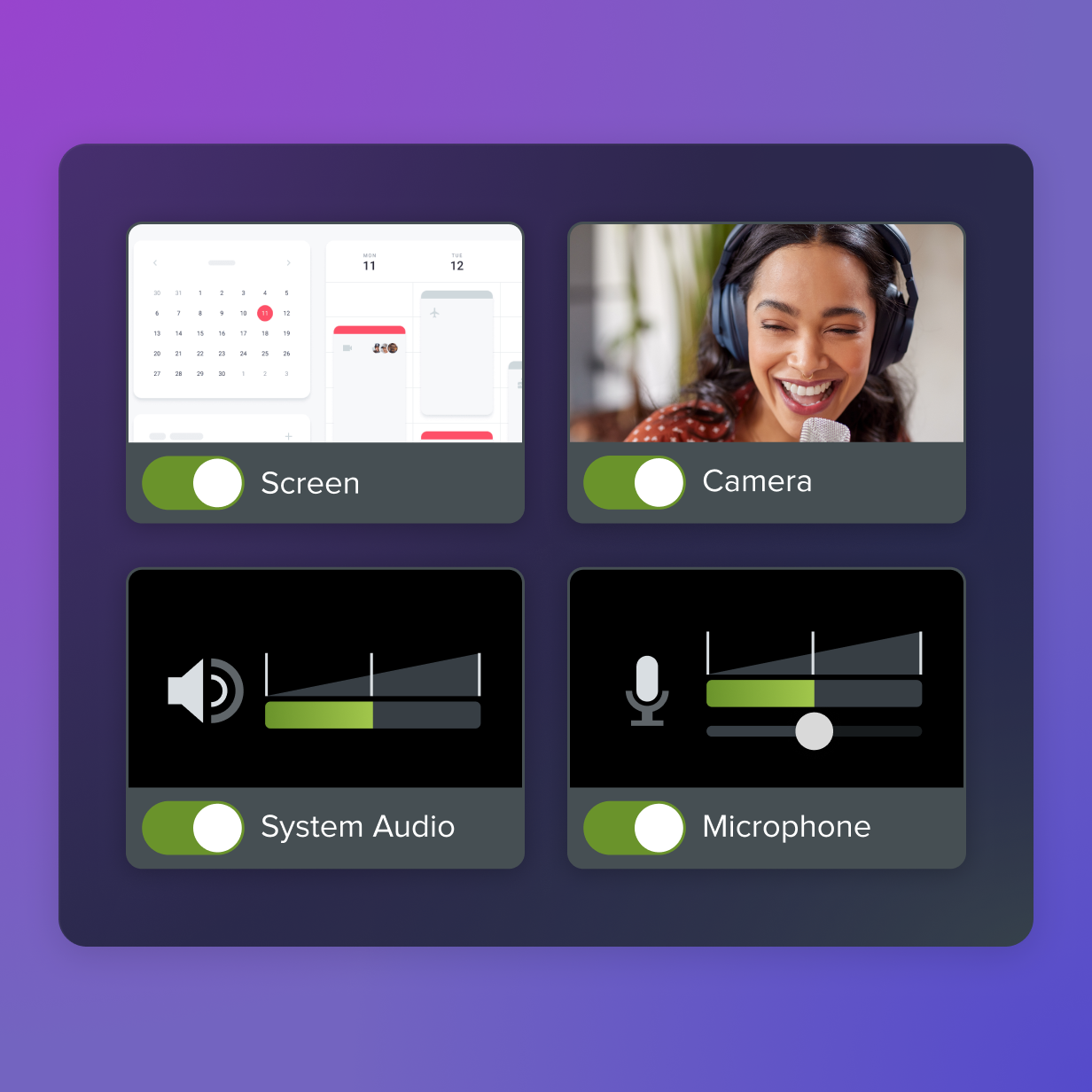
Share