









A video SOP is a standard operating procedure delivered in video form. Videos can improve SOPs by adding context that text alone may not show, especially for software tasks, onboarding, quality checks, and other step-heavy procedures. Start with a process that employees often misunderstand, or that takes too long to explain in writing.
Key Takeaways
- Video SOPs make instructions easier to follow by showing each step in action.
- They can improve consistency by reducing guesswork and giving employees a replayable reference.
- They are easier to update than long text documents when a process changes.
- Centralized videos can help teams learn the same process across locations and shifts.
What is a video SOP?
When teams talk about videos to improve SOPs, they usually mean a standard operating procedure delivered as a video. It uses visuals, narration, and motion to show each step so employees can see what to do, hear the explanation, and replay the process when they need a refresher.
Why traditional SOPs fall short
Picture this: a new hire gets handed a 30-page SOP template on day one. A few pages in, they’re lost in a sea of jargon, and their initial enthusiasm fades.
This scenario is all too common.
Text-heavy process documentation doesn’t just confuse; it contributes to a culture of errors and inconsistencies. Businesses need a solution that makes SOPs easier to understand, follow, and update efficiently because, without clarity and flexibility, compliance crumbles and productivity stalls.
Here’s why traditional SOPs often miss the mark:
Low engagement leads to compliance issues
When SOPs are primarily text-based, team members tend to skim, glossing over important steps or failing to fully comprehend the instructions. This lack of engagement can lead to inconsistent execution, which, in turn, exposes businesses to safety violations, regulatory issues, and operational inefficiencies.
For instance, a worker might skip a safety step, assuming it’s optional, leading to an incident. Another misinterprets a compliance rule and draws unwanted regulatory attention. Or a team botches a process, like misfiling an order, which grinds operations to a halt. All of this happens because the SOP didn’t engage them in the first place.
Lack of clarity causes avoidable mistakes
Text alone can sometimes be vague or confusing, especially when explaining complex or technical processes. Written step-by-step instructions may leave too much room for interpretation, resulting in errors or misunderstandings. Without visual context, employees might struggle to grasp the necessary steps, even if the text seems clear.
Additionally, different people learn in different ways. Some employees may thrive with written instructions, but others, particularly visual learners, will find text-based SOPs challenging to follow. Video SOPs can bridge this gap by showing the process in action, eliminating ambiguity, and providing clarity through visuals.
Outdated SOPs create inefficiencies
Updating text-based user documentation is a time-consuming, tedious process. Editing, reformatting, redistributing—by the time the updated version is pushed out, teams may still be using the outdated one. This results in inefficiencies, errors, and compliance failures.
Video SOPs, by contrast, make updates quick and easy. Instead of rewriting lengthy documents, you can record a new version, swap out a clip, or adjust a voiceover. The process is faster and more efficient, ensuring your team always has access to the latest procedures.
Benefits of using videos for SOPs
Replacing dusty manuals with video comes with real advantages. Video SOPs do more than fix weak documentation. They can make training easier to follow and easier to use.
Video SOPs vs. text SOPs
- Text-heavy SOPs can be hard to follow, while video SOPs show the process in action.
- Written instructions can leave room for interpretation, while video adds visual context and narration.
- Long documents can take time to revise, while video updates can be handled by replacing clips or narration.
- Text may be less useful across shifts and locations, while on-demand video is easier to access and replay.
Increased viewer attention
Videos put processes in motion. Instead of imagining how to do something, employees watch it unfold step by step in real time. Screen recordings show exactly where to click, voiceovers explain the “why,” and annotations highlight what matters most.
It’s interactive and visual, which makes it easier to engage with than a page of text. Videos captivate attention by combining narration, live action, and visual cues, making learning engaging.
Increased retention and understanding
Visual information is often easier to retain than text alone, especially for step-based processes.
Text-based SOPs can overwhelm employees with too much to remember. Video SOPs, however, allow employees to replay the content at their own pace, making complex procedures easier to digest.
Breaking down tasks into short, focused clips reduces the need for follow-up explanations and helps employees master the material faster. The result? Better understanding, fewer questions, and more efficient execution.
More accessible and scalable training
Video SOPs offer on-demand access anytime and anywhere. This especially benefits remote teams, international offices, or employees working different shifts.
By centralizing your training videos in a shared location, such as a company learning management system (LMS), intranet, or shared drive, you ensure that all employees receive the same training regardless of location.
A company learning management system is one common place to organize those videos.
This level of accessibility promotes consistency and makes it easier to scale your training efforts as your organization grows.
How to create effective video SOPs
Creating impactful video SOPs doesn’t require a professional production team. With careful planning and the right tools, you can easily develop high-quality, effective video SOPs that improve training material, compliance, and efficiency. Here’s how:
- Plan your video SOP content.
- Use the right video tools.
- Record and edit for clarity.
- Organize and distribute effectively.
- Ensure accessibility and ease of use.
Plan your video SOP content
Start by identifying the procedures that will benefit most from a visual format. Complex or step-heavy processes like onboarding new employees, configuring software, or conducting quality control inspections are strong candidates for video SOPs.
These processes require precise, step-by-step instructions, which can be difficult to document effectively with text alone. To keep the video clear and concise, outline each process in advance and consider scripting the explanation.
Breaking complex procedures into short, logical sections makes them easier for employees to follow and retain.
For example, a video SOP for software configuration could show exactly where to click and which settings to adjust, while an onboarding video could walk new hires through each necessary step-by-step task.
Consider using SOP templates for a streamlined way to get started. Templates can save time generating documentation, reduce labor costs, and ensure your SOP videos are consistent in presentation, format, and location.
Use the right video tools
The quality of your video SOPs depends on the tools you use. For professional-quality video creation, Camtasia Editor allows you to record, edit, and add effects such as voiceovers, annotations, and captions all in one place.
Go from screen recording to polished video
A screen recording is just the start. Camtasia’s editor helps you add the callouts, animations, and edits you need to create a truly professional video.
Free Download
Go from screen recording to polished video
A screen recording is just the start. Camtasia Editor helps you add the callouts, animations, and edits you need to create a truly professional video.
For quicker, more basic video capture, Snagit is ideal. It’s perfect for creating short screen recordings or annotated images, especially when you need to capture a specific action or highlight key points within a process.
Snagit can quickly grab exactly what you need, whether it’s a quick GIF or a simple tutorial, and can be seamlessly integrated into your SOP videos created with Camtasia Editor. Together, these tools enable you to craft effective, polished SOP videos your team can rely on for consistent, efficient training.
Camtasia tools provide the flexibility to create clear and engaging tutorials, whether you’re demonstrating a complex procedure or guiding employees through a new process.
Record and edit for clarity
Clarity is paramount in video SOPs. Ensure your videos are easy to follow by using clear visuals that highlight each step in the process. Incorporate callouts, annotations, and captions to reinforce important information. These elements can help viewers focus on critical steps, such as a subtle detail that may be easy to miss without visual guidance.
Also, eliminate distractions during recording. Background noise, whether it’s a hum from a computer fan or stray conversations in the background, can detract from the video’s clarity and professionalism. Record in a quiet space and use an external microphone to capture crisp, clear audio.
Organize and distribute effectively
Once your video SOPs are created, make them easy to find. Store them in a centralized location such as an LMS, intranet, or shared drive, so employees can find exactly what they need without wading through a sea of unrelated content. SOP software can help with this process by organizing and storing your docs.
For example, you could create separate folders for “Onboarding,” “Software Configurations,” or “Safety Protocols.” This structure ensures that employees spend less time searching and more time learning and applying procedures.
It’s also good practice to encourage feedback from your team to improve the videos over time. Employee insights can identify areas for improvement, whether that means simplifying explanations or adding more visual aids.
Ensure accessibility and ease of use
To ensure accessibility, include captions and provide transcripts. Captions help employees with hearing impairments and support those who prefer reading or need to focus in noisy environments. Additionally, make sure your videos are mobile-friendly and work across different devices. This way, employees can access SOPs wherever they are, on whatever device they prefer (desktop, smartphone, tablet, etc.).
To further enhance learning, include playback speed controls so employees can adjust the pace to match their learning style. Interactive elements, such as clickable links, decision points, or in-video quizzes, keep employees engaged and reinforce key points, improving overall retention and efficiency.
Best practices for effective SOP videos
Creating SOP videos isn’t just about adding a video for its own sake. It’s about using video strategically to enhance the learning experience. The goal is to add clarity, structure, and accessibility, all while keeping the content focused on driving compliance and efficiency.
Avoid overloading viewers with unnecessary details or distractions. Instead, focus on clear, concise, and organized content that is easy to follow and accessible to all.
Here are some best practices to help you build effective standard operating procedure videos:
Keep videos short and focused
As a general guideline, aim to keep videos under five minutes.
Cover only the most critical steps to avoid overwhelming viewers with unnecessary details. Short training videos are easier to digest and improve retention by presenting information in manageable, bite-sized pieces.
For shorter, simple tasks, like completing a form, Snagit is a good fit.
Snagit lets you capture quick, to-the-point instructions and export specific actions as GIFs.
These lightweight, easy-to-embed GIFs can be useful for showing simple, repeatable actions like clicking a button or navigating through a menu.
The best snipping tool for Windows and Mac
Don’t let clumsy built-in tools hold you back. Take and edit screenshots with Snagit!
Get Snagit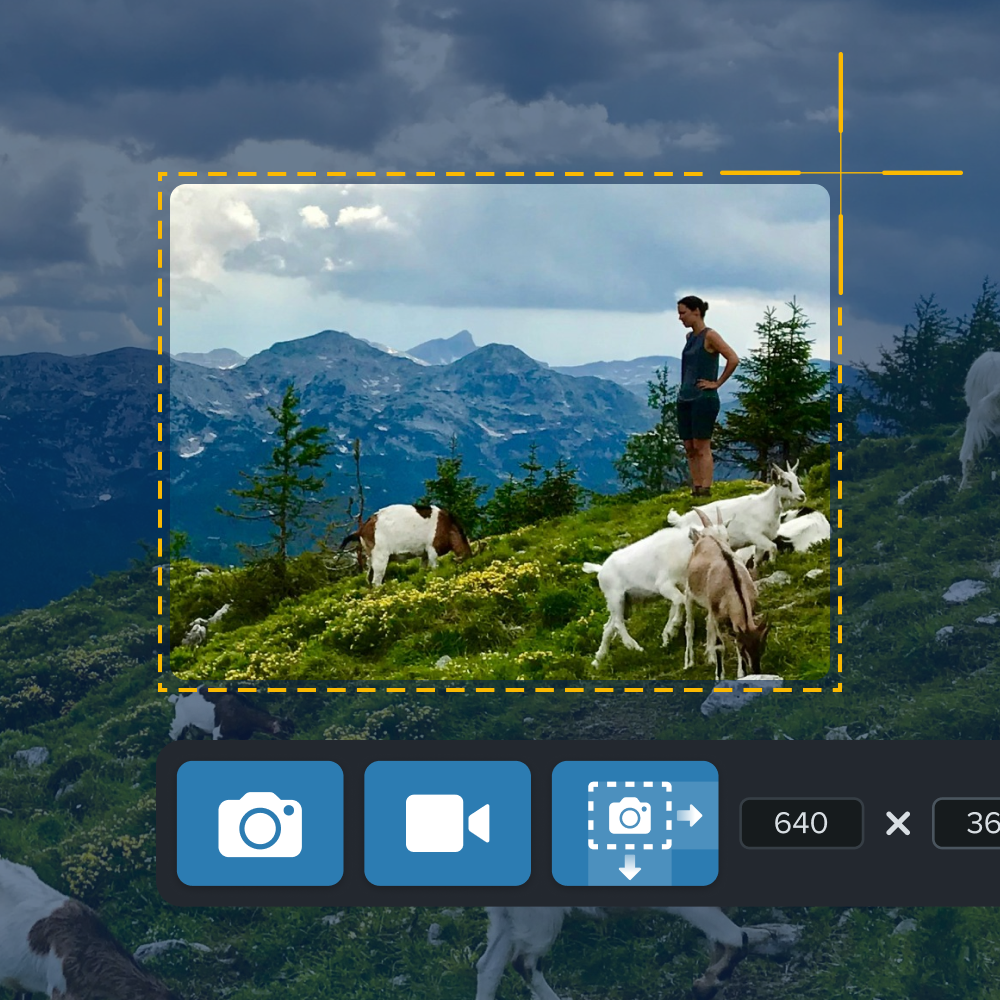
The best snipping tool for Windows and Mac
Don’t let clumsy built-in tools hold you back. Take and edit screenshots with Snagit! Get Snagit
On the other hand, Camtasia Editor is better suited for more complex procedures that require detailed explanations or multiple steps. Breaking long procedures into short, digestible videos helps maintain clarity and ensures employees absorb each step before moving on.
Use a combination of visuals, narration, and text overlays
To make SOP videos more effective, combine screen recordings, live demonstrations, and text captions. This approach ensures that content is accessible to a wide range of learning styles. Screen recordings show exactly how to perform tasks, while live demonstrations add a personal touch, making it easier for viewers to connect with the content.
Adding on-screen annotations and text overlays helps emphasize critical instructions or highlight key steps. These visual cues guide viewers’ attention and clarify important actions, reducing the chance of misunderstandings.
Using visuals, narration, and text together creates a comprehensive learning experience that boosts both understanding and retention.
Regularly update and optimize your SOP videos
Keep your videos up to date with the latest processes and tools to ensure they remain relevant and accurate. Outdated videos can lead to confusion and mistakes, so updating your SOPs regularly is essential.
With tools like Camtasia Editor, updating videos is easy. Instead of starting from scratch whenever there’s a change, such as a new interface or updated procedure, you can swap out still images or re-record specific sections of video or narration.
This allows you to keep the original structure while making sure the content stays current and accurate.
With Camtasia Editor’s cursor path editing, you can simulate step-by-step processes with still images, making it even easier to adjust content as needed without a complete re-recording.
Create clear video SOPs with Camtasia
Video SOPs can improve clarity, engagement, and compliance compared to traditional text-based methods. They increase viewer retention, simplify complex processes, and ensure consistent execution.
You can easily create effective, polished SOP videos with Camtasia Editor and Snagit. Snagit captures quick steps, screenshots, and GIFs, while Camtasia Editor enhances them with voiceovers, highlights, and annotations for a seamless learning experience.
With Camtasia Audiate, you can translate scripts and generate AI-powered narration in multiple languages, which is perfect for global teams.
Start transforming your SOPs today. Explore how the Camtasia suite can streamline your training and elevate operational efficiency.
Looking for professional screen recording software?
From simple screen captures to polished video editing, Camtasia Editor and Snagit help you record, edit, and share clear how-to videos.
Looking for professional screen recording software?
From simple screen captures to polished video editing, TechSmith has everything you need to create professional-quality content.
Learn More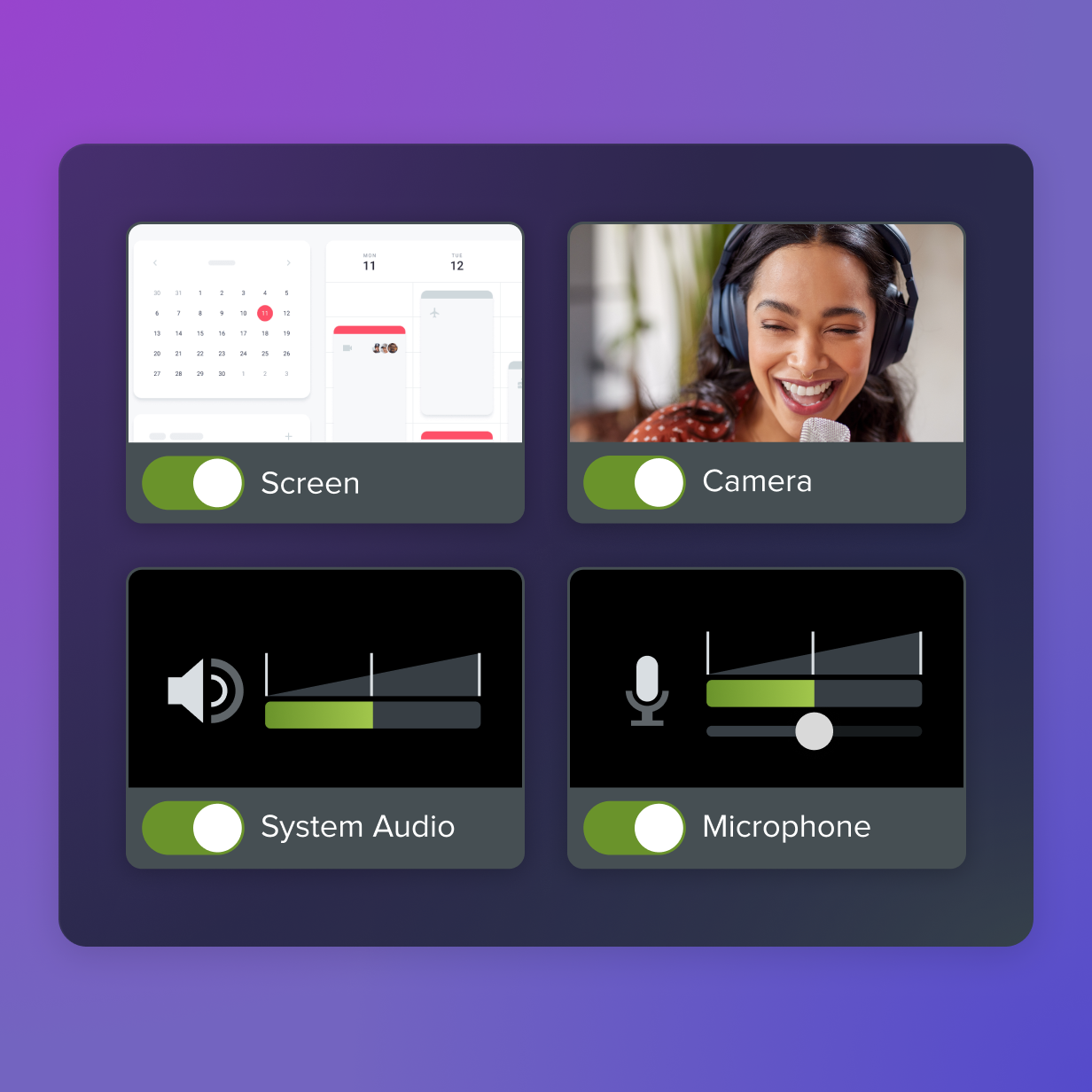
FAQs
What is a video SOP?
A video SOP is a standard operating procedure delivered in video form. It uses visuals, narration, and motion to show each step so employees can see what to do and replay the process when they need a refresher. That makes it useful for training, onboarding, and repeatable tasks.
Why use videos to improve SOPs?
Videos can make complex instructions easier to follow than text alone. Employees can watch the process in action, replay key steps, and learn at their own pace. That can improve understanding, consistency, and access across teams and locations.
What makes an SOP video effective?
Effective SOP videos stay short and focused on one task or process. They use clear visuals, narration, captions, and annotations to highlight important steps. They also need regular updates so employees are not following outdated instructions.
Where should teams store SOP videos?
Teams should store SOP videos in a central place that employees can access when they need them. That can be an LMS, an intranet, or a shared drive, depending on how training is organized. A clear folder structure makes videos easier to find and keeps training more consistent.
Share