









1
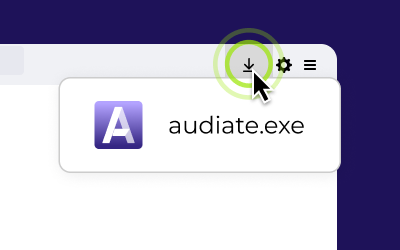
Open the installer
Locate the Audiate.exe file in your downloads folder or browser bar. Double-click to begin
2
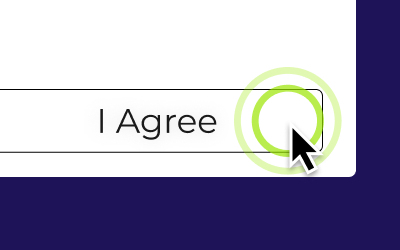
Install Audiate
Follow the prompts to install Audiate.
3
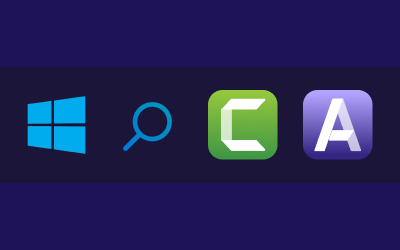
Pair it with Camtasia Editor
Pair Audiate with Camtasia to create polished, professional videos. Record your screen, sync voiceovers, and edit it all in one workflow.
Download Editor
Everything you need to get started with Audiate
Getting Started in Audiate
Learn how to transcribe your audio, quickly remove mistakes, and achieve studio-quality sound with effects.
Edit Audio & Mistakes
Learn how to use Audiate’s text-based and waveform editors to adjust or remove pauses, hesitations, and mistakes from audio or video recordings.
Generate AI Avatars
Learn how to generate an AI video avatar synced to your voice-over or generated audio.
Generate Script with AI
Learn how to generate a script with AI to kickstart your content creation.