









A support leader looks at rising ticket volume, and a proposal lands on their desk: hire two more agents. But the tickets aren’t coming from product complexity or edge cases. They’re coming from the same three setup steps, asked the same way, every week. The driver is a documentation gap that a step-by-step guide could close for a fraction of the headcount cost.
Customer onboarding cost optimization, in the context of support operations, means figuring out what’s missing from your onboarding content and generating the most support tickets, then closing those gaps with the right content before the cost compounds.
That distinction, staffing problem versus content problem, is what this article is built around. What follows is a diagnostic framework for finding your highest-cost onboarding gap and a rough investment-sizing model you can run against your own ticket data. The goal is a concrete basis for a budget conversation.
Key takeaways
- Rising support ticket volume often signals a specific onboarding content gap, and each type produces a recognizable pattern in your ticket data.
- Structured customer education content can meaningfully cut inbound ticket volume, which makes onboarding content a measurable support-cost lever.
- A documentation currency gap can drive ticket spikes within days of a release, without a single new workflow being added.
- Resolving a process issue may take only one screenshot session, and that same session can become a video too, without recording it a second time.
- Sizing the investment case starts with three numbers: monthly ticket volume, average cost per ticket, and a realistic reduction estimate.
- Most teams have more than one problem area at once, so a single platform covering video, documentation, and the handoff between them beats buying a separate tool for each.
Why onboarding content is a support cost problem
Onboarding content turns into a recurring support cost the moment customers who have already completed onboarding keep opening tickets for questions they should be able to answer themselves.
A short-lived ticket spike right after launch is normal. New customers are finding their footing, and a temporary bump in volume is expected. The problem is a different pattern: the same questions, from customers weeks or months past onboarding, on topics your training was supposed to cover.
That pattern means there’s something missing in your content, and every ticket it generates has a measurable cost. Monitor ticket volume by topic and customer stage. When completed-onboarding customers cluster around the same issue, you’ve got a content issue. Closing it with better video reduces that cost directly.
3 gaps that drive ticket volume
Three content gaps commonly drive support volume:
- Inconsistent video training
- Outdated documentation
- Undocumented customer workflows
These often overlap, and they compound as your customer base grows. Before you can measure the cost, your training data needs to connect to a CRM, customer success platform, or BI tool so you can compare ticket rates for trained versus untrained customers.
Video consistency: Tickets from unclear training
Inconsistent or missing training videos produce tickets that cluster around the same features, repeated by customers who got different onboarding experiences. When your support queue shows the same question coming in from multiple accounts, the signal is clear: there’s a gap in your training content.
Camtasia Pro, which includes Camtasia Editor for video and Camtasia Snagit for screen capture and step-by-step documentation, addresses this.
Documentation currency: Tickets after product changes
A ticket spike within days of a product update is the clearest signal that your documentation no longer matches what customers see on screen. The pattern is specific. Customers reference steps that no longer exist, and agents spend time explaining what changed instead of resolving new problems.
That explanation cost compounds with every release. Each update that goes undocumented turns routine support interactions into manual walkthroughs, pulling agents away from higher-value work.
Step Capture in Camtasia Pro addresses this directly. When a release changes three steps in a workflow, you re-record only those steps in one session instead of rebuilding an entire guide or re-recording a full video. The updated guide is ready to share before the ticket queue grows.
Our guide on how screen capture supports faster knowledge sharing covers the workflow in more detail.
Process: Tickets on undocumented workflows
Tickets about workflows no one has documented signal a process misalignment: knowledge that exists only in a subject-matter expert’s (SME) head. The clearest signal is repeated escalation to the same senior agent or CSM because no self-service resource exists. That expert ends up answering the same question across multiple accounts every week.
One Step Capture session helps address the issue. The expert walks through the workflow on screen, and Step Capture produces a numbered, scannable guide immediately, with no editing required.
What the Absorb case study tells you
Absorb’s case study shows that customer education built from support-ticket data can produce a measurable drop in ticket volume. Absorb analyzed its own support ticket data, identified the missing content behind repeat questions, and built a structured customer education program from those findings. The result was a 15% reduction in ticket volume.
Treat that figure as a directional benchmark. Your ticket mix, customer base, and gap types will differ, but the mechanism holds up. When customers can find a clear answer in your education content, they don’t open a ticket. The Absorb outcome gives you a testable target to bring into your own investment case.
Build your next training video with Camtasia
Record your screen or camera. Then, use the video editor to add polish and clarity.
Learn More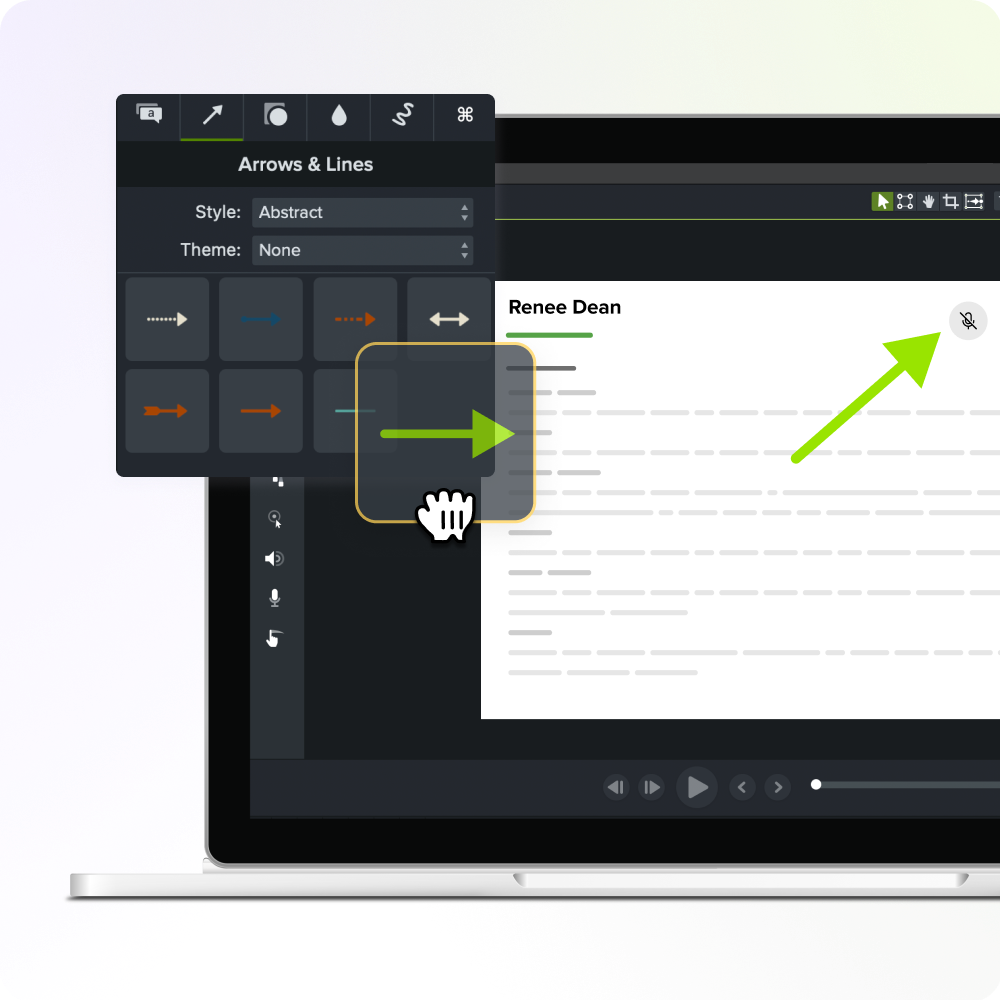
Size your own investment case
You need three numbers to run this: monthly ticket volume, average cost per ticket, and a realistic reduction estimate.
Start by multiplying your monthly ticket volume by your fully loaded cost per ticket. That gives you your monthly support-cost baseline. Apply a reduction estimate to that baseline — the Absorb benchmark is a reasonable starting point — to get projected monthly savings, then multiply by twelve for an annual figure.
To get your payback period, divide annual savings by two costs: your Camtasia Pro license and a realistic estimate of staff time to produce or update the content. Because one license covers both video and step-by-step documentation, you’re comparing one line item against a single savings figure, which keeps the math clean for an executive reader.
One prerequisite before you run the numbers: your training data needs to connect to a CRM, customer success platform, or BI tool. Without that link, you can see that ticket volume changed, but you can’t tie the change to a specific piece of content. Attribution is what turns this framework into evidence.
The cost of doing nothing
Leaving an onboarding content problem unaddressed makes its support cost rise automatically as your customer base grows, without any change to the underlying issue.
The dominant problem area also shifts over time. A currency issue you tolerate this quarter can become a consistency problem next quarter as new customers onboard at higher volume. Each shift is a different content challenge, and addressing them one at a time means a separate procurement cycle for each.
Waiting doesn’t defer the cost. It compounds it. Acting now puts a workflow in place before the next one shows up.
Matching Camtasia Pro’s workflows to your needs
Consistency problems call for Camtasia Pro’s video editor. Currency and process issues call for Step Capture first, with video added only when the customer need justifies it. Both workflows live inside Camtasia Pro. The sections below give you the conditions for choosing each one.
The video workflow for consistency
Camtasia Pro’s video editor is the right choice when the problem is video inconsistency across a growing customer base. If customers who completed onboarding got different-looking training from different teams, the issue is a lack of repeatable structure.
The video editor keeps training consistent through themes, reusable project templates, and Library assets. Themes lock in brand fonts, colors, and logos across every video your team produces. Templates save a proven project structure so any team member starts from the same foundation.
Library assets let you export customized callout and title styles and import them into another editor’s local Library, keeping visual treatment consistent without needing a centralized live system.
The result is that any subject-matter expert on your team can record and edit a training video that looks and feels like every other video customers have already seen.
The Step Capture workflow for currency and process
Step Capture in Camtasia Pro is the right choice when customers are missing or working from outdated step-by-step guides. Speed is the reason to pick it, since the license cost is the same either way. When a customer needs to find one specific step quickly, a scannable guide serves them better than a recording they’d have to scrub through to locate it.
Step Capture alone is enough for documentation currency issues and undocumented process workflows where the customer’s need is a fast, accurate reference. Save the full video workflow for processes that need motion, context, or more depth to follow.
Moving from guide to video without recording twice
A Step Capture guide doesn’t have to stay a guide. The same source content that produced a scannable how-to can become a training video later, without recording the workflow a second time, because both capabilities live in Camtasia Pro.
From the Share menu in Camtasia Snagit, send the Step Capture project file (.snagx) to the video editor timeline. Transitions, callouts, and image animations get applied automatically.
The exported static guide alone won’t carry over. If someone other than the original author builds the video, they’ll need the .snagx file. From there, add narration, trim timing, or adjust any element using standard editor tools.
That handoff is why one platform outperforms two separate point tools. A project that starts as “just needs a quick guide” can scale into video when the need justifies it.
Create how-to guides in seconds with Snagit
Document any internal process as you do it. Step capture organizes the screenshots, numbers, and steps into a clear, shareable visual.
Learn More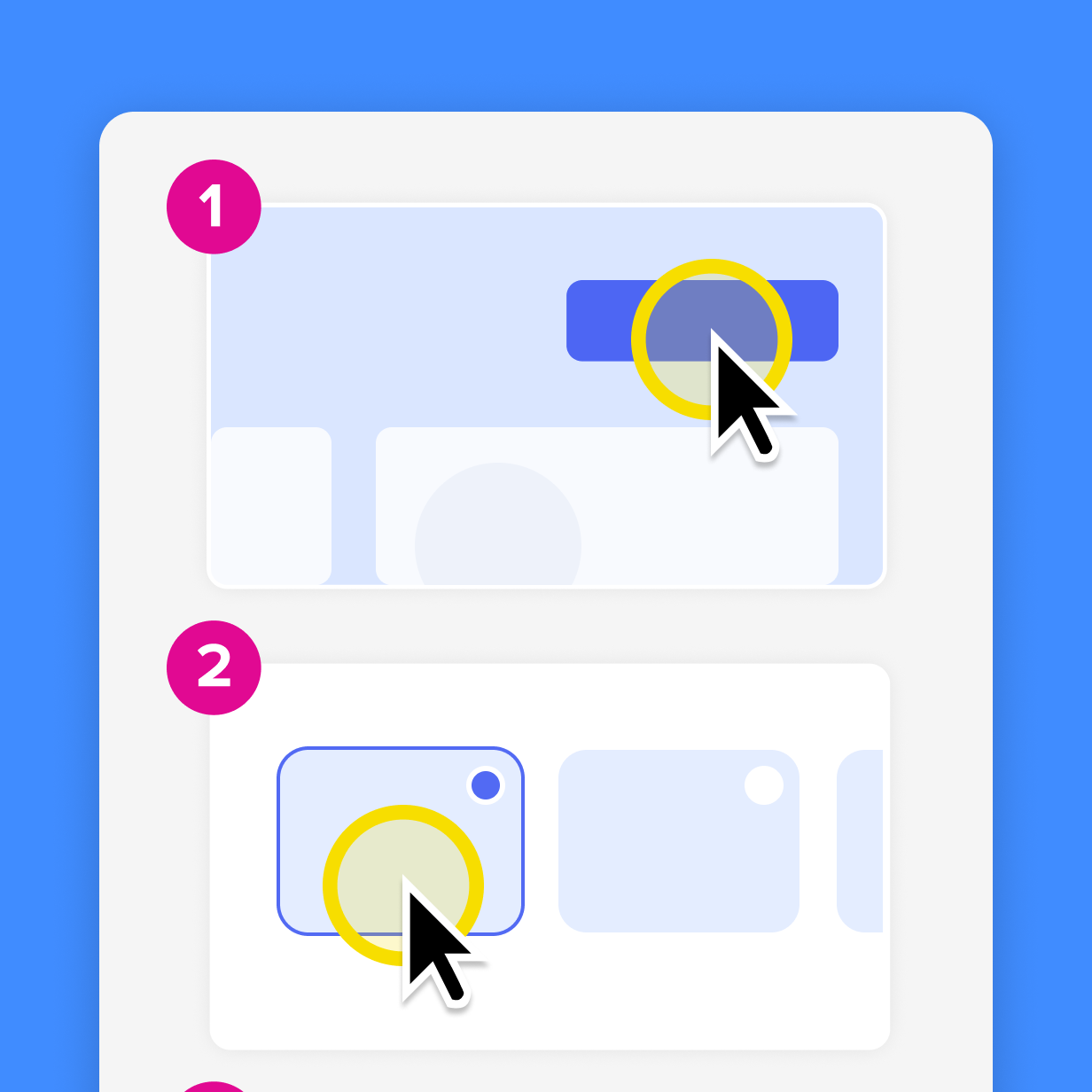
How to make the case internally
Your budget case needs three elements:
- The monthly support cost tied to your diagnosed issue
- A testable ticket-reduction target
- Camtasia Pro as a single line item that addresses every content problem you identified
The procurement case is straightforward: one vendor, one license, and one security review. Evidence on how video training reduces support effort backs up the reduction target you’re proposing.
Security, compliance, and IT requirements
Procurement can verify SOC 2 Type 2, GDPR, and VPAT credentials for Camtasia Editor and Camtasia Snagit when packaged under Camtasia Pro. Find the documentation at the Camtasia Trust Center.
For licensing structure, seat counts, and deployment details, the enterprise licensing and deployment resources page covers what IT and procurement need to move forward.
As for AI features, nothing gets generated that you can’t see, edit, or remove before publishing, and your content isn’t used to train models.
Start closing your highest-cost onboarding gap
You now know which of the three content problems is most likely driving your support ticket volume, and which content path closes it. The decision in front of you is straightforward:
- Identify the issue that costs the most.
- Start with the least intensive workflow that’s enough to resolve it.
- Resist the pull toward a more complex production process than the problem needs.
That discipline matters because the first problem you fix rarely stays the only one. As your team addresses a process issue with annotated step-by-step guides, a video consistency problem may become visible as you scale. Close that one with structured video walkthroughs, and a documentation currency issue turns up at your next release.
If your team is ready to start closing the onboarding content gap, see what Camtasia Pro can do.
Make great tutorial videos
Camtasia makes it ridiculously easy to make tutorial videos that keep your viewers engaged.
Free Download
Frequently asked questions
What is the average cost of a customer support ticket, and how does that factor into an onboarding content ROI calculation?
The fully loaded cost per ticket varies by industry and team structure, but the calculation uses total support team cost divided by total ticket volume for a given period. That per-ticket figure becomes your baseline variable. Multiply it by your monthly ticket volume to get your monthly support cost, then apply a benchmark reduction estimate to size the potential savings. Absorb’s structured customer education program reduced its own support ticket volume by 15%, a reasonable starting benchmark for estimating what closing an onboarding content problem could return against your current support spend.
Is hiring more support agents ever the right answer when ticket volume is rising, or should onboarding content always come first?
Headcount is the right answer when ticket volume is growing because customer demand is outpacing capacity, not because customers are confused by inconsistent training or outdated documentation. If your ticket data shows the same questions clustering around the same features or spiking after product updates, that pattern points to a content problem, and a step-by-step guide or updated training video may resolve it at a fraction of the headcount cost. Hiring to absorb a content problem means paying that cost indefinitely, while a one-time investment in the right onboarding content can reduce ticket volume on a recurring basis.
How long does it typically take to produce a step-by-step onboarding guide versus a full training video, and does the faster option actually reduce support tickets?
A step-by-step guide built with Step Capture in Camtasia Pro can be produced in a single session. The tool automatically records each step, numbers them, and assembles a deployable annotated guide without video production skills or a second recording pass. A full training video, built with Camtasia Pro’s video editor, takes longer because it involves recording, editing, captioning, and review, but it’s the right investment when the problem is video consistency or learner engagement across a broad customer base. Both workflows live in Camtasia Pro, so the choice is about which content issue you’re resolving. Both formats can deflect repetitive support requests.
Can a single onboarding content investment produce both a static guide and a training video, or do those require separate production efforts?
Yes, with Camtasia Pro, both outputs are covered under a single license. A Step Capture session produces both without a second recording. The static numbered guide is the immediate deliverable, and the underlying project file (.snagx) can be brought into Camtasia Pro’s video editor through the Share menu, where transitions, callouts, and image animations get auto-applied and are ready for further editing. Only the project file carries this over, which is worth knowing if someone other than the original author produces the video. This two-output workflow matters for cost optimization because a subject matter expert records the process once, and the content team decides afterward whether the deliverable stays as a scannable guide or becomes a narrated training video. Teams that need both formats for the same workflow don’t have to choose between speed and depth, or between licenses. They get both from a single session under one subscription.
What prerequisites does a support or CS team need in place before onboarding content can measurably reduce ticket volume?
Before you can measure whether onboarding content is reducing ticket volume, your training data needs to live in a system connected to your customer data, such as a CRM, customer success platform, or BI tool, so completions can be matched to accounts and compared against ticket history for trained versus untrained cohorts. Without that connection, you can see that ticket volume changed after new content was deployed, but you can’t attribute the change to a specific asset or isolate which content problem was resolved. Setting up that data linkage is a prerequisite for the kind of evidence an executive sponsor needs to validate the investment and size the next one.
Do I need separate licenses for Camtasia Editor and Camtasia Snagit to cover documentation and video?
No, Camtasia Pro includes Camtasia Editor and Camtasia Snagit under a single license, covering both the video and documentation workflows this piece describes.
Share