









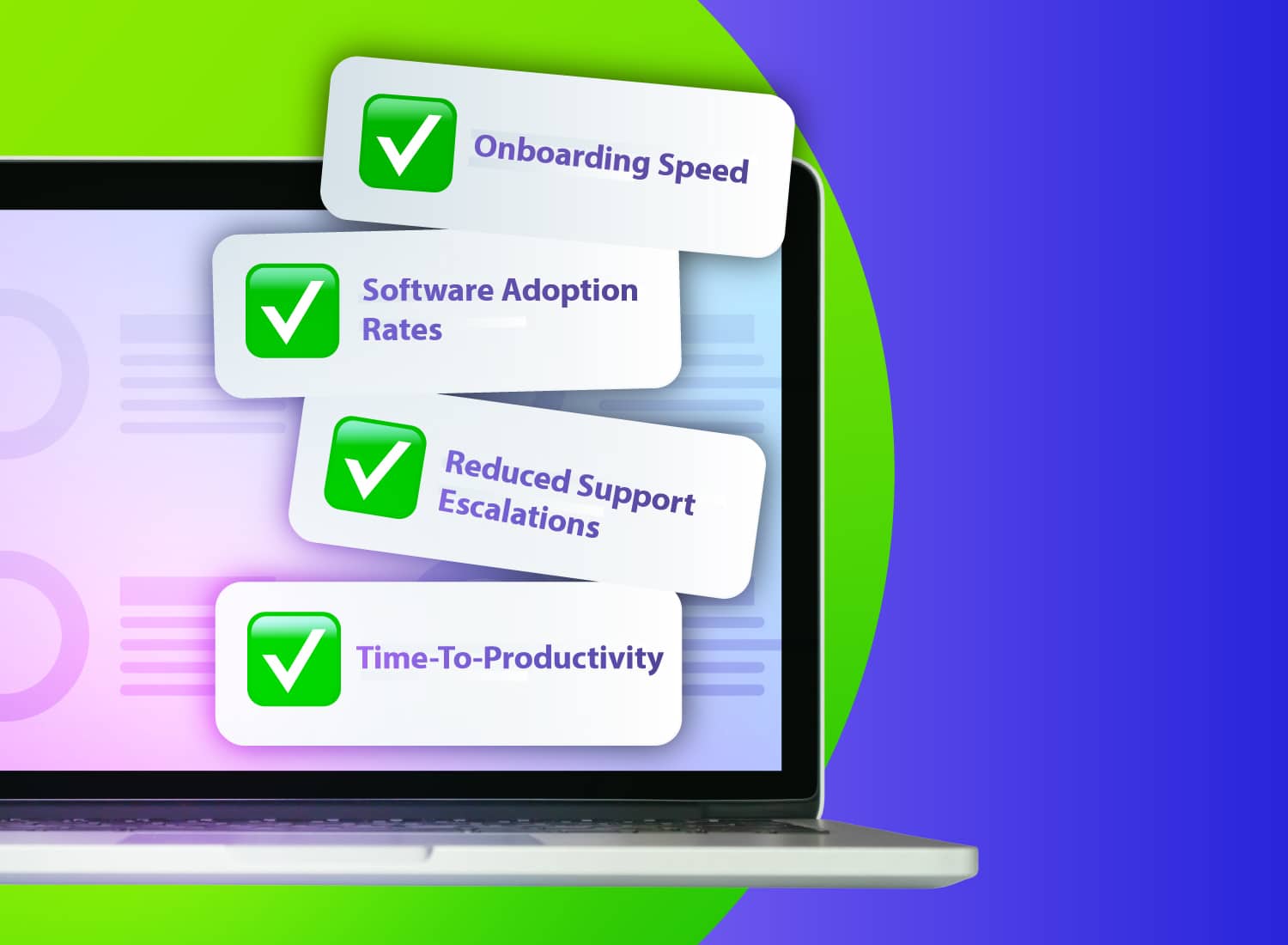
The buying committee reaches final vendor review, and no one can make a confident call. Procurement looked at contract terms. IT assessed deployment complexity. Security ran its review. But each team used different criteria, nobody shared those criteria in advance, and the results just don’t add up to a decision.
When you evaluate software vendors for enterprise readiness, you’re assessing whether a vendor can support your organization’s security, deployment, and long-term stability needs at scale, not just whether the product did what the demo showed.
A vendor can clear a baseline security review and still leave questions open on deployment burden, support response times, and contract flexibility. Vendor stability deserves its own formal checkpoint, too. An org-wide tool is expensive to replace if the vendor can’t support it for the life of the contract.
This checklist maps the right questions to the right roles so every member of your buying committee evaluates the same vendor against the same standard, and your team can move from shortlist to decision with evidence to back it up.
Key takeaways
- A vendor evaluation that skips role assignment leaves procurement, IT, and security scoring different things with no shared standard to compare notes against.
- SOC 2 Type 2 is the baseline certification to request, since it verifies controls operated effectively over time, not just that they existed at one point.
- Screen capture and recording tools often land at medium or high risk tier, since they can pick up sensitive on-screen content by nature.
- Seat reassignment terms directly affect total cost of ownership when staff turnover is high, so procurement should lock down contract terms before signing.
- Response time SLAs and resolution time SLAs are different commitments, and vendors routinely guarantee only the first one.
How to use this checklist
Divide this checklist by role before anyone starts scoring criteria. The security and compliance reviewer owns Pillar 1, the IT or deployment manager owns Pillar 2, and the procurement lead owns Pillar 3.
At smaller businesses, one person may cover a couple of those roles. The checklist still applies. Just assign each pillar to whichever role exists on your buying committee.
Before any pillar work starts, complete the risk-tier section. Once that’s set, each owner evaluates their assigned pillar independently. Then bring the results together for the final decision. Just like when you’re building content workflows with subject-matter experts, clear role ownership produces better outcomes than one person carrying the whole evaluation alone.
Assign a risk tier before you score
Risk tiering determines how deeply the committee evaluates a vendor, so it has to happen before any scoring begins. A tool with access to sensitive on-screen content or recorded data warrants a stricter review than a productivity utility with no data exposure at all.
Three tiers cover most procurement scenarios:
- Low-risk tools have no access to sensitive data and minimal system integrations.
- Medium-risk tools store or transmit internal data and connect to other business systems.
- High-risk tools access regulated data, roll out broadly across the organization, or introduce supply-chain exposure.
Risk tier also shapes the reviewer’s own workload. Enterprise compliance teams often raise concerns about a vendor’s cloud security gaps, missing SSO, or limited admin controls as a first reaction.
But once they learn the content involved is low-risk internal training or tutorial material, many compliance teams will grant a waiver. Confirming tier early lets the reviewer have that conversation with the full picture in hand.
Screen capture and video tools used for training and documentation workflows often land at medium or high tier.
Tier assignment also determines which criteria are pass-or-fail versus scored. Security reviewers should confirm the tier before sending the compliance questionnaire.
Automatically find and obscure sensitive info before content ships with Camtasia Snagit’s Smart Redact.
Pillar 1: Security and compliance
Score this pillar, but treat a small set of categories as hard disqualifiers. A vendor that fails one of them doesn’t advance, no matter how strong its overall security score looks. The security and compliance reviewer owns the data handling, evidence, and access-control checks below. Procurement and IT shouldn’t negotiate around gaps the reviewer flags here.
Data handling and storage requirements
Screen capture and recording tools pick up whatever’s on screen during use, which means they can grab credentials, customer data, or confidential business information without any deliberate action by the user.
The security reviewer needs documented answers to four questions before approving a tool:
- Where is recorded content stored (local device, vendor cloud, or customer-controlled storage)?
- What’s the vendor’s retention schedule and deletion policy?
- Can the organization export or purge its own data on demand?
- Who inside the vendor’s organization can access stored content?
When you’re creating the content itself, Camtasia Snagit’s Smart Redact can irreversibly redact sensitive information from screenshots before they’re shared, covering addresses, Social Security numbers, phone numbers, credit card numbers, dates, email addresses, faces, IP addresses, and URLs.
This applies to screenshots only. Video recordings need a separate step for sensitive screen content, like editing recorded calls. Smart Redact cuts exposure at the point of sharing, but it doesn’t replace a vendor’s storage, retention, and access obligations.
Certifications and audit evidence
Enterprise buyers should request a current SOC 2 Type 2 report as their baseline evidence, since it verifies controls operated effectively over a defined period.
A SOC 2 Type 1 report only confirms controls were in place at a specific point in time. A Type 2 report shows they held up under real operating conditions over a sustained window.
As a concrete reference point, Camtasia publishes a SOC 2 Type 2 report and a VPAT (Voluntary Product Accessibility Template), both available through the Camtasia Trust Center. The enterprise resources page covers additional compliance and governance details. A security reviewer evaluating any vendor can treat documentation like this as the kind of evidence they should expect to see.
Keep certification evidence separate from what the content tools themselves can produce. A SOC 2 Type 2 report speaks to vendor-side controls. It doesn’t tell you whether the software creates audit logs or approval records on your end.
Software composition and vulnerability disclosure
Ask the vendor whether they can provide a Software Bill of Materials (SBOM) listing the open-source and third-party components in their product. An undocumented list of dependencies is often where unpatched vulnerabilities sit unnoticed, and a vendor that can’t produce one may still be formalizing its security practices, no matter what certifications it holds elsewhere.
Beyond the SBOM, ask how the vendor handles vulnerability intake and response:
- Do they run a responsible disclosure or bug bounty program?
- What’s their typical time-to-patch for a confirmed vulnerability?
- Do they publish security advisories when issues are found and fixed?
A vendor that hides vulnerability disclosures is a different risk than one that’s simply slower to respond. Ask for their documented process, since that’s what the reviewer can actually verify.
Access controls and privacy posture
The reviewer’s first question is who inside the vendor’s platform can see organizational content, and what limits that access. These are two separate questions, and they need two separate answers.
On the identity side, confirm whether the vendor supports modern standards like SAML or OIDC, and whether that integration works with your existing identity provider today or is only on the roadmap. Ask for specifics.
Content-level access controls vary quite a bit by platform and shouldn’t be assumed from identity alone. In Camtasia Screencast, access-phrase protection limits viewing to authorized recipients, and team-based sharing is also available for organizations that need to manage access at a group level.
The best snipping tool for Windows and Mac
Don’t let clumsy built-in tools hold you back. Take and edit screenshots with Snagit!
Get Snagit
Pillar 2: Deployment and support
The IT administrator or deployment manager owns this pillar. Their job is confirming the vendor can be rolled out reliably in your environment and sustained without creating an ongoing headache.
Evaluate deployment readiness before signing by reviewing implementation documentation, rollout requirements, and environment compatibility. Assess support quality separately, through SLA review and reference checks, to understand what happens once you’re live.
A strong software rollout plan depends on both pieces being done before the contract is signed.
Onboarding process and rollout documentation
Require a documented implementation plan from any vendor before you commit. Ask for a rollout timeline scoped to a deployment of comparable size, covering configuration steps, endpoint requirements, and any network or proxy considerations your environment needs.
For tools deployed across training and documentation teams, also confirm how the vendor supports consistent output at scale.
With Camtasia Editor, themes, templates, and Library assets get shared across users through file export and import. There’s no centralized live-shared Library, so your rollout plan should cover how teams will distribute and import those files to standardize output from day one.
For training alongside deployment, this guide on developing a video onboarding program covers how to structure that content for reuse and consistency.
License management and seat reassignment
Seat reassignment terms directly affect total cost of ownership when staff turnover is high, and procurement needs to confirm those terms before signing. Restrictive reassignment policies can leave you paying for seats tied to employees who’ve already left.
Ask the vendor to spell out:
- Whether reassignment is available for the license type under consideration
- How often seats can be reassigned
- What admin steps are required
- Whether your own admin can handle reassignment independently or the vendor needs to get involved
For Camtasia Editor, the Business License is a subscription, not a one-time purchase, and licenses can transfer between users without vendor involvement. Volume discounts start at 10 licenses.
SLA commitments and escalation paths
A vendor’s response time SLA and its resolution time SLA are two different things. Vendors routinely commit to the first and stay quiet on the second, which only becomes a problem when a critical incident sits open past the response window with no clear path forward.
Request the full SLA document and confirm it covers:
- Uptime guarantees
- Severity level definitions
- Support tier structure
- Response commitments by severity
- Remedies or credits that kick in when the vendor misses those commitments
Then map the escalation path explicitly. If a critical issue isn’t resolved after the initial response window closes, who owns it next, and what triggers that handoff? If your organization relies on video-based training delivered through a learning management system, a vendor outage with no clear escalation path creates a direct gap in learner access.
Ask whether your account includes a named support contact. Don’t assume it does.
Pillar 3: Vendor stability and contract terms
Procurement owns the question of whether this vendor will still be a viable, well-supported partner 3 to 5 years from now. This pillar comes last because it assumes the vendor has already cleared security and deployment review. A vendor that passes those gates but shows financial or contractual risk still represents exposure for your organization.
Financial health and ownership signals
Procurement should ask the vendor directly whether its ownership and financial position can sustain product maintenance and support for the full contract term. Request disclosure of:
- Ownership structure (privately held, venture-backed, publicly traded, or recently acquired)
- How long the company has operated in its current form
- Whether any recent ownership change affects product direction or support continuity
Many privately held vendors decline to share specific financial figures, and that alone isn’t a red flag. What matters is whether the vendor can speak confidently about operating history and support continuity, even when they won’t disclose hard numbers. Treat a vague answer about continuity as a warning sign.
An acquisition or funding event isn’t automatically disqualifying. It does call for a direct follow-up. Ask whether the acquired product’s roadmap and support team remain intact, then base your decision on the vendor’s documented answers.
Product roadmap transparency
Adopting a tool org-wide means you’re betting on where the product is headed. Evaluating only current features leaves you exposed to deprecations or direction changes that could force a costly migration mid-contract.
Ask the vendor directly whether they publish a public roadmap or offer a private briefing for enterprise accounts. Request specifics on:
- Major release cadence
- Planned deprecations
- Whether customer input shapes prioritization
A vendor unwilling to discuss roadmap direction at all, even at a high level or under NDA, is itself a signal worth documenting before you sign.
Renewal terms and exit conditions
Procurement should negotiate renewal protections, data export rights, and offboarding conditions before the organization becomes dependent on the software, since those terms are far harder to resolve once the tool is embedded in your workflows.
Request specific contractual language covering:
- Auto-renewal notice periods
- Price increase caps at renewal
- Data export format and timeline upon termination
- Whether offboarding is self-service or requires vendor cooperation
Vendors with straightforward commercial terms, like a published multi-year price lock, signal that renewal conditions won’t require renegotiation under pressure. Review any vendor’s enterprise licensing terms before you’re dependent on the tool.
Vendor-facing questions per pillar
Send the vendor a role-grouped request for specific documents and contract terms. Distribute each group to the buying-committee member who owns that evaluation area.
Security and compliance reviewer
- Can you provide your current SOC 2 Type 2 report?
- Where is customer data stored, and what’s your data retention and deletion policy?
- Which SSO providers do you support, and what does the integration process look like?
- What admin controls exist for restricting content access at the account level?
- Can you provide a Software Bill of Materials (SBOM), and what’s your vulnerability intake and disclosure process?
IT and deployment manager
- What does a documented rollout timeline look like for an organization our size?
- What’s the process and turnaround time for reassigning a seat?
- Can you provide your full SLA, including escalation paths and resolution commitments?
Procurement lead
- Has the company changed ownership recently, and if so, how has that affected product direction or support continuity?
- What roadmap visibility can you commit to contractually?
- What are the data export and offboarding terms if we choose not to renew?
Start your evaluation before the next renewal
A good demo tells you a product works. It doesn’t tell you whether the vendor can survive an audit, support a real rollout, or still be around for your renewal in three years. That’s what the three pillars are for, and skipping any one of them is how organizations end up with software that’s compliant but undeployable, or deployable but unsupported.
Camtasia can speak directly to pieces of each pillar. On security, Smart Redact handles sensitive content at the point of capture. On stability, Screencast has been part of the Camtasia lineup for years rather than a recent acquisition bolted on for market share, which is exactly the kind of continuity Pillar 3 asks you to look for. And Camtasia Pro’s enterprise licensing is built around the seat reassignment and volume terms Pillar 2 asks procurement to confirm.
None of that replaces your own review. Your security team still runs its audit, your IT team still checks deployment fit, and procurement still negotiates its own terms. What it does is give each reviewer a real answer instead of a sales page when they ask their pillar’s questions.
Assign an owner to each pillar, send the vendor-facing questions above, and don’t let the committee vote until all three come back with evidence attached.
Download Camtasia Pro and see how it holds up against your own checklist.
Looking for professional screen recording software?
From simple screen captures to polished video editing, TechSmith has everything you need to create professional-quality content.
Learn More
Frequently asked questions
What is the difference between a SOC 2 Type 1 and SOC 2 Type 2 report, and which should enterprise buyers require?
SOC 2 Type 1 only confirms security controls existed at a single point in time, while SOC 2 Type 2 verifies those controls operated effectively over a defined period, typically 6 to 12 months. Enterprise buyers should require Type 2, since it gives your auditors and compliance reviewers third-party-verified evidence of sustained control effectiveness. A vendor that offers only Type 1 during evaluation isn’t yet meeting the enterprise-grade standard.
How should a buying committee handle a situation where a vendor passes security review but fails on deployment readiness?
Treat each pillar as an independent gate. Passing security review doesn’t authorize moving forward if the IT or deployment manager has unresolved concerns about implementation feasibility or support depth. The three pillars (security, deployment, and vendor stability) can each disqualify a vendor on their own, and procurement shouldn’t advance a vendor until all three have signed off on their assigned criteria. Skipping this step is how organizations end up with compliant software that can’t be deployed in their environment.
What contract terms should procurement negotiate before signing an enterprise software agreement?
Procurement should confirm seat reassignment frequency and the admin process required, data export and offboarding rights, renewal pricing protections, and what remedies or credits apply when SLA commitments are missed. Restrictive reassignment terms increase total cost of ownership whenever staff turnover is high, because unused licenses can’t easily transfer to new employees. Data export rights matter just as much at the end of a contract as security certifications do at the beginning.
Why do screen capture and video tools often receive a higher risk tier than other workplace software?
Screen capture and recording tools pick up whatever’s on screen during use, which means they can inadvertently record sensitive data, proprietary processes, customer information, or regulated content depending on the workflow. That inherent data exposure places most of these tools at a medium or high risk tier, requiring more rigorous security review than a productivity utility with no data access. Risk tier should be assigned before the evaluation begins, since it determines which criteria are pass-or-fail and which are scored.
How do you evaluate vendor support quality before committing to an enterprise license?
Ask the vendor for its full SLA document and confirm whether it commits to resolution time by severity level or only to initial response time, since the two are different guarantees. Also ask specifically whether enterprise accounts get a named support contact and what the escalation path looks like when a critical issue goes unresolved past the committed window. Reference checks with existing enterprise customers at a comparable deployment size are among the most reliable ways to verify whether stated SLA commitments hold up in practice.
Share