









Asynchronous video communication is an increasingly common method of communication in workplaces and a practical solution for remote, hybrid, and distributed teams. Async training keeps learners aligned without disrupting their work schedules
Video training is a handy solution compared to its live training counterpart. Synchronous training comes with added struggles, including scheduling issues, inconsistent training quality, and time-consuming re-teaching. The sheer time commitment of real-time training makes it an unrealistic solution for most teams.
These struggles are all but eliminated with async video training practices. It not only saves time for the educator and learner but also supports better learning outcomes and scales easily. There are countless benefits to async video training, making it a stand-out solution for trainers everywhere.
Async video training is pre-recorded training content that people can watch on their own schedule. The main benefits of async video training are flexibility, consistent messaging, self-paced learning, time savings for trainers, and content you can update and reuse over time.
Key Takeaways
- Async video training lets people learn when their schedule allows.
- It keeps training more consistent across teams and departments.
- Learners can pause, rewind, and replay content at their own pace.
- Experts save time by recording once instead of repeating live sessions.
- Videos are easier to update and reuse as workflows change.
- Over time, async video supports faster onboarding, knowledge retention, and more inclusive learning.
Why asynchronous training is gaining traction
Asynchronous learning refers to any kind of training in which there is a delay between when a piece of training content is created and distributed and when the people who need it access it. Async training is not delivered in real time and is completed on the learner’s own schedule.
In comparison, synchronous learning is driven by real-time interaction, like traditional classrooms, video conferencing, and live sessions that provide immediate feedback.
The Bureau of Labor Statistics found that remote work participation rose dramatically between 2019 and 2021 due to the pandemic, with instances falling slightly and plateauing after 2022. Nonetheless, remote work is prevalent, whether it is fully remote or hybrid.
This trend in remote work, in addition to global teams and flexible schedules, makes async learning an attractive communication option. Video communication can also have a positive impact on employee engagement while working remotely.
However, don’t think of async videos as a “better than nothing” option. Asynchronous communication isn’t a fallback option for remote teams, it is a strategic choice that will get information to your team efficiently while respecting their schedules.
Build your next training video with Camtasia
Record your screen or camera. Then, use the video editor to add polish and clarity.
Learn More
Async vs. synchronous training: What’s the difference?
| Training type | How it works |
| Synchronous | Happens in real time and depends on live interaction. |
| Asynchronous | Is created first and accessed later on the learner’s schedule. |
| Scheduling impact | Sync training requires everyone at the same time, while async training removes that requirement. |
What are the key benefits of async video training for teams?
The benefits of asynchronous learning videos extend far beyond convenience; they offer a flexible, scalable alternative that provides employees with the tools they need to succeed on their own time.
1. Flexible learning for any schedule or time zone
Getting everyone together is hard enough in one time zone — and significantly harder when your team spans two or three more. Luckily, async training videos eliminate the need for everyone to be available at the same time.
It doesn’t matter whether your employees are working in different time zones or juggling personal and professional obligations, async content will be there when it works best for them. This type of flexibility supports global operations across teams and ensures that knowledge sharing isn’t delayed by schedules and life events.
2. Consistent messaging across departments
Async video content is delivered to employees in the same polished, well-structured format, regardless of location or department. A consistent source of truth ensures that inconsistencies that arise when multiple trainers are involved or when messages are shared informally are eliminated from communications.
This results in quality control with clearer expectations, better alignment across teams, and fewer misunderstandings due to poor communication practices.
3. Learn at your own pace, not someone else’s
One of the biggest advantages of online learning is the ability for team members to pause, rewind, and replay content at their own pace. This increases comprehension and accommodates a wide range of learning styles.
Learning styles vary immensely from one person to another, making it extremely important for teachers to accommodate as many as possible. For example, someone may prefer to take handwritten notes, revisit a complex section multiple times, or simply learn over a period of days rather than hours. Async videos help all of these learners, leading to better retention and long-term knowledge.
4. Time savings for subject matter experts and trainers
Async videos reduce the number of repeat questions subject matter experts (SMEs) have to answer. Learners are able to refer back to a video instead of reaching out to individuals for every question they may have.
Instead of scheduling one-on-one meetings or synchronous training sessions, SMEs can record a comprehensive walkthrough once and share it with everyone who needs it. This saves time on the SMEs’ side and the learners’ as every piece of information is found in one place.
This practice also allows experts to focus on higher-impact work while knowing that their expertise is still being shared throughout the organization.
5. Easy to update and reuse over time
Async training videos offer value that lasts because they’re easy to maintain and update with every new piece of information that needs to be added to the workflow.
With a comprehensive screen recording and video editing tool like Camtasia Editor, you can update specific video clips, voice-overs, or visual aids without rerecording the entire video every time. As products evolve and policies change, training materials need to evolve alongside them. Camtasia Editor ensures your content stays relevant, accurate, and ready for your learners to refer to.
Go from screen recording to polished video
A screen recording is just the start. Camtasia’s editor helps you add the callouts, animations, and edits you need to create a truly professional video.
Free Download
How async video training helps drive long-term team success
Beyond the immediate benefits of flexibility and time saving, async training also plays a critical role in building high-performing, resilient teams over time. Long-term advantages, like preserving institutional knowledge and supporting inclusivity, make async video an essential investment for future-focused organizations. For most teams, async video has moved from optional to essential.
Reduces time to productivity for new hires
Every organization wants its new hires to integrate quickly and hit the ground running, and asynchronous video training makes that possible. Instead of waiting for scheduled training sessions and using up the manager’s time, new hires can learn on their own time, absorb the new material, and refer back to it at any time.
Camtasia keeps onboarding materials fresh and accessible with quick editing features and a shared knowledge base, which shortens ramp-up time and helps new team members get integrated faster.
Preserves institutional knowledge at scale
When an SME leaves the organization or transitions into a new role, their knowledge often leaves with them. Async video solves this conundrum by capturing their expertise in a scalable, reusable format. SMEs can record videos about their expert knowledge before leaving and turn them into lasting resources for onboarding, cross-training, and process education.
Critical knowledge should stay within the organization’s learning management system (LMS), and async video practices ensure that it continues to make an impact long after it’s recorded.
Support inclusive learning environments
Asynchronous learning helps create equitable access to on-demand training. Learners who prefer to learn alone can review materials privately and at their own pace. Self-paced learning is a huge advantage of pre-recorded videos.
Learners with language barriers are no longer at a disadvantage and can refer to subtitles for extra assistance and rewind specific scenes to ensure their understanding is complete.
Features like captions, playback controls, and even translated scripts make learning more comfortable and effective for everyone, regardless of their personal background, location, and learning preferences.
The screen recording tool Camtasia Editor has closed caption options and AI voice translations, making it an essential part of any trainer’s toolbox.
How Camtasia Editor supports async video training at scale
The right tools make a huge difference in the impact asynchronous video communication can have on your team. Camtasia’s solutions are designed to help teams create, manage, and scale high-quality training content without the hassle (and cost) of professional production crews.
Record once, update whenever with Camtasia Editor
Camtasia Editor’s multi-track recording affords trainers the flexibility to edit their audio, screen content, camera recording, and cursor independently from one another. This makes it easy to isolate and update specific elements without having to start from scratch and rerecord a new video. Creators have total control over the outcome of their videos, even when elements change over time.
For example, let’s pretend a video from last year needs an update because there is now a two-factor authentication step during the login process. Instead of re-recording the whole process, simply add in a short clip of the additional step and insert it between the previous footage. You can keep your old camera recording and audio over the new screen content so as not to disrupt the flow of the video.
Or, you have a video from a few months ago, and your employees keep complaining that your cursor is hard to follow and jumps around the screen often. In Camtasia Editor, you can edit only your cursor and make it bigger, add a highlight, and include click animations for clarity. And, you can even re-work the path of your cursor and make it smoother so there are no more confusing jumps.
Speed up video creation with AI-powered tools
Clean audio is essential for a polished video. Camtasia Audiate’s built-in cleanup tools, like AI background noise removal, improve sound quality so you can focus on creating videos without distractions.
AI tools accelerate the content creation process. You can generate a script and select a customizable AI voice to bring it to life. And you can designate an AI avatar to give the voice a visual presence on screen.
Camtasia Audiate’s integration lets you edit videos using transcribed text. Instead of listening for ‘ums and ahs’ and awkward pauses, Camtasia Audiate detects those hesitations and filler words for you so you can delete them with your backspace key. These trims automatically sync with your video, so you don’t need to manually edit your video.
And remember the global teams? You can translate your captions into 12 languages and dialects, making it easy to deliver polished content across multiple languages without additional work on your end.
Use Camtasia Snagit to capture quick visuals or walk-throughs
Not every async training video needs to be a full-scale production. Camtasia Snagit is the perfect solution to create lightweight, effective visuals like quick product demos, annotated screenshots of a process, and video walk-throughs.
Although not as powerful as Camtasia in video editing, Camtasia Snagit is a great tool for short-form clips and is a helpful support for quick learning and everyday communication in the form of video messages.
Make async video a core part of your training strategy
Asynchronous video training isn’t just a fallback solution — it’s a strategic choice that pays off over time. Videos give your team the flexibility to learn at their own pace, ensure consistent and scalable messaging, and empower employees to keep learning.
Trainers who use video to onboard new hires, preserve critical knowledge, and support global teams are already seeing the results. Getting started now means your team has reliable, reusable content ready when they need it.
Explore Camtasia’s full suite of training tools and discover how Camtasia Editor and Camtasia Snagit can help you create impactful asynchronous training content that will make a positive impact on your team.
Looking for professional screen recording software?
From simple screen captures to polished video editing, TechSmith has everything you need to create professional-quality content.
Learn More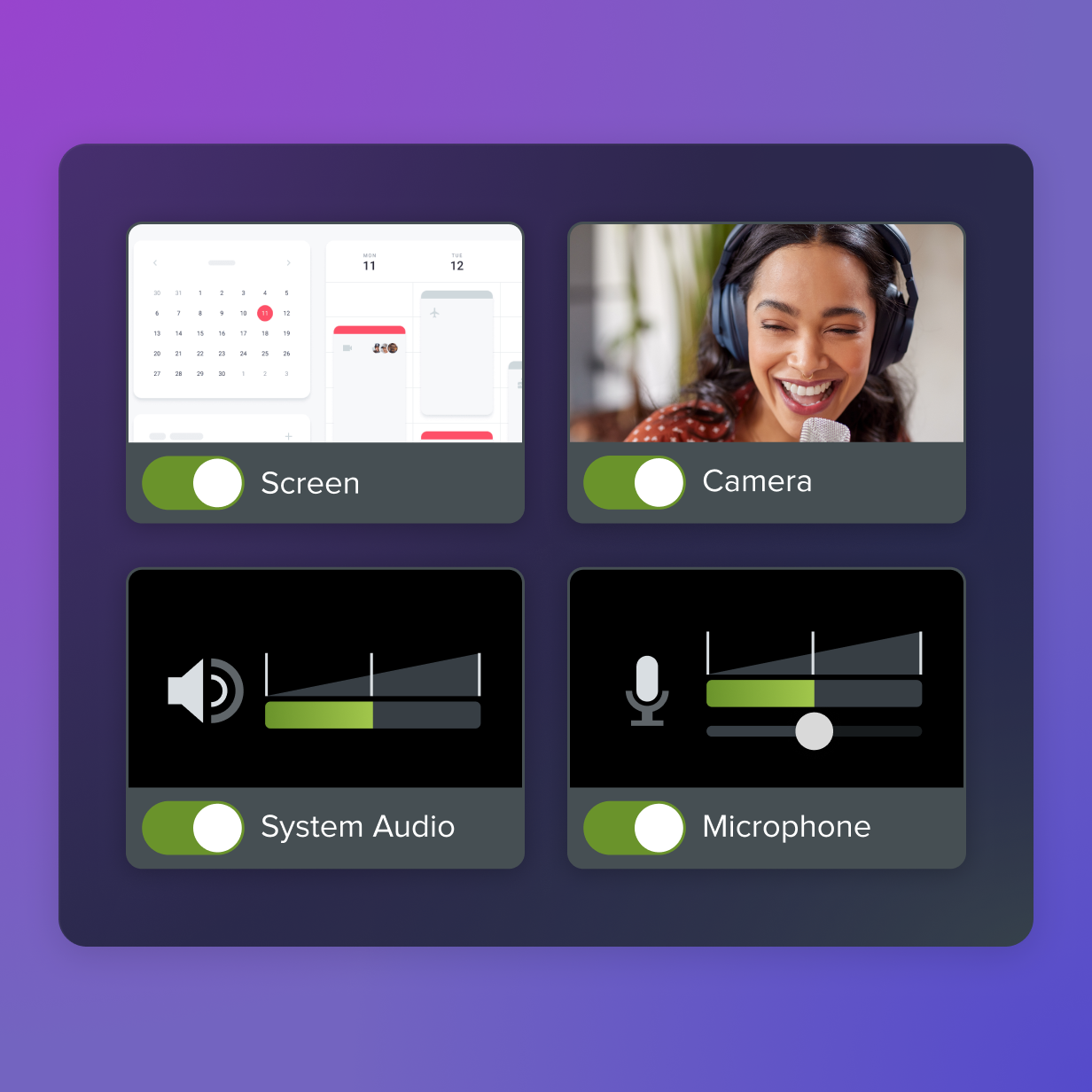
FAQs
What is async video training?
Async video training is training content that is recorded first and watched later. People complete it on their own schedule instead of joining a live session. That makes it useful for remote, hybrid, and distributed teams.
What are the main benefits of async video training?
The main benefits are flexibility, consistent messaging, self-paced learning, time savings for subject matter experts, and content reuse. Learners can pause, rewind, and replay videos as needed. Teams also save time because one clear walkthrough can be shared again instead of retaught live.
When should teams use async video training?
Teams should use async video training when people work across time zones, when onboarding new hires, or when expert knowledge needs to be documented. It also helps when training needs to stay consistent across departments. Because videos can be updated over time, they work well for recurring processes and changing workflows.
Share