









A product marketing team sets out to improve product adoption with video, ships an onboarding clip, and watches completion rate climb to 80%. But they’re still unable to explain why the activation rate hasn’t moved. The video performed. The metric that matters didn’t budge.
That gap is what product adoption measures: the distance between a user’s first exposure to your product and the point where they’re regularly using its core features, tracked through activation rate, feature usage rate, and time-to-value. A single recorded walkthrough, placed at the right moment in that journey, can move those numbers instead of serving as a marketing engagement asset.
Product marketing and customer success leaders need to stop measuring watch time and start pinpointing the one metric a given video is meant to shift and the moment in the user journey where showing it will change what a user does next.
Key takeaways
- Watch time and completion rate belong to marketing, and tracking them instead of activation rate or feature usage can hide whether a video is driving adoption.
- A short video scoped to a single first-run action tends to move activation rate more reliably than a full product tour.
- Feature usage rate improves most when a video appears at the moment a user hits a feature they haven’t tried yet, not when it sits in a help center.
- Placement inside the user journey, not production polish, is what determines whether a video changes behavior or just adds views.
- Isolating a video as the only onboarding change during a test period makes it easier to credit any lift in activation or feature adoption to that video.
Product adoption metrics a video can move
Evaluate targeted onboarding video against activation rate, feature usage rate, and time-to-first-value, not views or watch time. A team that tracks those three metrics before and after a video goes live can tell whether it changed behavior.
Activation rate marks the first meaningful action
Activation rate is the percentage of new users who complete the product’s defined first-value action, and a short first-run walkthrough is the most direct way to move it.
Before you record anything, map that action. Sit down with product and support teams and agree on the single behavior that signals a new user has experienced value, whether that’s sending a first message, connecting a data source, or publishing a first project.
Once you’ve identified the action, build the video around it:
- Record only the steps required to complete it.
- Keep the clip short.
- Place it at the point in the first-run experience where the user needs to take that action.
Feature usage rate tracks continued product use
Feature usage rate is the share of eligible users who engage with one specific feature during a set reporting period, and it measures depth of use, not the one-time activation moment covered above.
This metric calls for many small, feature-specific clips instead of one long product tour. A user who’s already active doesn’t need a refresher on the whole product. They need a short, targeted push toward the one capability they haven’t tried yet.
An in-app micro-walkthrough works well: a 30-second clip that appears only for users eligible for that feature, showing the steps to use it. If usage rate on that feature stays flat despite the clip, the problem may be elsewhere in the product experience, a pattern worth exploring in this piece on low feature adoption challenges.
Build your next training video with Camtasia
Record your screen or camera. Then, use the video editor to add polish and clarity.
Learn More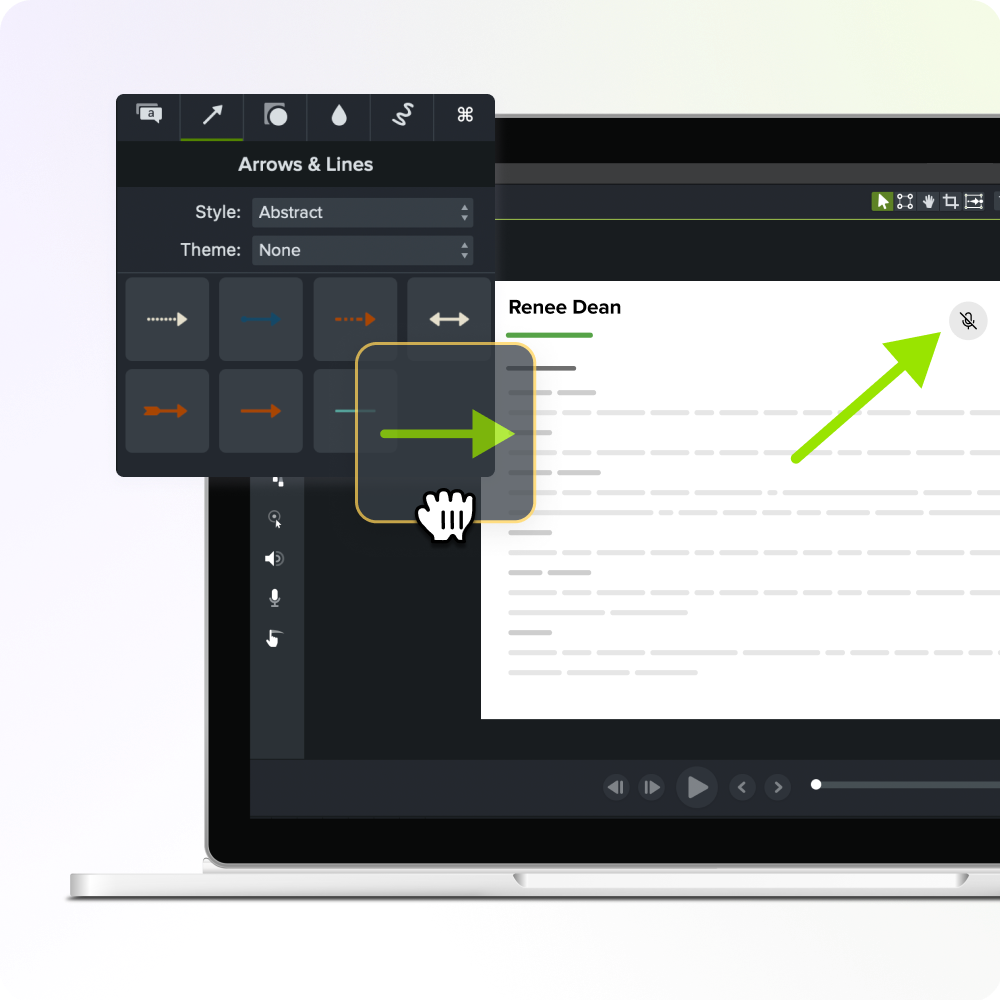
Time to first value measures onboarding speed
Time to first value is the elapsed time between when a user starts onboarding and when they reach a meaningful outcome, the moment the product does something useful for them.
Picture a new user who hits a setup step on a Tuesday afternoon, with the next live onboarding call scheduled for Thursday. Without a recorded walkthrough, that user either waits two days or digs through a help article that covers 10 scenarios to find the one that matches theirs.
A short, focused video removes both problems:
- It’s available when the user needs it.
- It shows the steps instead of asking them to interpret written instructions.
One long onboarding video doesn’t fix this. Time to value improves when a short clip meets the user at that specific setup step, not somewhere earlier in a lengthy tour.
Why watch time hides video’s real impact
Watch time, view counts, and completion rate can’t tell you whether a user activated their account or adopted a feature. These are content-consumption metrics. Activation and feature usage are product-behavior metrics. They live in different KPI sets, and treating them as interchangeable is where the misattribution starts.
A user can watch 20 seconds of a 90-second walkthrough, get the one instruction they needed, close the video, and go complete the action it was meant to trigger. That clip shows a low completion rate and a strong activation result. A fully watched video that never leads to the target behavior shows a perfect completion rate and zero product impact.
Where video changes user behavior
Video changes product behavior when it appears at a journey moment tied to a specific user action, not when it lives as a polished tour in your help center. You’ve got two options: one comprehensive walkthrough parked where users must find it, or short clips placed where a decision happens.
First-run experience sets initial expectations
A first-run video should guide one action, the single step tied to your activation metric, instead of touring the whole product.
End the video when the user completes the activation task. Don’t stack on a welcome message or a feature list. The behavioral outcome you’re after is completion of that one action, not minutes watched.
Keep the segment short and build it with simplified user interface (SUI)-style graphics rather than live screenshots. When your onboarding flow changes a button or a screen, you’ll update one small clip instead of re-recording the whole walkthrough.
Feature-gated moments prompt in-context learning
A feature-gated video should appear the moment an eligible user reaches a feature they haven’t used yet, not before, not after, and not somewhere else in the product.
A clip sitting in a help center gets found by users who already know they’re stuck and are willing to search for the answer. The same clip triggered right at the unused feature reaches every eligible user who lands there, whether or not they knew to ask.
That structure fits the record-once-reuse-everywhere model: a focused recording is easier to trigger from a specific screen and faster to update when the feature changes.
For the broader adoption context behind this approach, see this guide on how to increase feature adoption.
In-app triggers deliver just-in-time education
A great video means nothing if the trigger doesn’t fire at the moment a user’s behavior needs to change. A great clip sitting in a help center does nothing for someone stuck on a specific screen right now.
Your in-app engagement platform (the tool you already use to fire tooltips, banners, or checklists) is where this trigger logic lives. Set it to match the action, feature, or onboarding stage tied to your target metric, not a generic page visit or time delay.
This is also where the record-once-reuse-everywhere model pays off. One focused walkthrough, recorded in Camtasia Editor, can sit behind several different triggers across your product without a new recording session for each placement.
If you can edit a doc, you can edit a video
Stop fearing the timeline. Camtasia Audiate transcribes your recording so you can edit your video just by editing the text.
Free Download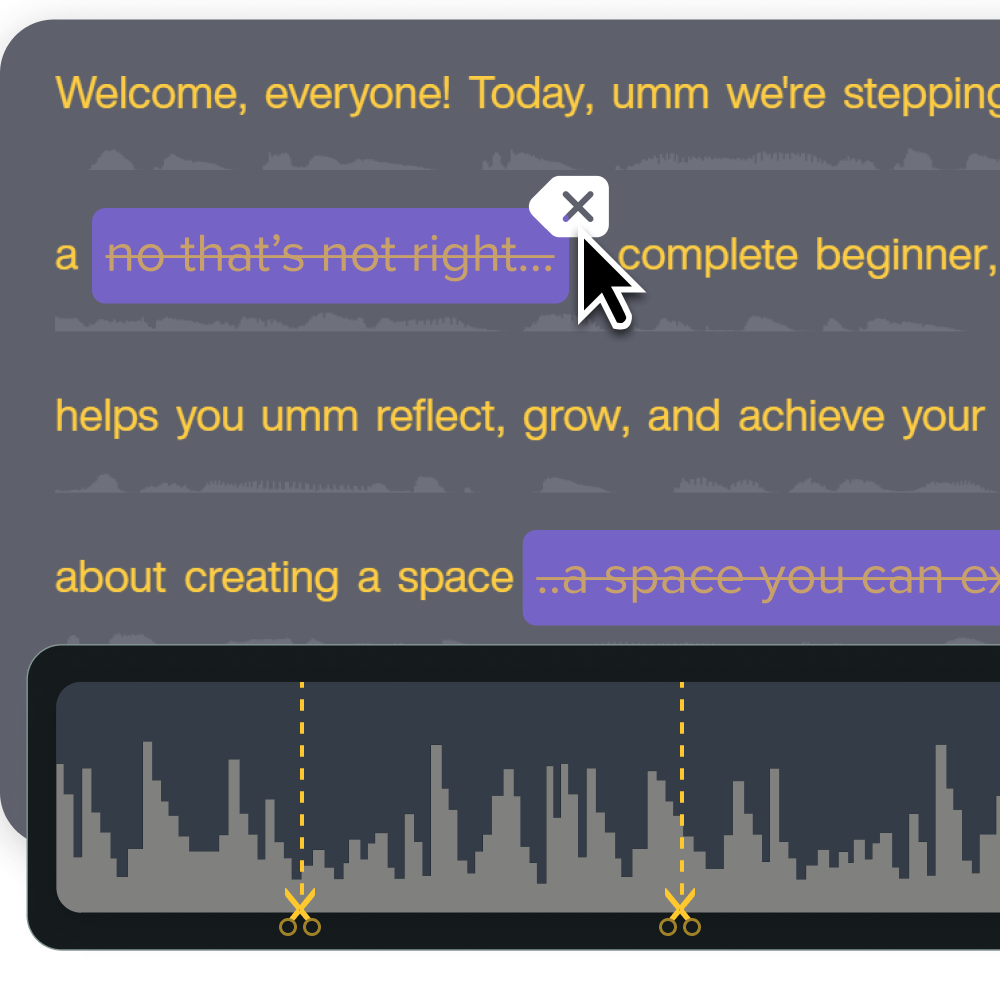
How to attribute a video’s adoption lift
Attribute adoption lift to a video by comparing the same product metric across two comparable groups: one that saw the video and one that didn’t, while holding every other onboarding change steady.
Start by picking a single target metric, activation rate, feature usage rate, or time-to-first-value, and record its baseline before the video goes live. Then define your exposed and unexposed cohorts. These need to be similar in role, signup timing, and plan type, or the comparison won’t hold up. Release the video to one group, hold it back from the other, and compare the metric after a set window.
Assign ownership of that metric to one person, like a product marketing manager or customer success manager, before launch. That person tracks the number and flags any other onboarding change shipped during the test.
Attribution weakens when multiple changes launch together. If you can’t isolate the video, say so in your results.
The record-once-reuse-everywhere production model
One recorded SME walkthrough can supply focused content for onboarding, in-app guidance, and help documentation without another recording session. That’s the fix for teams without a dedicated video producer on staff who can’t afford to re-shoot for every touchpoint.
Camtasia Editor records your screen, camera, system audio, and microphone in one session, then places each source on its own editable track. Pull a 30-second segment for an in-app prompt, a different clip for a help article, and the full walkthrough for onboarding, all from the same recording.
Apply Screentelligence-powered cursor effects, which only work on footage recorded natively in Camtasia Editor.
Export customized callout and title styles as library asset files so teammates can import them into their own local libraries and keep every repurposed clip looking consistent.
One recording can move your adoption numbers
None of this works if the walkthrough tries to do everything at once. The moment you tie one video to one behavior, the metric tells you plainly whether the content is doing its job. A clip that moves activation rate looks different from one that moves feature usage, and both look different from a trigger designed to shorten time-to-value. Scope is the whole game.
Here’s the practical next step: pull your lowest-performing adoption metric, name the one user behavior it’s tied to, and find the exact journey moment where a short video could change what a user does next. That’s the scope of your first recording. Everything else, the in-app trigger logic, the repurposing workflow, the cohort test, follows from getting that one clip right.
Camtasia Editor is built for exactly this kind of focused, reusable production. Record your screen, camera, and narration in one session, edit on separate tracks, and export a clip that can sit behind multiple triggers without starting over each time the product changes.
Download Camtasia and record your first walkthrough today.
Looking for professional screen recording software?
From simple screen captures to polished video editing, TechSmith has everything you need to create professional-quality content.
Learn More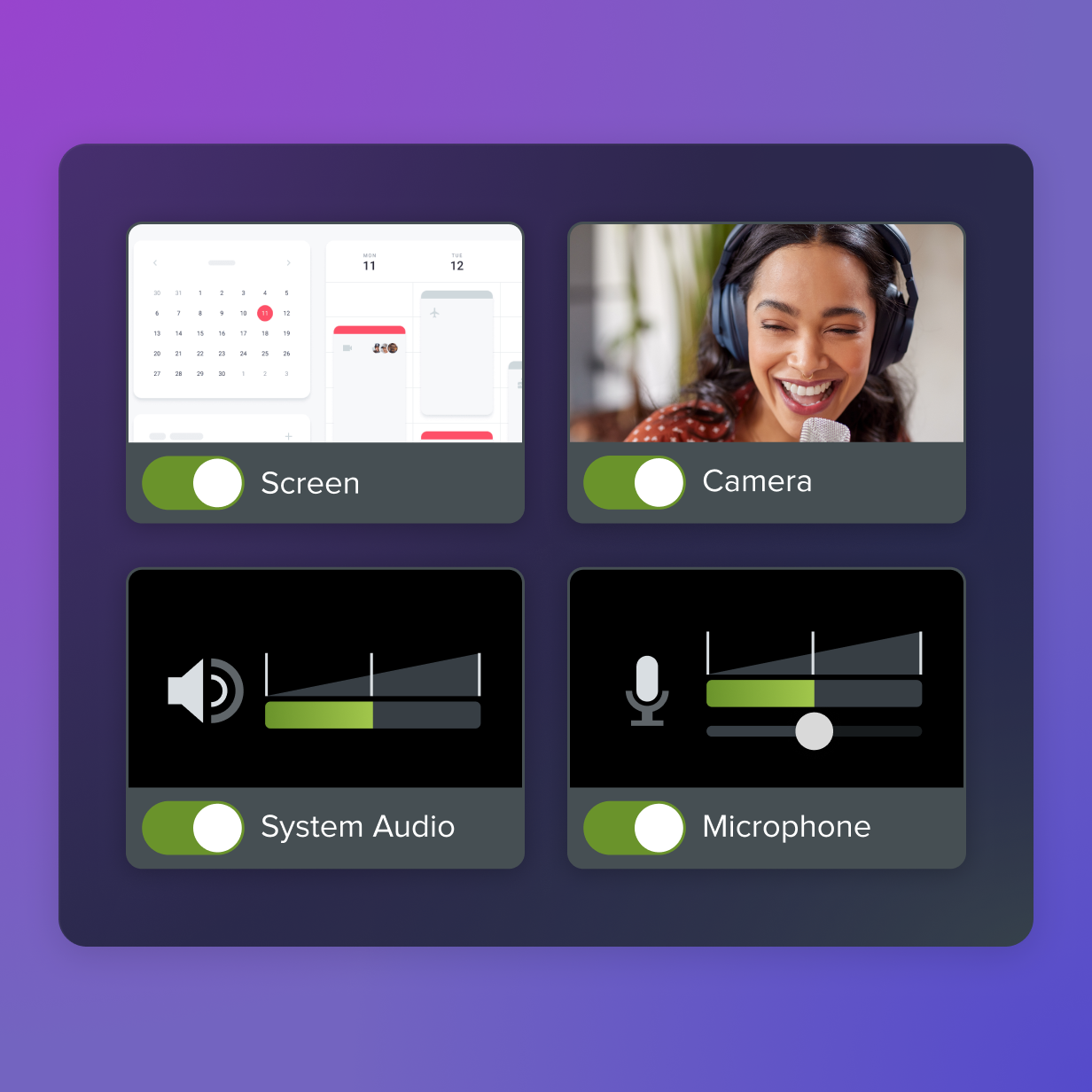
Frequently asked questions
How long should a feature-adoption video be to move usage numbers?
Length matters less than scope: a feature-adoption clip should run only as long as it takes to complete the one action tied to that feature, and nothing longer. A clip that tries to cover multiple actions loses users before they reach the step that matters for the metric you’re tracking. Camtasia Editor’s ability to record in small, chunked sessions make it easy to produce several short, single-action clips instead of one long walkthrough.
Do teams need product analytics tools in place before using video to move an adoption metric?
Product analytics tracking is a prerequisite before using video to move an adoption metric, not an afterthought. Without a baseline for activation rate, feature usage rate, or time-to-value, a team can’t tell whether the video changed behavior or something else did. Camtasia Editor handles production, so pair it with whatever product analytics or in-app engagement platform your team already uses to track outcomes.
How soon can a team expect to see movement in an adoption metric after publishing a targeted video?
Activation rate can shift within days or weeks of publishing a first-run video, since it’s tied to a single early action new users complete quickly. Feature usage rate typically takes longer to move, because it depends on users reaching the feature-gated moment where the clip appears. Time-to-value often shows the fastest signal, since it’s measured against onboarding start rather than a later milestone in the product.
Should in-app video walkthroughs replace live onboarding calls entirely?
In-app video walkthroughs work best alongside live onboarding calls rather than replacing them entirely. Live calls still matter for complex tools, real-time questions, and relationship-building moments that a recording can’t replicate on its own. Recording those live sessions and repurposing the footage as reusable in-app clips gives a team both the human touchpoint and a scalable, on-demand asset.
What’s the most common mistake teams make when using video to try to improve product adoption?
The most common mistake is building one polished, comprehensive product tour and expecting it to move every adoption metric at once. That format usually builds awareness but rarely drives specific behavior change, since no single moment in the user journey needs all that information at once. A more effective approach ties each short clip to one named metric and the journey moment where it applies.
Share