CHANGELOG

What’s new in Camtasia?

Turn on your auto-updates because our team is always cooking up something fresh.

Filter posts

Clear filters

Release Type

Operating System

Tags

November 2026

Camtasia Editor displaying a purple text callout with a full-color thumbs-up emoji and the Windows emoji picker open for inserting emojis.

Emojis as Text

Color emojis in callouts. Press Win + Period to add an emoji to your callouts and they stay in full color while you edit and when text behaviors animate them. Selecting, deleting, copying and undo now handle each emoji as one character, so editing emoji text works the way you’d expect.

Camtasia
Windows
Editing
2027.0
Camtasia Editor's General settings displaying Standard and Delayed update options, allowing users to prioritize new features or greater software stability.

Delayed Update Option

Users can now set their preference for Camtasia Editor updates. Choose from standard or delayed updates to optimize for faster access to new features or greater stability.

Ready to try it for yourself?
View Tutorial
Camtasia
MacOSWindows
IT and Security;
2027.0
Camtasia Editor interface showing a video editing timeline alongside a large stopwatch icon, highlighting faster startup performance in version 27.0.0.

Reduced Startup Time

Get started sooner. We’ve made improvements that reduce the time it takes for Camtasia Editor to get up and running.

Camtasia
MacOSWindows
Screen RecordingEditing
2027.0

August 2026

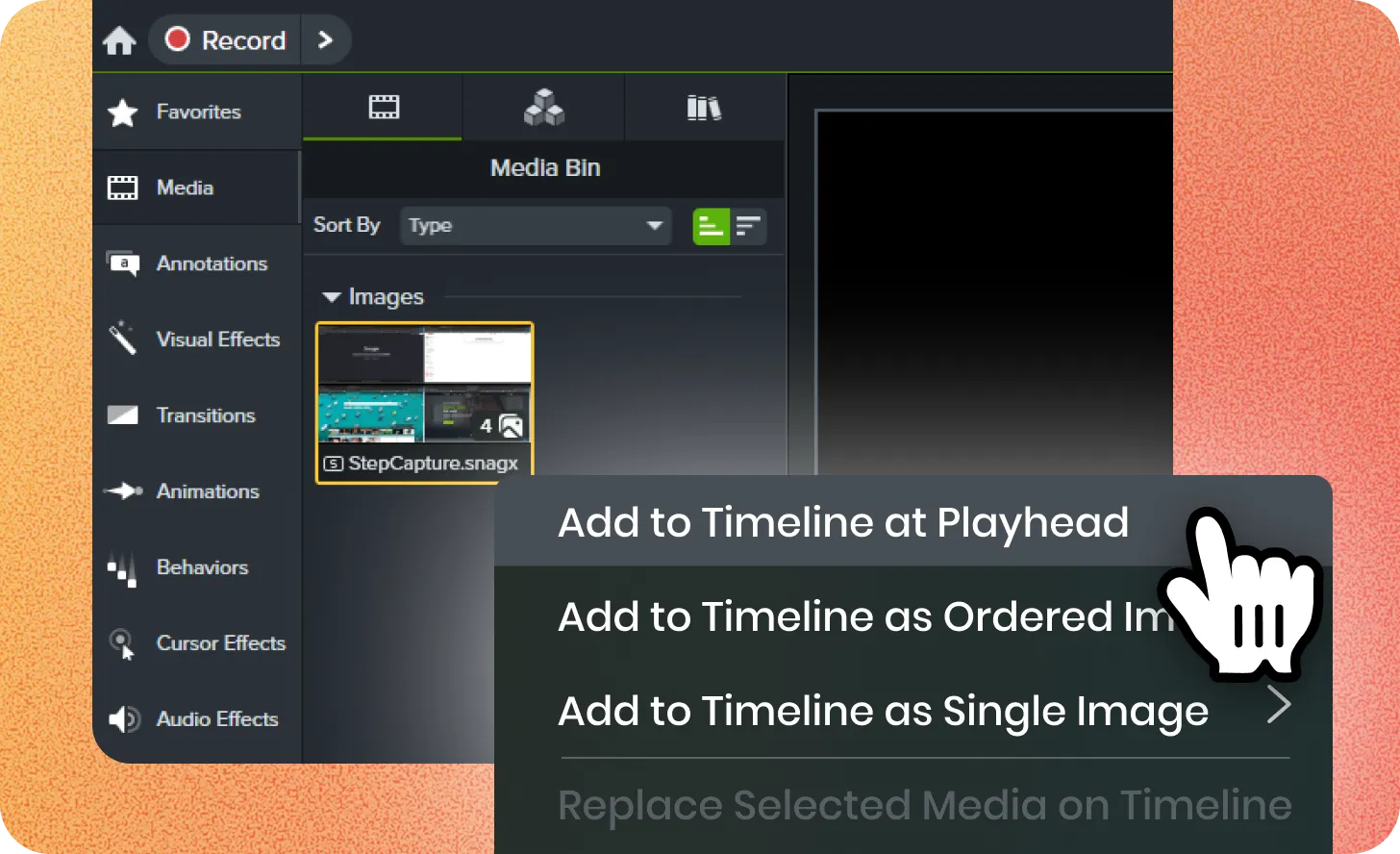
Camtasia Media Bin with a StepCapture image selected and a context menu open, showing options to add the media to the timeline, with the cursor pointing at “Add to Timeline at Playhead.”

Step Capture to Video

Automatically turn Snagit step captures into videos in Camtasia Editor. Each step is added as its own clip on the timeline with transitions and lower-third titles. Create both a guide and tutorial in a fraction of the time! 

Ready to try it for yourself?
View Tutorial
Camtasia
MacOSWindows
Step CaptureEditing
2026.2
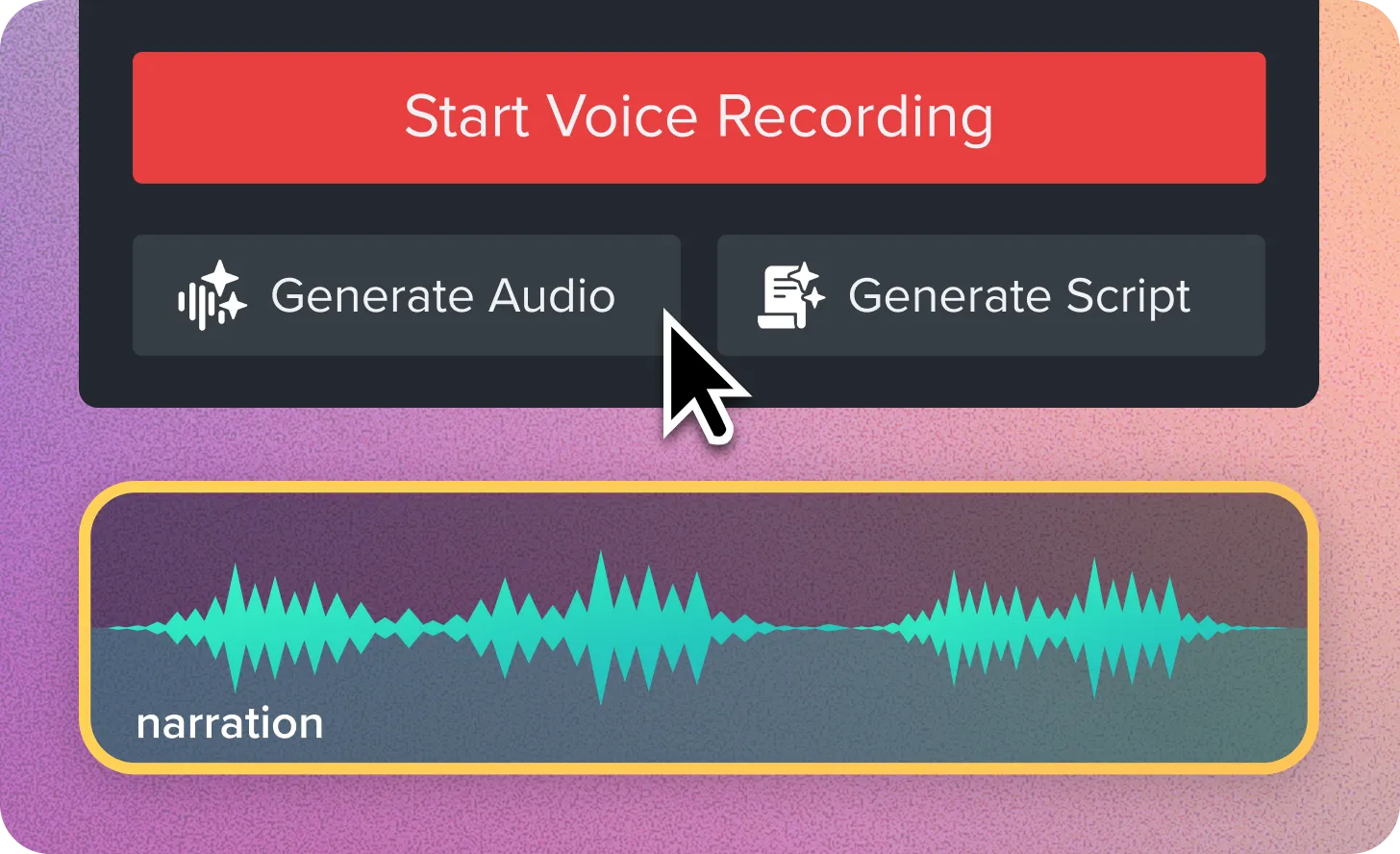
Camtasia voice narration controls showing buttons to start voice recording, generate audio, or generate a script, above a narration audio waveform on the timeline.

Script and Narration Generation

You can now send your script from the Narration tab to Audiate to generate audio. Send any text you have in the script box over for audio generation or have Audiate help generate a new script. Script and audio generation is available with subscription to Camtasia Audiate, Camtasia Create, or Camtasia Pro. 

Ready to try it for yourself?
View Tutorial
Camtasia
MacOSWindows
AIEditing
2026.2
Camtasia Animations panel with a search field highlighted by a colorful arrow pointing toward a large magnifying glass icon.

Customizable Animations

Introducing a new collection of customizable animations in Camtasia Assets plus better support for Lottie files. Find the perfect animation for your video and quickly change colors to match branding. 
Ready to try it for yourself?
View Tutorial
Camtasia
MacOSWindows
Editing
2026.2
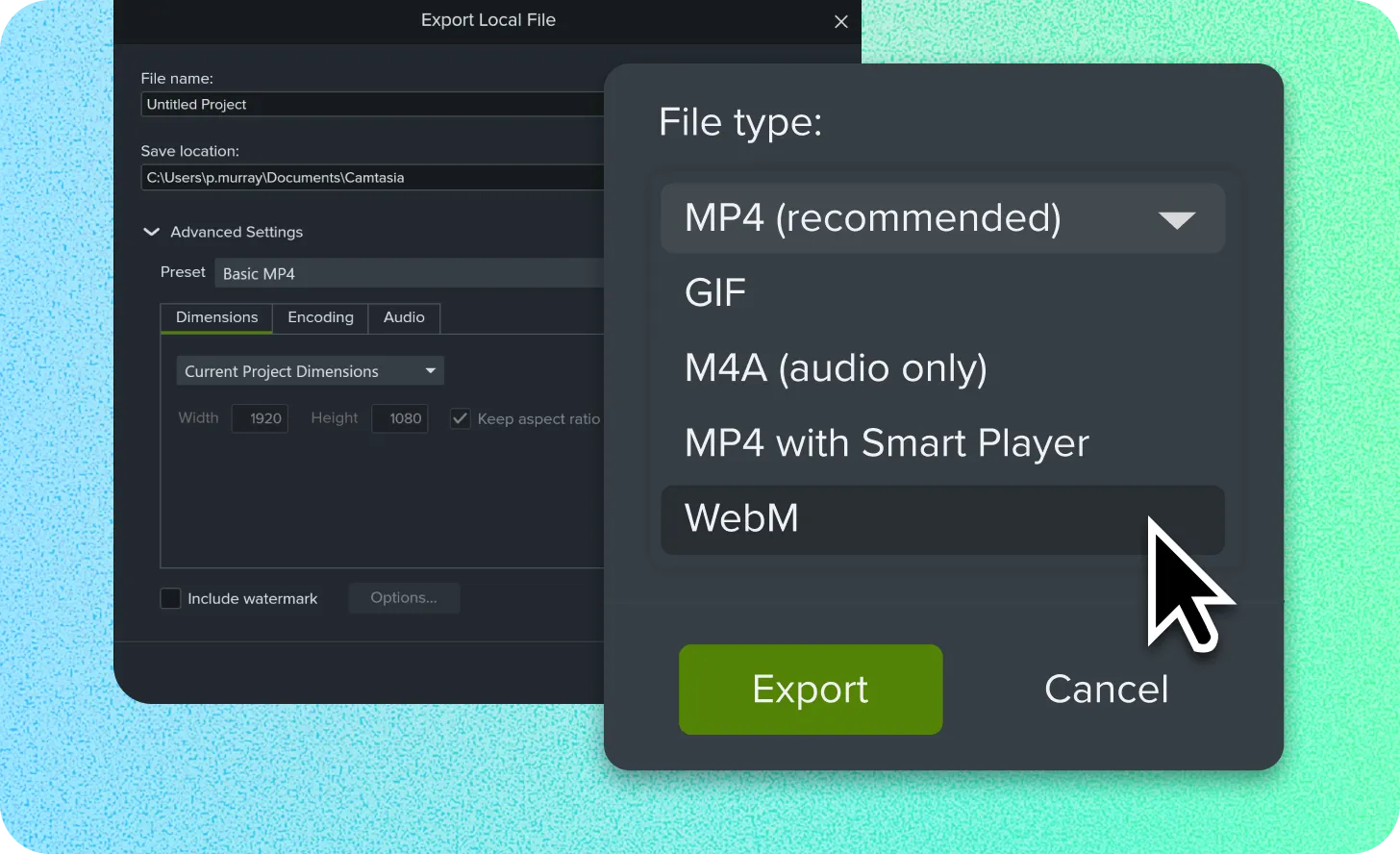
Camtasia Export Local File dialog with the File type menu expanded, showing MP4, GIF, M4A, MP4 with Smart Player, and WebM options, with the cursor hovering over WebM.

WebM Video Export

Camtasia Editor now provides an export option for WebM videos, adding more flexibility with smaller sizes and transparency.

Ready to try it for yourself?
View Tutorial
Camtasia
MacOSWindows
Editing
2026.2

April 2026

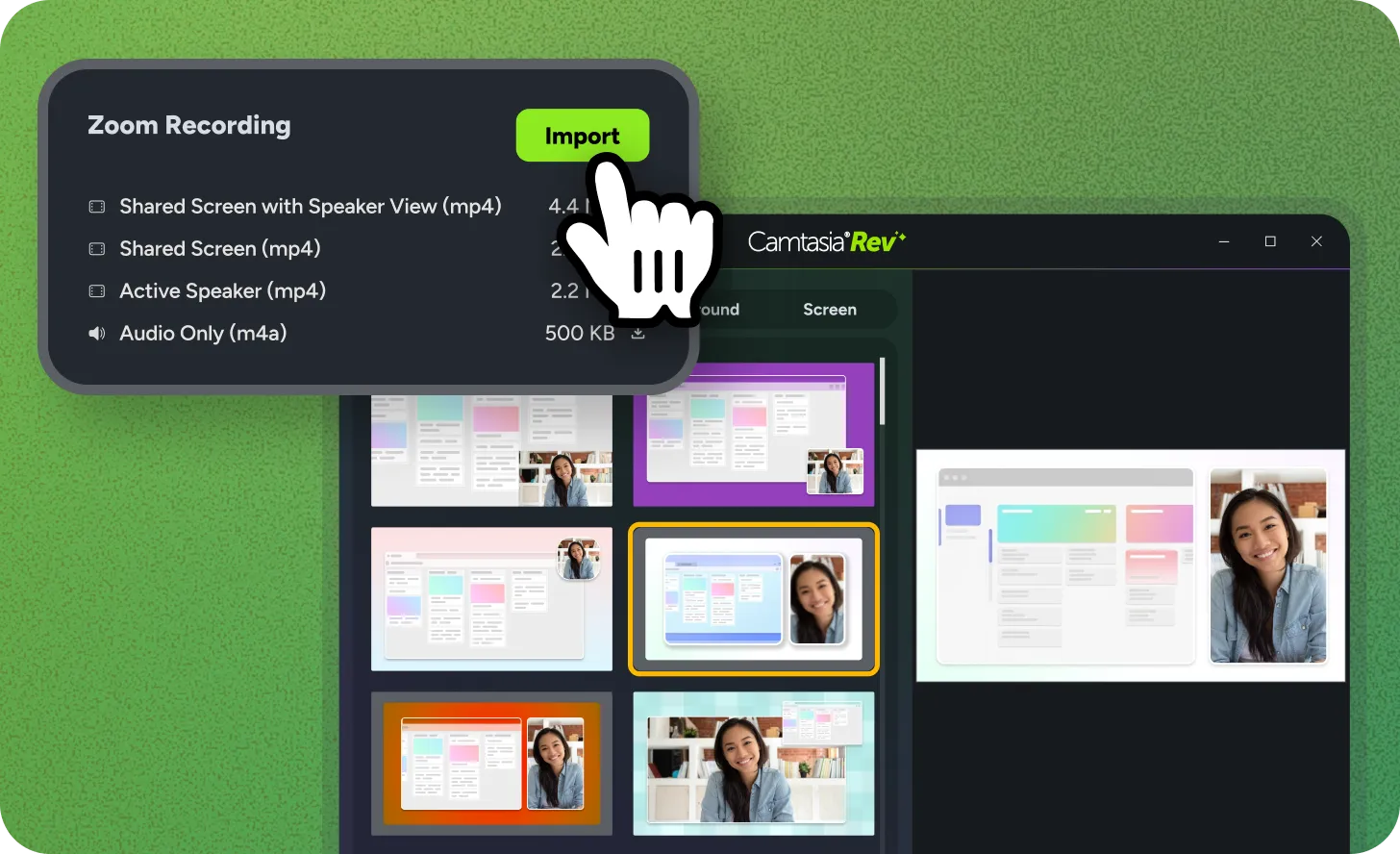
Single button import for Zoom cloud recordings

Zoom Recording Import

Turn your Zoom recordings into professional tutorials without the manual effort. Connect your Zoom account to Camtasia Editor to pull recordings directly into your bin. Use the Rev workflow to automatically apply layouts, remove backgrounds, and polish your video in seconds.

Ready to try it for yourself?
View Tutorial
Camtasia
MacOSWindows
Editing
2026.1
Closed captions icon with curved arrows

VTT Caption Import and Export

Move captions between tools without retyping a single word. Camtasia now supports VTT file imports and exports. Use this industry-standard format to sync your scripts with external video platforms and save time on manual entry.

Ready to try it for yourself?
View Tutorial
Camtasia
MacOSWindows
AudioEditing
2026.1
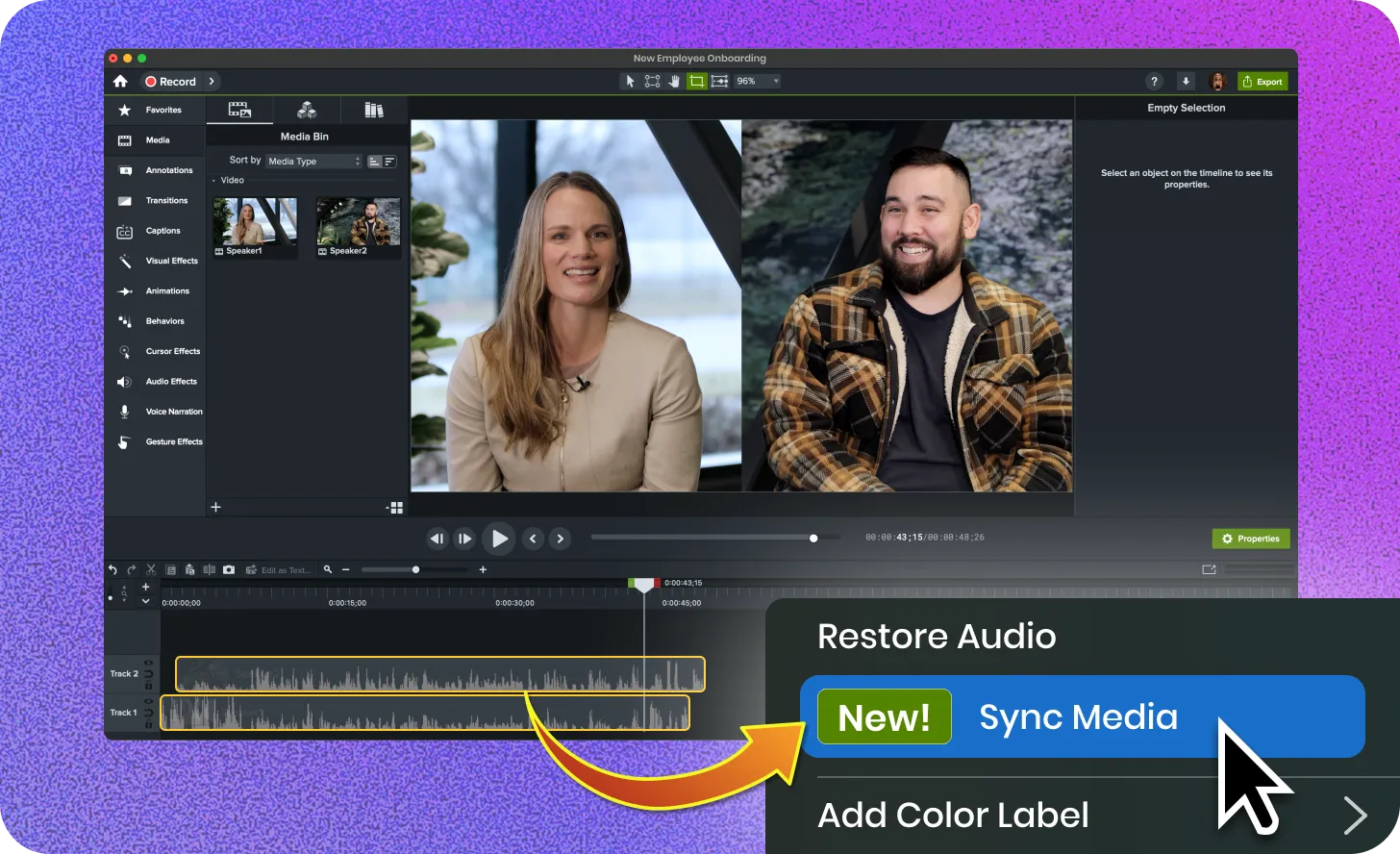
Sync media button in Camtasia Editor

Auto Sync Media

Keep multiple camera feeds in perfect alignment. Use the Auto-Sync Media feature to match tracks based on their audio signatures. This tool eliminates the need for manual seeking. It ensures your tutorials and demos remain professional and accurate.
Camtasia
MacOSWindows
AudioEditing
2026.1