







A localization backlog doesn’t announce itself. It builds up in the background. A compliance update means re-recording a video in English, which leaves the Spanish and German versions out of date. Somewhere in a shared drive sit caption files for six more languages that may or may not match the current script.
Localizing training videos for global teams means adapting a video’s language, cultural references, and regional compliance details so learners in each market can understand and trust it.
Translation takes skill, but the program around it is where most teams struggle. How do you decide which content gets localized first? Who owns each language track? How do you keep versions aligned when the source changes? And is the localized content resonating with learners as intended? A translation brief or style guide won’t answer those questions. You need a program structure.
The program structure in this article gives L&D managers and instructional designers a repeatable way to maintain a multilingual library, prioritize updates, manage task ownership across content specialists and regional reviewers, and measure whether the localized content is actually doing its job.
Key takeaways
- Localization fails when teams treat it as translation only and skip the cultural adaptation and regional compliance requirements that decide whether learners trust the content.
- Compliance risk and audience size, not production convenience, should decide which training videos and languages get localized first.
- The right delivery model for localized training depends on volume per quarter, not budget alone, and in-house production becomes worth it at moderate, recurring scale.
- Source content designed for localization from the start costs less and localizes faster than content retrofitted after recording.
- Completion rate by region and cost per finished minute are two numbers that show whether a localization program is working or just producing output.
What localization means for training
Training localization goes beyond translated words. It covers every cultural and regulatory adaptation that makes content usable and credible, including regional compliance requirements, imagery, date formats, currency, and anything else that tells a learner whether the content was built for them.
A translation-only workflow skips the decisions that actually shape your program. It leaves out jurisdiction-specific compliance language, a review for culturally appropriate visuals, and adjustments for regional date and number conventions. Learners notice, and they tune out.
Those omissions carry risk. Per Translated, localized training is a corporate liability requirement for multinational enterprises, in addition to being an employee benefit. When done well, localization helps learners in every market understand the material, trust it, and apply it with confidence.
Decide what to localize first
Score every video in your backlog on these criteria:
- Audience size in the target region
- Compliance risk if the content stays in one language
- Update frequency
- Strategic market priority
Many teams localize in the order videos arrive, or try to do everything at once, and neither approach holds up.
Give each video a score of 1–3 on each criterion, total the scores, and localize the top tier first. High-churn content scores low on update frequency, because you’ll revise it again before most learners see it.
Rank languages the same way. When two languages tie on audience size and compliance risk, strategic market priority breaks the tie.
Regional legal and compliance requirements
Regional legal requirements belong at the start of localization planning. They decide which markets need fully translated narration, which content needs captions that meet the Web Content Accessibility Guidelines (WCAG), and what your in-market reviewers have to check beyond linguistic accuracy.
Three categories shape those decisions:
- Mandatory language laws in some jurisdictions require training in the local language, so subtitles alone won’t meet the obligation.
- Accessibility standards like WCAG set the quality bar for captions, which affects format, accuracy, and synchronization.
- Sector mandates in regulated industries like financial services, healthcare, and manufacturing add a compliance layer that in-market reviewers check separately from translation quality.
If you’re using AI in learning and development, these requirements apply to AI-generated content too.
This section gives a general overview and isn’t legal advice. Laws and regulatory expectations vary by jurisdiction, so check with your legal team on how specific requirements apply to your organization.
Choosing subtitles, voiceover, or dubbing
Subtitles, voiceover, dubbing, and full human localization each fit different situations. The right one depends on content type, audience, risk level, and budget, so no single format works for every video.
- Subtitles work when learners already know the source language and the visuals carry most of the teaching, like a screen-recorded software walkthrough.
- Voiceover works when learners need full audio in their language and lip-sync accuracy isn’t critical.
- AI dubbing is the right call when immersion matters but the timeline or budget rules out fully human production.
- Full human localization (localized voiceover plus re-created on-screen content from native-language professionals) belongs on high-stakes compliance topics, executive messages, and legally sensitive training, where tone and precision have to be exact.
In terms of cost and turnaround time, AI-generated subtitles are fastest and cheapest, followed by AI dubbing, human-generated subtitles, human voiceover, and full human localization. Comprehension and learner trust generally rise as you move up that list, and so do cost and turnaround time.
Whichever format you choose, the editing tool underneath it has to keep up with a growing, multi-language library. See how Camtasia Pro stacks up against VEED for handling that kind of sustained production work.
Record once. Deploy globally.
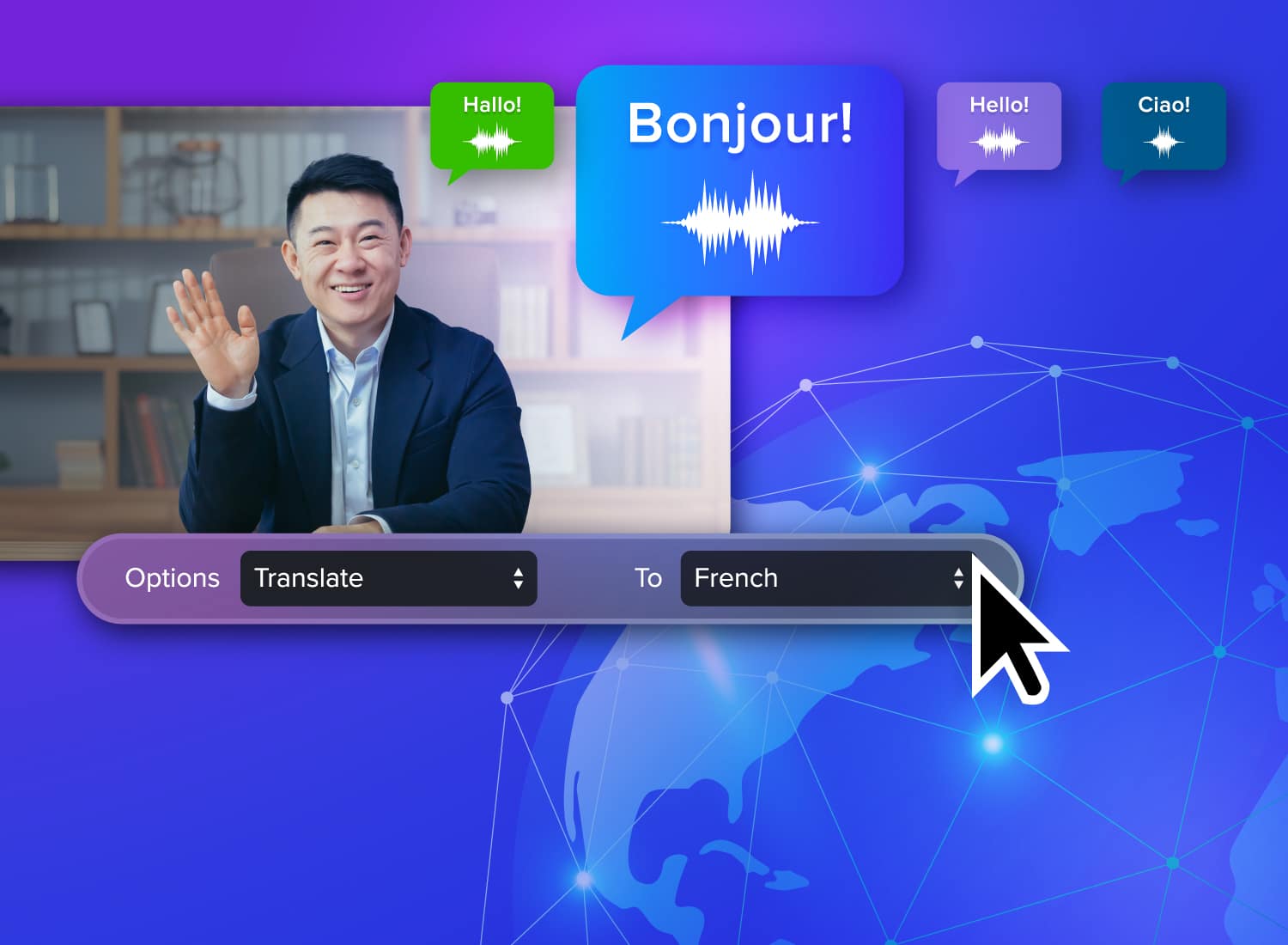
Create your training video in English. Audiate can then translate your edited script and generate a new audio track in Spanish, German, French, and more.
Free Download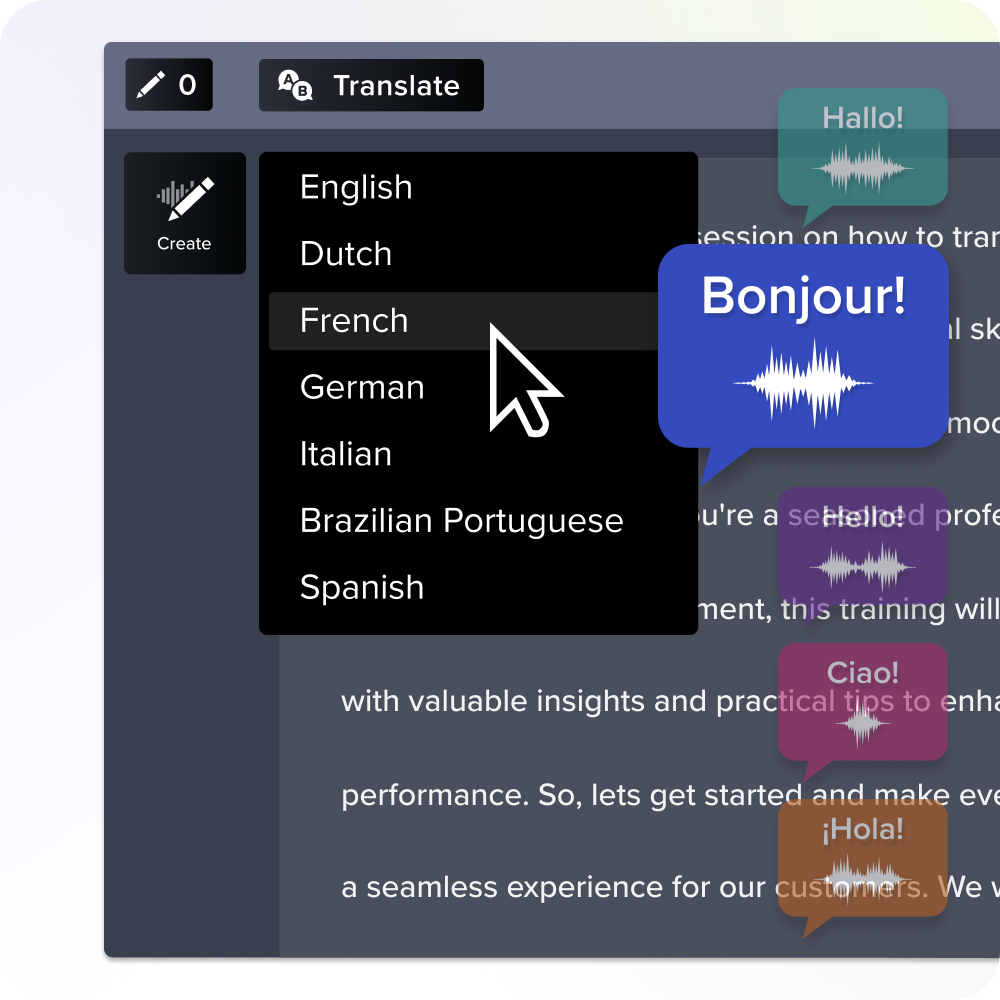
Building localization-ready source content
Source content built for localization costs less and takes less time to adapt than a finished video you retrofit later. Design for it from the start.
A few practices make the biggest difference:
- Record narration on a separate audio track, so dubbed versions can replace it without touching the visuals.
- Skip idioms and culture-specific examples that need creative adaptation instead of direct translation.
- Leave visual timing slack, since many translated languages run 20–30% longer than English.
- Use on-screen text sparingly, because embedded text needs graphic re-creation for every language version.
- Record in short segments instead of long continuous recordings. When the source changes, shorter segments limit how much you need to re-localize.
Camtasia Editor supports this directly. It records screen, camera, and audio in one session and puts each on its own editable track, so you can swap in a localized voiceover without re-editing the visuals. If you translate directly in Camtasia Audiate, it also adjusts visual timing automatically to fit translated text that runs longer than the source.
Supporting localization without stalling your program
Establishing a clear and efficient localization workflow allows your program to scale with rising content volume and prevents bottlenecks across content owners, reviewers, and production teams. Without one, your program stalls as soon as a source video changes or request volume climbs. Language versions sit in progress and regional reviewers wait because nobody owns the handoff.
Three decisions prevent that stall: who owns each layer of the work, how do reviews run efficiently, and which delivery model fits your volume.
Regional vs. central ownership
Central ownership keeps things consistent but creates bottlenecks. Regional ownership improves relevance but risks content drifting from the source program. Choose the model that fits your content goals and program priorities.
- Use central ownership when compliance accuracy and brand consistency come first. A dedicated localization coordinator manages the queue and hands work to regional reviewers on a set schedule.
- Use regional ownership when cultural adaptation comes first, and spell out clearly what regional teams can change and what has to stay aligned with the source.
A hybrid model works best as your program grows. Central teams own the source content and control what goes out. Regional teams own the adaptation and control how it lands locally. That boundary keeps you from hitting either problem: a centralized queue that stalls releases, or regional edits that drift from the original message.
In-market review and approval chains
Keep in-market review from stalling by giving every reviewer an explicit scope with three checks: linguistic accuracy, cultural appropriateness, and regulatory compliance.
Requesting open-ended feedback from reviewers can elicit a wide range of notes that may pull the project off course and delay finalization. Specifying a checklist allows reviewers to perform a thorough review on the elements that matter the most to your team while also keeping the process efficient.
Share the localized video through Camtasia Screencast for creator-controlled access and commenting. Reviewers leave time-stamped comments on specific moments, which keeps feedback organized and easy to understand.
After collecting stakeholder feedback, your team can use Camtasia Screencast commenting as a way to collect approvals, as long as everyone agrees on what counts as sign-off.
Keep formal approval records in a separate document management system alongside your other localization assets.
Delivery models by volume
The right delivery model depends on quarterly volume, content sensitivity, update frequency, and your in-language review capacity, not budget alone.
A vendor-led model works best for programs that span many languages or serve high-stakes markets, where a language service provider’s professional reviews justify the cost. In-house works at moderate, recurring volume where content is procedural and updates are frequent. A hybrid model handles programs that mix routine and high-stakes content across many languages.
The biggest barrier to going in-house is finding internal language experts who have the time to handle translation and quality assurance (QA) for each target language.
Camtasia Audiate’s AI voice generation with multilingual support, available standalone or bundled into the Camtasia Pro plan, removes the narration-scheduling bottleneck, but it doesn’t replace qualified in-language review.
Whichever model you choose, the video editing tool underneath it still has to support layered revisions and consistent branding as you grow. Before you expand any model, calculate cost per finished minute for each one. That number makes the comparison concrete and feeds directly into how you’ll measure performance by region.
Instant lifelike AI voice over
No voice over? No problem. Audiate generates incredibly life-like voice over right from your script!
Get Audiate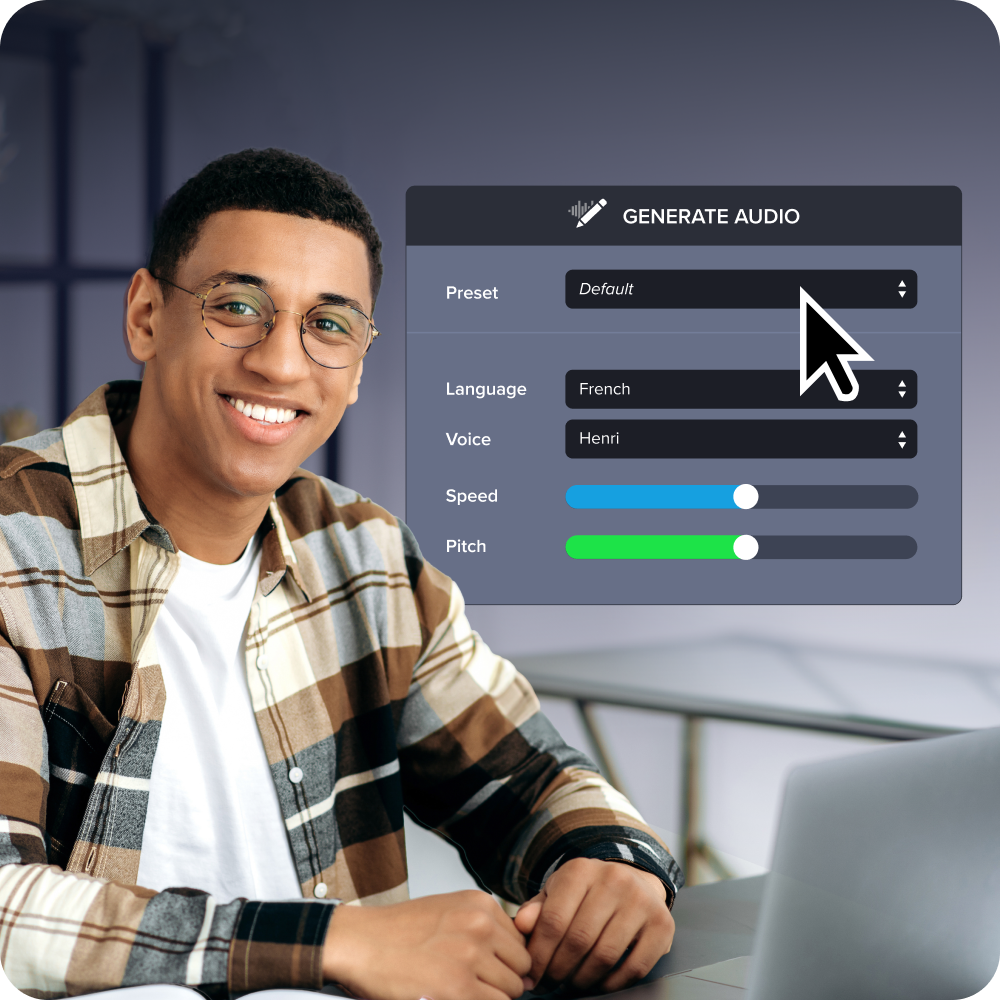
Keeping language versions in sync
You can keep language versions aligned by linking each localized version to a source identifier, logging every source change, and updating only the affected segments. Most programs lack a system for tracking which versions need updates when a source video changes, so every linked language version might be out of date.
Give every source video and each localized version the same translation group identifier, whether that’s a naming convention or a metadata field. When the source changes, that identifier tells you which language versions it affects. Then re-localize only the changed segments instead of the whole video.
Camtasia Editor’s project templates and exported Library assets support this workflow. Update the template and re-import the relevant assets instead of rebuilding each language version from scratch. For a broader approach to keeping your video library current, see maintaining a video knowledge base.
Measuring program performance by region
Completion rate by region and cost per finished minute offer valuable insight into whether a localization program is working. Calculate cost per finished minute by dividing the total production cost of a language version by the finished video’s runtime. Track that figure separately for each delivery model (vendor, in-house, or hybrid) to see where production is efficient and where it isn’t before you commit to scaling a model.
The hidden costs of training videos add up quickly across languages, so this calculation belongs in every quarterly review. Cost alone won’t tell you whether localized videos are reaching learners, so read it alongside completion rate. Differences in completion rate between regions are your early warning, but the cause matters. A dip in one region could come from content quality, like a translation that doesn’t read naturally, or from distribution, like a link learners can’t reach. Check both before deciding what to fix.
In addition, track whether learners in localized regions score about the same as learners in the source-language region on knowledge checks. This is a strong metric for assessing global consistency. A lasting difference there usually points to a translation-quality problem.
Per CommLab India, segmenting LMS data on completion rates, knowledge check scores, and retraining frequency by region and language gives L&D teams the evidence to justify continued investment in each market.
Stop localizing video by video and start running a program
A handful of localized videos is manageable. Dozens across eight languages with no clear owner, no update schedule, and no way to tell which ones move learners, that’s when a backlog accumulates. What separates those two situations is the framework above, more than headcount or budget.
Decide how requests get prioritized, who owns each language, how source changes carry through to translated versions, and which numbers show whether the program works, before the requests pile up. A program built on clear ownership and defined workflows can scale with your business as new languages are added and as content volumes increase, all while maintaining high quality standards.
Camtasia Editor and Camtasia Audiate make this repeatable workflow run smoothly. From text-based narration editing and caption export to AI voice generation and avatars, Camtasia Pro makes managing localization easier.
Start your multilingual workflow with Camtasia Pro.
Build your next training video with Camtasia
Record your screen or camera. Then, use the video editor to add polish and clarity.
Learn More
Frequently asked questions
How do you calculate cost per finished minute for a localized training video?
Divide the total production cost for a single language version by the finished video’s runtime in minutes. Track that cost per finished minute (CPM) separately for each delivery model (vendor, in-house, and hybrid) so you can compare efficiency across your program instead of relying on invoice totals. Once you have CPM by model, you can see which approach costs least at your current volume and where expanding a model would reduce spend.
What is the minimum viable in-market review brief to keep reviews from stalling?
Ask in-market reviewers to check three things: linguistic accuracy, cultural appropriateness, and regulatory compliance for that jurisdiction. A clear scope keeps reviewers from spending time on production-quality issues that belong to the content owners or instructional design team, which is the most common reason review cycles run long. The brief should also set a turnaround expectation and name one point of contact for questions so reviewers don’t wait on clarification before they start.
What does knowledge check score parity mean for a localization program, and why does it matter?
Knowledge check score parity means learners in localized regions score about the same as learners in the source-language region on post-training assessments. It confirms the adapted content delivers the same learning outcomes. A lasting score difference between regions usually points to a localization-quality problem, like idiomatic translation that hides meaning. That difference is also one of your clearest data points for making the business case internally because a region that underperforms on both completion and knowledge checks is a concrete, fundable problem.
When should a team localize a training video versus retiring and replacing it?
Content that changes often is a poor candidate for full localization investment, because every source change triggers a re-localization cycle across every language version. If a training video is already due for an overhaul in the source language, retiring it and building a localization-ready replacement will cost less over time than localizing a version you’ll soon need to update anyway. A localization-ready replacement puts narration on a separate audio track and keeps embedded on-screen text to a minimum. As a practical rule of thumb, only localize content you expect to stay stable for at least a year. Below that, the ongoing cost of re-localizing usually outweighs the benefit. Rebuild high-churn content in a localization-ready format before you add more language versions.
Does recording narration on a separate audio track actually reduce localization costs in practice?
Yes. Putting narration on its own audio track at recording time cuts localization costs because it lets you replace the audio with a localized voiceover without re-editing the screen recording, animations, or callouts. That editing is where most of the time in a localization project goes. Camtasia Editor records screen, camera, and audio in one session and puts each on its own track, so the visuals are already isolated and ready for an audio swap without another recording session. How you generate that narration for each language, whether through AI voice generation or human voice talent, is a delivery model decision covered in the vendor, in-house, and hybrid section above.
Share