


Edit Screenshots Like a Pro with the Selection Tool
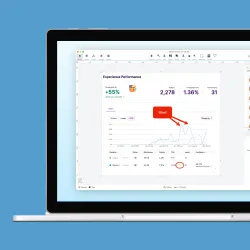
In this 30-minute session, we’ll dive into three powerful features of the selection tool. First, you will learn to use Smart Selection to instantly snap a selection precisely to an object's boundaries. Next, we’ll cover Auto-Fill, a feature that automatically and seamlessly fills the space left by moving or deleting an object, making it look like the edit never happened. Finally, we’ll demonstrate how to apply targeted Visual Effects, like shadows or color replacements, to specific areas to add polish and draw attention.