









Want to improve your customer experience (CX)? Odds are, you’ve already considered offering customer education content and knowledge-centered support to streamline onboarding and enhance your customer service. After all, self-service is all the rage right now, and customers increasingly choose it over waiting on the phone for a support agent.
But while self-service is undoubtedly convenient and can do wonders for your CX, poor execution can actually hurt your efforts.
Contrary to common belief, there’s more to building strong self-service troubleshooting workflows than creating comprehensive how-to articles. You also have to prioritize clarity, consistency, and visuals to make support easy for your customers.
What does “self-service troubleshooting” mean?
Self-service troubleshooting is a form of customer service where users find solutions to problems independently — no live chat, support requests, or phone calls with support representatives. Think step-by-step troubleshooting guides, tutorials, or automated chatbots.
But don’t confuse self-service troubleshooting with basic self-service content, like simple FAQ pages. It goes deeper than that, solving specific problems customers are actively trying to fix instead of answering standard, generic questions.
The goal? To help customers solve issues without waiting on other people — something 81% of modern consumers want.
Why self-service support often falls short
The truth is, while businesses are making an effort to offer self-service solutions, many setups don’t cut it. In fact, only 15% of customers report being highly satisfied with available self-service options. Here are some of the reasons why:
Poor structure and information overload
Picture this: You find an online troubleshooting article written by your software provider. Happy, you click the article, expecting to see a quick solution, but instead, you find a dense, in-depth post without headers and with far too many links directing you to other resource pages. How would you feel? Frustrated, right?
Unfortunately, this is the reality for some customers. They get lost in overly long articles with poor navigation, making it hard to find the specific answers they need. This may force them to reach out to your support team, defeating the purpose of self-service tools in the first place.
To make troubleshooting content more convenient, prioritize scannability and searchability by only focusing on relevant information, using headers and bullet points, and incorporating visuals to enhance clarity.
Over-reliance on text-based explanations
Don’t get us wrong. Text-based explanations are a valuable part of troubleshooting content. The problem comes in when you focus purely on them.
Text-based walkthroughs are not only monotonous but can also be frustrating for users and lead to errors, especially when completing multi-step software tasks. And when more and more brands are switching to video-first strategies to meet changing consumer preferences, text-based explanations are probably not the best way to improve customer service.
A better approach would be to incorporate multimedia content like screenshots and videos into troubleshooting content. This makes it easier for customers to follow the provided guidelines and caters to different learning styles.
Create how-to guides in seconds with Snagit
Document any internal process as you do it. Step capture organizes the screenshots, numbers, and steps into a clear, shareable visual.
Learn More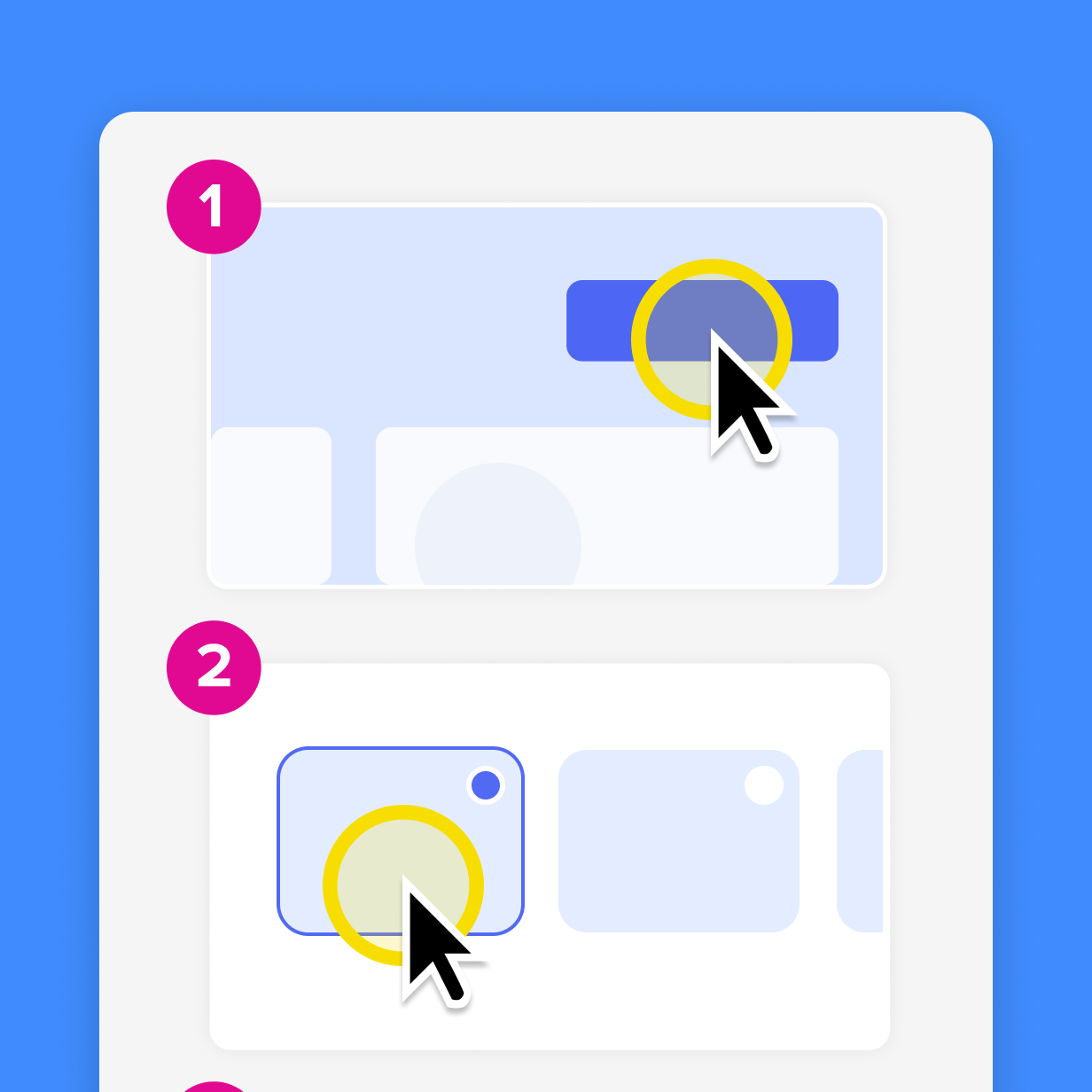
Lack of regular updates and ownership
Some self-service content also falls short because it’s not updated as processes and systems change. For example, a troubleshooting article that shows how to handle your software’s version 1.1 — when you’re on version 3.1 — probably won’t do much for customers looking for solutions.
To keep your content up to date, assign content ownership and schedule regular audits, making sure all troubleshooting walkthroughs reflect your latest products or processes.
How visuals improve the self-service troubleshooting experience
Now that you know what doesn’t deliver, how do you make self-service troubleshooting content that does work? An excellent first step is to start using visuals. Here’s how they can elevate the troubleshooting experience:
Screenshots clarify single-step actions
Want something you can integrate into existing content to give it a boost? Screenshots with annotations are your best bet. A well-placed screenshot can make text-based content easier to understand by showing users exactly what to look for or what to click to get their products working.
It’s also more convenient for customers who don’t have the time to watch full videos. Plus, it’s pretty easy to create using a tool like Snagit. With Snagit’s easy-to-use screen grab and editing features, you can quickly capture screenshots and add annotations to highlight vital steps or clarify areas customers may find confusing.
Annotate and edit screenshots with Snagit
Professional mark-up tools and powerful features make it easy to create helpful images.
Try it Free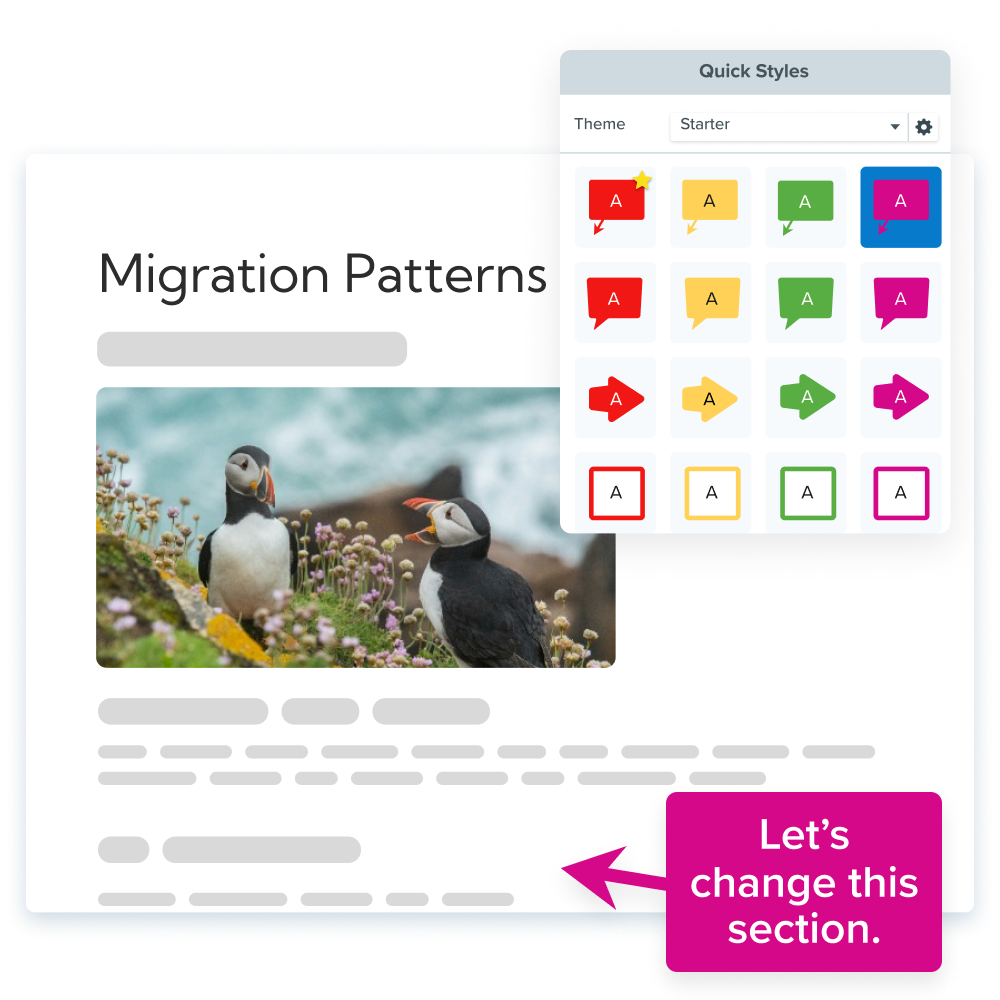
Screen recordings simplify multi-step tasks
Screen recordings can improve clarity in complex workflows or multi-step troubleshooting tasks by showing users exactly what to do at each stage. They can even pause and rewind as needed to make sure they don’t miss anything.
Camtasia makes it easy to create clear video tutorials for complex processes, regardless of your video production experience.
Make great tutorial videos
Camtasia makes it ridiculously easy to make tutorial videos that keep your viewers engaged.
Free Download
Plus, it records your screen, audio, mic, and cursor on separate tracks, so you don’t have to redo your entire recording if you need to update an element. In other words, you can re-record your audio to provide better clarity without making another video from scratch.
Visuals reduce the need for agent escalations
Visuals, whether screenshots or screen recordings, offer more clarity than text-based content. When users see troubleshooting processes visually, they typically have an easier time resolving issues independently.
This eliminates the need to constantly reach out to live support teams for help. So it’s a win for your team because it cuts down on repetitive questions and allows them to focus on critical tasks, but it’s also great for your customers, saving them the hassle of waiting in line for assistance.
Key considerations for effective self-service troubleshooting
Want to create self-service troubleshooting content that boosts customer satisfaction? Here are some key considerations to keep in mind:
Start with the user’s intent and context
You can only create valuable content if you understand your customers’ needs. So start by researching what they’re trying to achieve.
Look at common customer issues or complaints and prioritize the high-volume or high-friction ones. Do customers need help with onboarding? Develop content that walks them through using your product. Do they need help fixing specific issues? Identify the most common ones and create content around them.
Design content to be scannable and actionable
Reading through dry, dense knowledge base articles is pretty much the last thing anybody wants to do when dealing with a problem. In reality, most users just skim through it to find the parts they need.
That means you need to make your content scannable and actionable by using clear language, headers, numbered step-by-step lists, bullet points, and summaries. When you cut the jargon and rambling paragraphs, users can take a quick look at your content, find exactly what they need, and act on it right away.
Include visuals to guide users through each step
Given the shrinking human attention span, visuals are no longer just “nice to have.” Rely on text alone, and you’ll likely lose users within the first minute, meaning more escalations to live agents.
Visuals, on the other hand, capture customers’ attention for longer. They also reduce confusion by showing users exactly where everything is, reducing their need to contact support reps. So don’t overlook them — use screenshots to show interfaces, annotations to spotlight key details, and screen recordings to walk customers through complex issues.
Lucky for you, creating visual content doesn’t have to be a nightmare. With tools like Snagit and Camtasia, you can quickly make and edit visual support content, even with zero prior videography skills. These tools even work seamlessly together — you can grab quick screenshots with Snagit and drop them into Camtasia video projects to create easy-to-follow troubleshooting content.
Explore TechSmith’s easy-to-use products for fast, intuitive video content creation.
Ensure accessibility and device compatibility
If your troubleshooting content only works well on certain devices or is only accessible to specific groups of people, it’s not doing its job. Self-service content should be accessible via different devices and cater to the needs of people with different requirements.
Follow these accessibility best practices to keep your content inclusive:
- Use alt text for screenshots and other images to help customers with visual impairments (who often use screen readers) understand your content.
- Add captions for screen recordings and other troubleshooting videos to cater to people with hearing difficulties and those in noisy environments.
- Allow users to resize content as needed.
- Make everything keyboard navigable to allow people who don’t or can’t use a mouse to access your content.
- Use responsive layouts so content automatically adapts to users’ devices.
TechSmith’s tools can help you get started. Camtasia lets you add captions, and Screencast Pro auto-generates elements like descriptions and captions, making your visual content accessible and discoverable by a larger audience.
Go from screen recording to polished video
A screen recording is just the start. Camtasia’s editor helps you add the callouts, animations, and edits you need to create a truly professional video.
Free Download
Measure engagement and iterate on content
If you don’t monitor how your self-service content is performing, you’ll never know whether it works. So keep a close eye on audience engagement.
Some key metrics to track include:
- Content views
- Bounce rates
- Ticket volume
- Escalation rates
- Time-to-resolution
If you’re scoring well across all these areas, that’s a good indication your self-service content is doing its job. But if those metrics are trending in the wrong direction, make some adjustments to your self-service resources and monitor your numbers to determine what resonates with your users.
Create templates and internal guidelines
While it’s important to have a variety of minds come together to solve problems, too many team members all creating self-service content in their own formats is a recipe for disaster. Too many styles can be confusing for users and, quite frankly, portray an unprofessional image — not a good way to improve customer retention.
To ensure consistency across contributors, standardize the structure and style of your troubleshooting content and create templates to guide each team member. As a Snagit user, you can use the Step Capture feature to create process outlines for your team. This promotes consistency and makes it easier to scale content creation.
Build a lightweight update workflow
One of the biggest challenges in self-service customer support is out-of-date content. If your content features your old interface, for example, users will probably have to escalate their issues to your customer service team for real-time human support.
To keep your self-service resources current, build a simple update workflow. You could assign specific team members to review troubleshooting content, schedule regular content checks, and use editable video and image tools, like Camtasia, that allow for quick updates. As mentioned, Camtasia records different video elements on separate tracks, so it’s easy to make targeted changes.
Do AI Voices and Avatars Improve Learning?
Discover what the data reveals about learning outcomes.
Get the Full Report
Support teams need visual-first self-service content
Self-service troubleshooting empowers customers to take control over their experiences with your product and lessens the burden on customer service reps, allowing them to focus on higher-value tasks.
For self-service content to be effective, though, it has to be well-structured, visual, user-focused, and up to date. And for that, you’ll need the right tools.
With TechSmith’s Snagit and Camtasia, you can easily meet modern customers’ self-service needs. Our tools let you grab quick screenshots and screen recordings, highlight key areas with annotations, add captions and descriptions to videos, and make targeted updates without starting from scratch.
Whether you run an enterprise customer service team or have just a handful of people managing support for a small business, TechSmith helps you create and scale effective visual troubleshooting content — no prior skills needed.
Want to elevate your self-service troubleshooting content with visuals? Explore TechSmith’s products today!
Share