









This content provides an overview on the AI regulatory landscape and is not intended to be legal advice. Laws and regulatory expectations are evolving and may vary by jurisdiction. Consult your legal team to determine how regulations apply to your organization.
Your team used AI technology at some point in the last onboarding video you published. Maybe it drafted the script with generative AI (GenAI), cleaned up the background noise to tighten up the audio, generated captions, or even had an avatar voice the entire narration.
And the video looks great! But now, someone in legal or IT is asking what, in the process, was documented, and the answer is… not much.
This is ultimately a process failure. Most training teams weren’t built with AI driving their workflows, and the compliance infrastructure hasn’t caught up to the speed at which the tools arrived, which is wildly fast. So now there’s a separation between what you’re producing and what you can actually prove you built and reviewed.
Below, we’ll give you a step-by-step checklist covering the five stages of compliance decision-making — before recording, during scripting, in editing, in the finished video, and at publishing — giving you a repeatable workflow your team can use every time.
Key takeaways
- A useful and responsible AI compliance checklist starts by inventorying every AI tool and feature used across the video creation process: scripting, recording, editing, captions, translation, and publishing.
- Training teams should flag AI-generated or AI-assisted script sections so a human reviewer can check them for accuracy, bias, and policy alignment.
- If your video uses synthetic media, such as AI voices or avatars, your checklist should specify which disclosure to add and where to place it.
- An effective AI compliance checklist should cover more than the video itself, including LMS fields, platform labels, and records kept for internal review.
- The most practical checklists include a final human sign-off and a documentation package your team can reuse each time you publish.
Stage 1: Pre-production AI audit
Compliance starts before you even hit record. Catching problems at the planning stage is almost always faster and cheaper than fixing them after a video is already published.
Pre-production controls are important because they turn policy into a daily habit. When teams build the audit into their planning workflow, they can also prove consistency, which is exactly what internal audits and procurement reviews look for.
Inventory every AI Tool in your workflow
Artificial intelligence shows up in more places than lots of teams realize. Script drafting, translation, captions, voice over, avatars, image generation, background removal, noise cleanup, summarization… any of these could be in your current stack without a formal record of them.
Build a shared log and for every tool, record the tool name, version, purpose, what data went in, what asset came out, who approved it, and where the project file lives. It may look like busywork on the surface, but it can make every later stage of your checklist flow better.
Check your organization’s acceptable use policy
This step needs to happen before anyone prompts a model with internal policy documents, learner data, product screenshots, or customer information. Acceptable use policies vary across organizations, and what’s allowed for publicly released content may not be allowed for internal training.
Privacy by design should apply here, minimizing sensitive inputs, confirming you’re using approved vendors, and documenting retention rules before uploading source material. If you’re not sure what’s approved, find out before you get started.
Stage 2: Scripting and content review
AI can speed up scripting dramatically. It can also introduce inaccuracies, unsupported claims, or subtle bias that a subject-matter expert would catch immediately (assuming they’re actually asked to look).
This stage protects learner trust. Compliance problems can begin with unchecked source material, not with the final edit. A great-looking video built on a flawed script is still a red flag and a major compliance problem.
Let Audiate write your script!
No more blank pages! Instantly generate amazing, customizable scripts in any length, tone, and style!
Get Audiate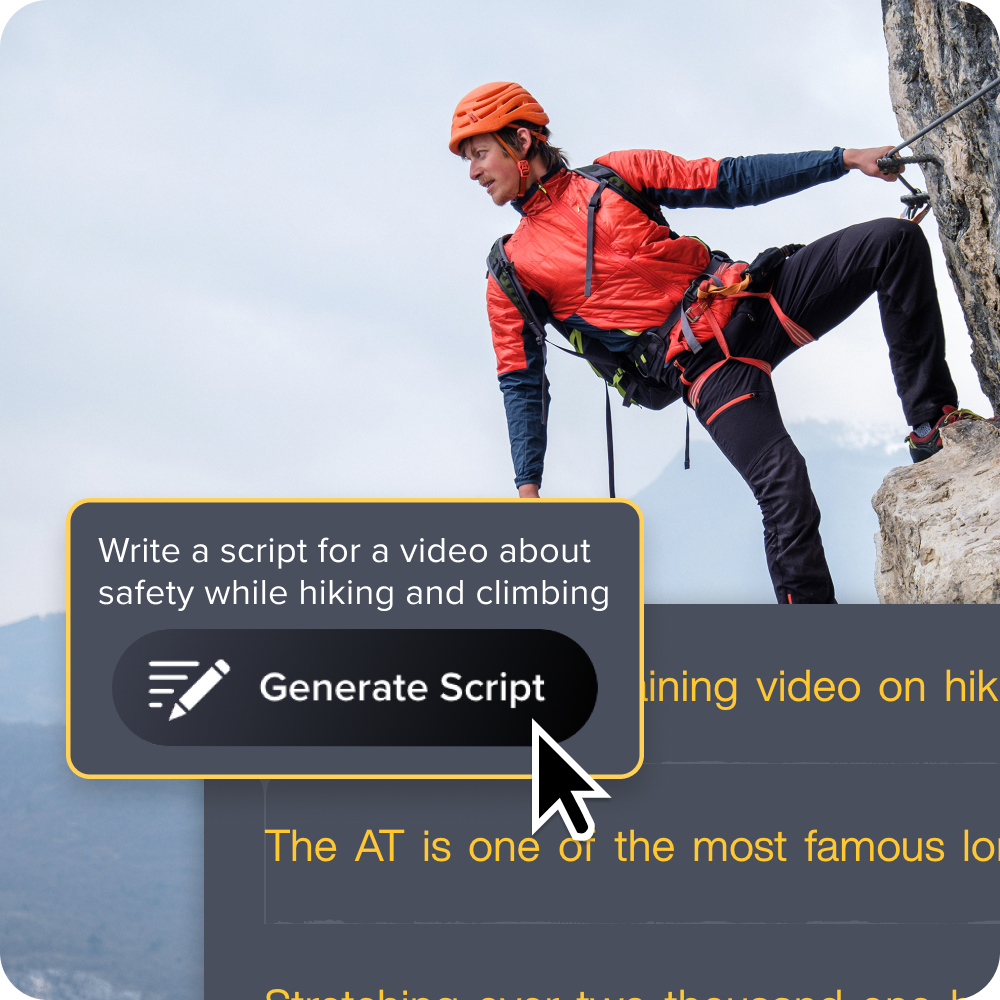
Flag AI-generated or AI-assisted script sections
Mark every AI-drafted paragraph, quiz prompt, title, summary, or translation before recording. The flag doesn’t need to be fancy (a simple comment in your script doc works). It just needs to be there so that a subject-matter expert knows what to scrutinize.
AI assistance also carries different levels of risk. Light grammar cleanup on a human-written draft needs fewer eyes than a fully generated explanation, scenario dialogue, or compliance example.
Your checklist should reflect that difference. Treating a grammar pass like a synthetic voice over wastes everyone’s time, while a generated scenario being treated like a grammar pass can cause things to go wrong quickly.
Stage 3: Editing and production controls
Editing choices impact compliance just as much as script choices. Teams need clear rules before they export. If a stakeholder flags something in review of a final version, that’s a lot of rework that could have been avoided.
The main concept here is risk tiering. Different AI features carry different disclosure obligations and review processes. Treating noise removal the same as an AI avatar can be overkill, but treating them equally in your log with different risk levels gives you a defensible record of every decision.
Identify synthetic media elements that require disclosure
Synthetic media means any AI voice over, avatar, translated narration, generated visual, or realistic alteration that viewers could reasonably mistake for human-created content. Could a learner assume this was produced by a real person? That’s the overall test.
Disclosure expectations rise when viewers are likely to assume authenticity, especially when synthetic presenters or realistic AI voices are involved. Our research on AI voices and avatars in training videos found that learners do form perceptions of credibility based on how AI-generated content is presented, making the disclosure question more than a box-checking exercise. It affects trust.
Instant lifelike AI voice over
No voice over? No problem. Audiate generates incredibly life-like voice over right from your script!
Get Audiate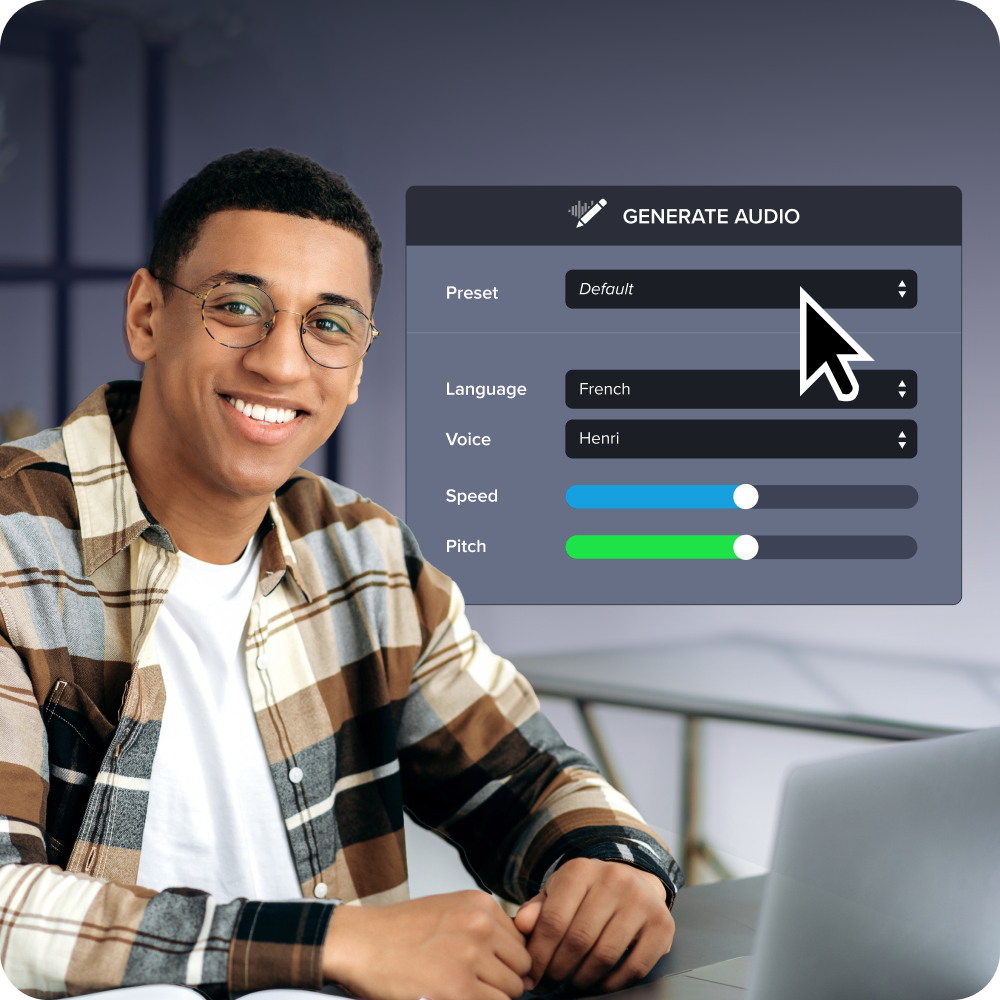
Stage 4: Disclosure placement in the finished video
Of course, disclosure can only work if learners can actually find it. Placement matters as much as wording. Maybe even more.
Most guidance covers what to disclose. The better question is where. And the answer should be in more than one place.
Opening title card or on-screen label
For higher-risk uses such as AI presenter, AI voice over, or AI-generated lesson text, add a clearly visible label before the content starts. Learners shouldn’t have to read the credits to know what they’re watching and how it was created.
Keep the language plain and brief. Something like, “This lesson uses an AI-generated voice over,” or “Lesson text was drafted with AI assistance and reviewed by [Name], [Role],” should be enough. It reads in five seconds and sets transparent expectations that build trust and credibility with the viewer.
End screen or closing credits
You can use the end screen for fuller detail. List the AI-assisted elements, confirm that human review was completed, and point learners toward course documentation or support if they have more questions.
Platform rules matter, too. YouTube requires creators to label realistic AI-altered content in video descriptions and, in some cases, with on-player notices. If you’re hosting training on YouTube (or, really, any platform with its own AI labeling fields), your internal disclosure record should match what you’ve submitted there. Inconsistency between the two can bring its own audit risk.
Stage 5: Documentation and sign-off before publishing
You’re close, but publishing isn’t the finish line. Teams need an audit trail that explains what happened and who approved it, not because you expect something to go wrong, but because when something does go wrong, documentation is what helps keep you protected.
And busy teams need that protection. Strong guidance from public health and scientific institutions, such as the CDC, recommends recording the use of recording tools, their purpose, and the human review steps for any AI-assisted content that eventually reaches an audience. Training content is no different, especially when it covers compliance topics, technical internal procedures, or regulated processes.
What a human review sign-off should include
Your sign-off record should capture reviewer name, role, date, approved version, AI tools used, factual accuracy check, bias check, accessibility check, disclosure status, and final decisions.
Caption and transcript review should get its own line item, as well. AI-generated accessibility assets often look finished before they’re checked for final accuracy. Names, technical terms, acronyms, and numbers are where automated captions most often fail, and where a viewer or auditor is most likely to notice. A human read-through of the transcript is a 10-minute investment that can prevent many problems later on.
Scaling AI compliance across a video production team
A checklist only helps if everyone on the team is using the same one. At that scale, consistency depends on standard inputs and standard proof. Don’t rely on the hope that each creator remembers or follows the right steps in the correct sequence.
Good AI governance covers the full lifecycle: map, measure, manage, and document. That means your checklist shouldn’t only touch publishing. It should be included in the planning, scripting, editing, and review phases, too. If it only shows up at the end, it becomes more of a formality than a control.
This is where a tool like Camtasia Screencast earns its place in the workflow. When SMEs, learning leads, and compliance reviewers can comment on a video in one place with timestamps, threaded replies, and a clear approval trail, you can get cleaner feedback and a built-in record of who reviewed what and when. That’s much more useful (and organized) than a chain of email attachments with version numbers and “final_final” in the file names.
Build your checklist once and use it every time you publish
You don’t need to aim for a picture-perfect compliance process. You just want to build a repeatable one. Differentiate roles clearly across your stack by using Camtasia Audiate for AI voice or transcription tasks, Camtasia Editor for controlled production edits, and Camtasia Screencast for review and sign-off. Each tool has a specific, defined place in the workflow, which means each stage of your checklist has a natural home.
If you want a framework for thinking about how AI-powered processes fit into training video production more broadly (beyond just the compliance side), the HUMAN framework for AI training videos is a useful companion to this checklist. It covers the strategic layer that gives the compliance steps their context.
Overly elaborate policies can ultimately bog your team down. Your team just needs a simple, clear process to streamline every video they produce. Camtasia gives you the production tools to create real-world training that’s clear, accurate, and grounded in what your subject-matter experts actually know.
Start building your workflow with Camtasia today.
FAQs
What AI tools used in training video production need to be disclosed?
Disclose any tool that created or substantially changed content learners see or hear, especially synthetic voices, avatars, translated narration, scripts, captions, and realistically altered footage. Lower risk edits, like background removal or noise cleanup, may still belong in your internal log even when learner disclosure is not necessary. Your checklist should tier risk by how easily the result could be mistaken for fully human content or real footage.
Where should AI disclosure language appear in a finished training video?
Place the clearest disclosure where learners will see it before confusion starts, usually on the opening title card or a visible label. Repeat it on the end screen, in the course description, in the LMS record, and in any platform field that asks about AI-altered content. If you publish on YouTube, match the video disclosure with the platform’s own labeling fields so your records stay consistent.
What documentation should L&D teams keep to prove AI compliance?
Keep a compliance package for each video: tool inventory, intended use, prompts or source files, disclosure text, version history, and approval dates. Add the human review record, including who checked accuracy, bias, accessibility, privacy, and brand alignment before publishing. This makes your AI compliance checklist for training videos easier to repeat, audit, and update as tools or policies change.
How do you conduct a human review of AI-generated training content before publishing?
Use a short review step after editing and before export, with one reviewer checking facts and another confirming policy, disclosure, and accessibility. Review captions, transcripts, and voice-overs separately, because automated results often look finished before they are actually accurate. Camtasia Screencast may help teams collect comments and approvals in one place, reducing missed feedback and providing a cleaner audit trail.
How do you audit which AI tools were used across a video production project?
Start by planning and listing every AI touchpoint: research, scripting, voice-over, captions, translation, visual generation, cleanup, and publishing labels. Then record the tool name, feature used, input datasets, output asset, reviewer, and final disclosure decision in one shared checklist. If a tool changes after publication, recheck the video, update the log, and confirm the existing disclosure still matches the finished asset.
Share