









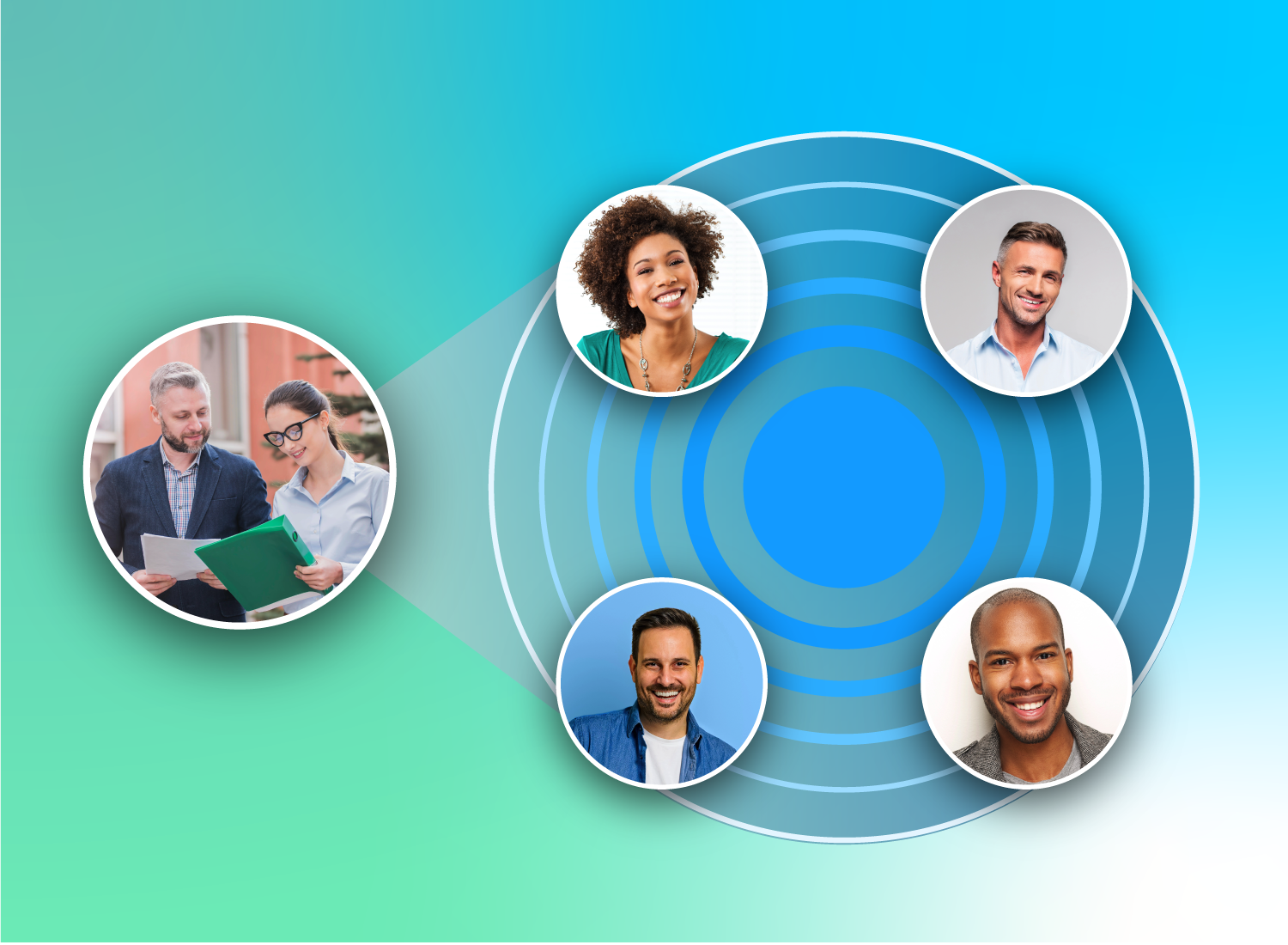
As your organization grows, you need an onboarding program that can adapt across roles, locations, tools, and timing.
This guide is informed by insights from Daniel Porta, Talent Acquisition Manager at TechSmith, who shares how scalable onboarding works in practice inside a growing, hybrid organization.
When onboarding is too rigid, it can’t keep up with change. A system may work for a short time and still break the moment a new tool is introduced, a workflow shifts, or the company changes how teams collaborate.
Scalable onboarding isn’t just about growth. It’s about building a system that flexes with your business. This guide also clarifies the difference between onboarding and orientation — often treated as the same thing, but not — and explains why that distinction matters when you’re trying to scale.
Key takeaways
- Scalable onboarding is about flexibility, not just handling more people at once.
- Engagement is usually the first thing that breaks when onboarding stops scaling.
- Rigid, “set-it-and-forget-it” programs fail because tools, benefits, and workflows change.
- The most scalable model combines shared guardrails with role-level ownership so hiring managers can tailor what matters.
Onboarding vs. orientation (and why the distinction matters)
The terms “onboarding” and “orientation” are often used interchangeably, but they serve different purposes. Onboarding is the broader, end-to-end process of getting someone set up to do their job well. Orientation is the structured “welcome and basics” moment within that larger journey.
Porta uses a simple analogy to explain the difference. Onboarding, he says, is “like getting onto a cruise ship.” There’s an entire process to board: checking your ticket, verifying your ID, and handing over your luggage. Orientation happens after you’re already onboard, when you attend the safety drill, find your cabin, and learn how the ship works.
Both are essential. But when they’re treated as the same thing, onboarding becomes a one-time event instead of a system that supports someone over time. Scalable programs account for both: a strong orientation moment and a longer onboarding experience that continues as the employee ramps into their role.
What scalable onboarding really means
When people hear “scalable,” they often think about volume. But focusing only on how many people you can onboard at once misses the point.
As Porta puts it, scalable onboarding isn’t just “few to many.” It should be able to “ebb and flow with the business needs.”
That means onboarding can adapt to real-world variables without breaking, like start dates, team workloads, work location, and role requirements.
Even for the same role, onboarding may look drastically different depending on timing. Someone who starts after a winter holiday will have a different experience than someone who joins during a busy quarter. In-office, hybrid, and remote employees also need different support. For global teams, location and department add another layer of variation.
Scalable onboarding works across all these conditions, not by standardizing everything, but by staying flexible where it matters.
The three types of scale to design for
Scaling looks different for every organization, and it isn’t always linear. To work in real life, onboarding needs to scale in three ways:
- Volume: Supports one new hire or many at the same time.
- Variation: Adapts to different roles, departments, locations, and start dates.
- Change: Stays current as software, workflows, payroll systems, and benefits evolve.
Many onboarding programs only plan for volume. Porta notes that onboarding breaks when it’s “stuck in the mud” and not revisited as the business changes.
Designing for all three makes onboarding more resilient and keeps new hires moving forward, even as priorities shift.
The mistake fast-growing companies should avoid
When an organization is growing quickly, onboarding can feel like a task to check off. That often leads teams to build one process for everyone — created once and rarely adjusted.
At first, it works. But as soon as something changes (like a new tool, workflow, or a shift in how people work), that system starts to break.
“Most are built with a set it and forget it mindset, and I think that’s a fatal flaw,” Porta explains.
Scalable onboarding requires ongoing care, not a one-time setup. That matters because only 12% of employees say their organization does a great job of onboarding. There’s a real opportunity to do better without starting over every time your business changes.
Why “too polished” becomes brittle
Flexibility matters more than perfection when building an onboarding program. High-production videos and polished presentations can look impressive, but they’re harder to update, and that slows teams down.
When priorities shift, onboarding content needs to change fast without technical roadblocks. Porta points to the COVID-19 pandemic as a moment when many companies “threw out their orientation manual” and had to rebuild overnight. There wasn’t time for advanced editing or multiple review cycles. The priority was sharing what people needed to know.
Porta makes it clear: “Don’t get it so fine-tuned, so polished.” Simple, relevant content is easier to update and easier to trust. Small imperfections also remind new hires that there are real people behind the process, not just systems.
A scalable structure: Guardrails plus ownership
Scalable onboarding works best when it combines structure with role-level ownership.
At TechSmith, HR helps create a shared onboarding framework, while hiring managers own how it’s adapted for their teams. That balance allows consistency without rigidity. Different teams use different tools — Microsoft Planner, Asana, or Trello — so managers adjust onboarding materials to match how their teams work. The structure stays the same, but the details change based on the role.
This model keeps onboarding relevant while still making it easy to maintain at scale.
Suggestive vs. required onboarding content
Some onboarding content should be required for every new hire, like payroll, benefits, and security compliance.
Beyond that, onboarding works best when much of the content is suggestive, not mandatory. This helps new hires feel supported without being overwhelmed by tasks that may not apply to their role.
“The hiring manager can pick and choose who they feel is important given the person’s role, impact, and influence within the organization,” Porta explains. “So it’s suggestive over required.”
Suggestive content might include people to meet, tools to explore, or optional resources. Hiring managers can choose what’s most relevant, and new hires can move through it in a way that helps them most. This approach keeps onboarding consistent while still giving teams room to adapt.
How to tailor onboarding without reinventing it
Onboarding should be customized to each role, but starting from scratch every time slows teams down. A shared template gives you consistency without locking you into one experience.
From there, managers adjust what matters (tools, links, and resources) based on the role and the person. The goal is relevance, not reinvention.
“I’m hiring a senior software engineer. I probably don’t need to cover how to use Microsoft Outlook. Now I’m hiring an entry-level intern. I may need to show them how to use Outlook and book calendar appointments. Why would that orientation look the same?”
When the right resources already exist, this kind of customization is easy and far more valuable for new hires.
Looking for professional screen recording software?
From simple screen captures to polished video editing, TechSmith has everything you need to create professional-quality content.
Learn More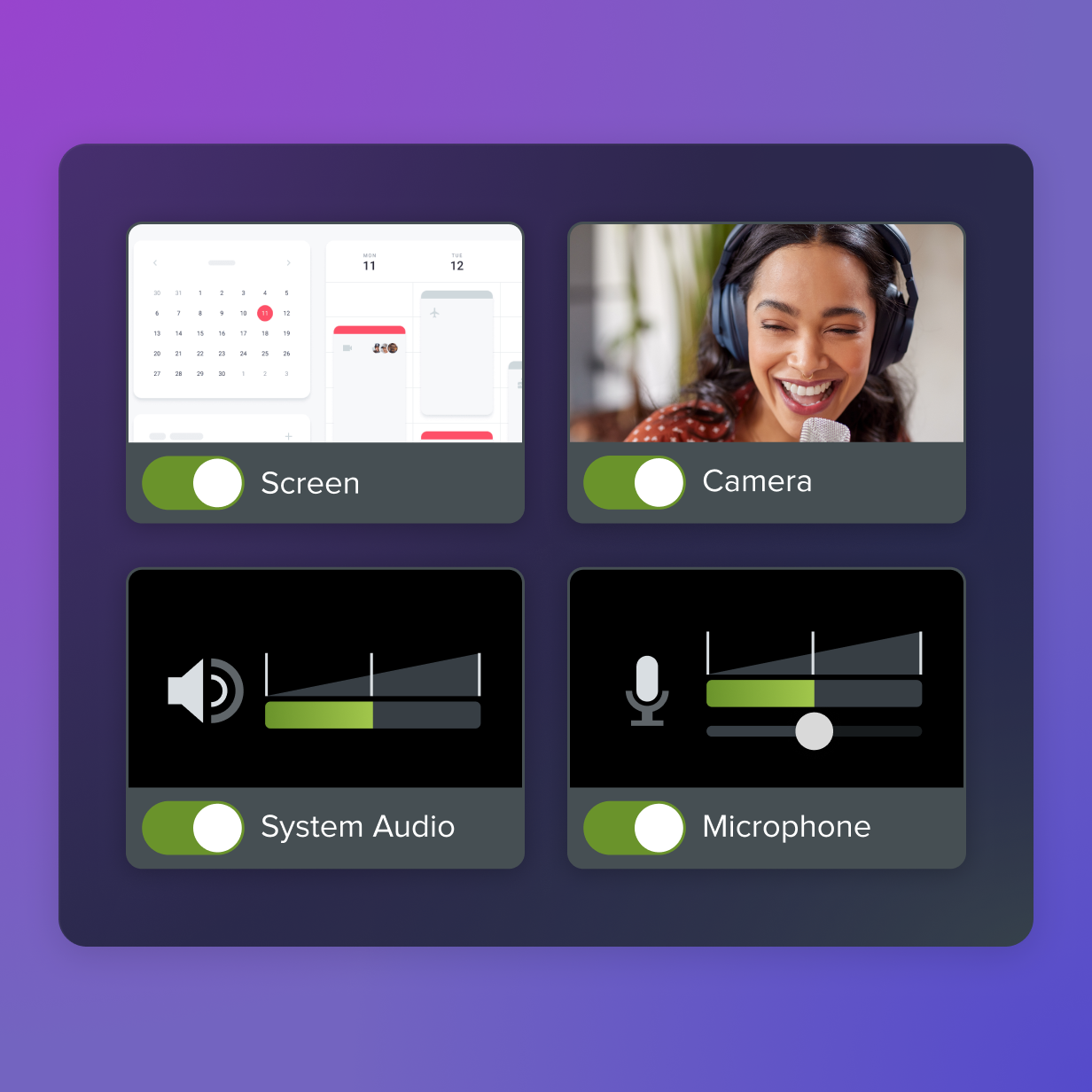
The first signs onboarding isn’t scaling well
Porta points out that “what tends to break first is somebody’s engagement.” When onboarding isn’t working, new employees feel lost and struggle to be productive. You’ll see it in repeated basic questions, low day-to-day engagement, or feedback about outdated instructions, dead links, or conflicting information.
These signals show up early — before performance issues do — which makes them a valuable warning sign.
The simplest monitoring habit: Check-ins + a quick audit
Regular check-ins are the easiest way to determine what’s working and what isn’t. Porta recommends two simple touchpoints: one at the one-week mark and another at one month.
During each check-in, review the onboarding materials together. Ask what was helpful, what was confusing, and whether anything feels outdated or unnecessary. Then make small updates right away so the content stays relevant for the next hire.
This habit helps keep onboarding effective, catches issues early, and shows new employees that their experience matters.
The risk of over-customizing (and what to do instead)
Customization helps, but too much of it wastes time on things that don’t matter. Not every part of onboarding needs to change for every new hire. Some information is foundational and can stay consistent, while other pieces should flex based on the role.
When you do customize, focus on speed and relevance, not polish. Porta emphasizes that “customization doesn’t mean perfection — it just means customized,” and warns that teams often “get lost in the razzle dazzle” instead of keeping content pertinent.
What works better is simple, human content that can be created and updated quickly. Short, simple videos are easier to maintain and often connect more effectively than high-production content.
Why video scales onboarding better than manuals or live sessions
In most cases, video is the fastest way to ramp new employees up, especially across different start dates, locations, and work models.
Porta explains that live sessions become hard to coordinate and expensive at scale, while written manuals are often the least engaging option. He compares them to “blowing the dust off the manual.” They exist, but no one wants to use them.
Video solves both problems. It’s reliable, reusable, and easy to personalize without heavy production. It also fits how people already learn. In fact, 73% of employees would rather watch a one-minute video than read an email.
Video onboarding also removes the scheduling friction of live sessions. New hires can learn on their own time, revisit content as needed, and retain more without relying on one-off meetings.
Live sessions still have a place, but video is what makes onboarding truly scalable.
The “one-two combo” that makes video even stronger
Live training sessions are valuable when new employees need to ask questions in real time or walk through a complex tool. But Porta recommends pairing those moments with a recording so the training becomes reusable.
New hires are often overloaded with information. As Porta puts it, a single walkthrough can include “well over 100 clicks in one hour,” and people can’t retain that. He notes that we already struggle to remember simple things like seven-digit phone numbers, which makes it even harder to hold onto complex workflows.
Recording the sessions turns them into on-demand training. Instead of relying on memory, new employees can revisit the steps when they need them, which builds confidence and reduces repeated questions.
When video is not the best tool (but still has a place)
Video is powerful, but it’s not the right tool for every onboarding interaction.
Porta notes that some interactions work better live, especially when the goal is connection rather than instruction. Team introductions, coaching, and relationship-building moments often feel more genuine in person or on other live video.
That said, video can still support these experiences. Recording walkthroughs or follow-up explanations gives new hires a way to revisit the information later, without replacing the human moments that matter most.
Simplify HR workflows with visual tools
Create clear, engaging training and documentation that helps your teams better understand company policies and processes.
Learn More
Where Camtasia and Camtasia Snagit fit in a scalable onboarding system
A scalable onboarding system needs both foundational content and flexible, role-specific guidance.
Camtasia Editor is best for cornerstone videos that stay relevant over time, such as company values, history, product overviews, or safety topics. These pieces benefit from a higher level of polish because they change infrequently.
Need to show your screen?
Skip the downloads. Use Camtasia online to record your screen, camera, and microphone right in your browser for free.
Start Recording
Camtasia Online is the faster, more flexible option for short, personalized walkthroughs. When a new hire needs to learn a specific tool or process, quick screen recordings are easier to create, share, and update.
As new hires dive into their daily workflows, quick step-by-step guides help keep them on track. Camtasia Snagit makes this process easy with AI-powered Step and Scrolling capture.
Create how-to guides in seconds with Snagit
Document any internal process as you do it. Step capture organizes the screenshots, numbers, and steps into a clear, shareable visual.
Learn More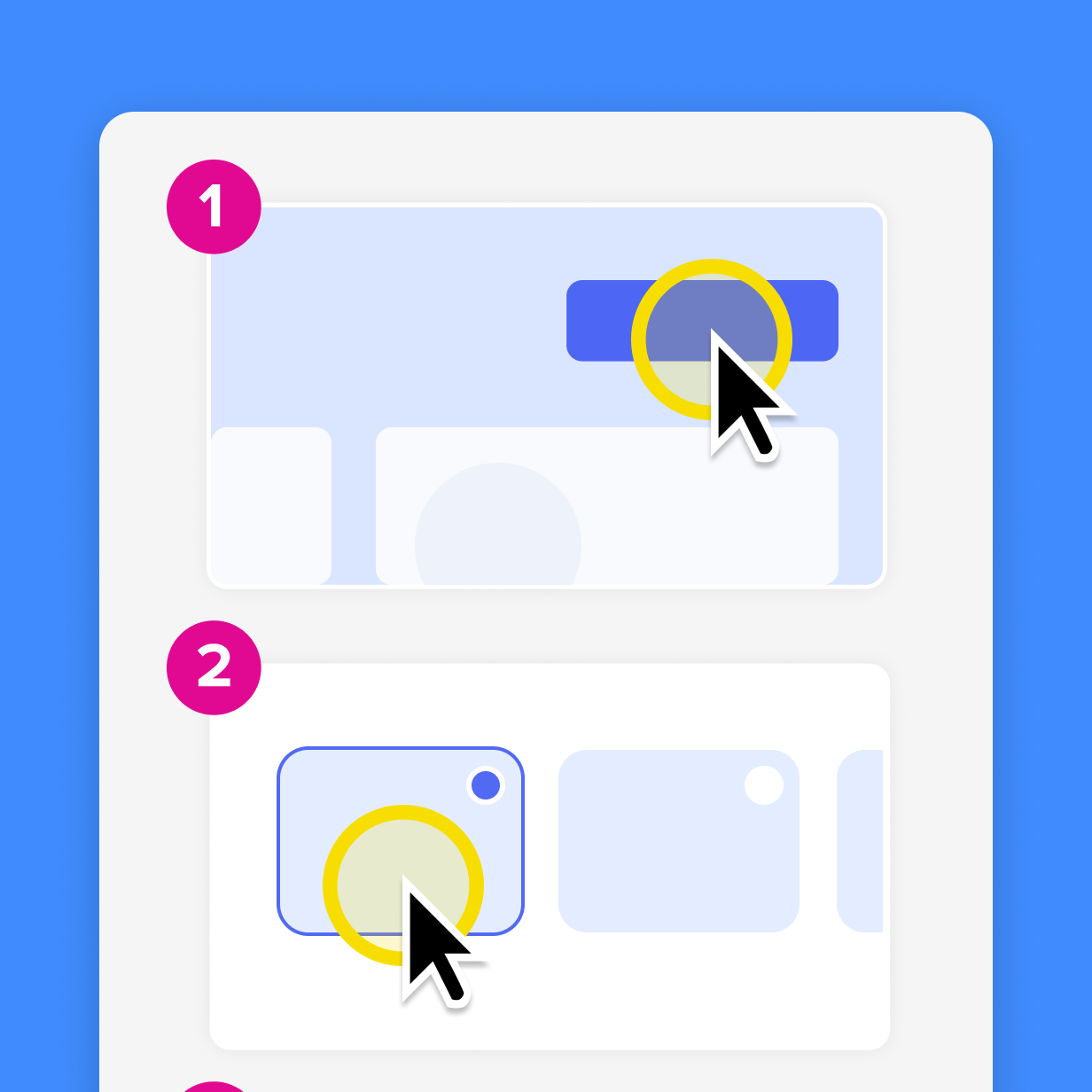
The key is using production intentionally and avoiding unnecessary complexity. Foundational content can be refined. Flexible content should stay simple and adaptable.
Scalable onboarding is a system, not a one-time program
Scalable onboarding is not about doing more onboarding faster. It’s about building a system that stays effective as people, roles, tools, and workflows change. Programs break when they become rigid. They scale when they are designed to flex across volume, variation, and change, while keeping a clear structure in place. That kind of system depends on content that is easy to create, update, and reuse.
Tools like Camtasia and Snagit support this model by making it simple to maintain foundational onboarding videos while quickly creating role-specific walkthroughs as needs change. When onboarding stays relevant and adaptable, new hires ramp faster, waste less time searching for answers, and feel more confident in their role — driving stronger engagement, performance, and retention.
If you’re ready to build onboarding content that can grow with your organization, explore Camtasia’s other screen capture and video tools.
FAQs
What does scalable employee onboarding mean?
Scalable onboarding means the program can flex as hiring volume, roles, tools, and work location change. It should work for one hire or twenty, and still work when systems, processes, or policies evolve. The goal is consistency without rigidity.
What is the difference between onboarding and orientation?
Orientation is the structured welcome and baseline overview, usually early. Onboarding is the broader process that helps someone ramp into their role over time, including role-specific training, relationships, and resources. Treating them as the same thing often leads to one-time programs that don’t scale.
What onboarding mistakes should fast-growing companies avoid?
Avoid building a rigid, set-it-and-forget-it onboarding experience. Growth brings constant change, so onboarding must be easy to update without breaking the whole program. A flexible framework with shared guardrails and manager ownership scales better.
What are the first signs an onboarding program is not scaling well?
Engagement usually drops first. New hires may feel lost, unsure where to find resources, or hesitant to ask questions. Outdated content — like dead links or instructions that reference tools you no longer use — is another early warning sign.
How do you customize onboarding without wasting time?
Focus on relevance, not production value. Short, clear, human videos and role-specific resources often outperform overly polished content that takes too long to create and update. Standardize what must be consistent and personalize what helps someone succeed in a specific role.
Is video always the best way to deliver onboarding?
Not always. Some introductions and coaching moments are better live or in person when possible. Video still plays an important role because it can capture training once, preserve it as an on-demand resource, and support hybrid and remote onboarding without heavy coordination.
Share