










You clear your throat, hit record, and dive into your script. Thirty minutes later, you’re on take 15, your voice is getting hoarse, and you’re considering whether it’s time to enlist some outside help for your training videos.
If this is your experience, you’re in good company! Recording your own voice overs is how most of us get started, and there’s nothing wrong with that approach.
But if you’ve ever listened to your recordings and wondered whether a pro voice actor would take them to the next level, you’re thinking like a smart content creator. Great narration keeps learners hooked so they can better absorb what you’re teaching them.
Maybe your training program is growing, and you need a consistent sound across modules. Or you might be creating customer-focused content that needs a little more polish. Either way, this guide will walk you through how to find the right voice actor for your needs, without all the stress and wasted time.
Why voice actors improve training outcomes
Before we get into the recruiting process, let’s take a minute to clear up one common misconception: that voice actors are only useful for making your content sound more professional.
While the right voice over does enhance professionalism and quality, that boost also leads to some impressive benefits for learners, like:
- Increased engagement: Poor audio quality or monotone delivery can cause minds to wander, but high-quality audio and clear, well-paced narration improve memory recall because our brains don’t have to work so hard to interpret the information.
- Consistency: If you’re making a series of training videos, hearing the same voice throughout builds familiarity and trust with listeners. They don’t have to adjust to new speaking patterns or audio quality every time they start a new module.
- Accessibility: When paired with captions or transcripts, clear narration makes your content more accessible to diverse learners. This is a must for companies that are training global teams or need to meet accessibility standards.
- Comprehension and cultural fit: For multi-language or global training programs, you should pace content for different audiences and adjust your delivery to match regional communication styles. Skilled voice actors know exactly how to do that.
When to consider hiring a voice actor instead of recording yourself
Not every project needs a professional voice actor, but here’s when it makes sense to bring in a pro:
- You’re producing training content at scale: When you need to add a ton of new modules to your employee training library, professional voice over talent will save you time and ensure consistency.
- Your videos are customer- or executive-facing: Professional narration gives your training content more credibility and polish, and if you’re trying to impress an external audience or leadership, those things matter.
- You need multiple language versions: Voice actors can help you move into international markets with native speakers who understand cultural nuances and pronunciation.
- Your time or in-house audio quality is limited: Without the right equipment, you can spend countless, frustrating hours trying to get clean recordings. Hiring is often more efficient and cost-effective. Expect to pay $200–$500 per hour for someone experienced.
That said, voice acting is a skill that takes training, experience, and the right equipment, so it’s important to think of it as an investment in quality and, ultimately, learning outcomes. Plus, learning how to direct voice talent will make you a stronger content producer over time — a win-win.
Step-by-step guide to hiring the right voice talent
Here’s a no-fluff, repeatable process that will help you feel confident and in control, even if it’s your first time hiring voice talent.
Step 1: Define the voice you need
Before you start browsing voice over actors, know what you need. Consider your audience, your message tone, and your content type.
- First, think about the age range, professional roles, and geographic regions of your learners. A voice that works for software developers might not click with customer service representatives.
- Next, set your tone. Do you need a friendly, conversational tone, or one that’s authoritative and instructional? Make sure the tone matches your content and company culture.
- You’ll also want to consider your content type. Technical training needs different pacing than sales training or compliance modules.
Here’s a helpful framework for matching video qualities to training types:
| Training Type | Ideal Voice Quality | Pace | Energy Level | Common Mistakes |
| Technical/Software | Clear, patient | Moderate | Calm, steady | Too fast, assuming knowledge |
| Sales Training | Confident, warm | Dynamic | High, motivating | Over-enthusiastic, pushy |
| Compliance | Professional, serious | Deliberate | Measured | Monotone, robotic |
| Soft Skills | Conversational, friendly | Natural | Engaging | Too casual, unprofessional |
Think beyond accent or gender, evaluating pace, emotion, and clarity. If you’re not sure what you need, try recording a sample section of the training yourself and note what’s missing. Those gaps can become your brief for the voice actor.
Step 2: Write a clear, friendly job description
You don’t have to write a lengthy job description, but it should include the essential details:
- Script length and estimated word count, which impact pricing and timeline
- Intended audience and tone
- Timeline and usage rights (internal-only, public, international distribution)
- Delivery format (MP3, WAV, or other specifications)
If you can, link to example videos or provide a few sample lines with notes on tone. This will give voice actors a better sense of your expectations and help them decide if they’re a good fit.
Pro tip: Before you post the job description, prep your scripts using a tool like Camtasia to test voice over timing and flow.
If you can edit a doc, you can edit a video
Stop fearing the timeline. Camtasia Audiate transcribes your recording so you can edit your video just by editing the text.
Free Download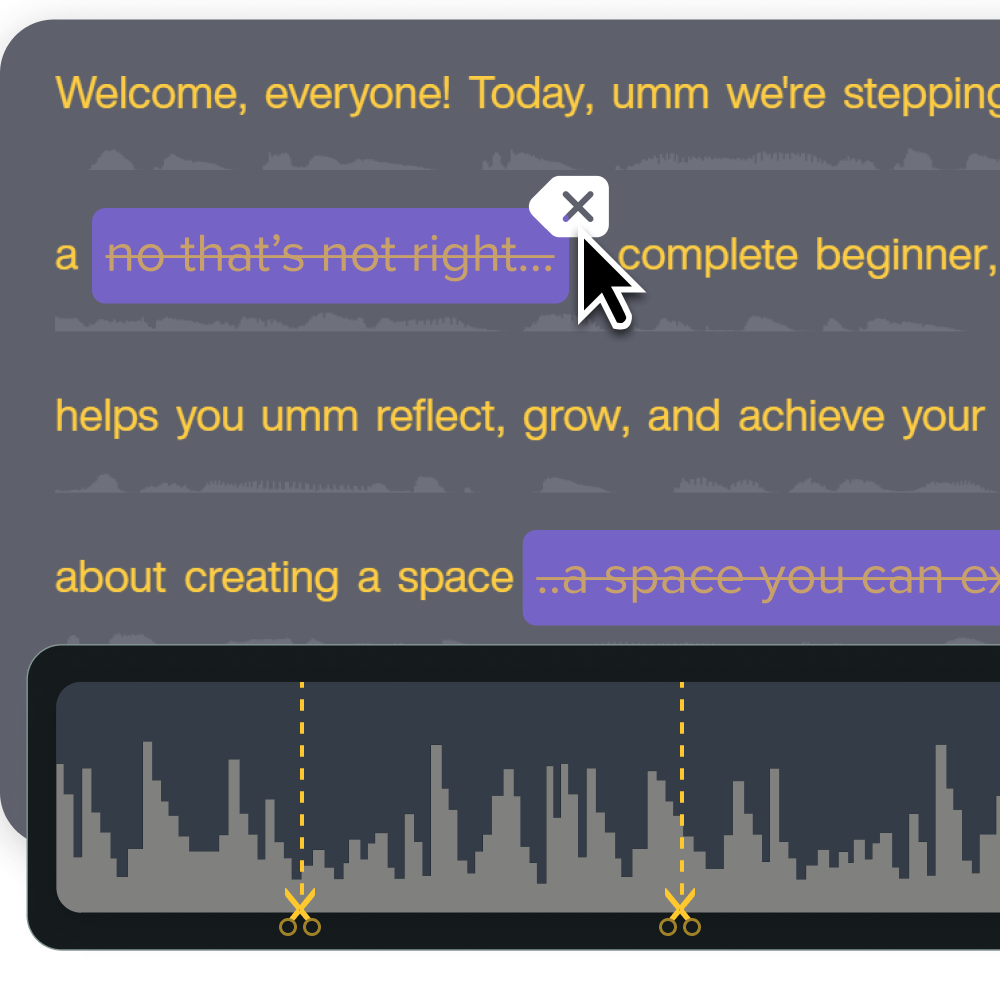
Step 3: Find voice actors
You can always post your voice over job on a general site like LinkedIn or Indeed, but you might end up with tons of applicants to sift through to find a few hidden gems. So it’s typically easier to use a dedicated resource.
- Online marketplaces like Voices.com, Voice123, or Fiverr Pro offer speed and flexibility. You can browse voice over work, compare rates, and often get fast turnaround. The only downsides are that you’re competing with lots of other clients, and quality varies, so you’ll need careful vetting.
- Talent agencies work well for larger projects that need polish and support. They handle the vetting process and can provide backup options if your first choice doesn’t work out. You’ll pay more but get more hands-on help.
- Local talent pools or referrals are great for ongoing partnerships. If you plan to produce content regularly, building relationships with local talent and freelancers can lead to better rates and collaboration.
Make the final call based on your project scope, budget, and support needs.
Step 4: Request custom auditions
Portfolio samples are nice, but don’t stop there. Ask for custom auditions using your content. This is pretty normal in the voice over industry, so you don’t feel like you’re overstepping by asking. Just give the voice actor a short sample script (2–3 lines that represent your typical content) and ask them to deliver it naturally.
Let Audiate write your script!
No more blank pages! Instantly generate amazing, customizable scripts in any length, tone, and style!
Get Audiate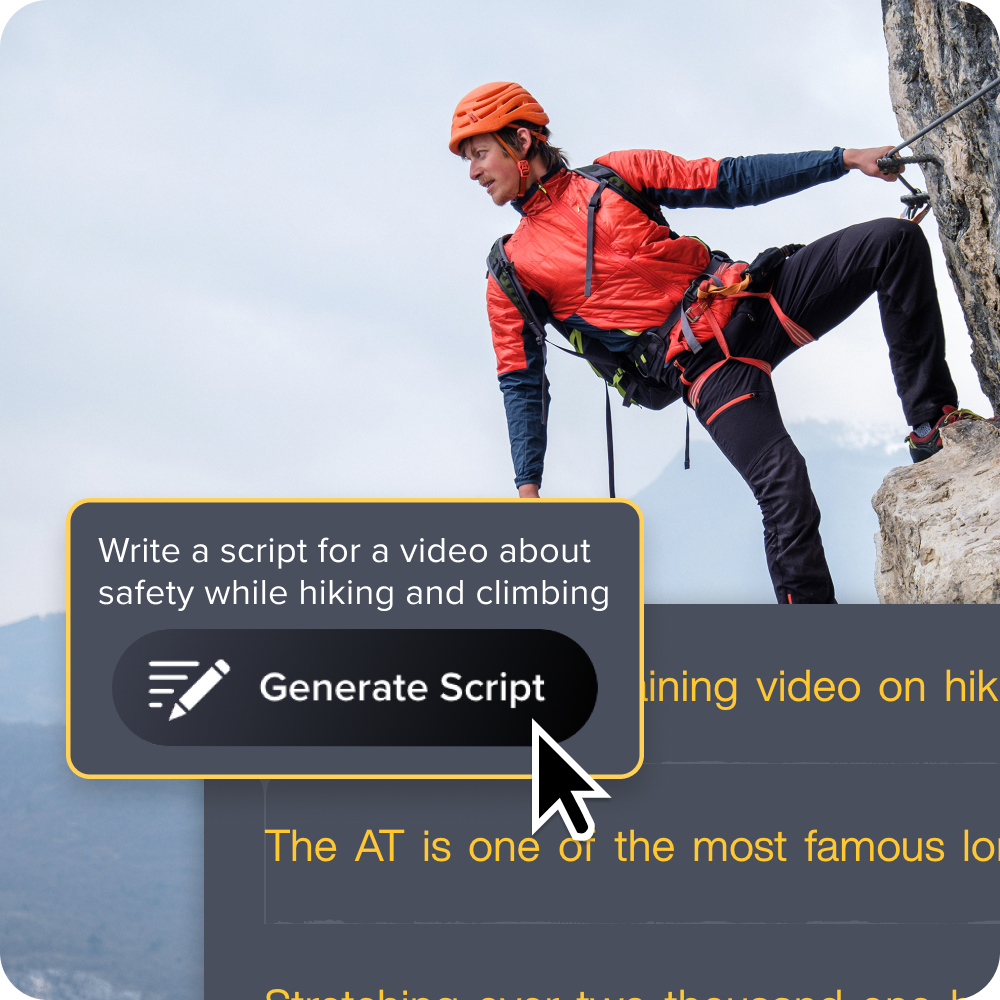
Get a few different takes so you can see their range, and be sure to let them know that you’re only using the sample to decide if they’re a good fit. It shows you respect their time and work, and it can build trust with voice actors who have been burned before by clients who used samples without paying for them.
Step 5: Evaluate demos with learners in mind
As you listen to each audition, focus on the elements that will make your training better:
- Clarity and diction: Can you understand every word?
- Natural pacing: Does it feel rushed or forced, or does it give listeners time to process information?
- Emotional match: Does the tone fit your training content and culture?
- Vocal fatigue: Can this voice hold attention over a 20- to 30-minute training module?
Grab a pair of headphones and listen in different environments. Your learners might listen on their laptop speakers, phone speakers, or in loud offices, and you want to give them solid options.
Speaking of options, if you’re looking for more consistency than DIY voice recordings allow, but you’re on a tight budget, check out Camtasia. With AI voice generation through Audiate, Camtasia is a great middle-ground solution for projects where you need to keep costs low without sacrificing quality.
Instant lifelike AI voice over
No voice over? No problem. Audiate generates incredibly life-like voice over right from your script!
Get Audiate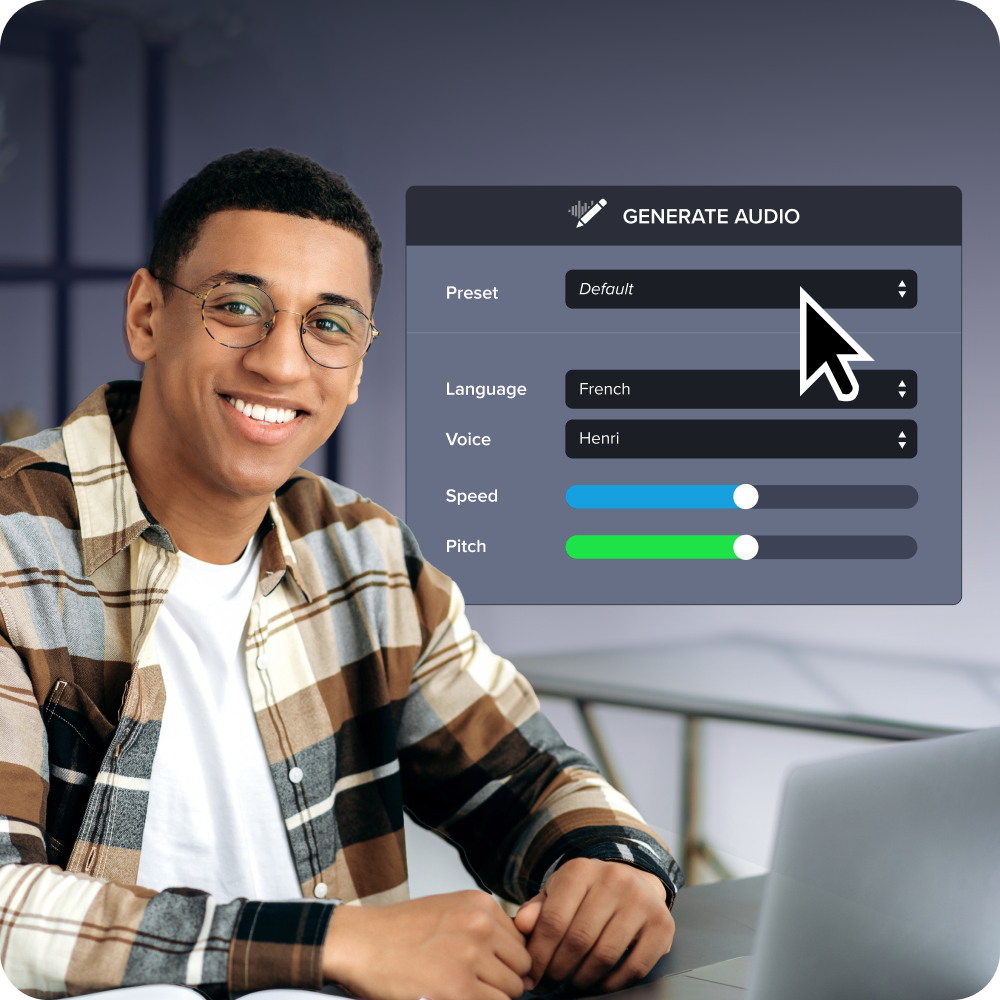
Step 6: Communicate clearly and collaboratively
Once you’ve picked your voice actor, a little pre-production work can set up your project for success.
- Send a final script with pronunciation guides for technical terms, acronyms, or brand names. Include context that might help with delivery. For example, let the voice actor know when they need to take it slow in a tough section.
- When you give feedback, be specific and respectful. Instead of “You didn’t read this right,” try “Could you slow down in the first paragraph and add a pause after the key definition?”
- Build one or two rounds of revisions into your agreement. This saves you from awkward conversations later when you need something changed.
Essential qualities to look for in a voice over artist for eLearning materials
We talked about the benefits that a professional voice actor can bring to your learning outcomes, but the catch is that it takes a specific set of skills to really bring the training to life. A nice voice is great, but you’ll also need a voice over artist with:
Technical proficiency
Look for voice actors who show:
- Consistent audio levels throughout recordings: Professional voice actors know how to maintain consistent volume and tone, so learners don’t have to constantly adjust their audio.
- Clean editing with no audible breaths or mouth sounds: This seems minor, but distracting noises can pull learners out of the flow and reduce learning.
- Ability to match previous recordings for series consistency: If you’re creating multiple modules, you need someone who can recreate the same audio quality and delivery style weeks or months later.
- Professional home studio for reliable quality: Ask about their recording setup and equipment. You want someone who can deliver broadcast-quality audio consistently, and that takes a soundproof environment and pro-level tools.
Learning-focused delivery
The top eLearning voice actors understand how to support learning outcomes and have a natural ability to:
- Emphasize key concepts without over-dramatization: They can guide attention to important information without sounding theatrical or fake.
- Know when to slow down or speed up: Different types of content require different pacing. For example, technical explanations need more time for processing than motivational content.
- Transition clearly between topics: Good voice actors can signal topic changes and help learners follow the logical flow of content.
- Make technical content conversational: Even complex or dry material should feel more personal and engaging than someone just reading from a manual.
Professional reliability
Training production schedules are often tight, so you need someone who can reliably:
- Hit deadlines without reminders: They get that you have a lot of moving pieces to coordinate for your voice over project and won’t leave you chasing down deliverables.
- Respond quickly to revision requests: Quick turnarounds keep your project on track.
- Keep their files organized: They can easily send you different versions or pick up where they left off if you need additions.
- Send files in requested formats: The assets they deliver integrate smoothly into your production workflow.
Adaptive skills
The best voice actors can easily adapt to accommodate each project’s unique needs. That might mean:
- Adjusting tone for different audience levels: They can jump effortlessly between explainer videos for beginners to advanced concepts for pros.
- Using pronunciation guides effectively: They take the time to learn your company-specific terms and technical language for a clean, consistent final product.
- Taking direction without getting defensive: They see feedback as part of creating the best possible learning experience.
- Offering improvements based on experience: Experienced eLearning voice actors can even catch potential issues and suggest alternatives that will improve comprehension.
Start hiring voice talent with confidence
There’s no shame in admitting you can’t do it all yourself. Sometimes, bringing in a pro is exactly what your training needs. You don’t have to know the ins and outs of audio production to make a good hire — just focus on what will help your people learn better.
Not sure if it’s time to bring in help? Review your current training content and honestly ask yourself if it would be more effective with professional narration. Would more consistency help learners stay engaged? Could clearer audio help people follow along when you’re explaining complicated ideas?
Hiring professional voice talent is an investment, but it delivers a great ROI. People pay attention, your message comes across clearly, and your training feels polished and professional.
Check out TechSmith’s full toolkit to start creating professional training videos people actually want to watch.
Share