









Picture this: You create an onboarding tutorial or educational video with killer visuals and what you think is a pretty captivating audio, only to listen back and find out it’s quite the opposite.
This is more common than you might think. The truth is, sounding natural, clear, and confident on mic, especially if you’re not a voice actor or a trained professional, can be challenging. But it’s not impossible.
If you’re a trainer, educator, or other professional who needs to create voice overs for your work but has no idea how to record great audio, you’ve come to the right place. Read on for 10 video pre-production, production, and post-production tips for better audio.
Why voice over quality matters more than you think
Whether you’re making a screen recording, creating an eLearning module, or recording a YouTube video, the quality of your voice over is just as important as your visuals. In fact, some professionals argue that your audio quality is more important. The reason? While viewers can look away from subpar visuals, it’s harder to ignore poor audio quality.
Here’s more on why voice over quality matters:
- Some viewers associate good audio with high-quality content.
- Natural, clear delivery keeps people listening, which can boost engagement, comprehension, and retention.
- A warm tone helps build an emotional connection with your audience.
- Good audio reduces learner fatigue and makes it easier for them to follow content.
- Good enunciation can enhance your video’s accessibility for non-native speakers, people with hearing challenges, or those who listen to videos while doing other things.
On the other hand, voice over problems, like poor pacing, awkward pauses, background noise, and uneven volumes, can:
- Be distracting
- Affect your video’s credibility
- Cause people to tune out
With Camtasia’s Audiate, you can easily record voice overs within video projects as well as edit your audio as text rather than nondescript sound waves. You can also remove background noise, control your audio speed for quality control, or even use AI narration if you’re shy or in a hurry.
Instant lifelike AI voice over
No voice over? No problem. Audiate generates incredibly life-like voice over right from your script!
Get Audiate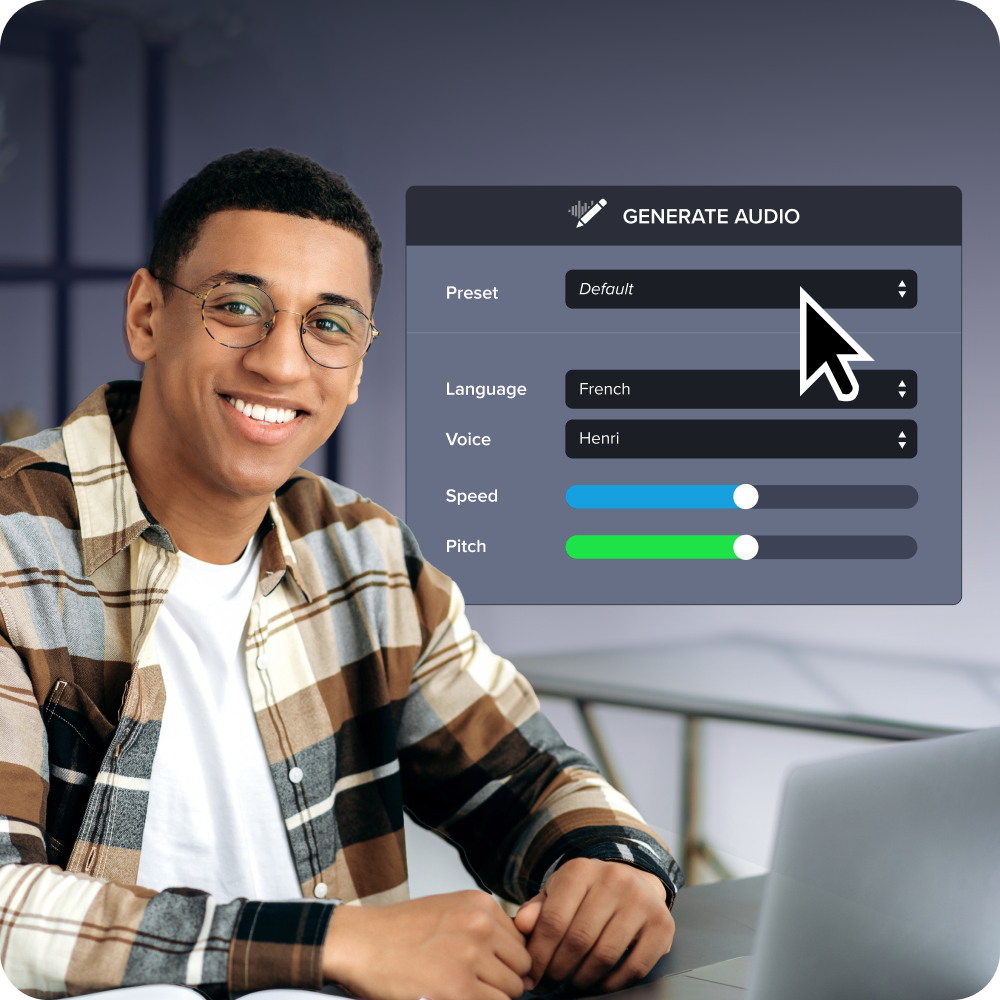
10 professional voice over strategies anyone can use
Ready to put your recording shoes on? You don’t need an expensive mic or a recording booth to get started or sound good.
Here are 10 practical, beginner-friendly strategies that can help you when recording voice overs from your home studio, the office, or a professional recording studio:
1. Warm up your voice before recording
Even the best singers and actors don’t get in front of the mic cold — they often start with vocal warm-up sessions. Warm-ups wake up your breathing, reduce vocal tension, and enhance your articulation, which could improve your tone and sound clarity. They can also allow you to record for longer without straining your vocals.
Here are some excellent exercises that can take your vocals from cold to warm:
- Humming: Find a simple melody and slide from low to medium pitch.
- Lip trills: Make “brr” sounds with your lips.
- Tongue twisters: Practice your pronunciation with phrases like “She sells seashells by the seashore.”
- Yawn-sigh: Yawn, then sigh with your mouth closed.
Warming up loosens your vocal cords and mentally prepares you for your presentation. It can boost your confidence, helping you give a seamless and expressive read.
2. Sit or stand with good posture
Posture and voice over quality: Not phrases you expect in the same sentence. But your posture is more impactful than you may realize, especially when recording long voice overs.
If you have a slouched posture, your throat and lungs will likely be compressed, which can affect your breathing. Since voice overs require a lot of breath control, this can impact the quality of your recording.
For a clear and open sound, sit or stand upright during your recording sessions. Keep your chest open, your shoulders relaxed, and your spine straight. If you’re unsure whether you have the right posture, stand with your back against a wall for a few seconds, and try to recreate that alignment when recording.
3. Match your tone to the topic
Can you imagine watching a product tutorial being told like a bedtime story? Probably not.
While your tone may not be the first thing that comes to mind when recording your voice over, it can determine whether your target audience views your video as credible.
So, consider your topic and audience and note the kind of vibe you need before recording. You could jot down “calm and reassuring” for a compliance training video, “warm and inviting” for a welcome video, and “formal and informative” for an investor presentation.
4. Pace yourself
Nerves can cause you to read too fast or too slowly, neither of which is ideal. Fast pacing could result in missed details, while slow pacing could make your video monotonous.
Find a middle ground when recording your audio to promote comprehension and maintain viewers’ attention. Also, use intentional pauses to give viewers time to process ideas before moving to new ones.
A great strategy is to record your voice over and then play it back. If you find your mind straying or have trouble catching what you’re saying, redo your recording at a faster or slower pace.
Alternatively, you could take advantage of tools like Camtasia to edit your pace. With Camtasia, you can tighten slow sections or edit out long pauses post-production.
5. Practice cold reads and script markups
Mark up your script, highlighting which words to emphasize and where to pause. Then, run a few cold reads before recording your “final” version.
Markups serve as roadmaps to help you sound less robotic and more human, while cold reads give you a feel of your script, which can promote natural, conversational delivery.
When using Camtasia, you can practice cold-reads and record them while previewing your script on-screen. This lets you become familiar with your script and helps you practice the presentation rather than simply reading from the screen.
Let Audiate write your script!
No more blank pages! Instantly generate amazing, customizable scripts in any length, tone, and style!
Get Audiate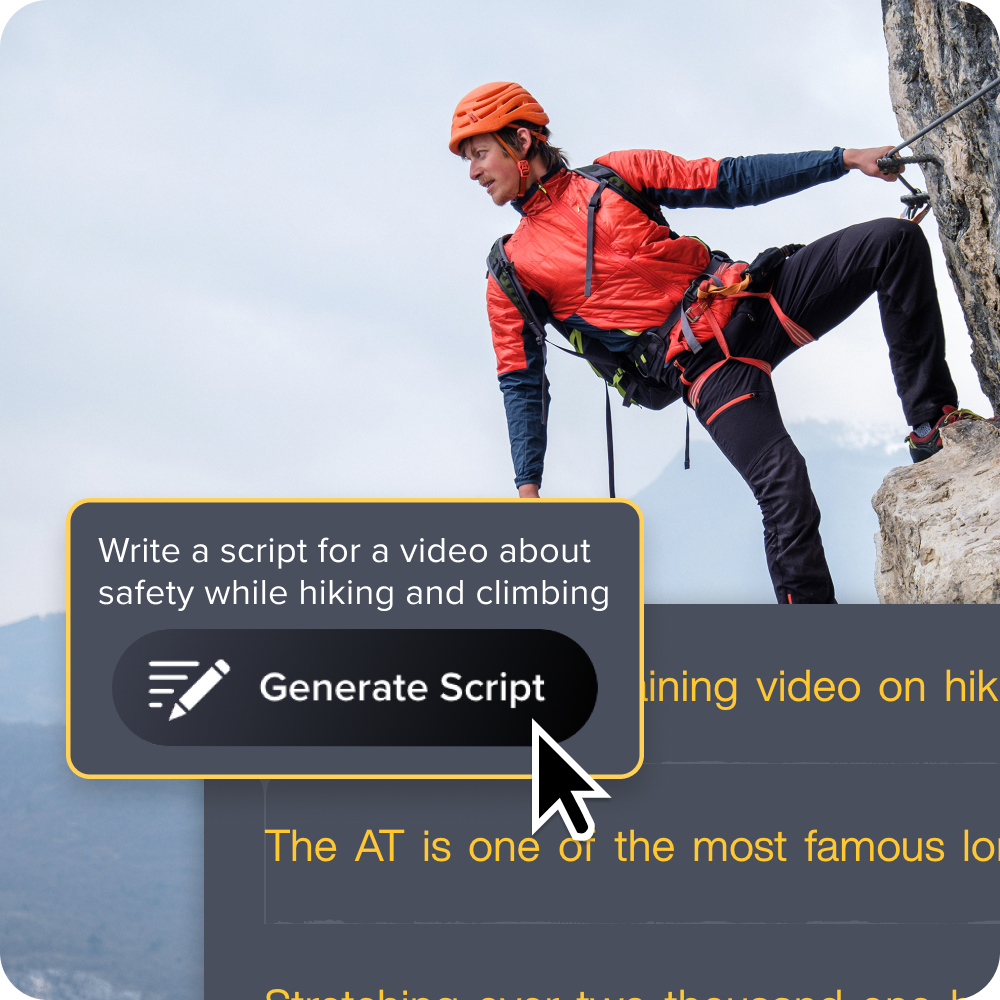
6. Record in short sections
While it may be tempting to record your entire script at once, this might be a mistake, especially if it’s your first time making a voice over recording.
Break your script up into short sections, record your voice overs, and play them back, paying attention to everything from your audibility to your pacing. Plus, recording in smaller chunks makes editing easier, as you don’t have to redo an entire video if you make a mistake.
Chunking like this also prevents vocal fatigue, which is especially helpful when recording voice overs for lengthy or complex content.
7. Eliminate filler words and stumbles
It’s completely normal to fumble through your words or use filler words when making voice overs. The mistake would be to leave them in your final recording.
Play your voice over, listening for verbal stumbles or fillers like “um,” “uh,” or “you know.” Then, remove them and re-record affected sessions, if necessary, to improve flow. This should be relatively easy to do with Audiate, as it automatically detects filler words and allows you to edit pauses.
8. Improve your mic technique
Even with the best script, tone, and pacing, your voice over may not hit as intended without proper mic technique. For high-quality voice capture:
- Place your mic 6–12 inches from your mouth. If it’s too close, it may record air puffs and unwanted mouth noises; if it’s too far, you may be inaudible.
- Position the mic a little off-center to avoid plosives from sounds like “b.”
- Use a pop filter to eliminate popping sounds when speaking into your mic.
- Soundproof your recording space to limit background noise. You don’t need to go all out for this — hang a thick rug on your walls, add soft furniture like a couch to your recording area, and block noise that may enter through your door’s crack by using a towel.
Also, consider investing in a mid-range USB mic to improve clarity. But if you’re in a hurry, you could use your smartphone’s or desktop’s built-in mic and clean up your audio later with Audiate.
9. Edit with intention
Once you record your voice over, give it a post-production polish by removing background noise, reducing long pauses, eliminating filler words, and boosting quiet sections.
Camtasia allows both text-based and waveform editing, which can help you level audio, remove filler and background noise, and eliminate errors like lip smacks. You can also remove unnecessary breaths and cut out abnormally long pauses to create a clear and professional voice over — all without relying on any external software.
If you can edit a doc, you can edit a video
Stop fearing the timeline. Camtasia Audiate transcribes your recording so you can edit your video just by editing the text.
Free Download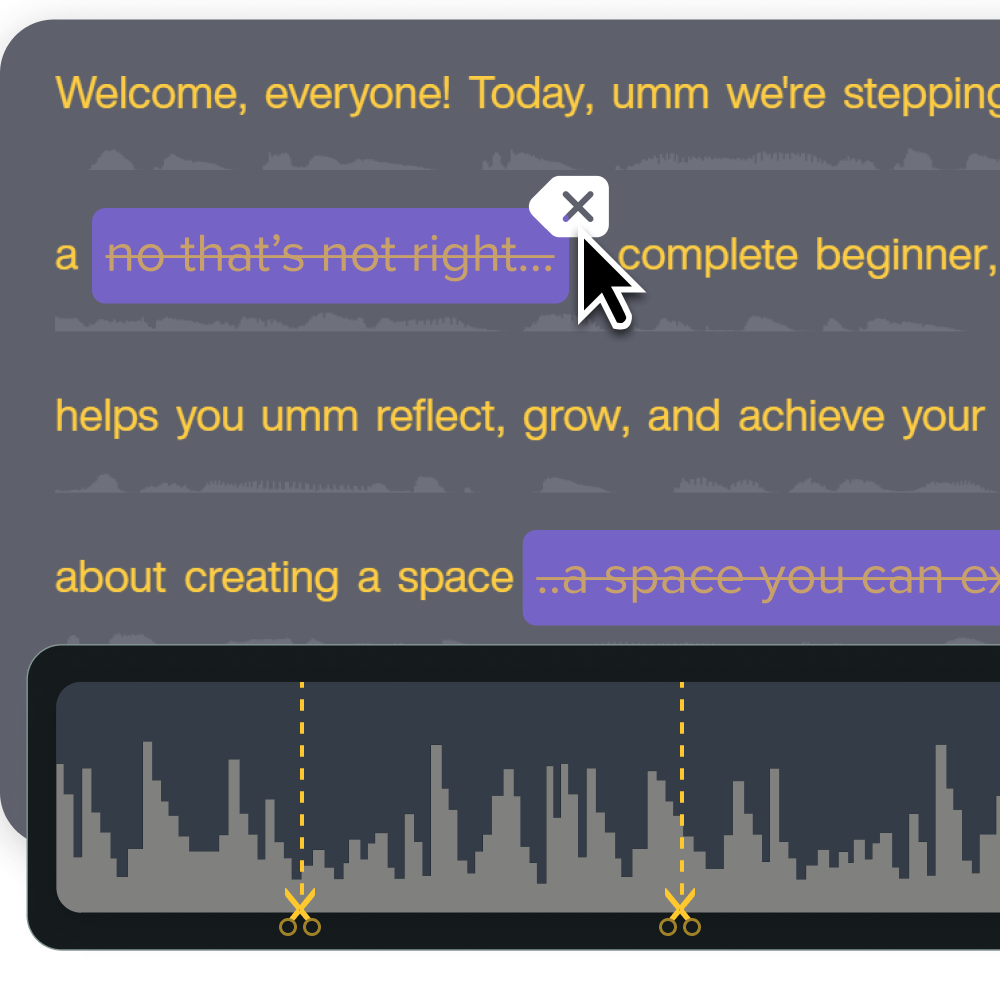
10. Keep practicing and listening back
The truth is, improvement takes time. So, be patient with yourself and continue with your voice over training.
Regularly record drafts (implementing the strategies we’ve discussed here), play them back, and edit them. You don’t need to create entire scripts for your voice acting classes or sessions — work with short scripts or re-record old videos.
Also, compare recent drafts and past projects to track your progress. This can serve as motivation to continue improving yourself.
Remember not to be too hard on yourself when analyzing voice overs. The goal is to continually improve, not to perfect, your recordings in just a few sessions.
How to make your voice over sound more like professional voice acting
With voice acting tips, practice, and the right tools, you don’t need to hire a professional voice over artist for your videos. Here are some techniques that can help you sound just like a professional:
- Make vocal variety your best friend: Change your pitch, tone, and speed like you would in a real conversation to keep listeners engaged.
- Interpret your script before hitting record: Understand the ins and outs of your script so you can land every word or phrase like you would in a typical conversation.
- Practice your breathwork: Do breathing exercises so you can time your breathing to match natural pauses in your recording.
- Connect emotionally with your script and audience: If your script is warm, like a welcome video script, smile as you talk to convey the emotion behind your words.
- Picture your audience: Imagine you’re speaking directly to your target audience and tailor your energy to align with your relationship and purpose for the video.
- Keep your energy consistent: Start strong and end strong to maintain audience interest throughout your video.
- Show a bit of your personality: Give your script life by showing aspects of your personality. For example, you could sneak in a little laugh when telling something funny.
Nobody is born a professional voice actor. Voice acting is a learned skill you can acquire with patience and practice.
Start improving your voice over skills today
Your voice over is just as important as your video quality. Fortunately, you can improve your voice acting skills with regular practice and the right tools. Pick a few tips from our list to try immediately and do a cold read to see the difference.
With TechSmith’s Camtasia, you can easily record and refine voice overs regardless of your audio engineering experience. We allow both waveform and text-based editing, giving you complete control over how you create your final audio recording.
We also offer an AI voice generator if you don’t want to use your own voice. It lets you pick different voices and adjust their tone and speed to align with your needs. Get started with TechSmith today to improve your voice over quality!
Share