









Delivering employee training is just the beginning. The real impact happens when teams dig deeper to understand how engaged their employees are with said training. Why? Well, employee engagement isn’t just a nice-to-have performance metric; it’s a critical signal of how effective your training programs actually are.
Especially when looking at asynchronous learning, video-based training materials and other self-paced formats that measure simple completion rates doesn’t cut it anymore. Teams need visibility into engagement levels so you can understand how they learn.
Employee training engagement is how actively learners interact with training content. To measure employee training engagement, look at signals like watch time, completion rate, replays, quiz participation, navigation behavior, and feedback.
Let’s dive into why measuring training engagement is a must-have for modern training initiatives, what metrics matter most, and how you can use those insights to make data-driven decisions that turn into better training that improves employee performance down the line.
Key Takeaways
- Training engagement is an early signal of whether learners are connecting with the material.
- The most useful measures on this page are watch time, completion rate, replay behavior, quiz participation, chapter navigation, and feedback.
- In order to improve engagement you often have to modify videos, adjust pacing, and add clearer visuals or examples.
Why training engagement matters
Employee engagement during training is a powerful predictor of long-term knowledge retention, behavior change, and improved business outcomes. When learners actively participate, it shows the material is resonating with them and their work.
On the flip side, low engagement levels often flag potential problems. Maybe the content is too long, lacks relevance, or isn’t clearly connected to real job tasks. Whatever the cause, training engagement evaluation is a great way to start fixing the issues.
It’s an early indicator of training effectiveness
If you’re waiting to assess training effectiveness only after productivity changes or employee performance improves, you may be waiting too long. Engagement metrics act as early warning systems. They show whether learners are connecting with the material before post-training behavior change has a chance to take root.
Tracking engagement also enables teams to make real-time improvements. If you see learners dropping off halfway through a module, you can investigate and adjust—without waiting months to see a dip in KPIs. This also takes the pressure off from your learners since they won’t have to deliver the constructive feedback themselves.
It helps identify and fix weak spots in content
Ever had a training video that seemed great during review but flopped in the field? Engagement data helps pinpoint exactly where learners are getting stuck. Drop-off points, skipped chapters, or low rewatch rates often reveal where attention fades or confusion begins.
Instead of guessing, you can trim long-winded intros, add examples, or break complex ideas into shorter clips.
How do you measure engagement in video-based training?
Now that we’ve covered the “why”, let’s figure out the “how.” Not all training metrics are created equal. Some offer clear, actionable insights into employee engagement, while others are less informative.
Use this quick checklist to measure employee training engagement in video-based training:
- Track watch time and completion rate to see how long learners stay with the content.
- Look for replays to spot confusion or especially important moments.
- Use quizzes or checkpoints to check attention and understanding.
- Review chapter navigation and clicks to see which sections feel most relevant.
- Collect comments and reactions to learn what resonates or needs clarification.
Below are the key metrics you’ll want to track in any video-driven employee training programs, and a look at the tools that make it easier.
Watch time and completion rate
Tracking how much of a video gets watched—and how long learners stay engaged—can reveal both commitment and content quality. For instance, let’s assume your team is 50 people strong.
- A 5-minute training video with 49 views signals strong relevance to the team.
- A 20-minute video with just four viewers? Something isn’t working.
Low completion rates might indicate that the video is too long, too dense, or simply not tied closely enough to job tasks.
Tools like Screencast offer watch-time metrics so you know how many people watched your video—giving you valuable insights into training progress.
Rewatched and replay behavior
High replay activity, especially in specific sections, is an indicator that something isn’t working. It can mean employees are confused, that a concept is critical, or that the explanation isn’t clear enough the first time around.
This means there is a straightforward spot there for you to add clarity to your content.
Checkpoints or quiz participation
Built-in quizzes and scenario-based checkpoints are a useful tool for assessing both understanding and attention. High participation paired with low scores may indicate a gap between how the content was delivered and how well it was absorbed.
To reinforce retention, place quick, low-stakes survey questions or quizzes right after a concept is introduced. Quizzes reinforce understanding and encourage active learning, which boosts employee retention over time.
Adding quizzes is easy to do with Camtasia Editor’s all-in-one screen recorder and video editor. You can add different types of quiz questions like multiple choice and fill-in-the-blank throughout the video and choose whether to share the feedback with your viewers along the way.
Additionally, create short, informal employee engagement surveys that learners can use to give feedback. They can detail the employee experience and you can use that feedback with the key performance indicators to refine the videos even further.
Click activity and chapter navigation
Modern video editors like Camtasia Editor let you embed clickable chapters, navigation links, or on-screen buttons. Then, a tracking tool can see which sections employees click or skip.
If one chapter gets the most clicks, that could signal that it is particularly relevant. If others are consistently skipped, it may mean those sections aren’t clearly connected to daily work. Camtasia’s cursor effects and on-screen text can also help draw attention to important sections, improving both clarity and retention rates.
Comments, reactions, and time-stamped feedback
Encouraging employee feedback via comments or reactions—especially if it’s time-stamped—turns training into a two-way street. It allows for asynchronous discussion and shows what’s resonating or creating confusion.
Viewers’ input can surface insights you might otherwise miss. Screencast supports time-stamped comments and reactions,which help you build a dynamic, long-term training experience that evolves with your team’s needs.
How to use engagement data to improve your training
Engagement data can be used to refine content structure, adjust pacing or voiceover, and fill content gaps with visuals or examples.
Tracking is the first step. The real value of engagement metrics comes when you use them to improve training content, adjust delivery, and ultimately improve business objectives.
So, let’s see how to turn your insights into action.
Refine content format and structure
Camtasia’s 2024 Video Viewers Trends Report found that 10-19 minute long instructional or informational videos are the most popular time frame for learners.
Short, modular videos usually perform better than hour-long lectures; however, there is no one-size-fits-all answer. Learners are more likely to complete, comprehend, and rewatch shorter videos that focus on specific tasks.
Refining content also supports scalable training initiatives. Teams can reuse modules across different employee training paths or update content over time.
Camtasia’s multi-track screen recorder makes refining and scaling your content super easy. A modular screen recorder means it records your screen content, camera, microphone, and cursor on separately editable tracks. From there, you can edit each of these parts of your video without affecting the others. Some of the most helpful uses of this feature are to add new information when content updates and make snippets that scale.
A screen recording is just the start. Camtasia’s editor helps you add the callouts, animations, and edits you need to create a truly professional video. Free Download
Go from screen recording to polished video
A screen recording is just the start. Camtasia’s editor helps you add the callouts, animations, and edits you need to create a truly professional video.
Free Download
Refined content isn’t an afterthought anymore. Once you see engagement metrics that imply a rework is needed, Camtasia makes it easy for you to do so without wasting your whole day on it.
Adjust pacing or voiceover
If data shows viewers drop off 30 seconds in, the issue might be pacing. Or maybe the voiceover sounds robotic, or the intro drags on. Camtasia offers simple tools to adjust clip speed or rework voiceovers—without needing to rerecord the entire thing. Adjusting a voice-over is a great use of the multi-track screen recorder.
If you’re not feeling a voice over, Camtasia’s Audiate add-on also has a natural-sounding voice generator you can rely on. Simply plug in your script and generate a voice from a variety of adjustable choices. You can choose the tone, gender, and even language of your voice.
That means you’ll be able to translate your content for global teams without extra work on your part. Camtasia does it for you!
Small tweaks to pacing and voice can dramatically improve employee engagement and keep learners moving through the material.
Fill in content gaps with visuals or examples
Camtasia’s Value of Visuals research found that two out of three employees carry out tasks better when communicated to visually vs. non-visually. Not only that, they absorb the information 7% faster. That’s a huge potential boost in engagement.
Video training is already a visual medium, which is a fantastic start. By adding screenshots, step-by-step guides, and graphics, you can take the visual element further. For example, when you explain a concept in a video, attach a step-by-step screenshot guide as a checklist for your viewers to follow along with your video. This doubles up on the instructions, making it easier for learners to refer to the material effectively.
Quick screen capture tools like Snagit make it easy to create static visual content that add value to your videos.
Additionally, add screen recordings, animations, or how-to demonstrations. This helps learners move from theory to practice more quickly. By balancing visual elements, you can create a helpful, clear video that is free of content gaps.
The best snipping tool for Windows and Mac
Don’t let clumsy built-in tools hold you back. Take and edit screenshots with Snagit! Get Snagit
The best snipping tool for Windows and Mac
Don’t let clumsy built-in tools hold you back. Take and edit screenshots with Snagit!
Get Snagit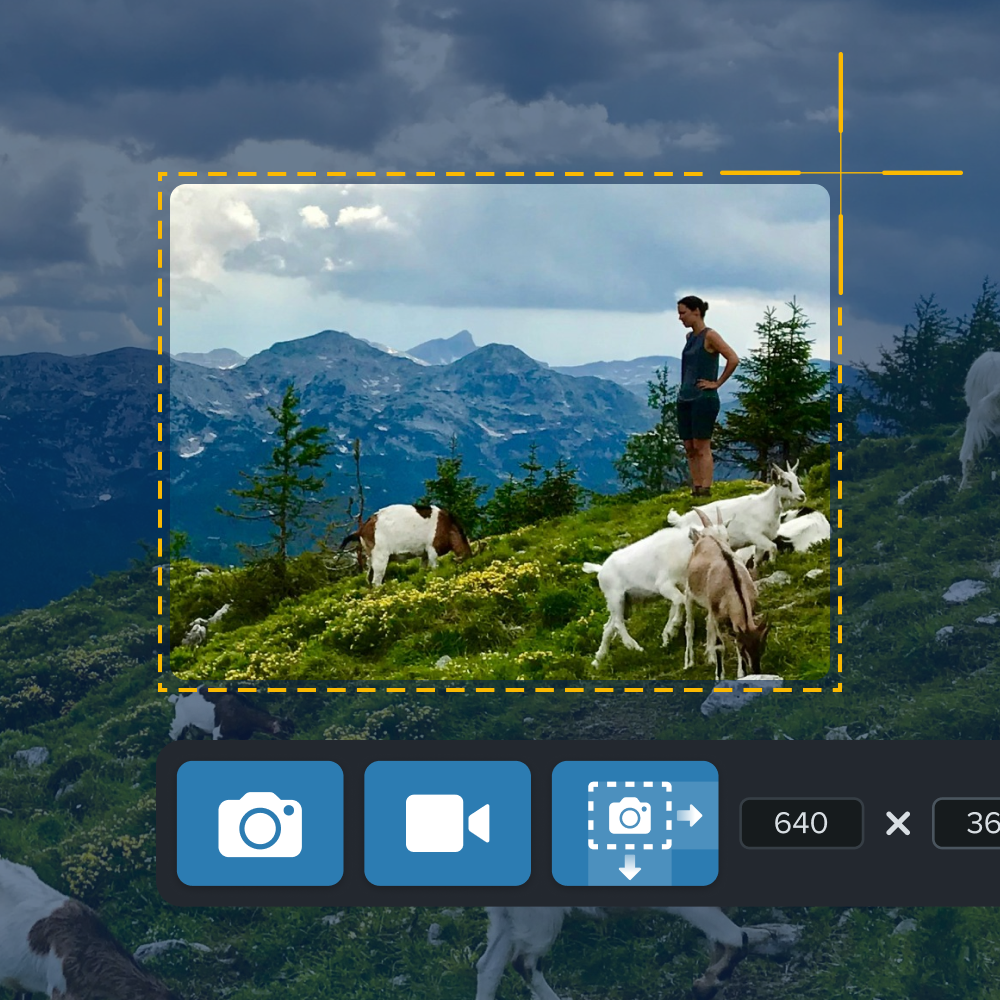
Track engagement and improve outcomes with Camtasia.
Effective training programs drive better employee engagement, retention, and performance improvements. However, that’s only true when they’re built on insight, not guesswork. Measuring training effectiveness through real-time engagement data allows teams to fine-tune content, improve learner experience, and align better with business goals.
Camtasia, Snagit, and Screencast are tools that support you from start to finish. Begin by recording your training video with Camtasia Editor’s multi-track screen recorder, then add quizzes, text boxes, and make other edits. Capture annotated screenshots to add in your video with Snagit.
Lastly, share out your content using Screencast where your team members can leave time-stamped reactions and comments to foster conversation. With these tools, you’ll have the functionality to make smarter, faster business decisions that have a high return on investment.
Camtasia feature highlight
Camtasia has a few stand-out features that will help you bring your video training program to the next level.
- Multi-track screen recorder that creates individually editable tracks you can edit today or in three years, so your content is always up to date.
- Quizzes add a mental test to your training so your viewers can test their knowledge along the way, and you can gauge how they are learning.
- On-screen text and callouts are visual aids that help add clarity to complex information along the way.
Screencast feature highlight
Screencast is directly integrated into Camtasia so you can share your edited videos with–quite literally–the click of a button.
- Time-stamped comments allow learners to ask questions you can publicly answer, so everyone can refer to previously asked questions.
- Emoji reactions help you gauge how viewers are resonating with specific sections.
- With collections, you can gather all of your training content in one place so your team can refer to the specific videos made for them. Make different collections for different teams so no one has to watch videos that don’t pertain to their specific tasks.
Ready to boost your training impact and support more engaged employees? Explore Camtasia’s products to see how you can create, track, improve, and scale your training content with easy-to-use tools.
Looking for professional screen recording software?
From simple screen captures to polished video editing, TechSmith has everything you need to create professional-quality content.
Learn More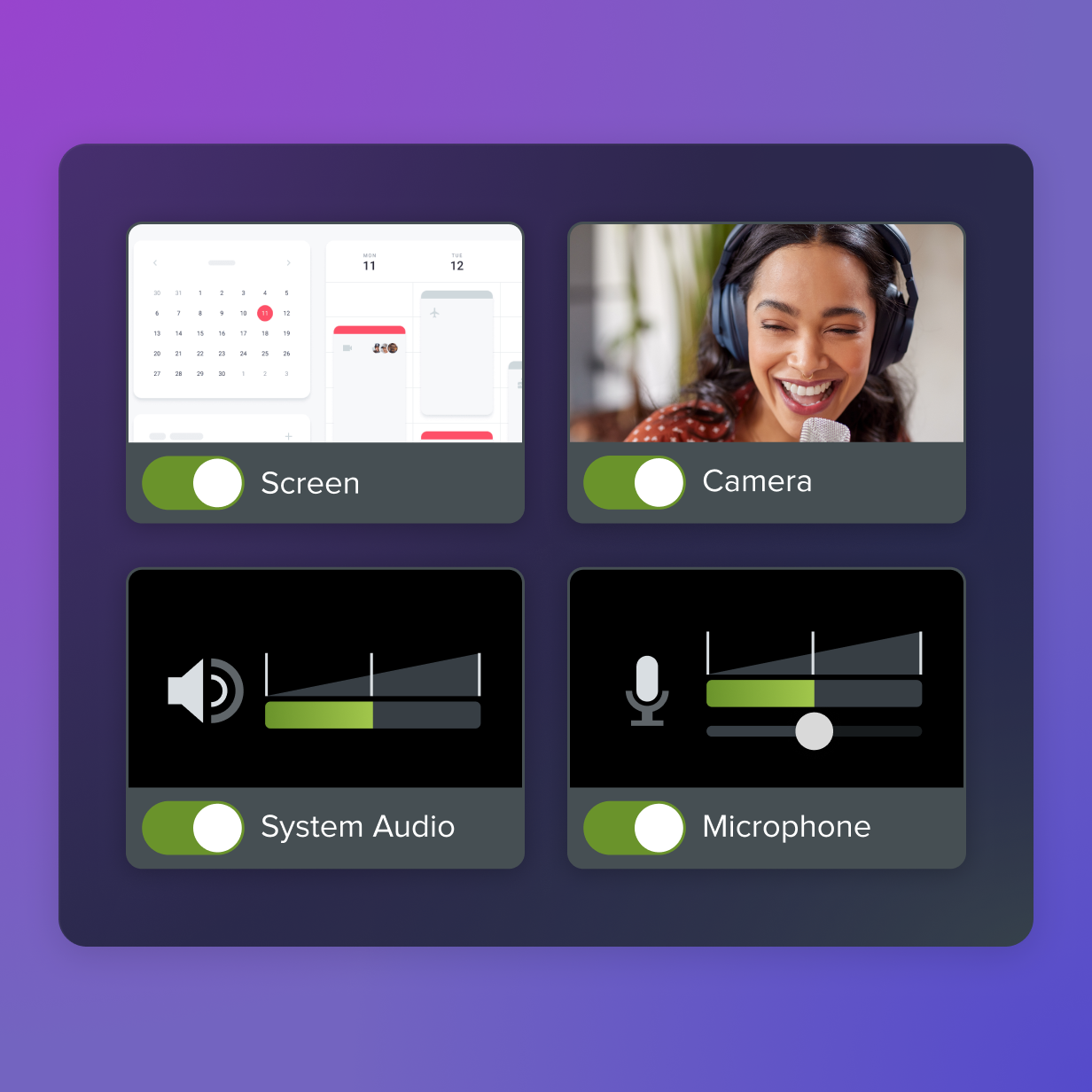
Improve Engagement by Using Training Video Recording Tools
From simple screen captures to polished video editing, Camtasia has everything you need to create professional-quality content.
FAQs
What is employee training engagement?
Employee training engagement is how actively learners interact with training content. On this page, that includes signals such as watch time, completion rate, replays, quiz participation, navigation behavior, and feedback. When learners actively participate, it shows the material is resonating with them and their work.
How do you measure employee training engagement?
Measure employee training engagement by tracking how long people watch, whether they finish, where they replay, and how they respond to quizzes or checkpoints. You can also review chapter navigation, clicks, comments, and reactions to see which parts feel most relevant or confusing. Together, these signals show whether learners are connecting with the material before behavior change shows up in later performance metrics.
Which metrics matter most in video-based training?
The core metrics on this page are watch time and completion rate, replay behavior, quiz participation, chapter navigation, and time-stamped feedback. Watch time and completion help you see commitment and content quality. Replays, skipped chapters, and feedback help you find confusion, relevance, and weak spots in the content.
How can you use engagement data to improve training?
Use engagement data to refine the format and structure of your videos, especially when learners drop off or skip sections.You can also adjust pacing or voiceover when viewers leave early or seem to lose interest. If learners replay the same part or miss quiz questions, add clearer visuals, examples, or step-by-step support.
Share