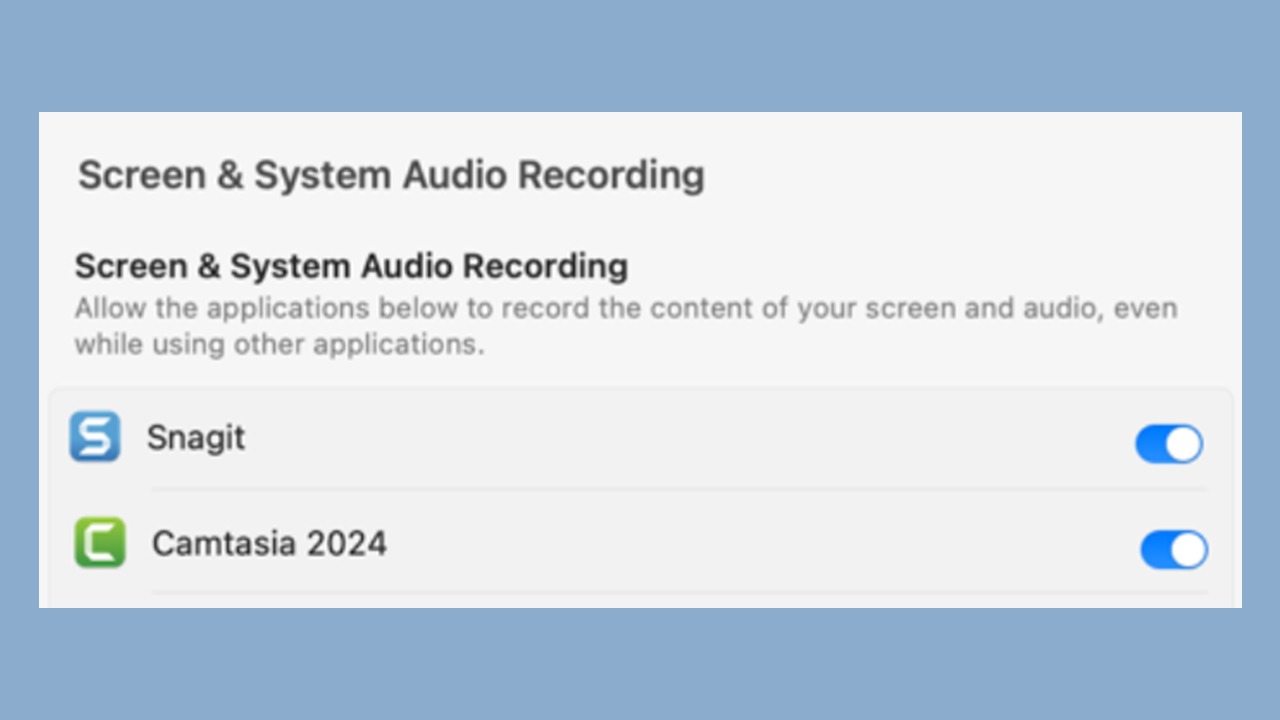
Learn how to use Snagit
We’ll guide you through your first capture, recording, edit, and more!

We’ll guide you through your first capture, recording, edit, and more!
Try one of our recommended tutorials or scroll down to browse all available topics.

beginner
5 videos
Learn how to use Snagit to easily grab a screenshot. Then edit and share the image to communicate your message clearly.

beginner
5 videos
Learn how to record and edit your first video with Snagit. Then save or upload your video to your favorite hosting platform.

intermediate
5 videos
Snagit has several tools that allow you to remove, replace, or hide parts of a screenshot that should not be shared.

advanced
4 videos
Learn three ways to customize Snagit to match your workflow and make it even faster to capture, edit, and share.
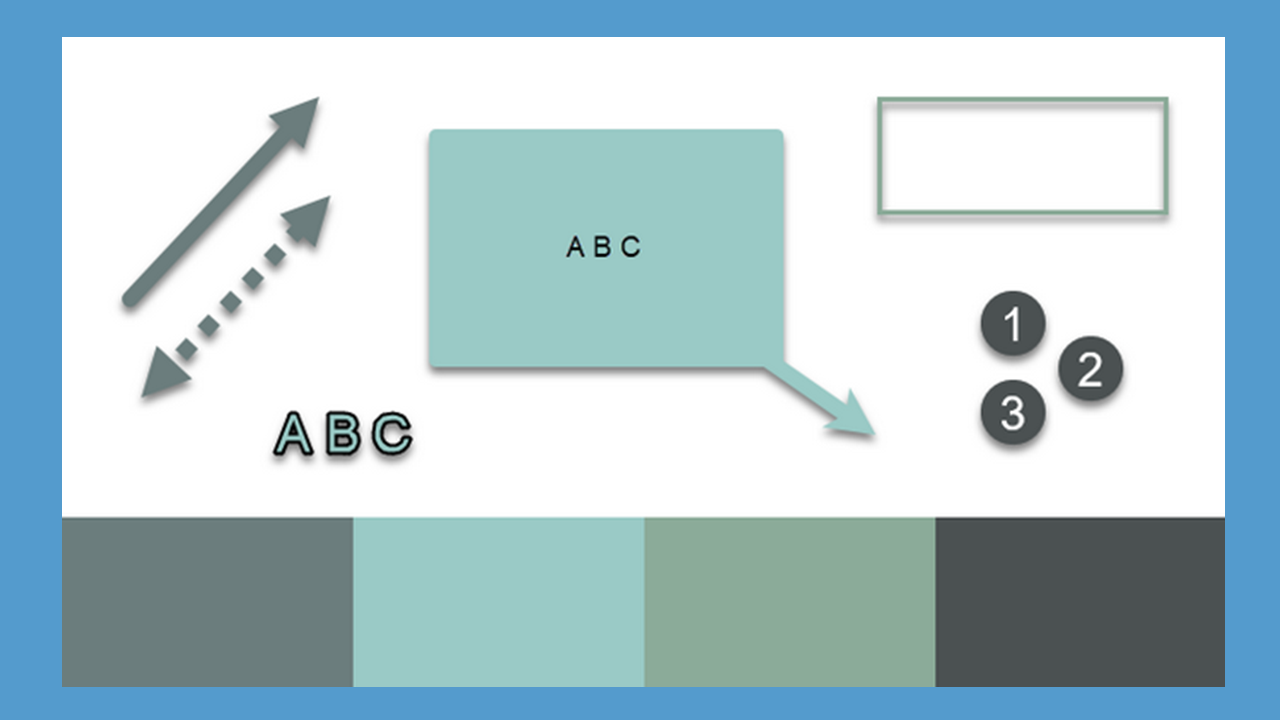
What's New in Snagit
Get to Know Snagit
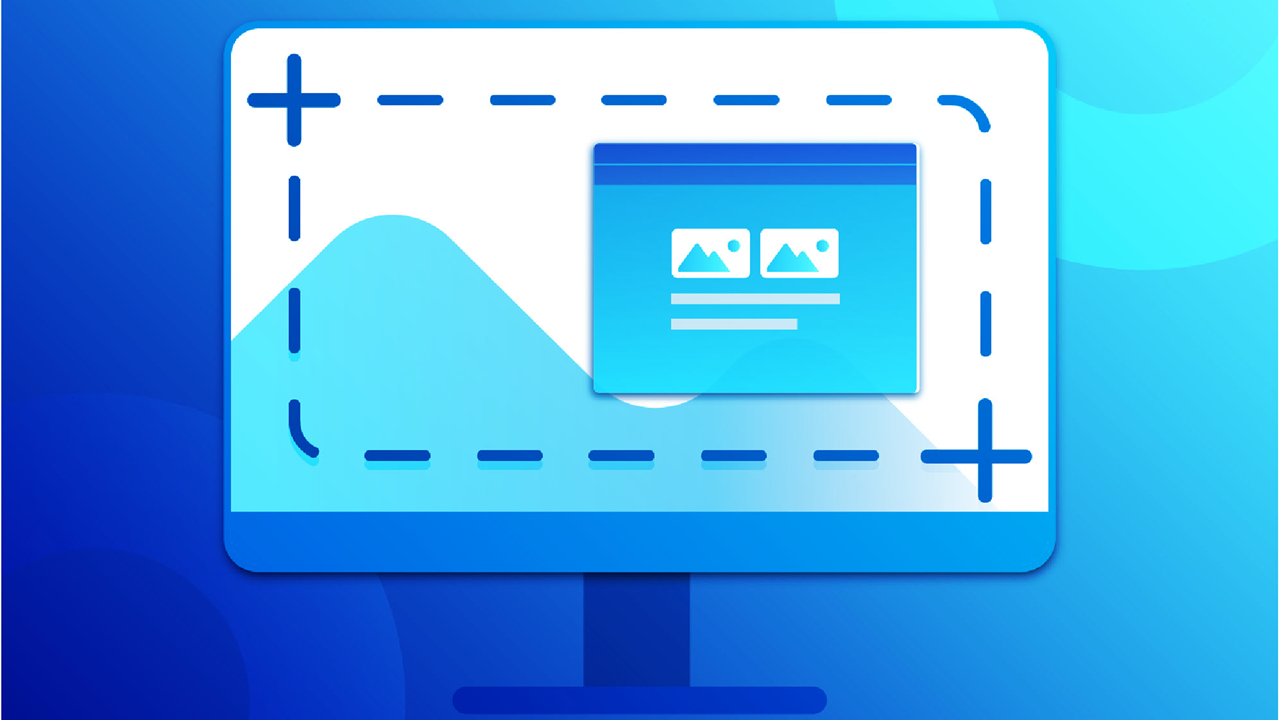
Capture Your Screen
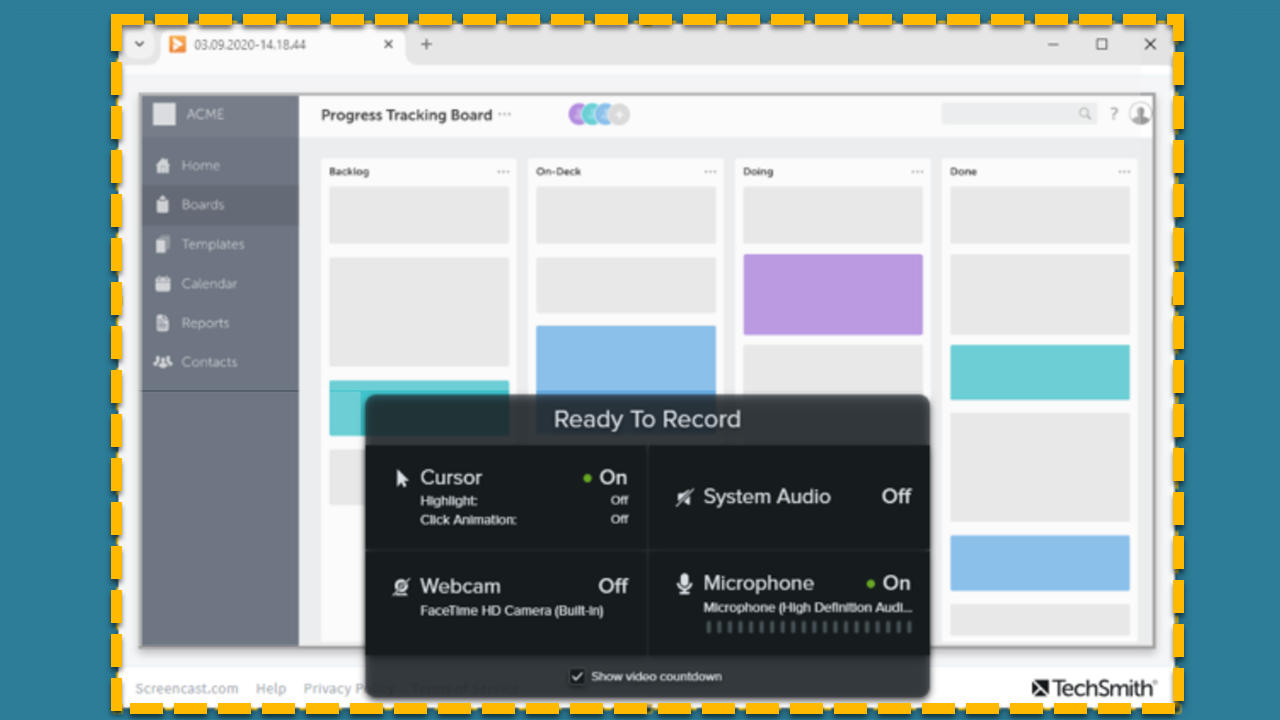
Record a Video with Snagit
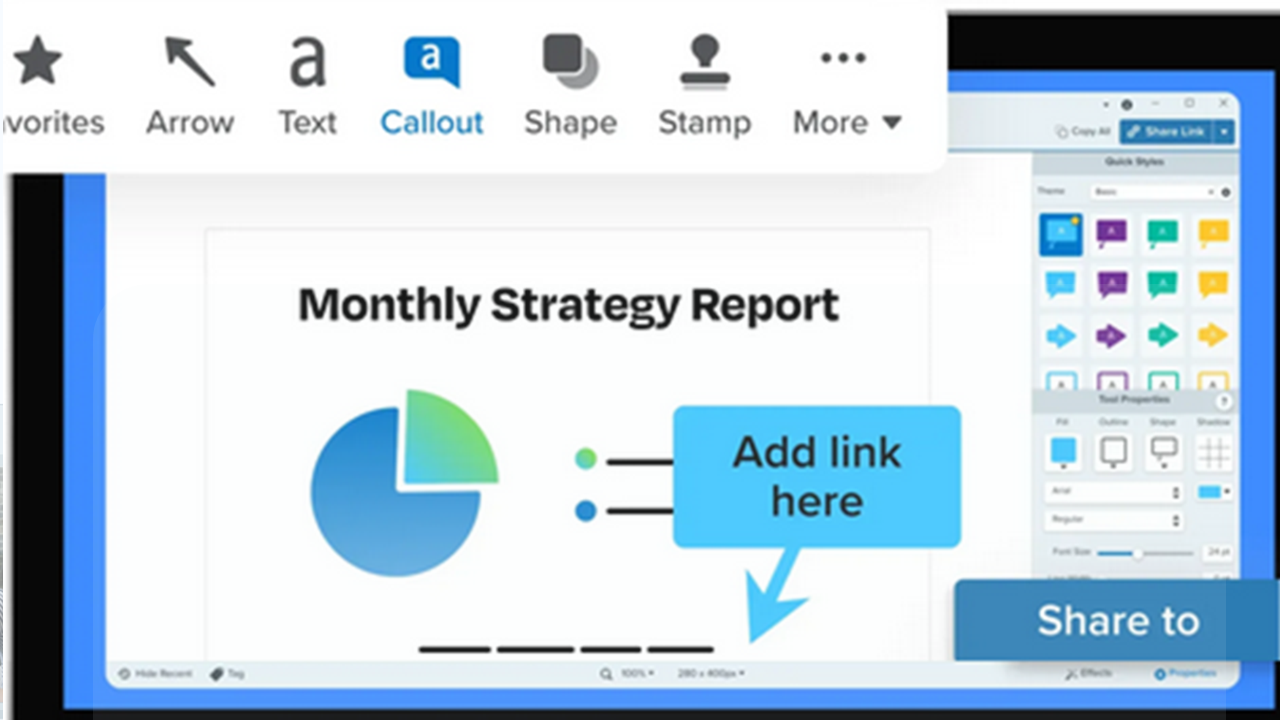
Explore Snagit Editor
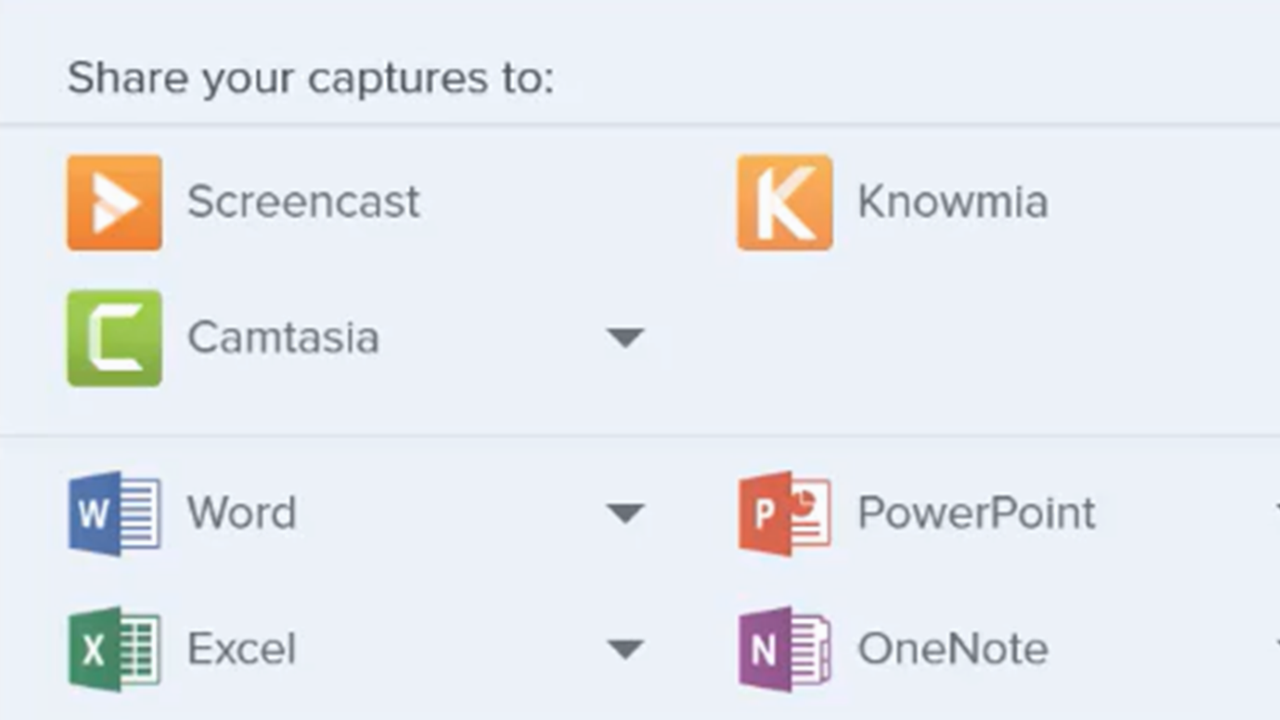
Share Captures
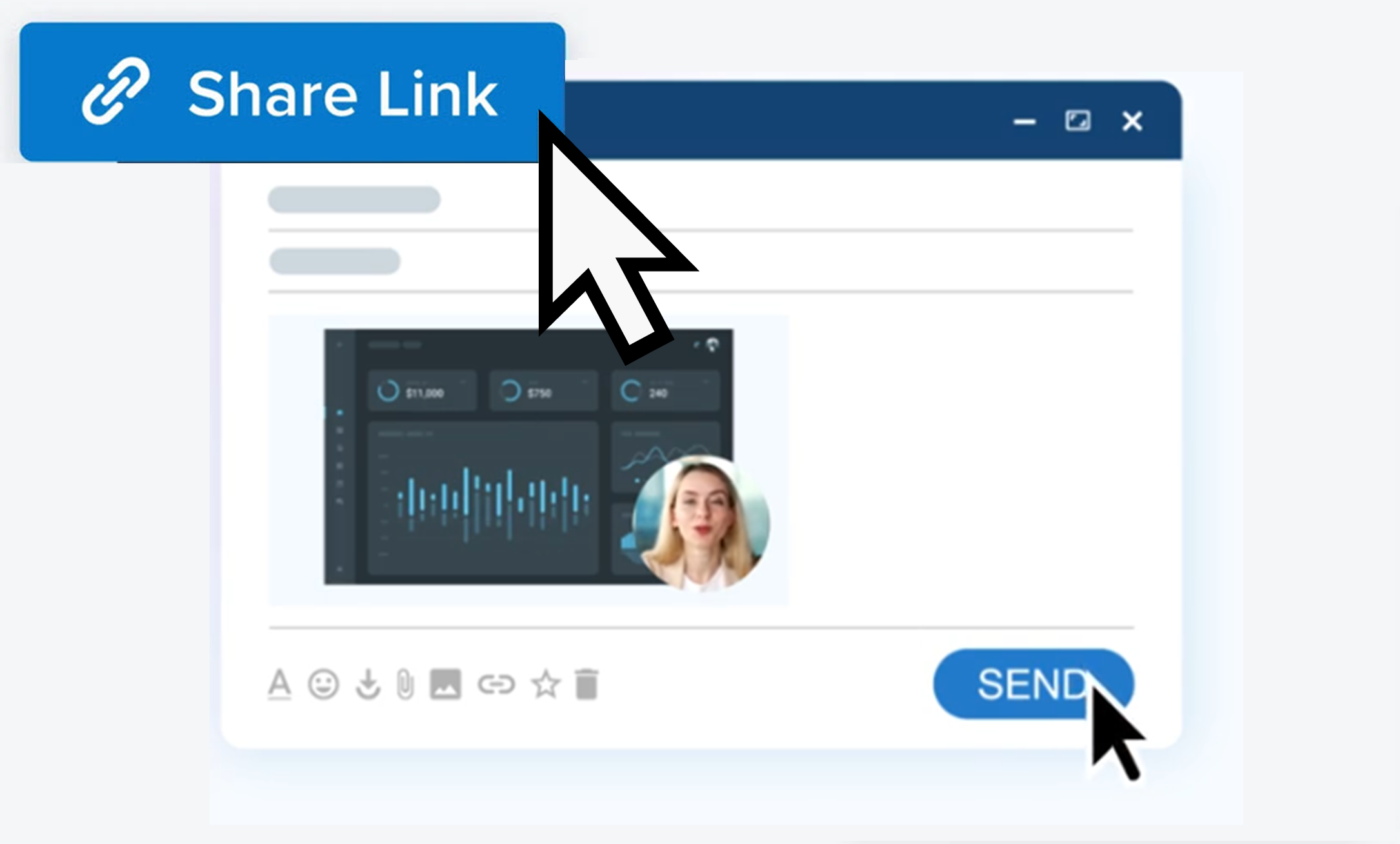
Get a Shareable Link
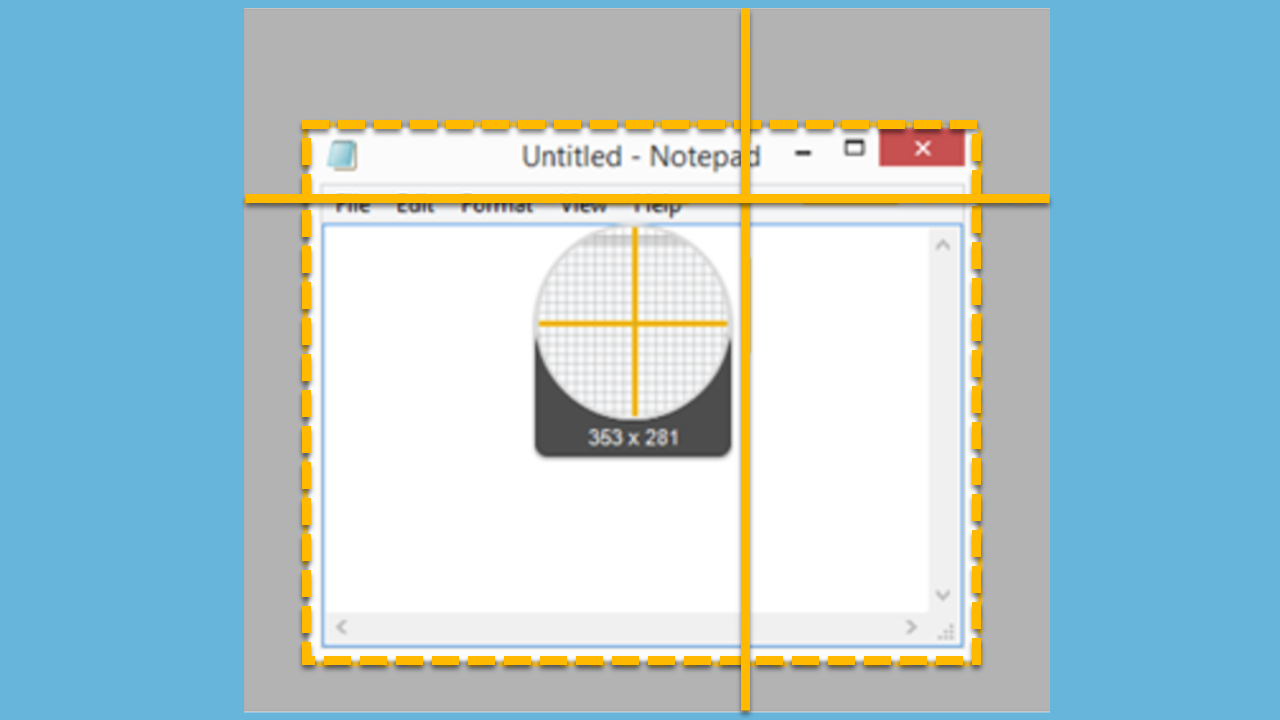
Capture an Image
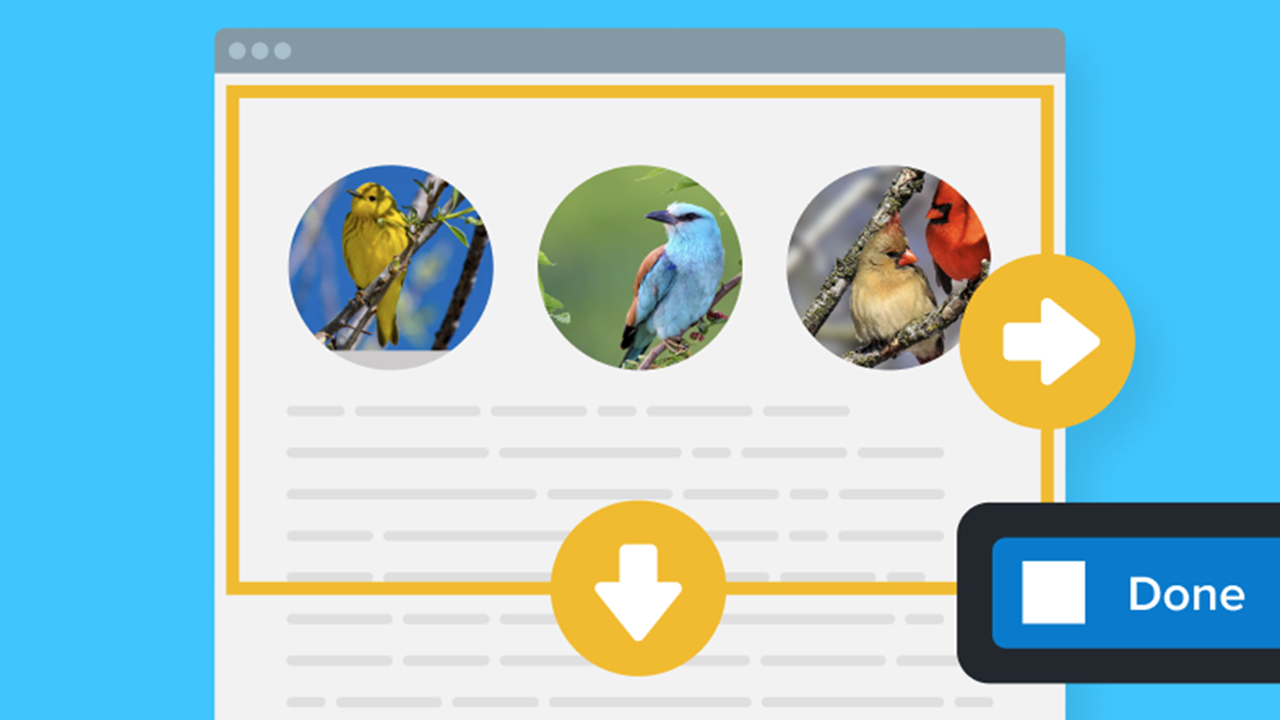
Capture a Scrolling Area
Record a Video with Snagit
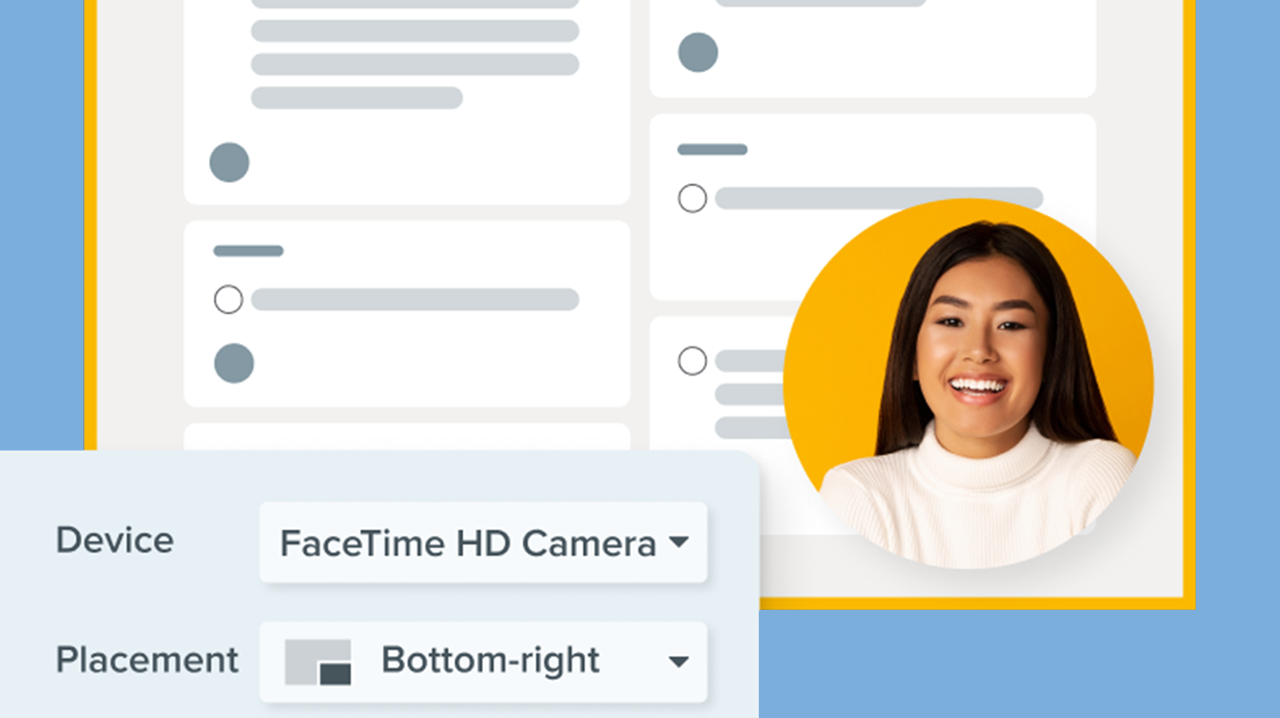
Record a Picture-in-Picture Video
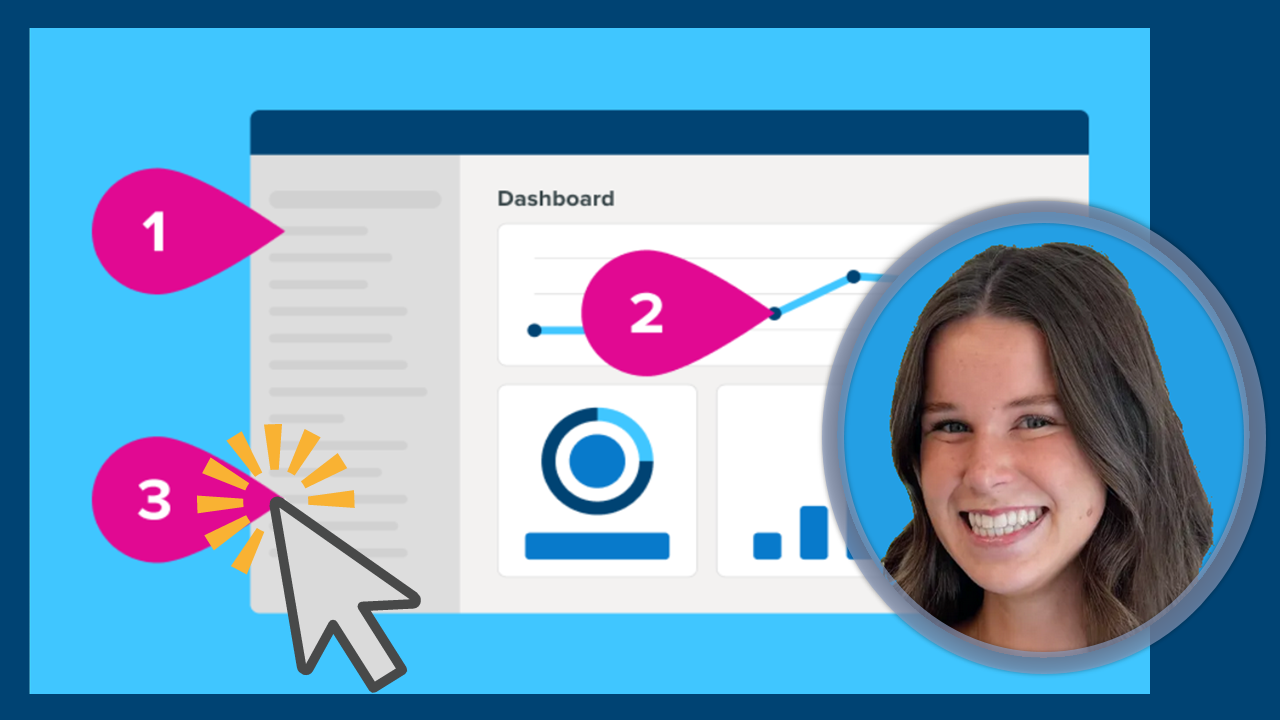
Document a Process or Workflow Automatically (Step Capture)
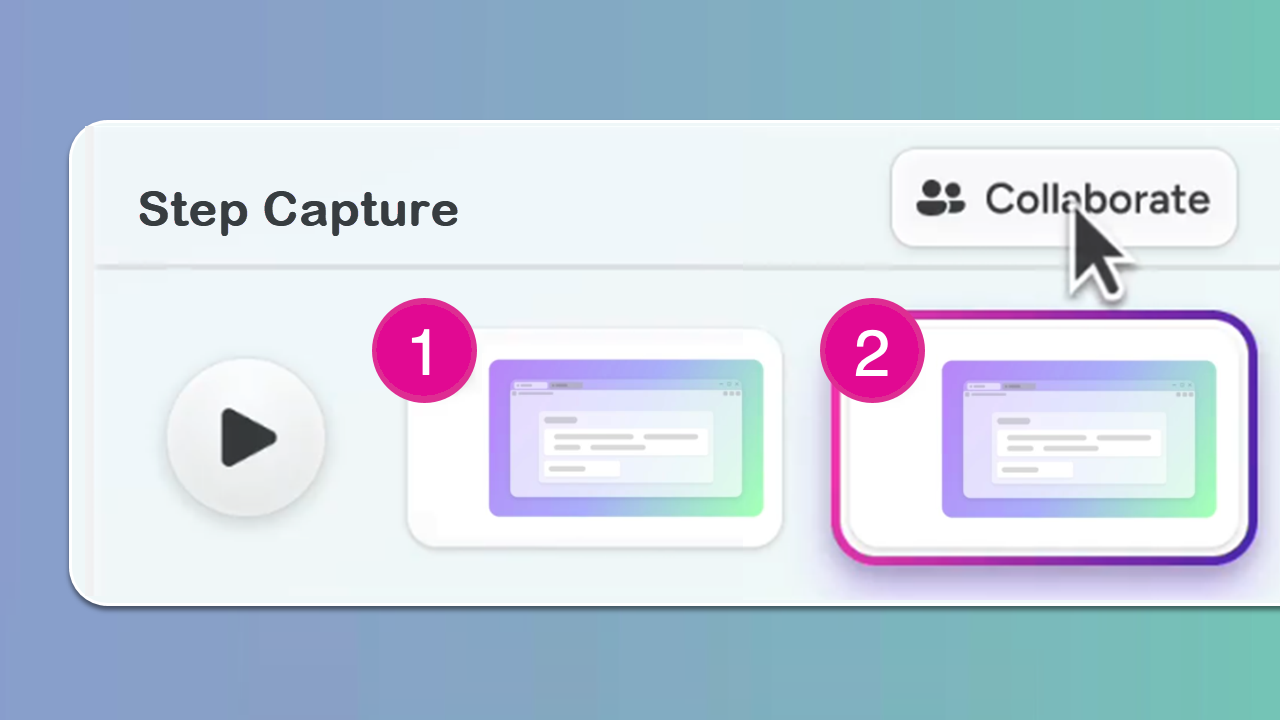
Capture Steps and Create a Video (Snagit + Camtasia Online)
Document a Process or Workflow Automatically (Step Capture)
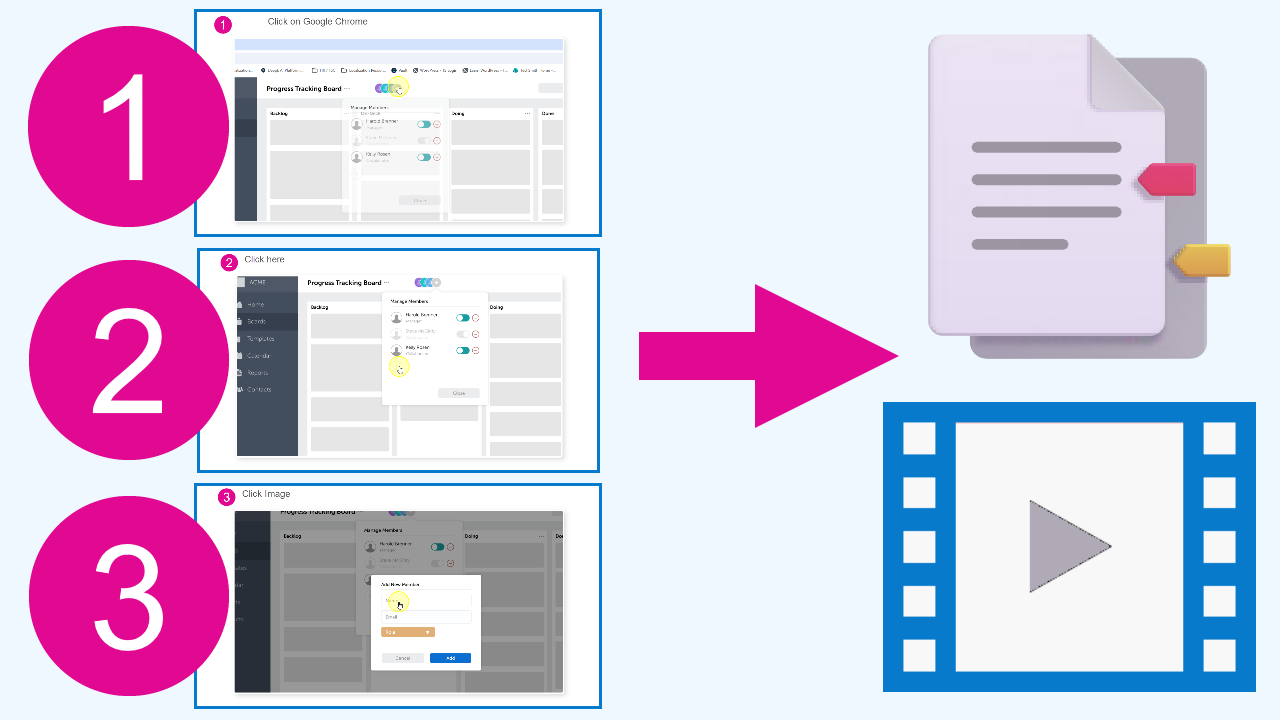
Export and Share Your Step Capture Documentation
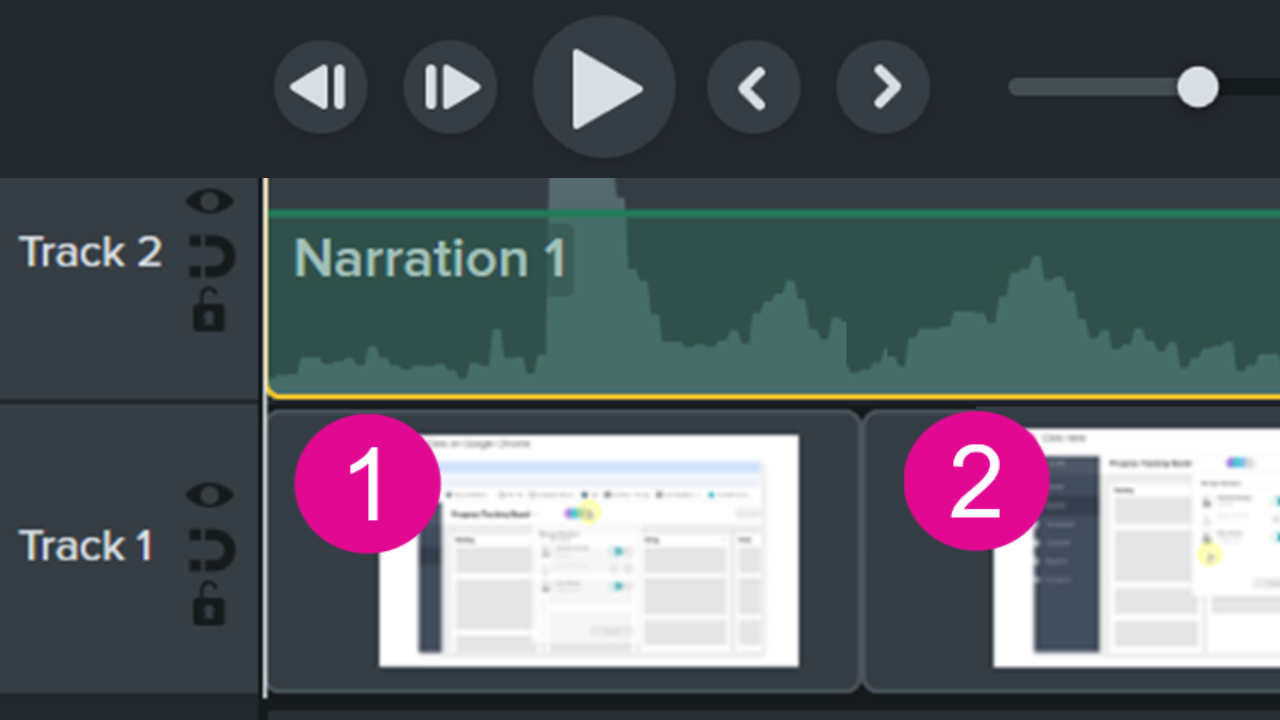
Quickly Create a Professional Step-by-Step Video
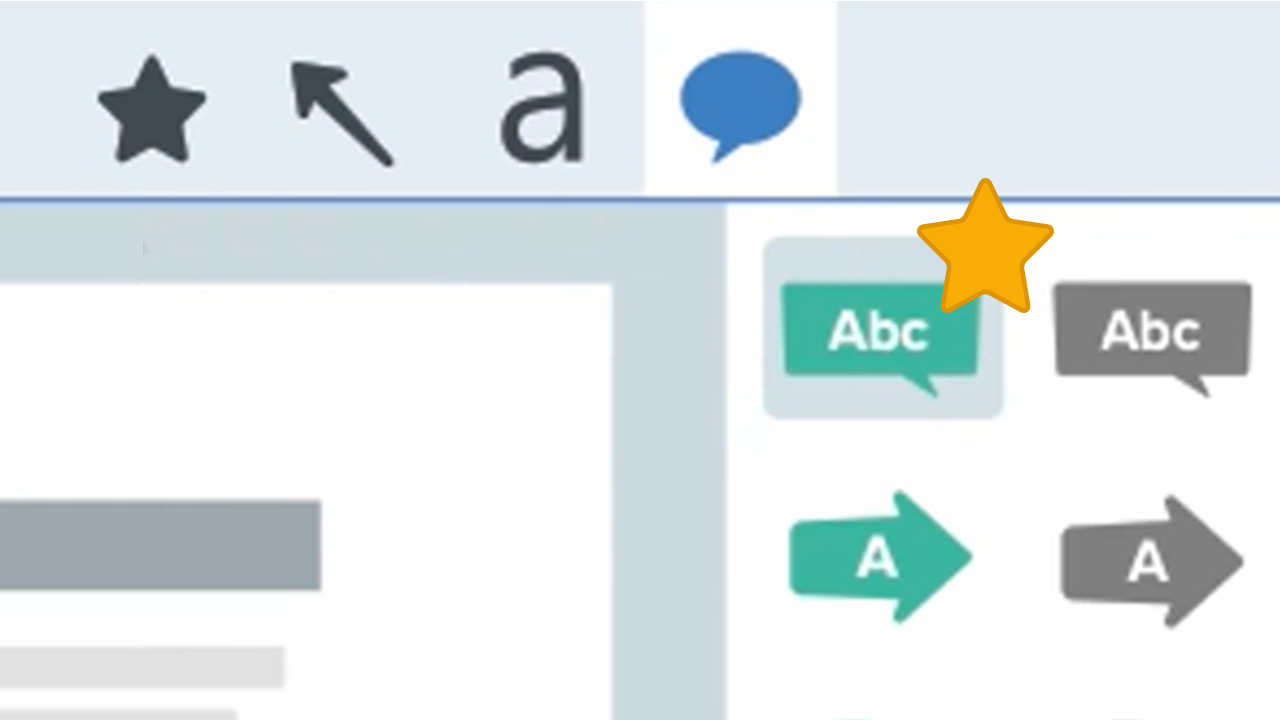
Quickly Access Favorite Styles and Tools
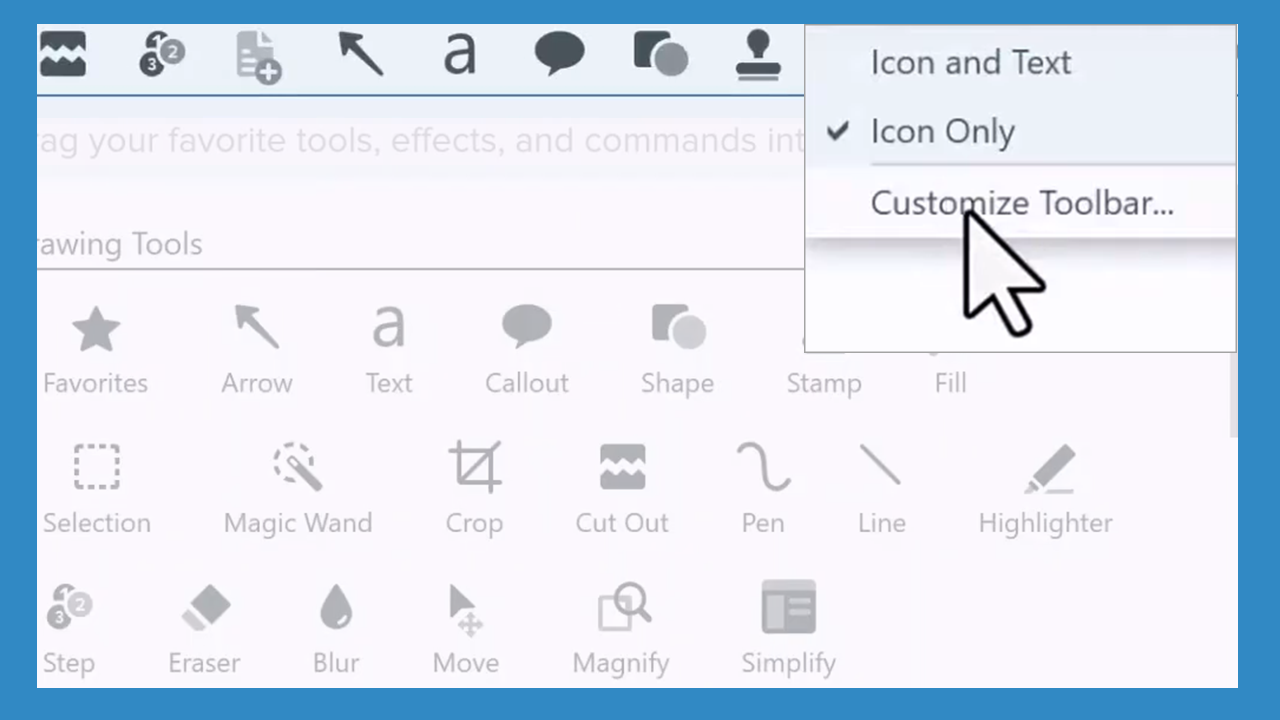
Customize the Snagit Toolbar
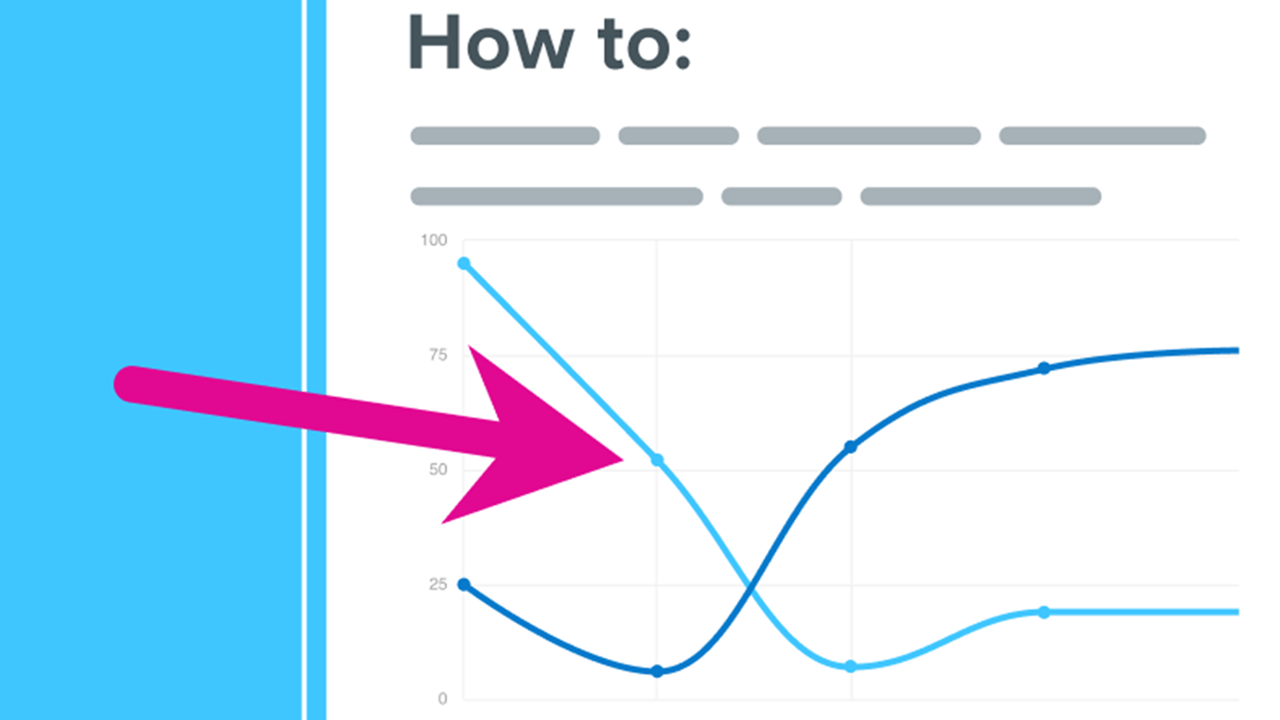
Arrow Tool
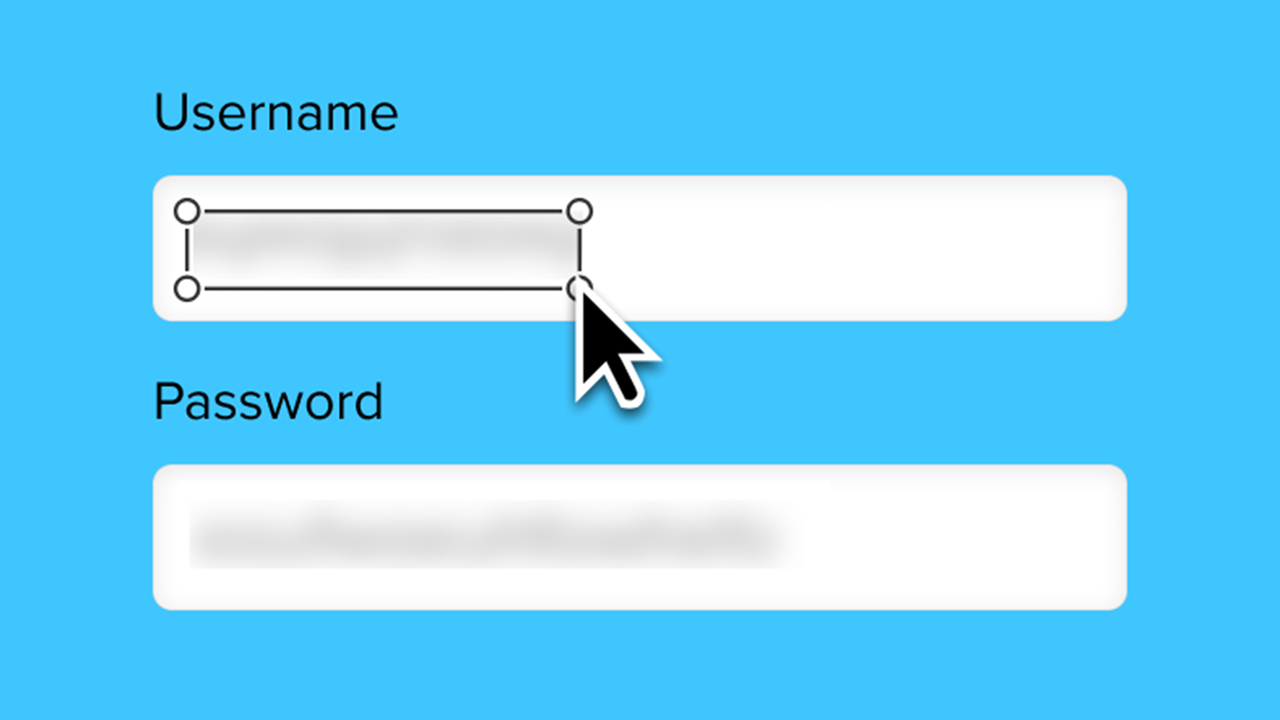
Blur Tool
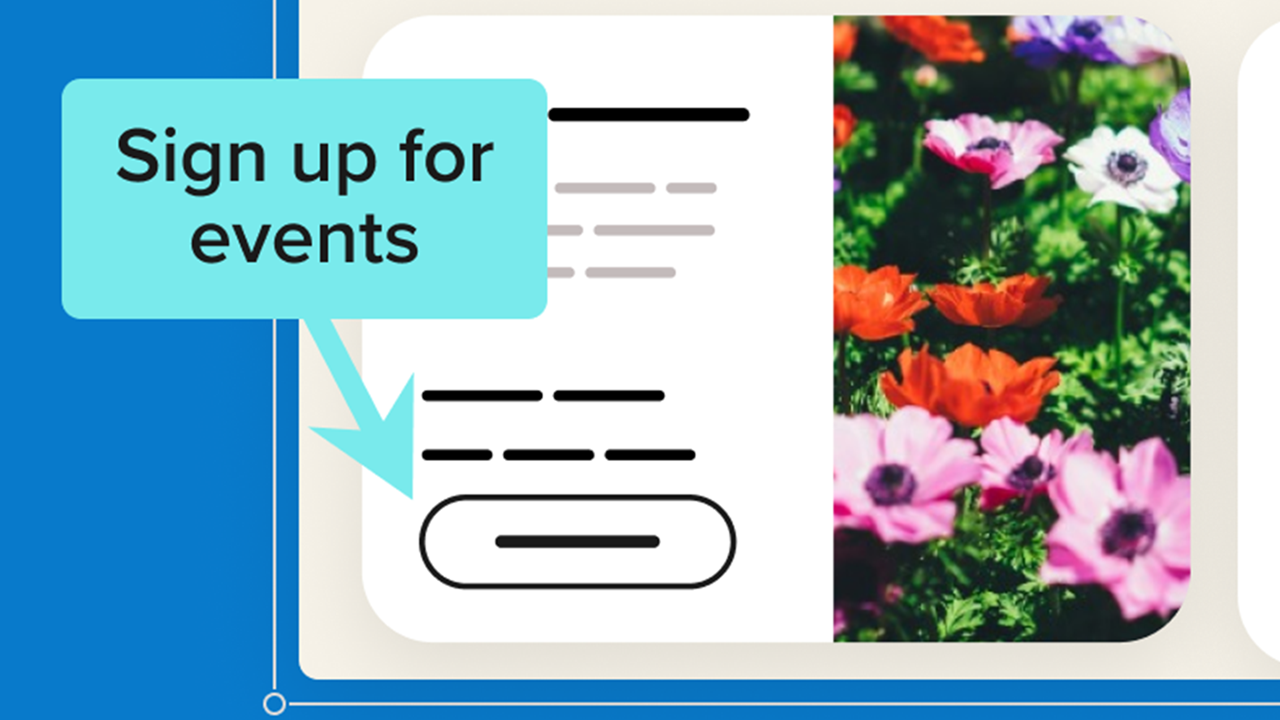
Callout Tool
Explore Snagit Editor
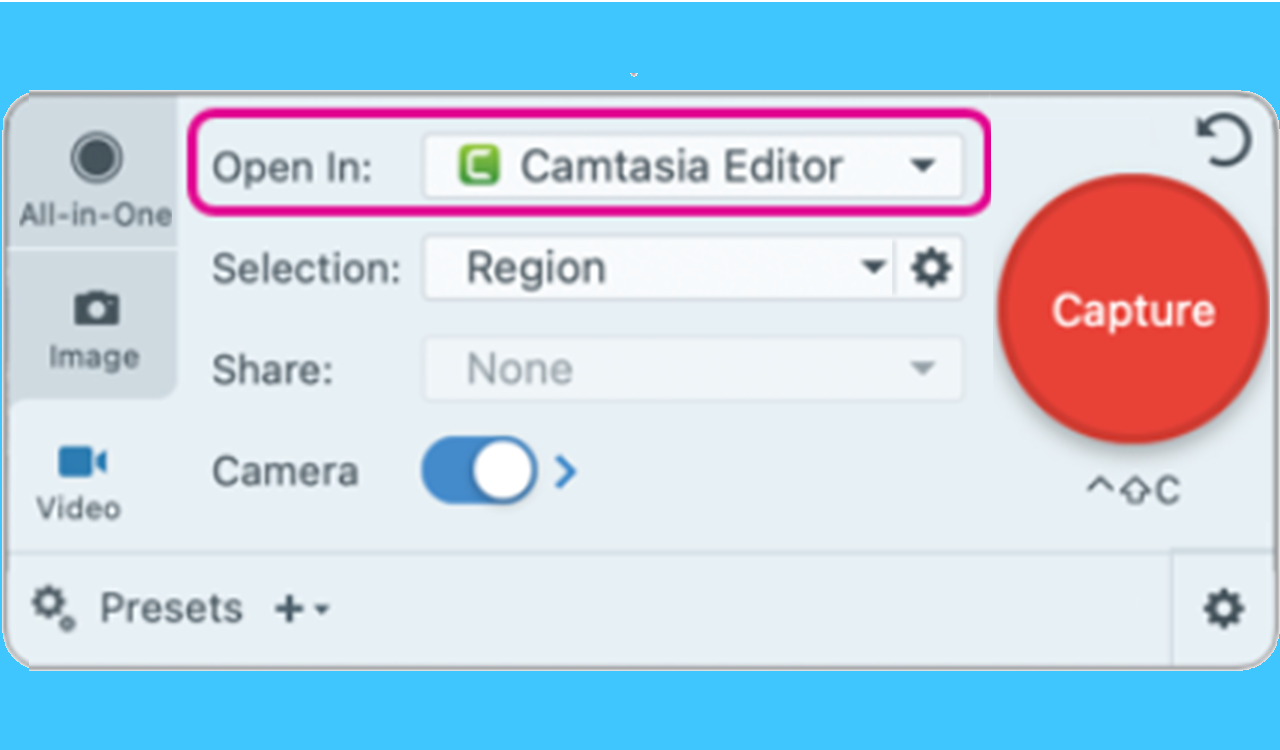
Record Multitrack Video for Flexible Editing in Camtasia Editor
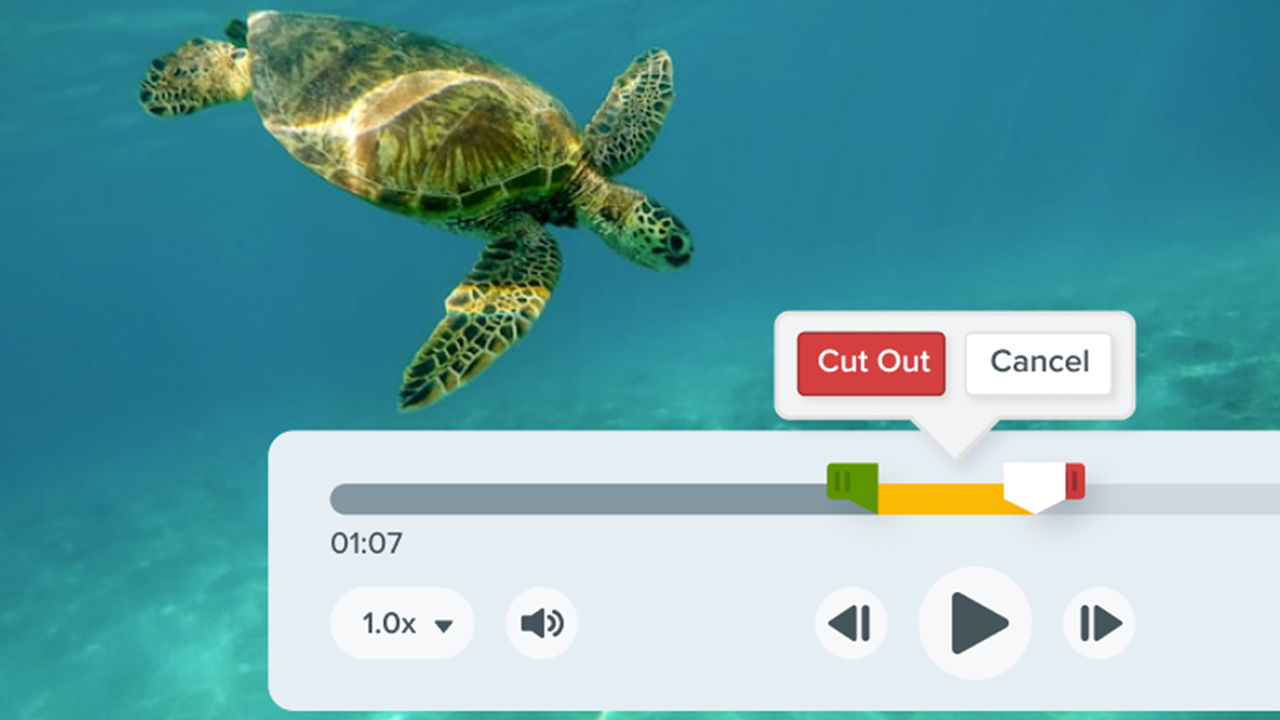
Edit a Video
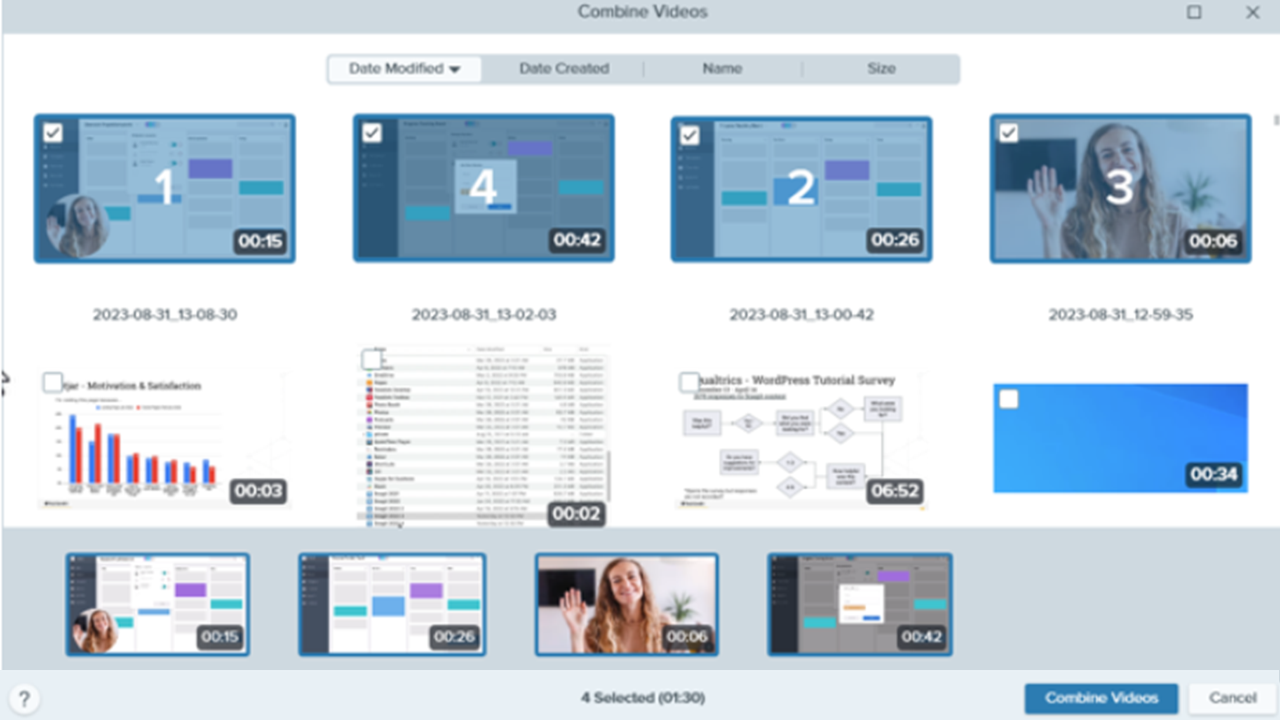
Combine Videos
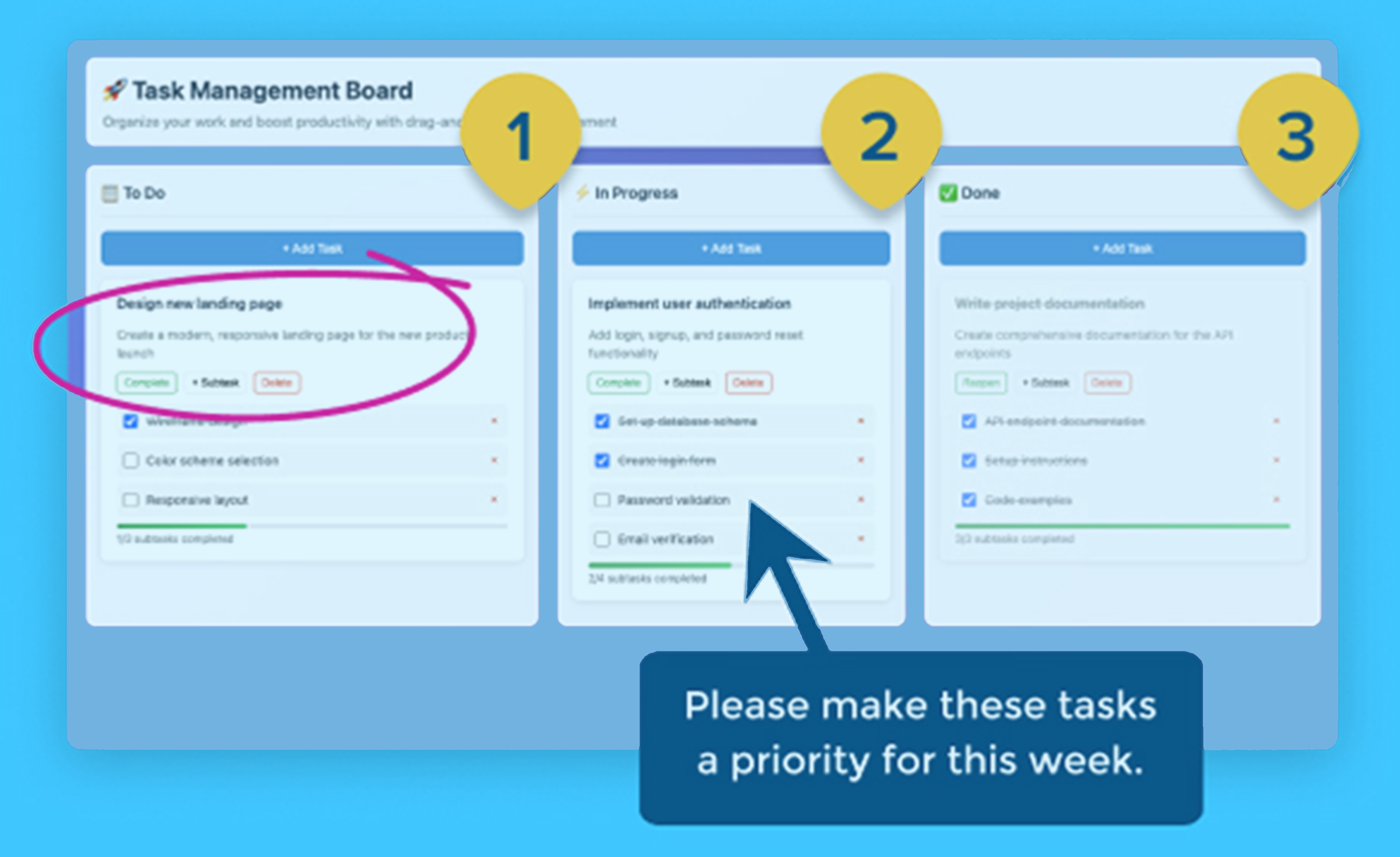
Add Comments or Labels
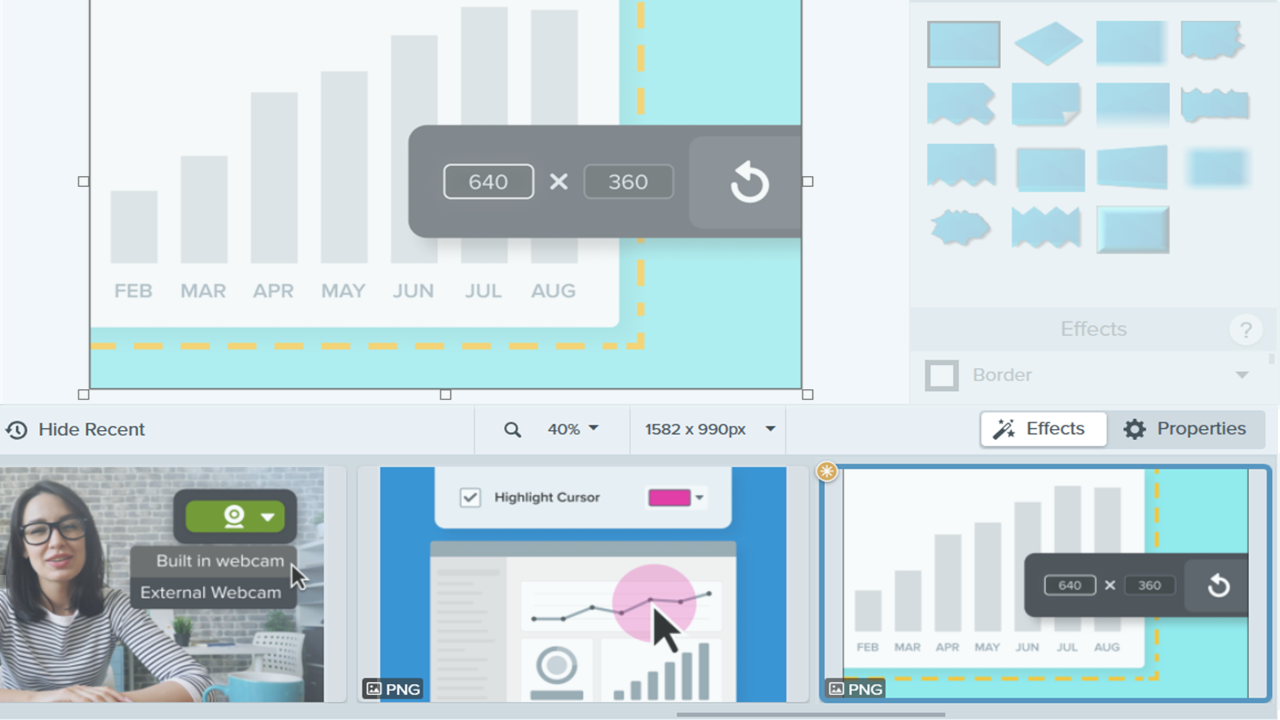
Recent Captures Tray
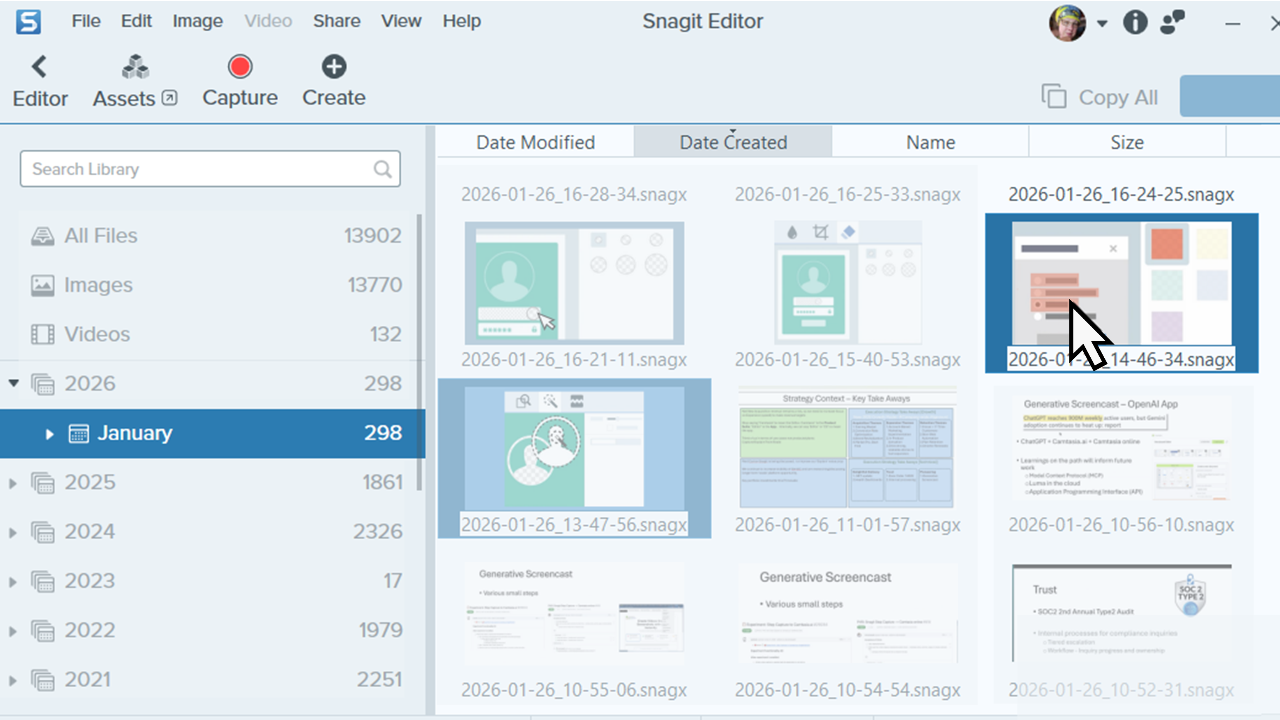
Introduction to Snagit Library
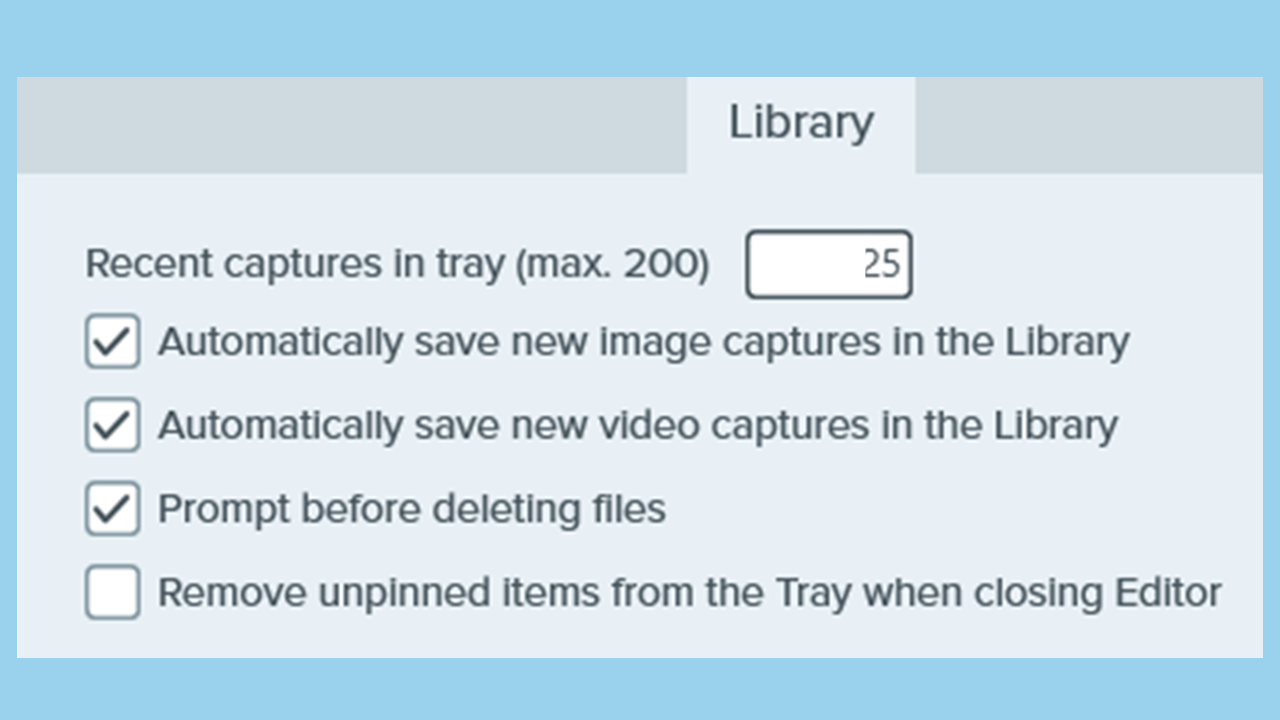
Manage the Library
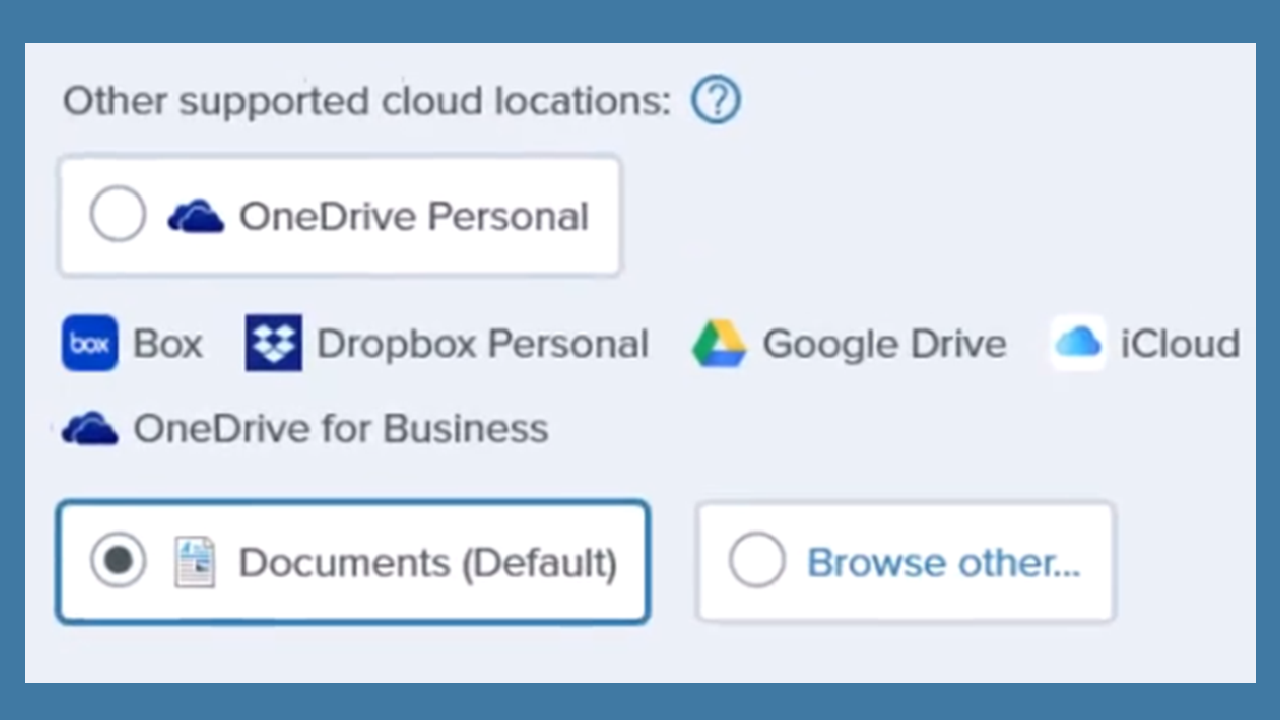
Snagit Library Location

Convert Your Previous Captures
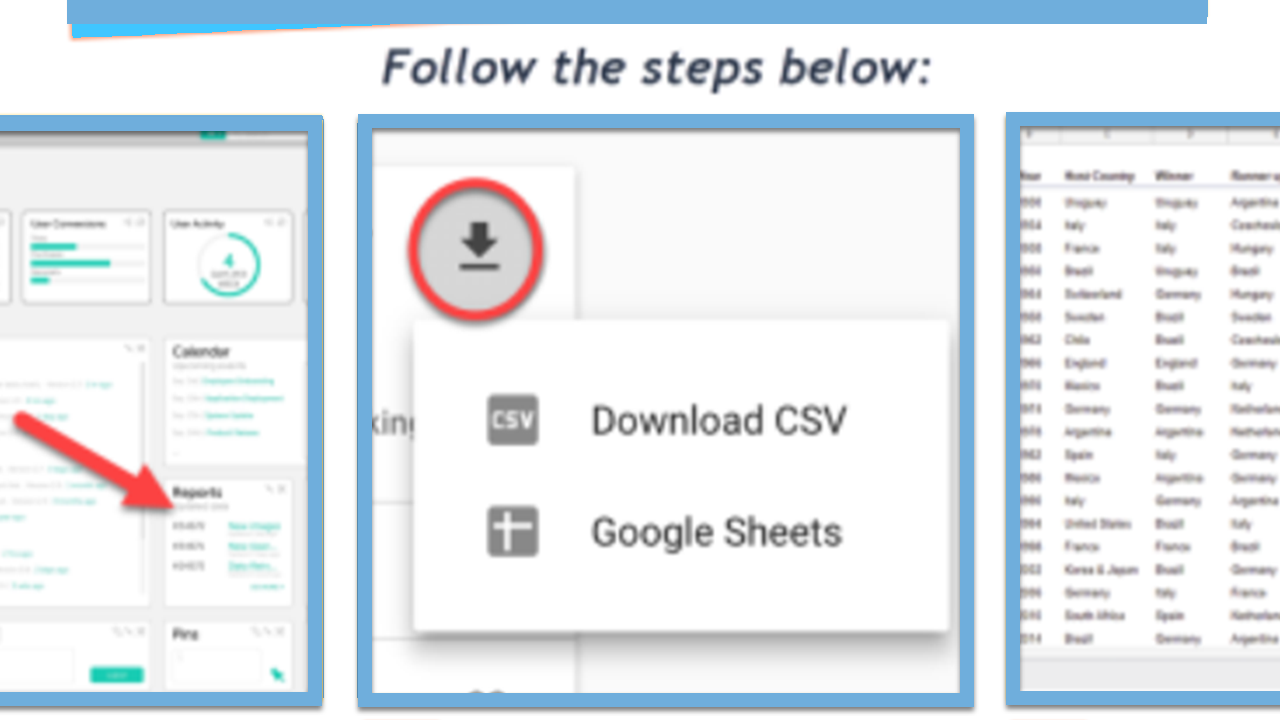
Create Visual Guides with Templates
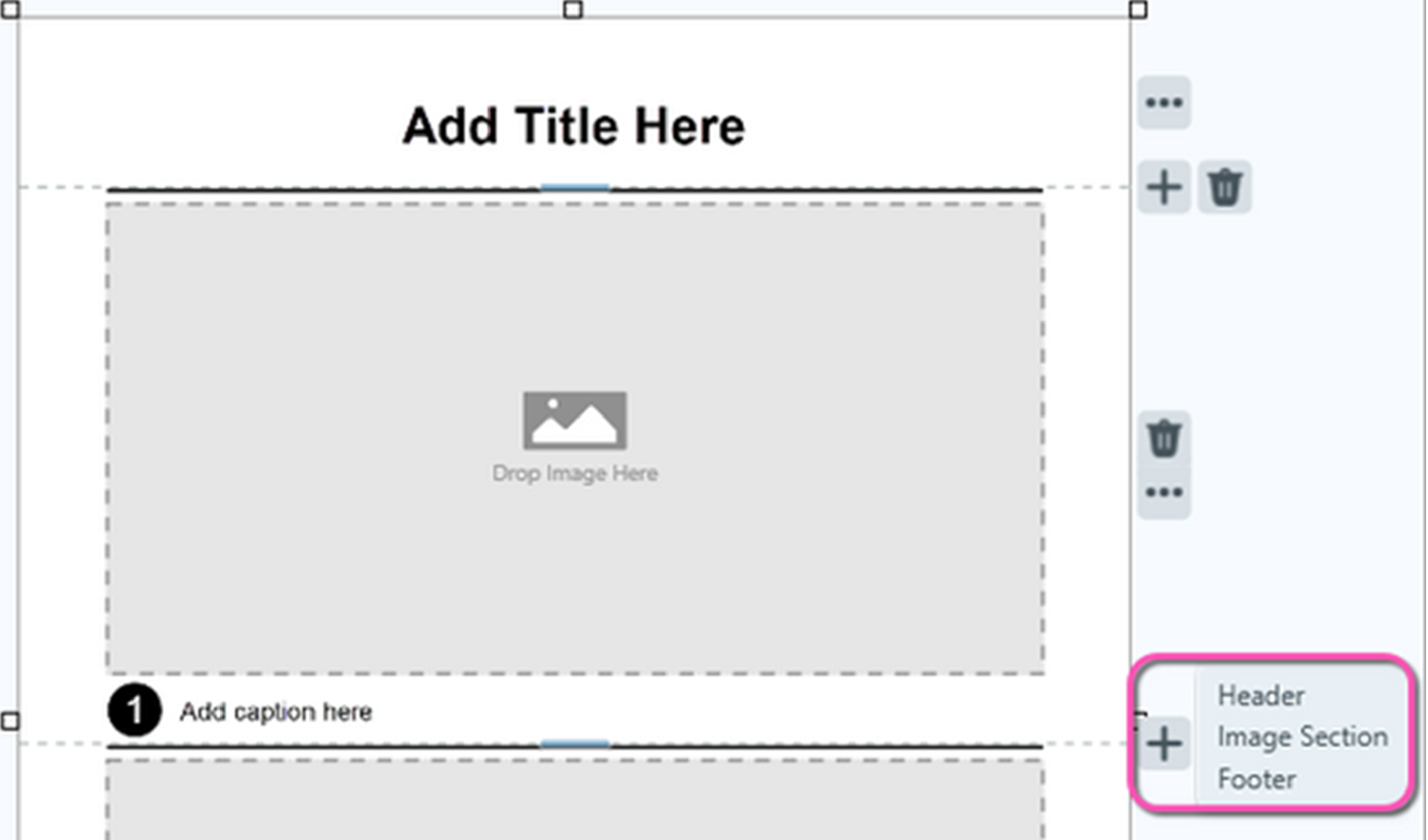
Edit a Template
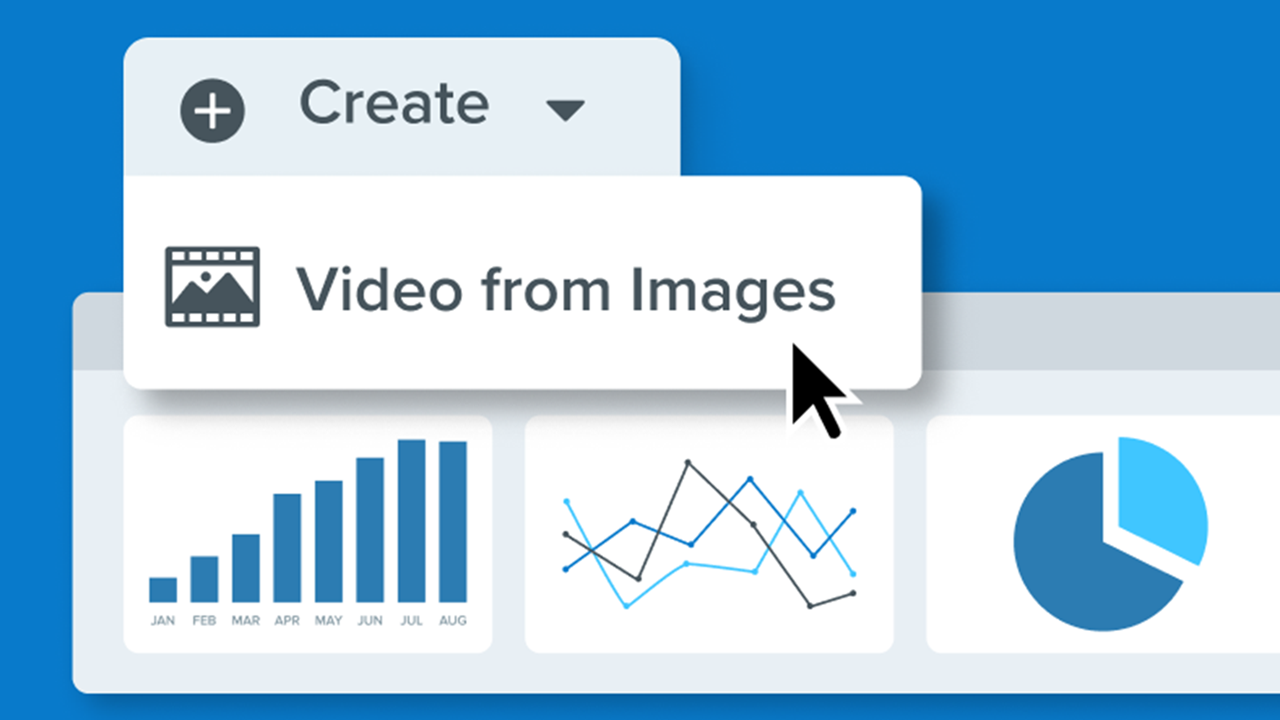
3 Ways to Turn Your Snagit Screenshots into a Video
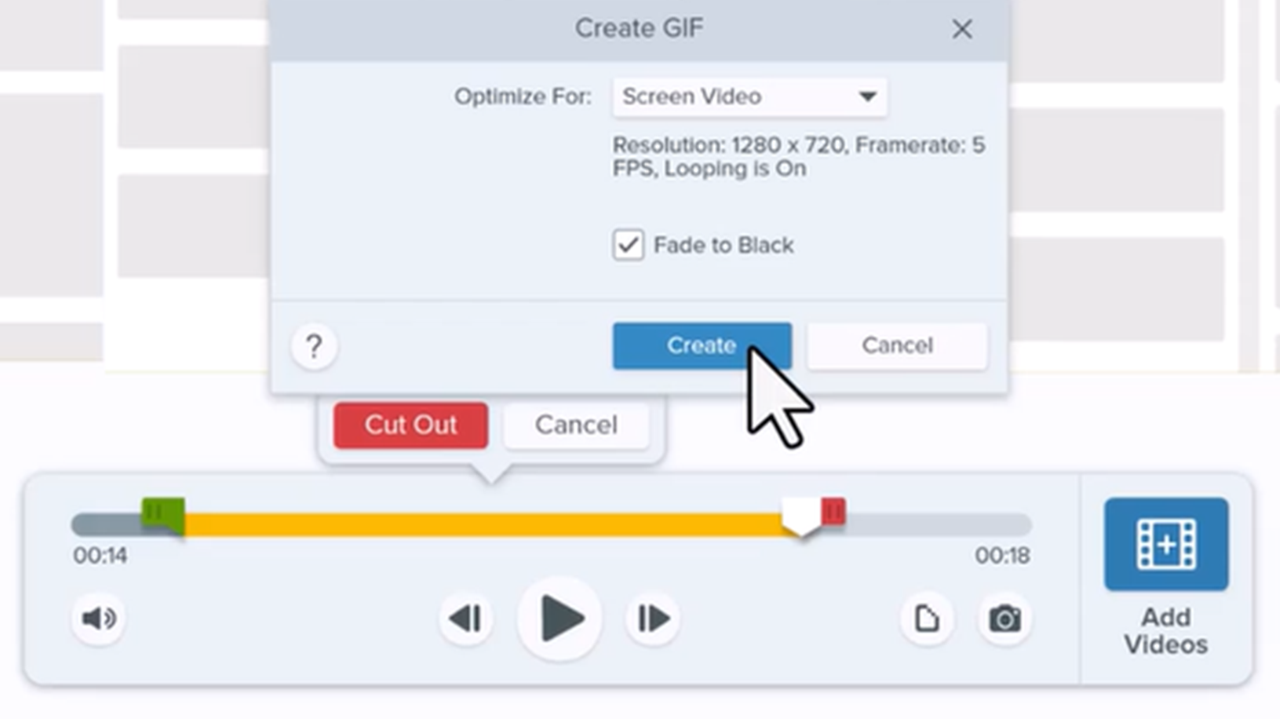
Create an Animated GIF
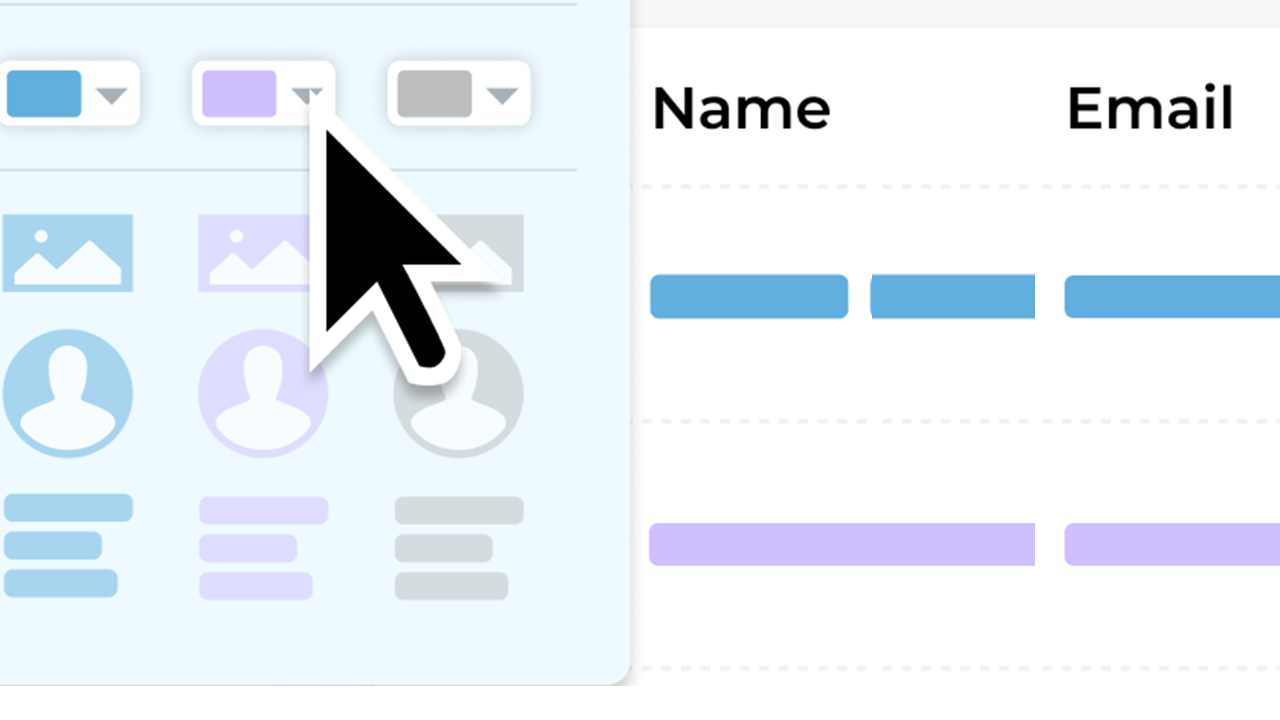
Simplify Images
Quickly Access Favorite Styles and Tools
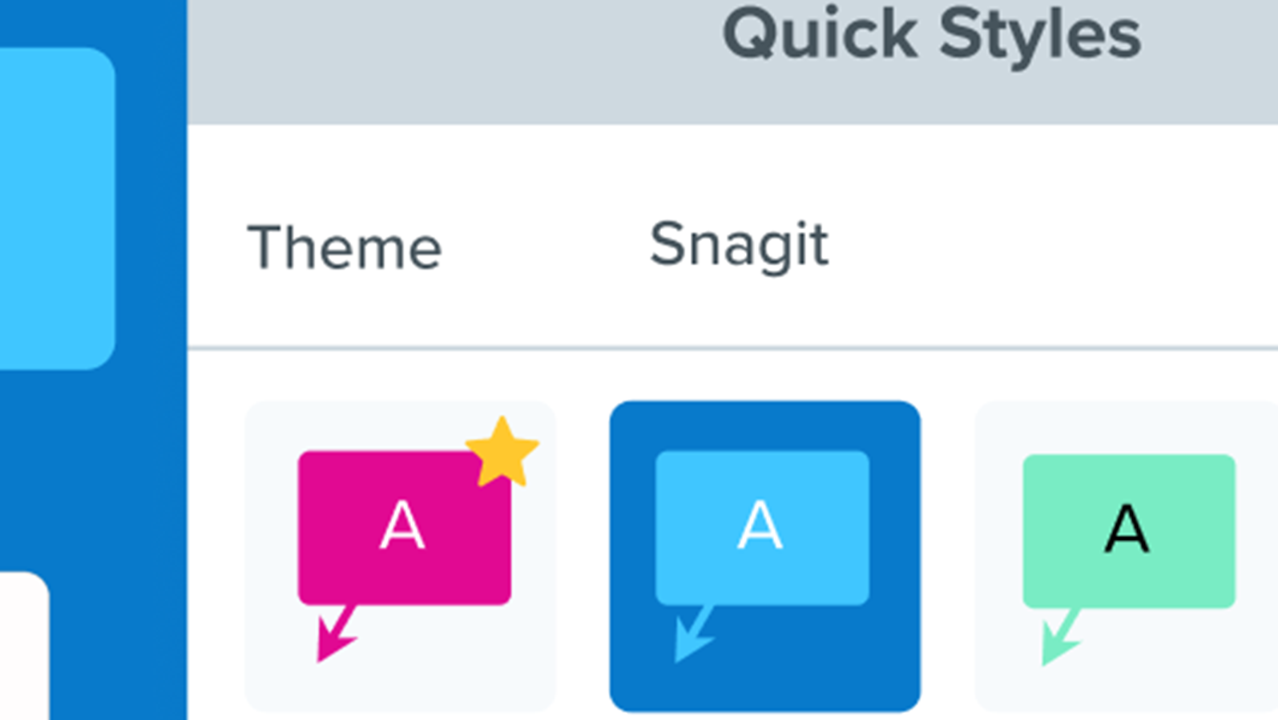
Customize Snagit
Customize the Snagit Toolbar
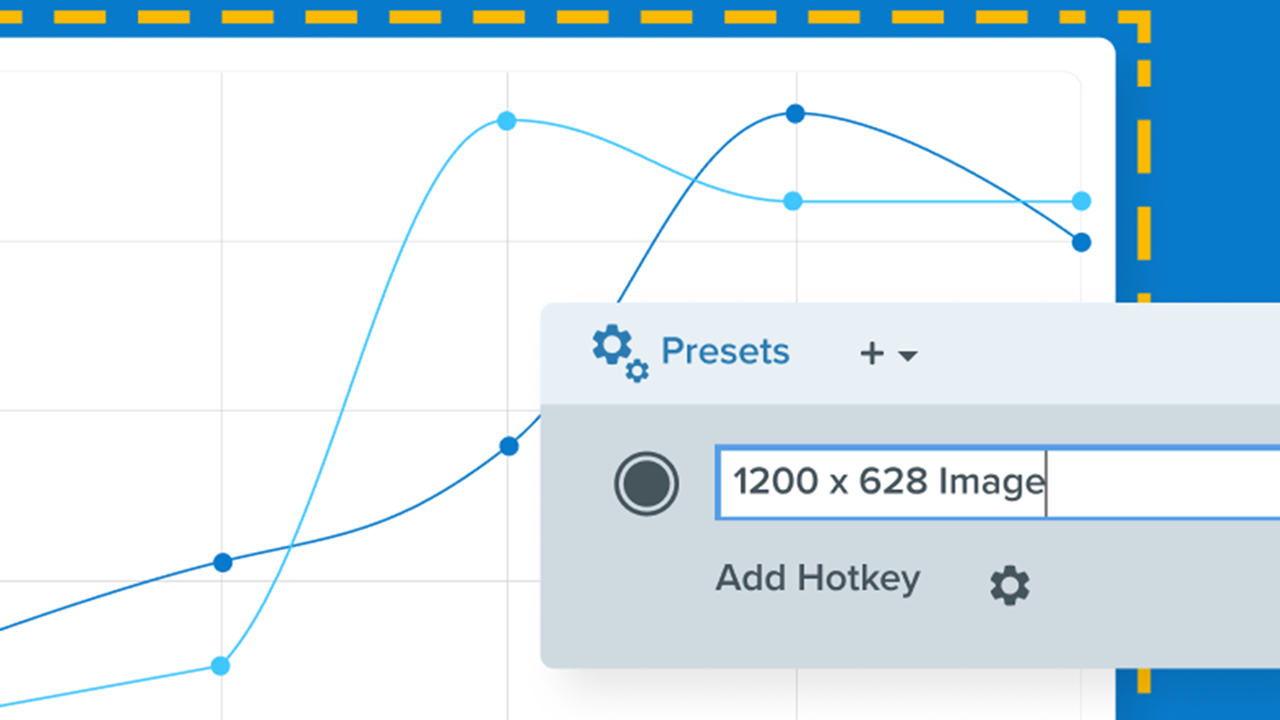
Save Capture Settings as Presets
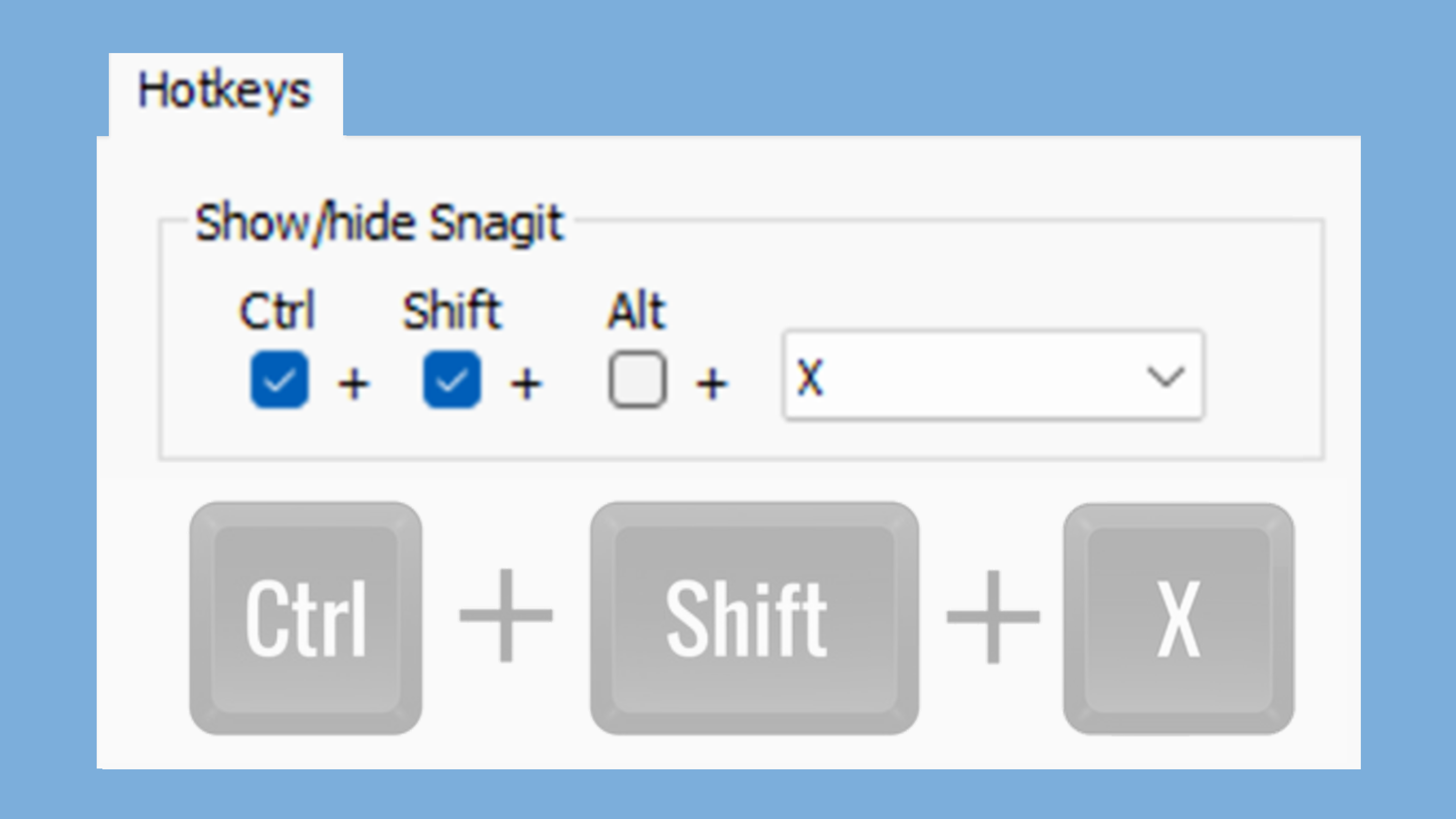
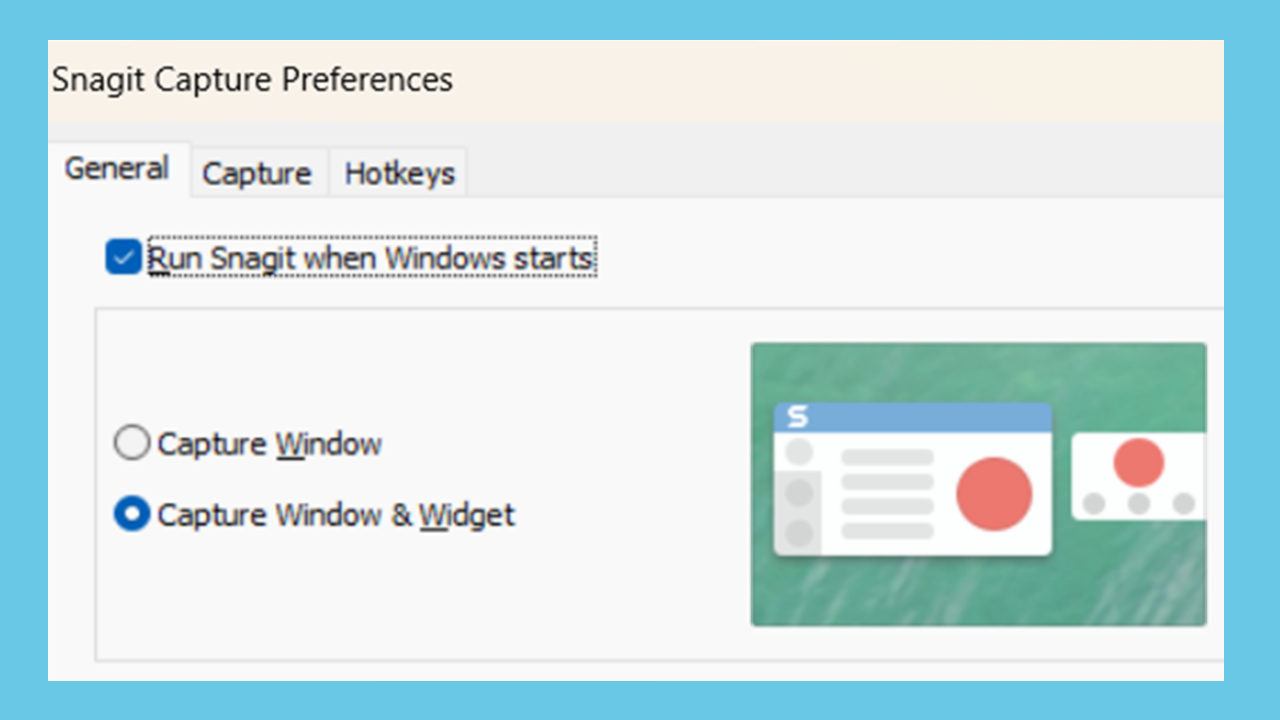
Snagit Capture Hotkeys
Share Captures
Get a Shareable Link
Export and Share Your Step Capture Documentation
Connect and Collaborate with Snagit + Slack
Share to Microsoft Teams