Learn how to use Camtasia Editor
We'll guide you through making your first video.

We'll guide you through making your first video.
Try one of our recommended lessons or scroll down to browse all available topics.
beginner
3 videos
A helpful beginner's guide to basic video editing.
beginner
14 videos
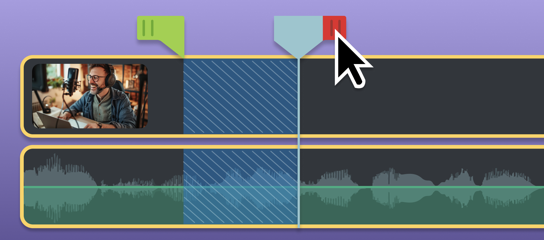
Learn how to complete common edits on the timeline.
beginner
5 videos
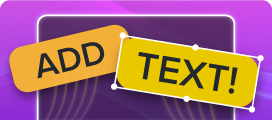
Follow a sample project to add and animate video text.

intermediate
Learn about the latest features and improvements in Camtasia Editor.
What's New in Camtasia Editor
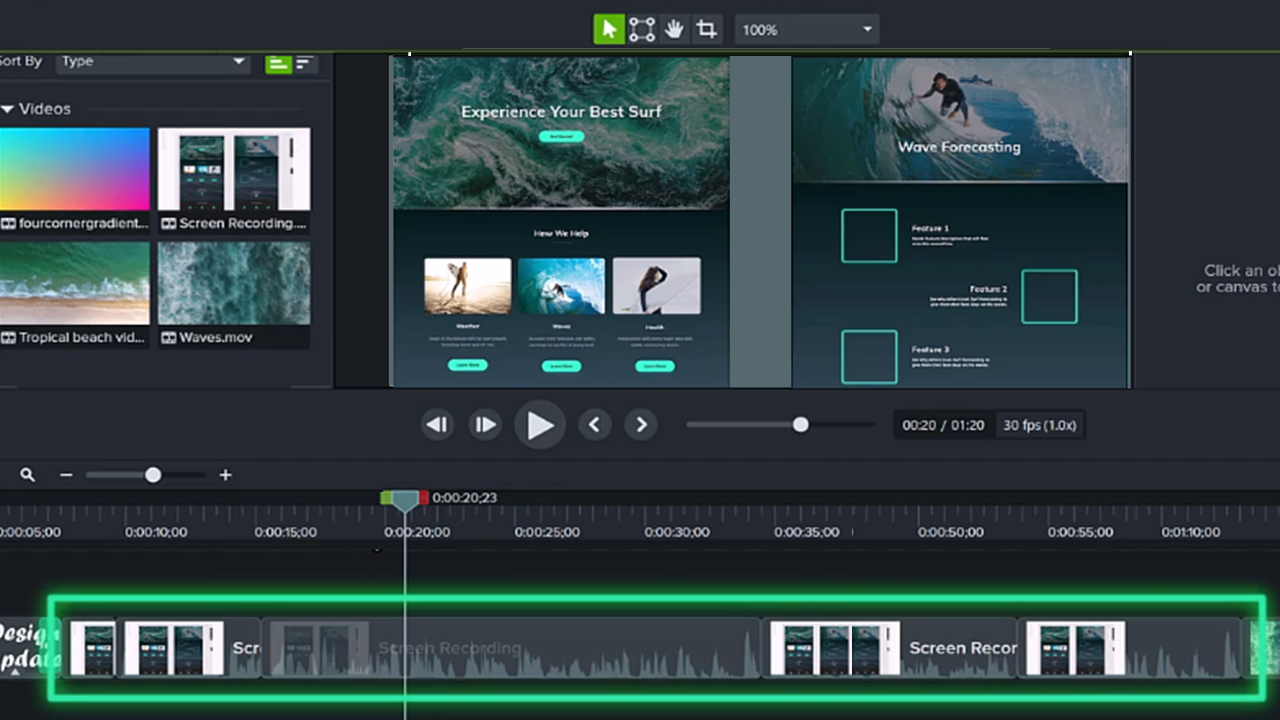
Build Your First Video
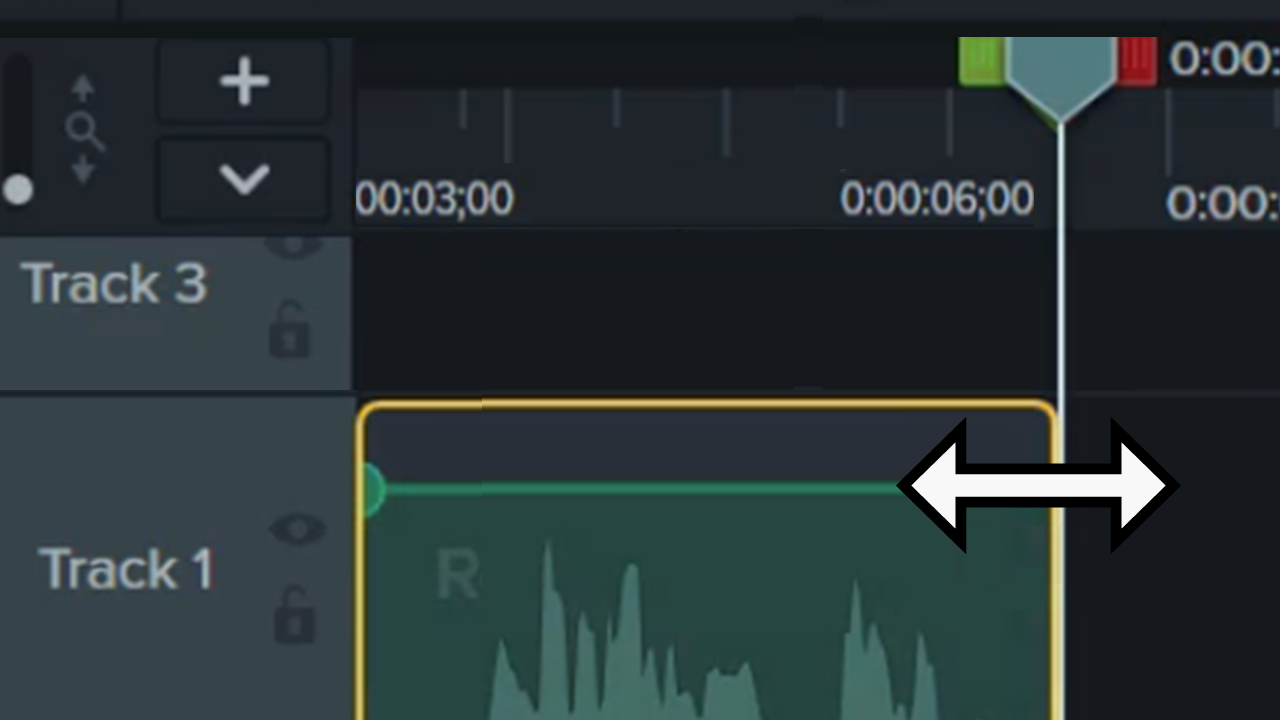
Basic Edits After Recording
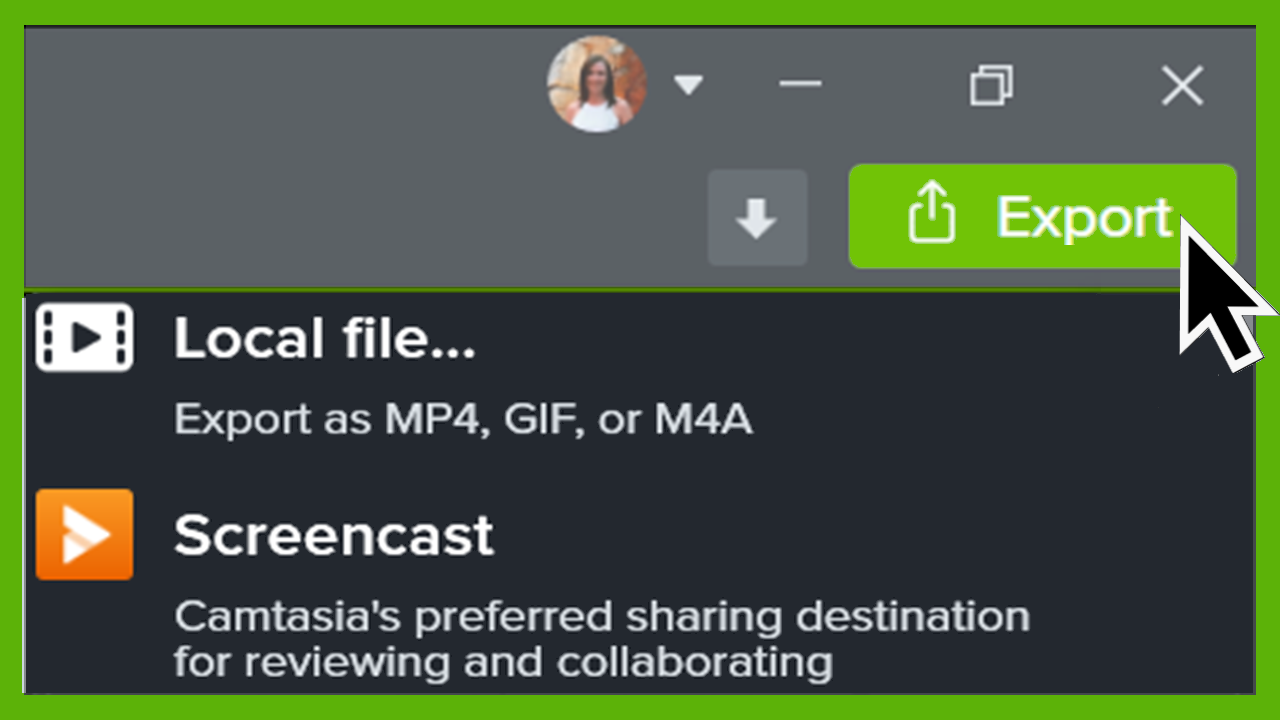
Export & Share Your Video
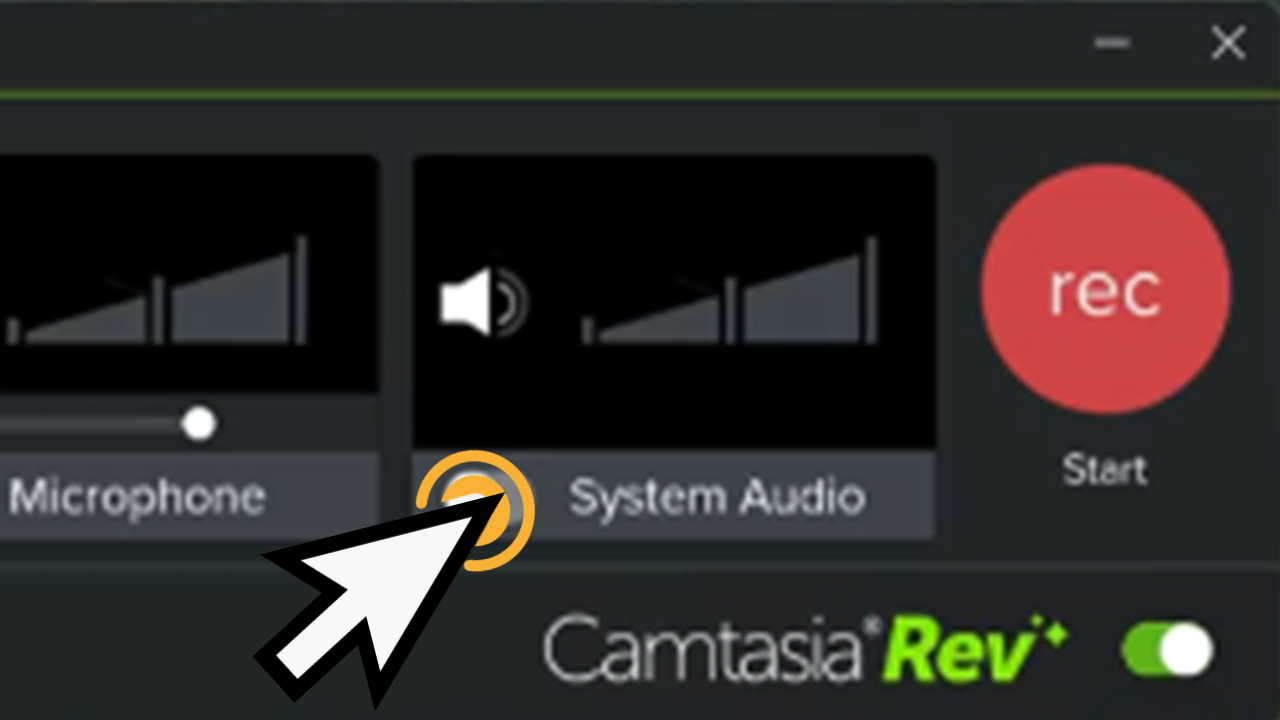
Introduction to Camtasia Recorder
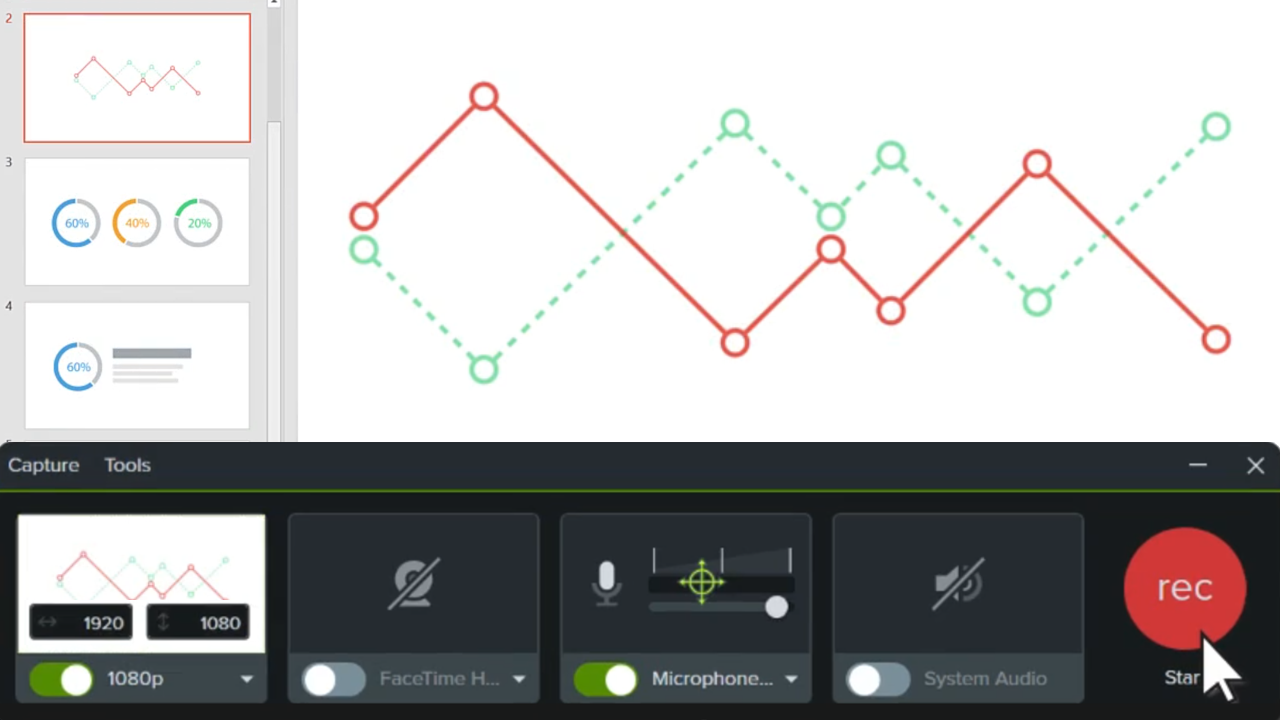
Record a Slideshow Presentation
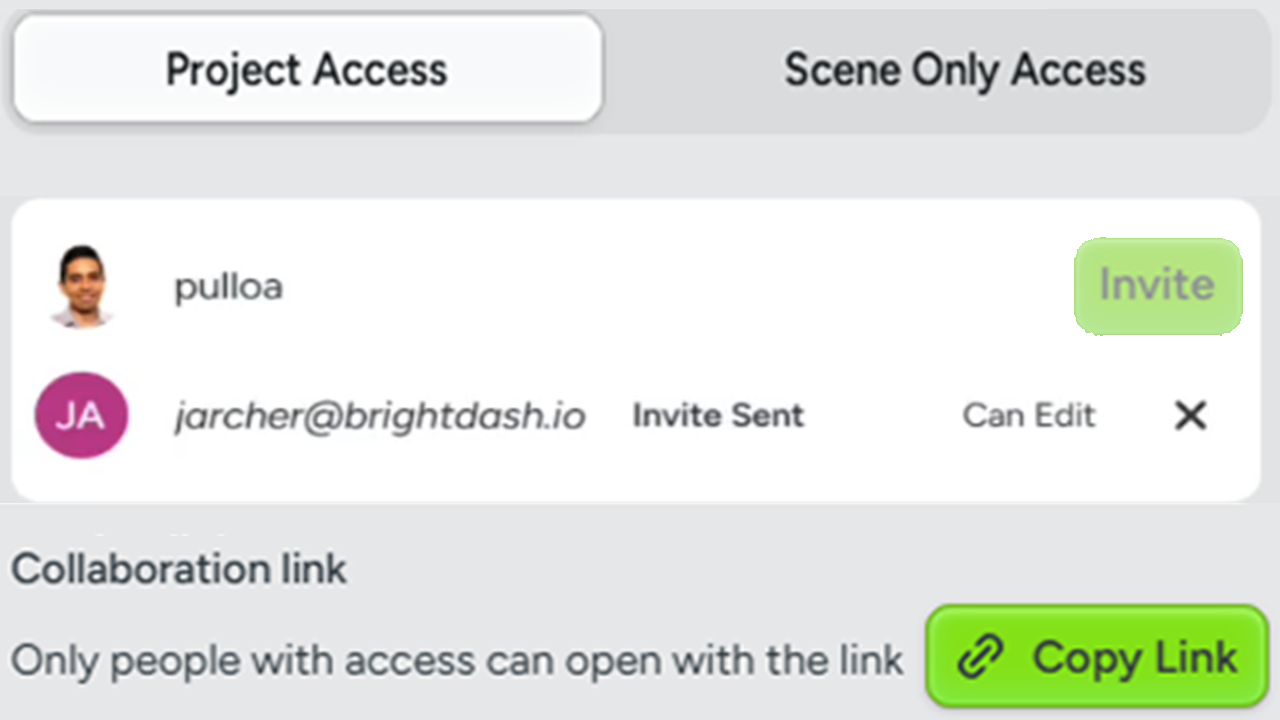
Collaborate on a Video Project
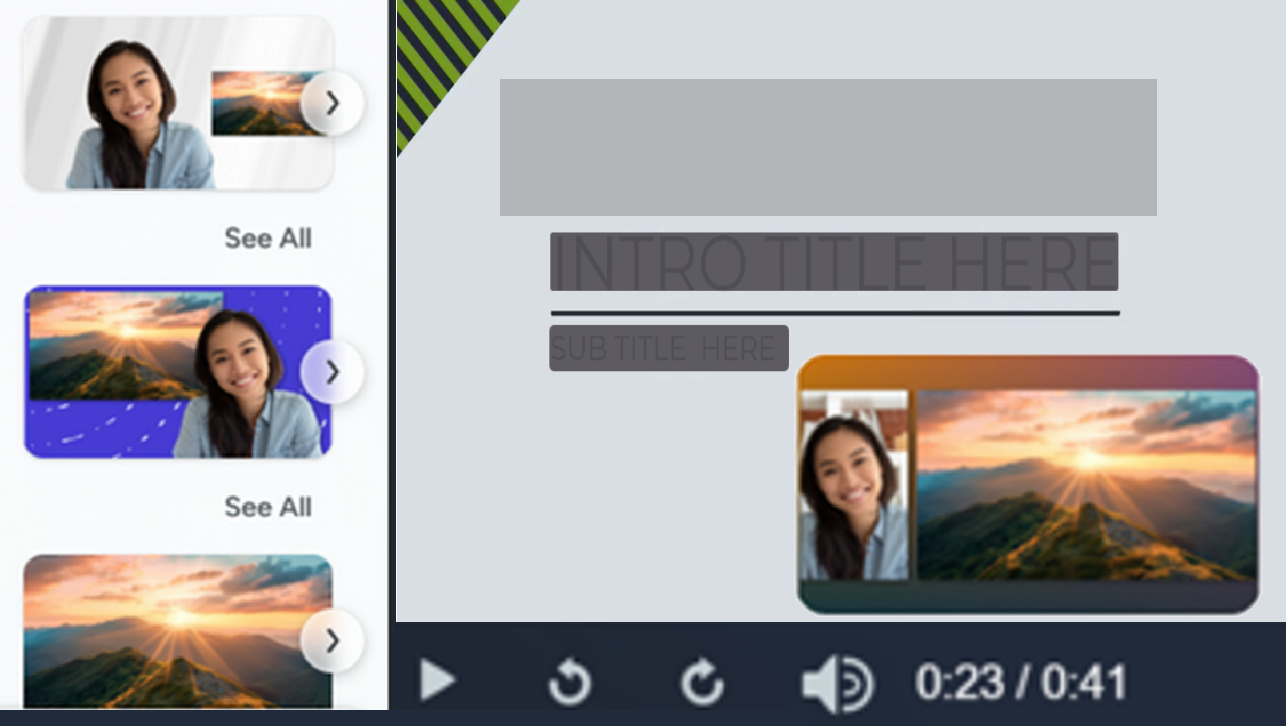
Import & Manage Your Project Media (Media Bin)
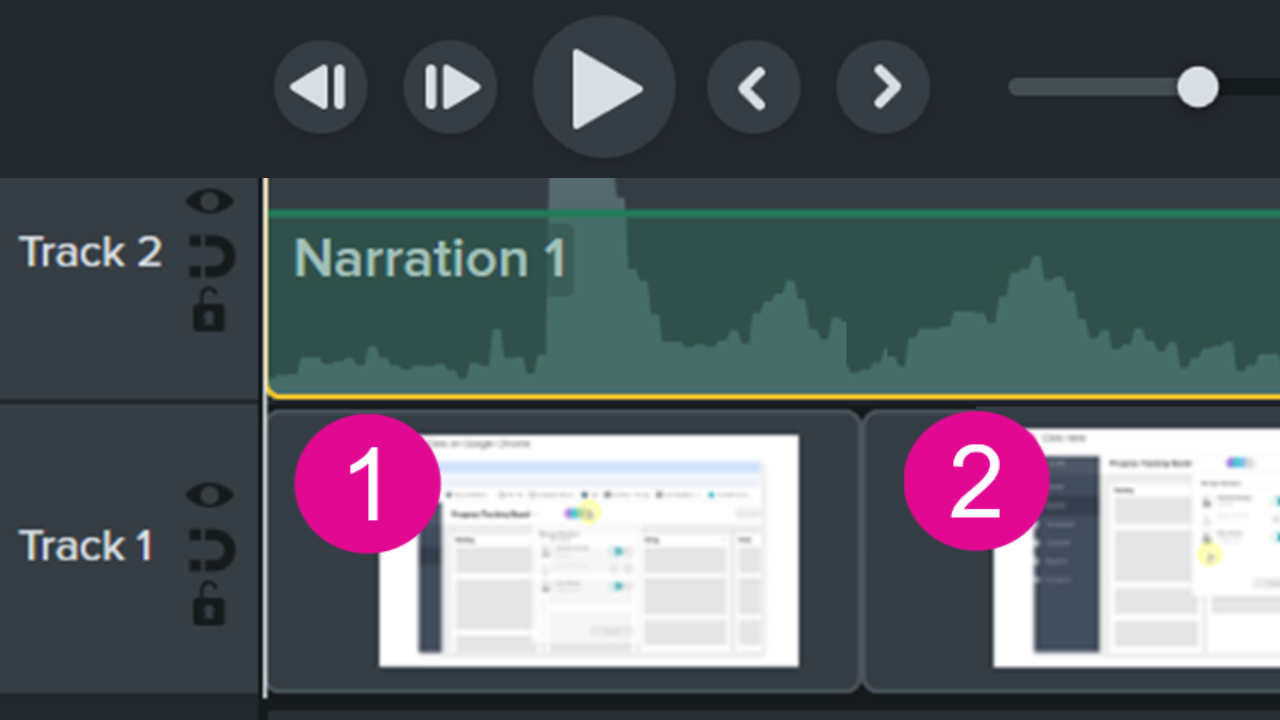
Quickly Create a Professional Step-by-Step Video
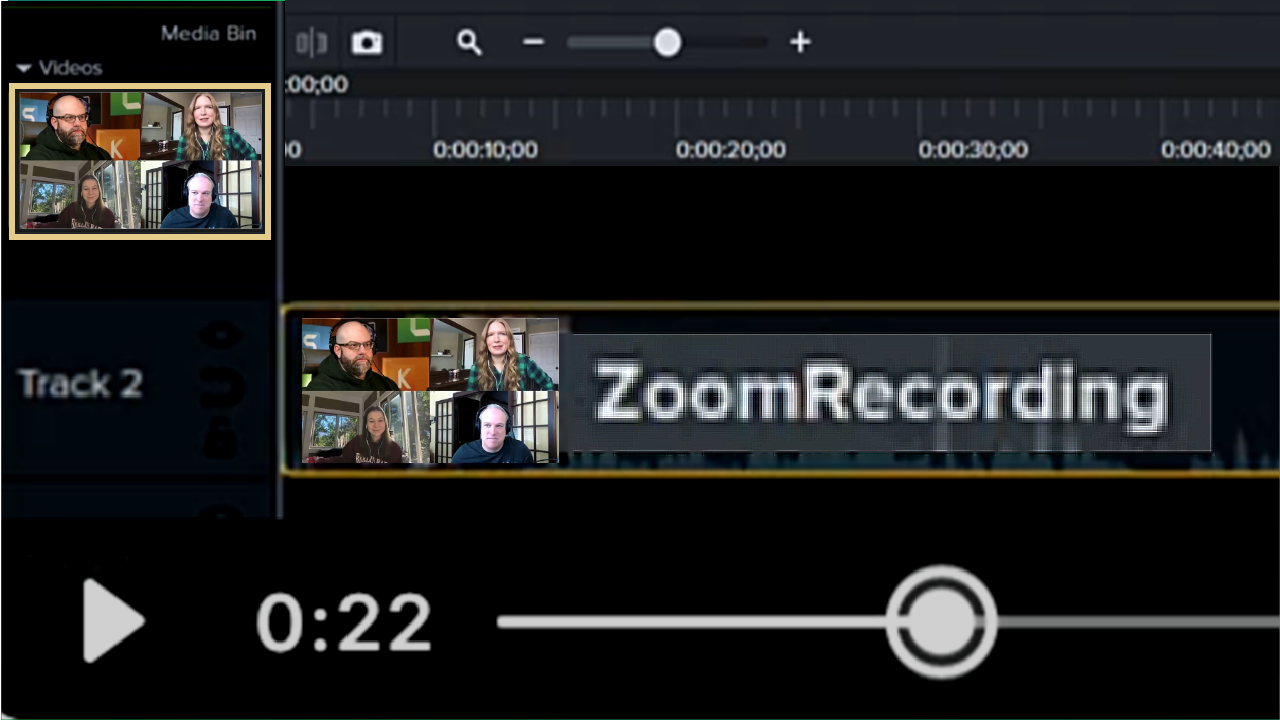
Edit Zoom Recordings

Edit Microsoft Teams & Other Meeting Recordings
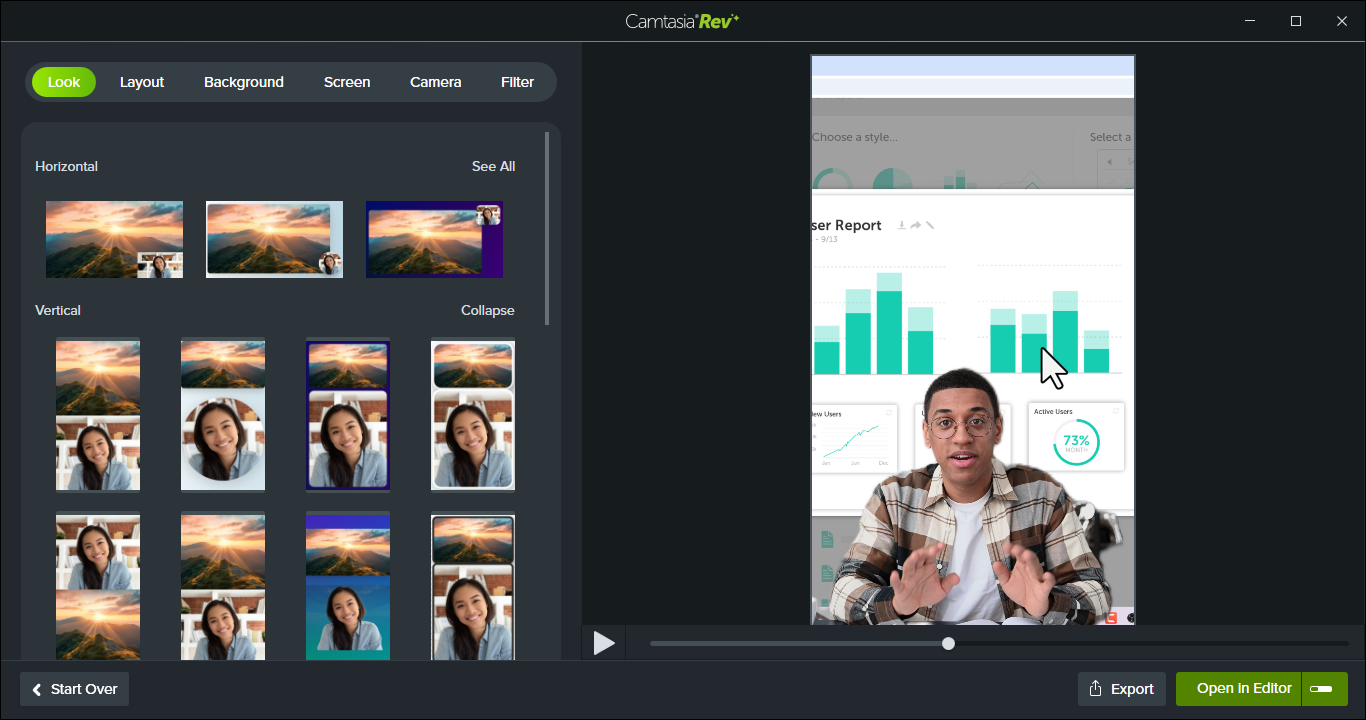
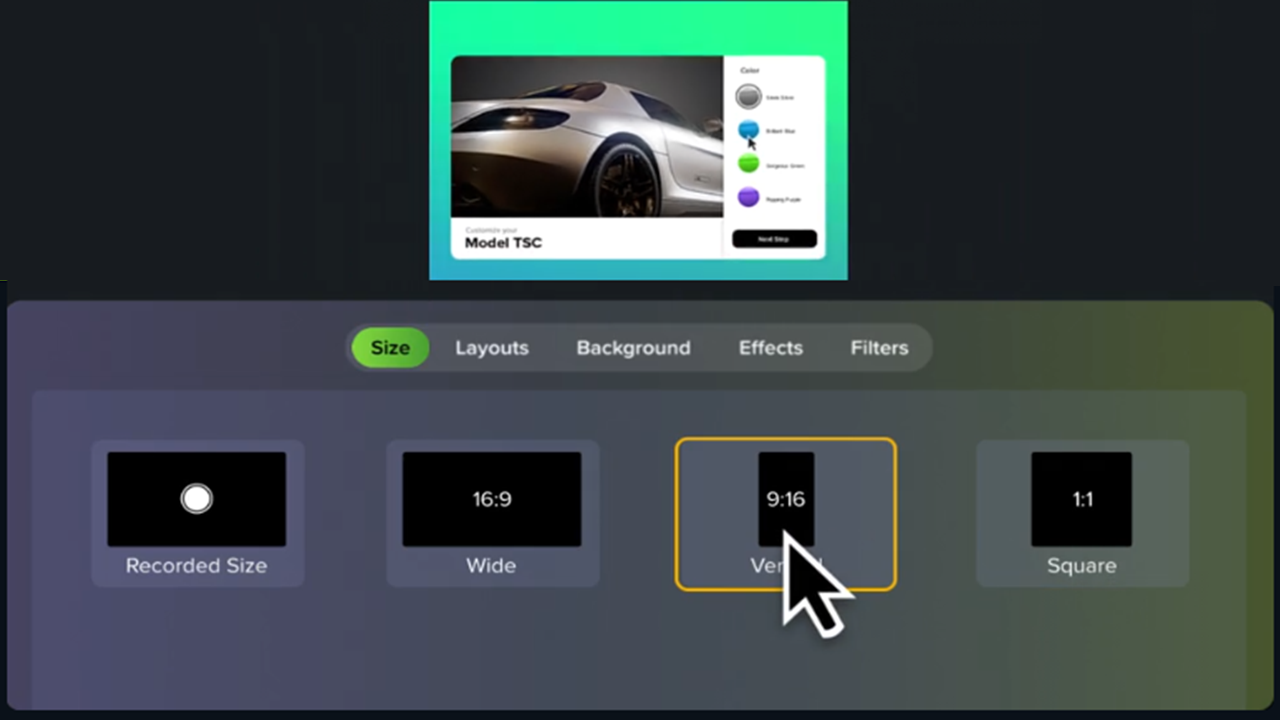
Create Vertical Videos
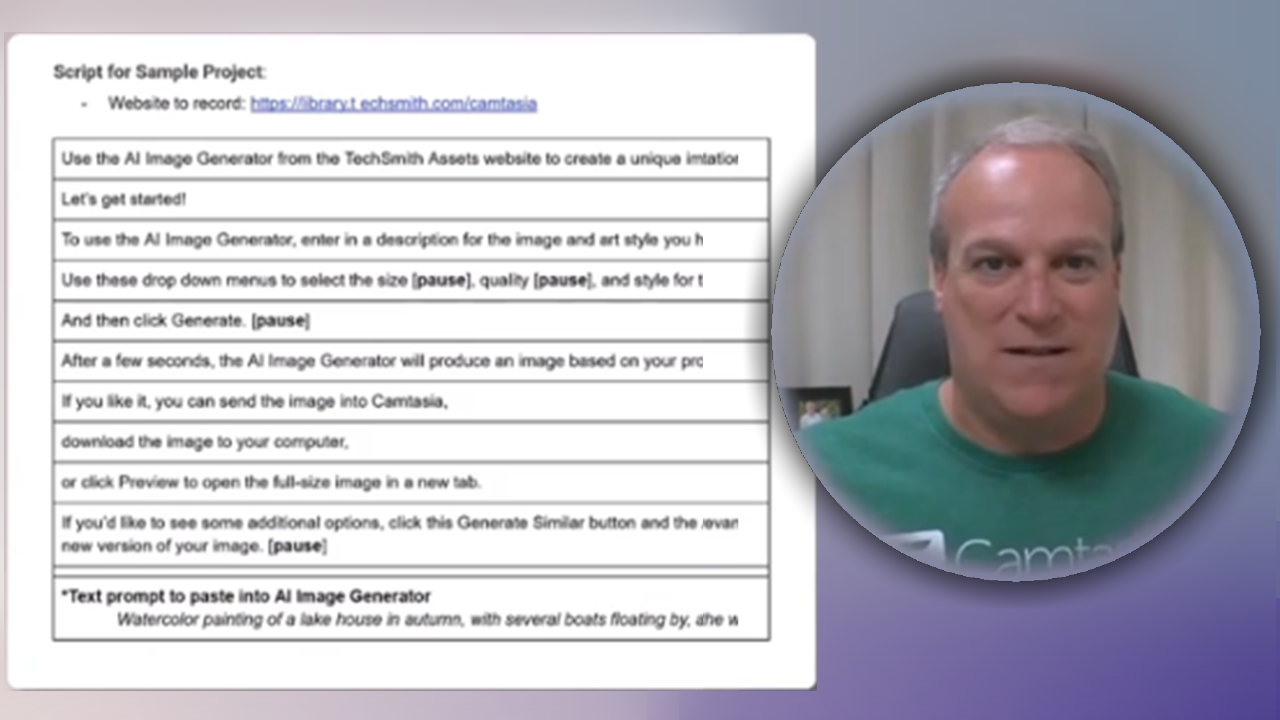
Create a Video from a Script
Record an iOS Demo or Tutorial
Record a PowerPoint Presentation
Add Arrows, Shapes, & Callouts
Add Sound Effects to Your Video
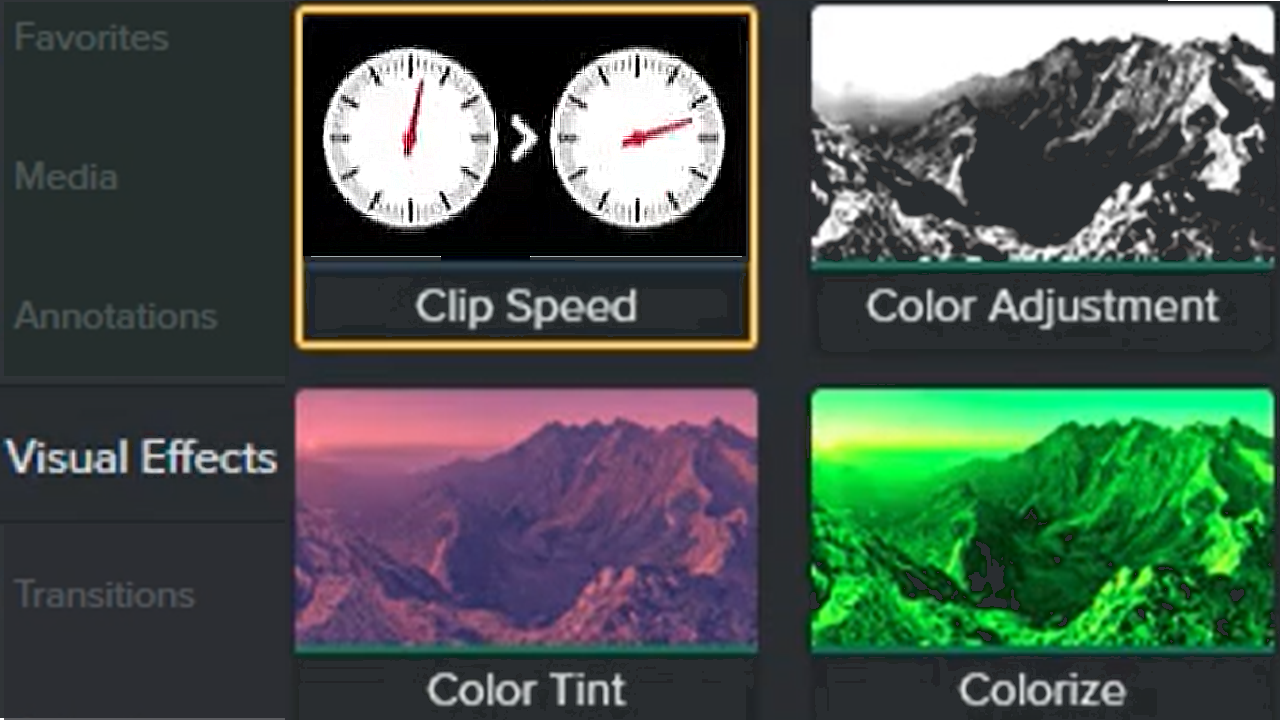
Visual Effects Overview
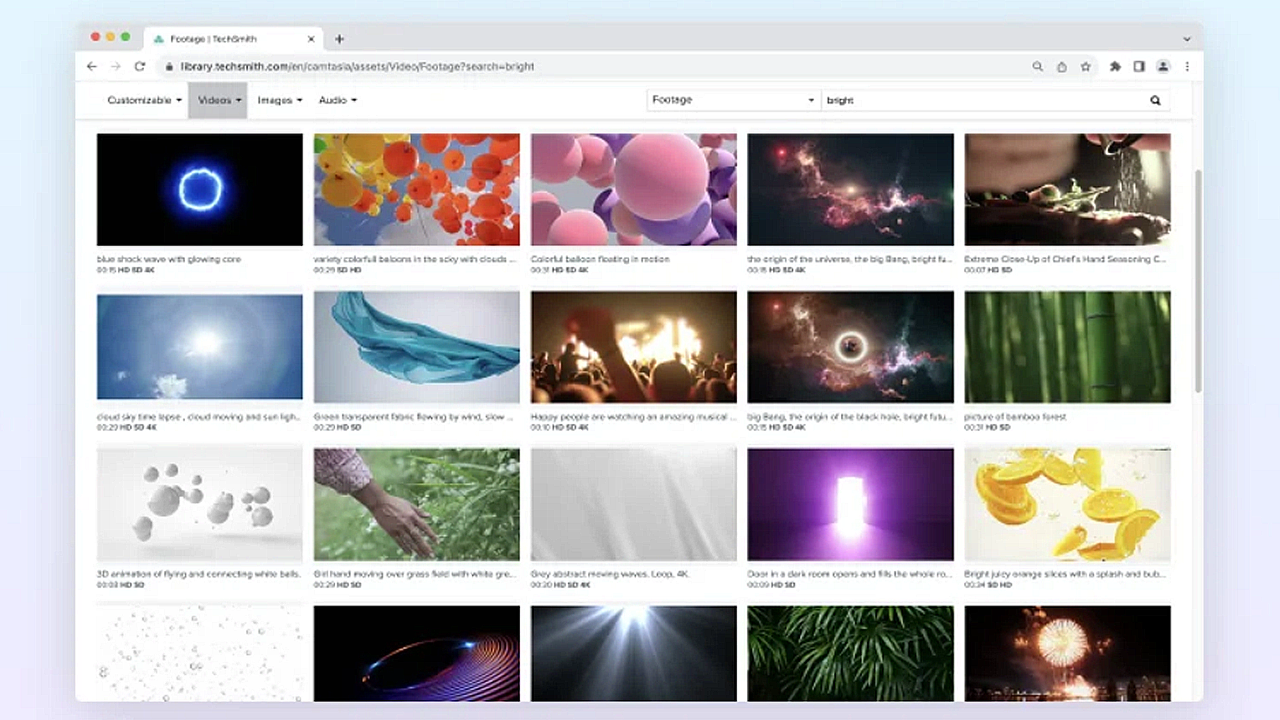
Enhance Your Video with Camtasia Assets
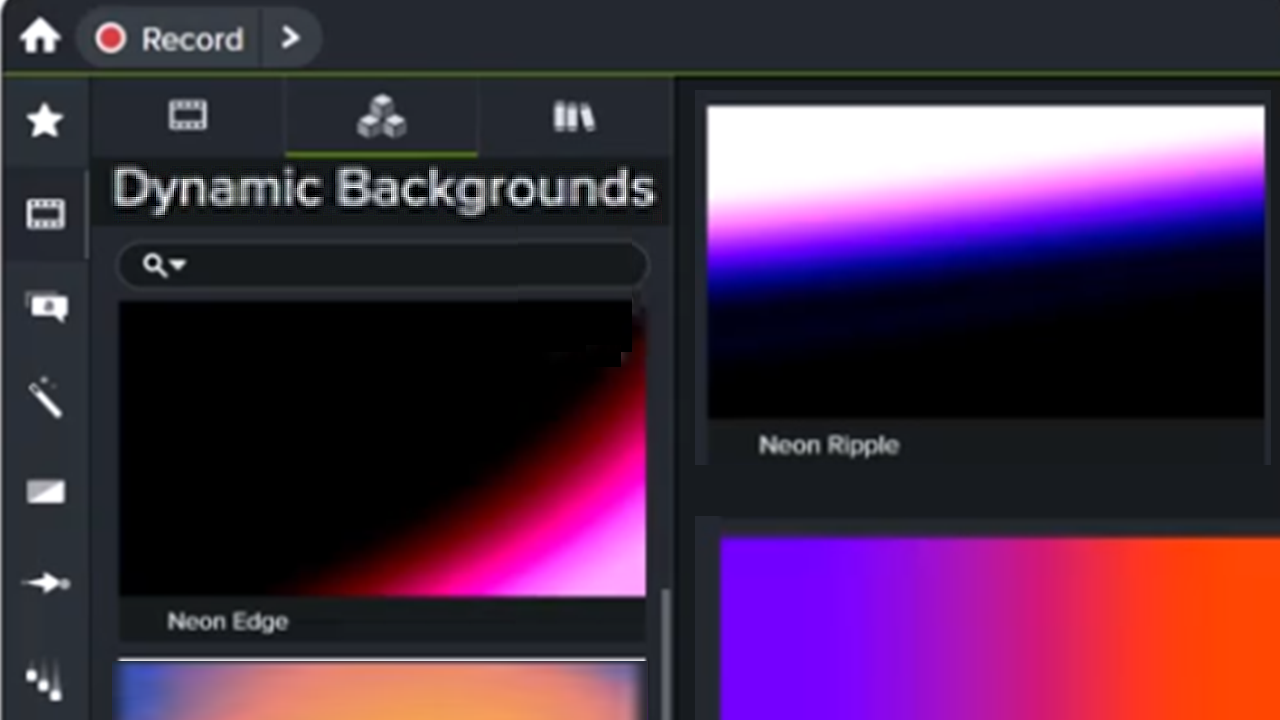
Add a Dynamic Background
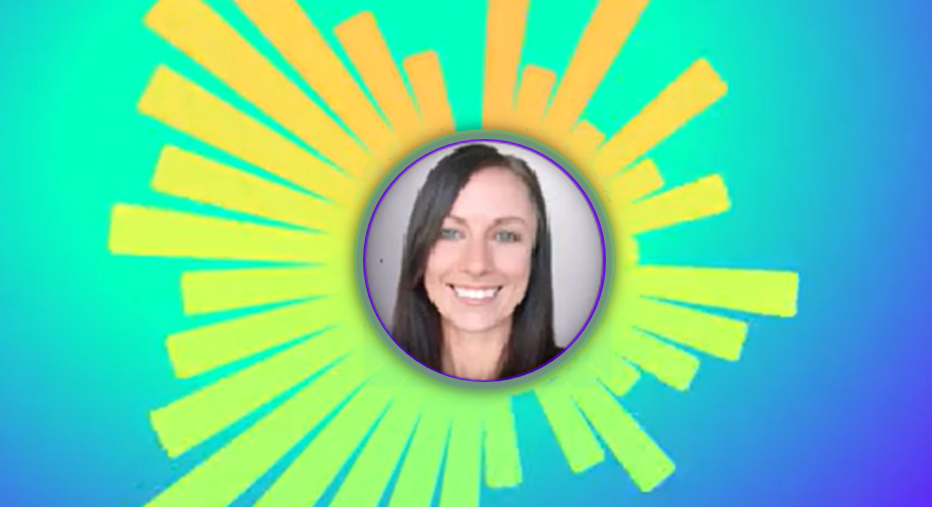
4 Ways to Visualize Your Audio
Create the Illusion of 3D Perspective (Corner Pinning)

Remove a Background from Your Video
Enhance Your Video Overview
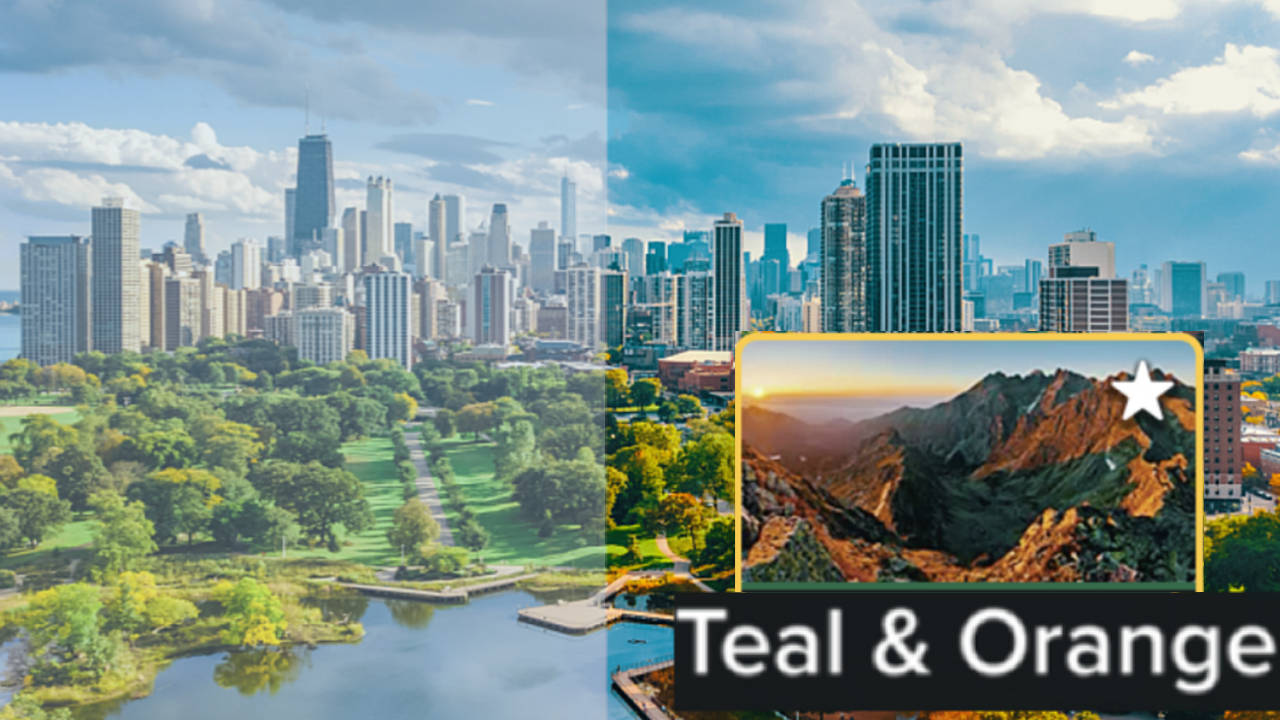
Add Video Filters
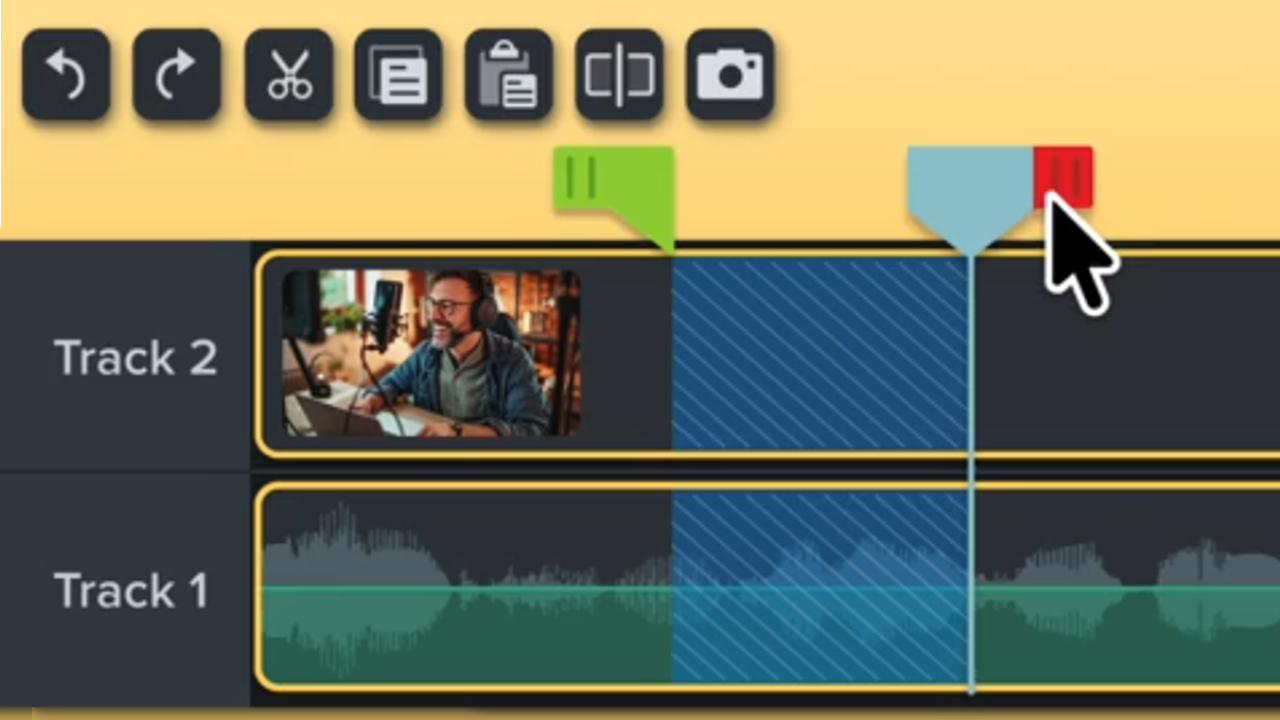
Video Editing Quick Guide
Basic Edits After Recording

3 Keys to the Camtasia Editor Timeline
Explore the Timeline
Add Markers & Video Table of Contents
How to Use Group Tabs
Record or Generate Voice Narration
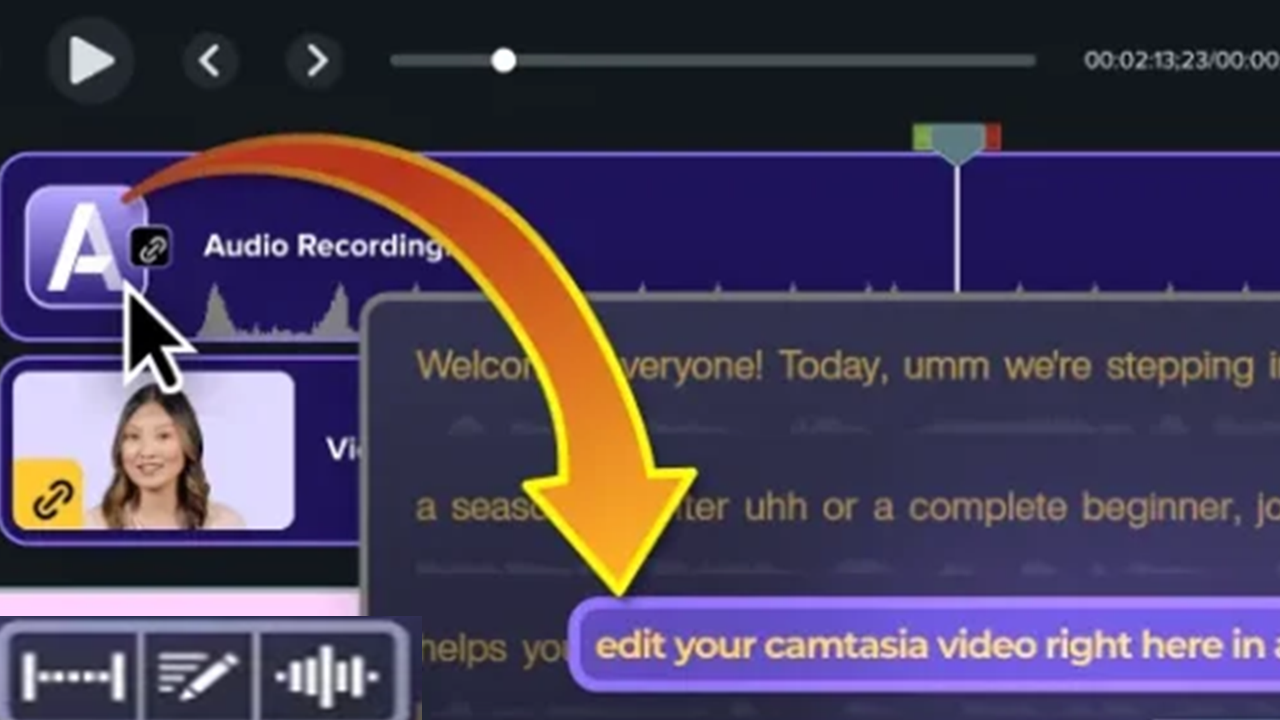
Speed Up Editing with Camtasia Audiate
Introduction to AI Video Generation
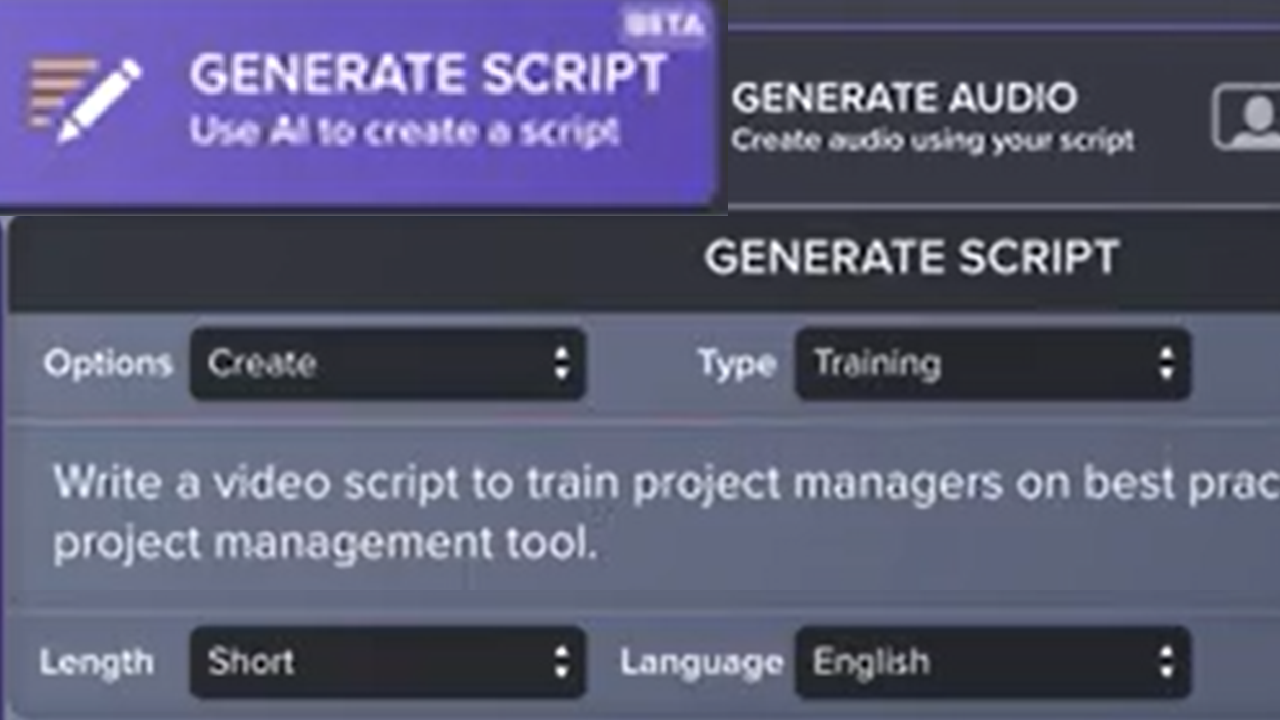
Generate a Script with AI
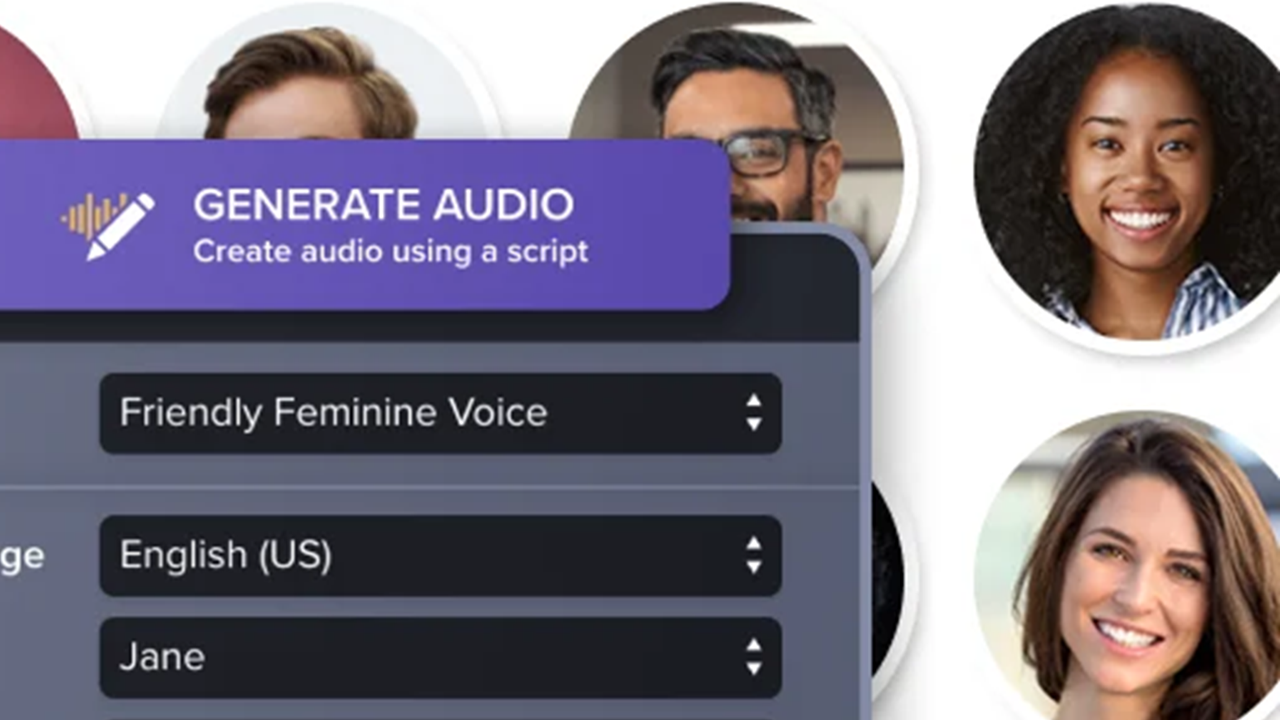
Generate AI Voices from Text or a Script
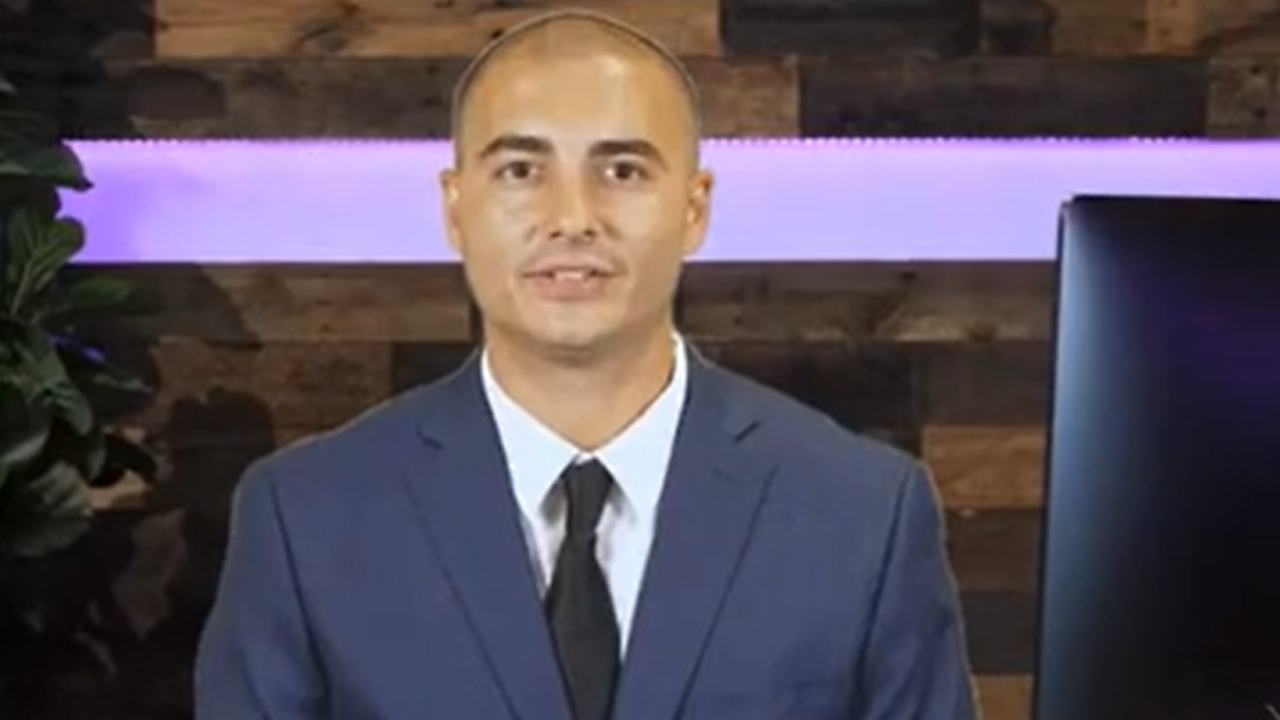
Generate AI Avatars
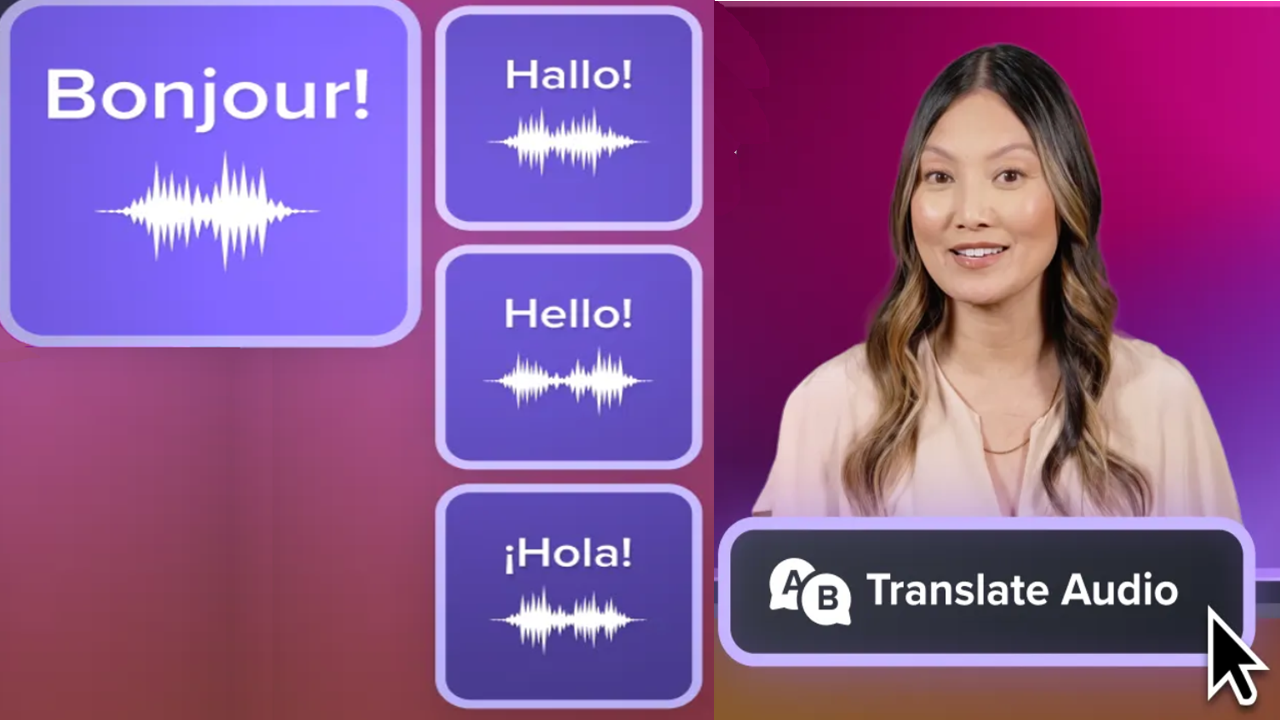
Translate Your Script, Audio, and Captions
Record or Generate Voice Narration
Speed Up Editing with Camtasia Audiate
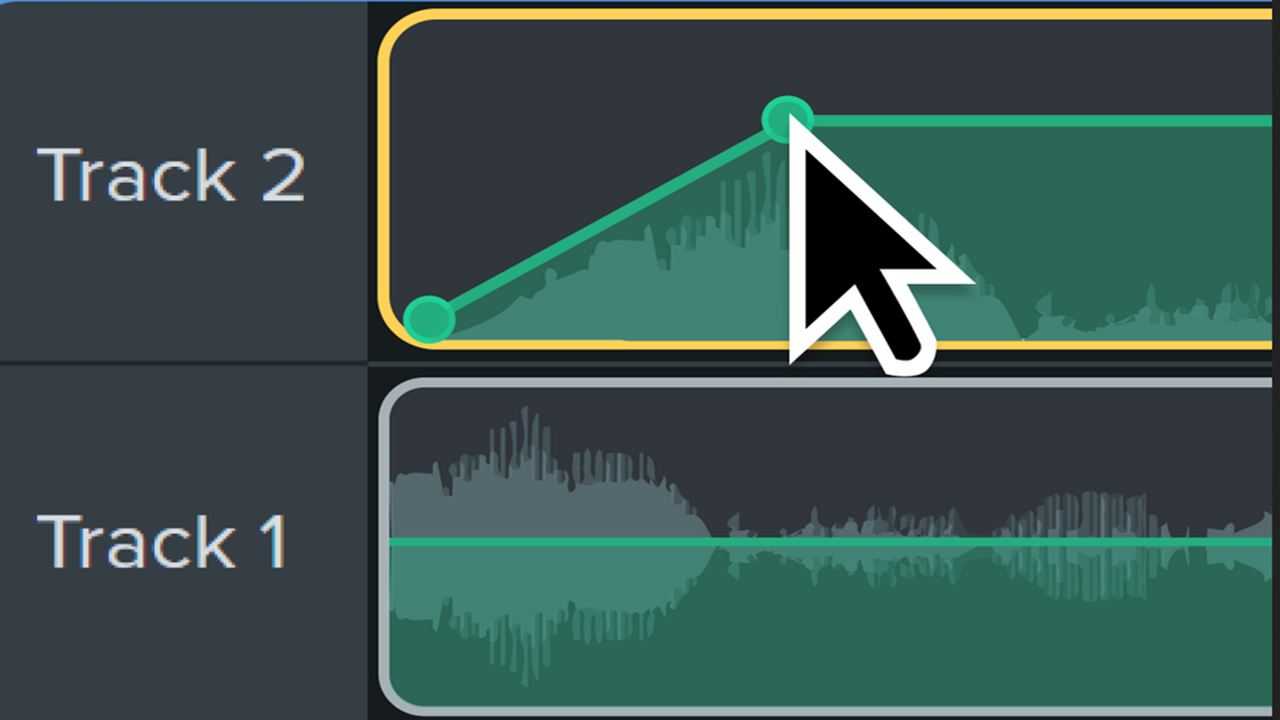
Recommended Audio Edits
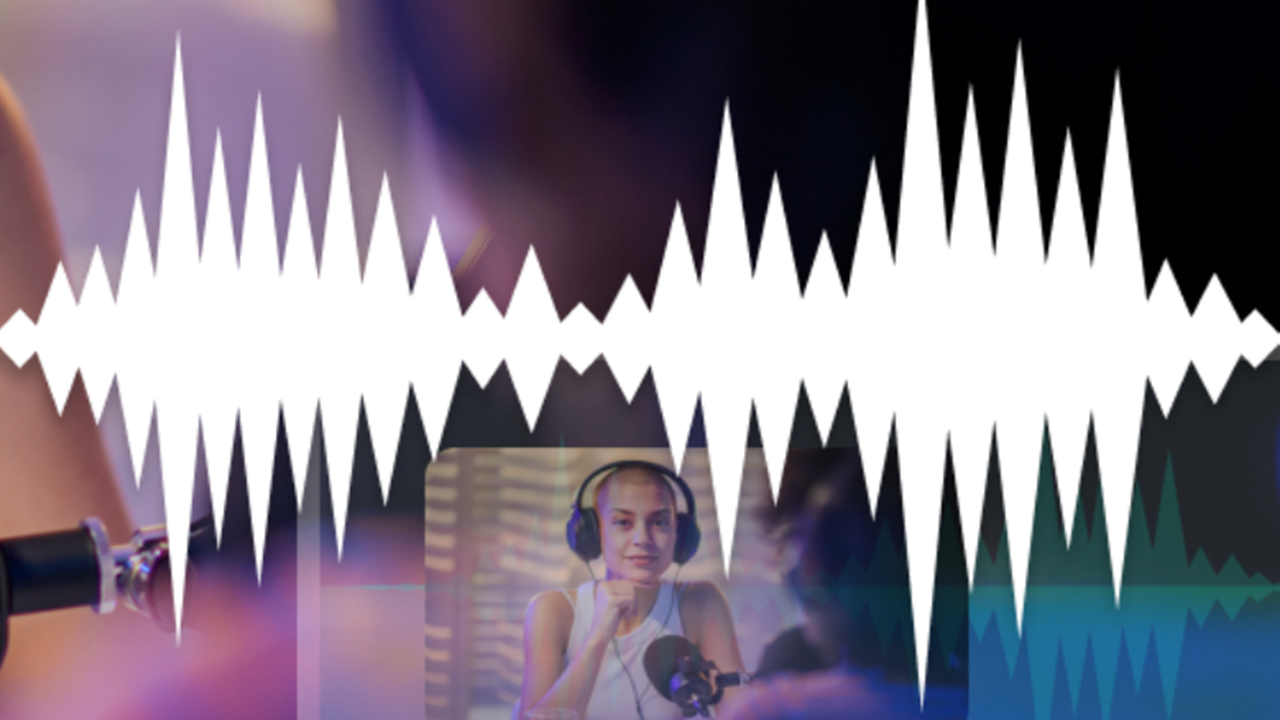
Tips for Getting the Best Audio
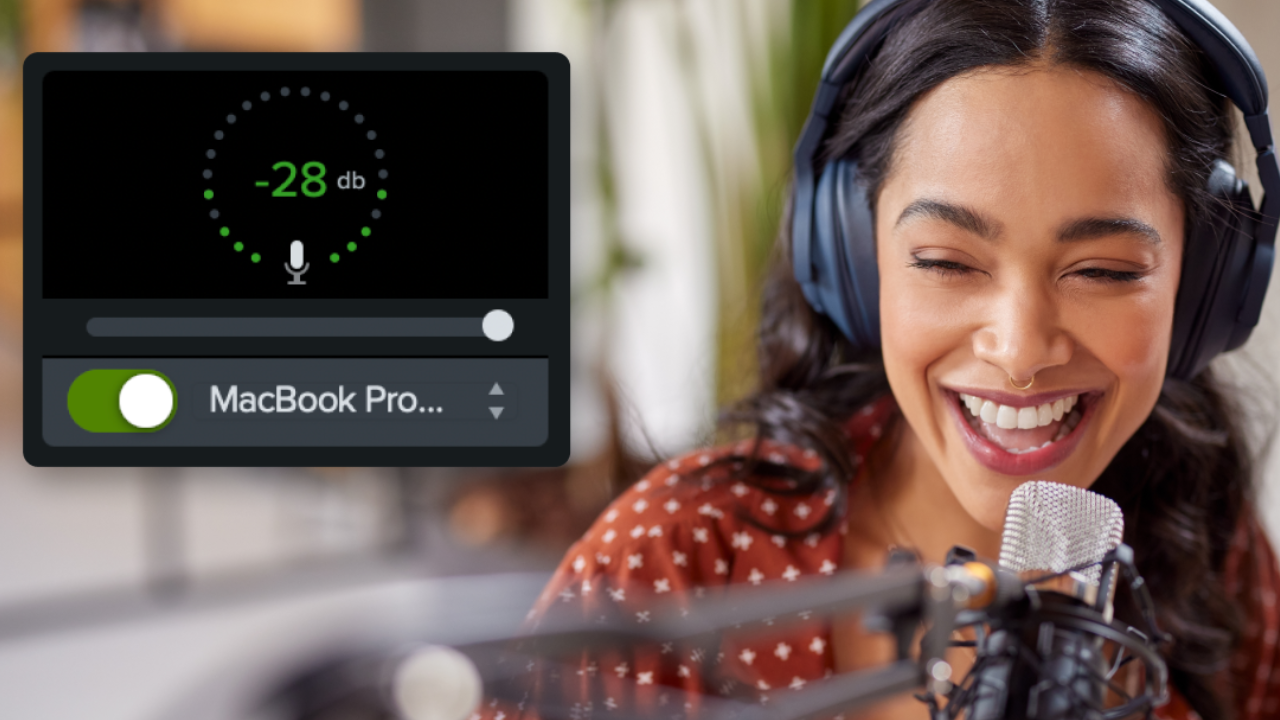
Set the Tone with Background Music
4 Ways to Visualize Your Audio
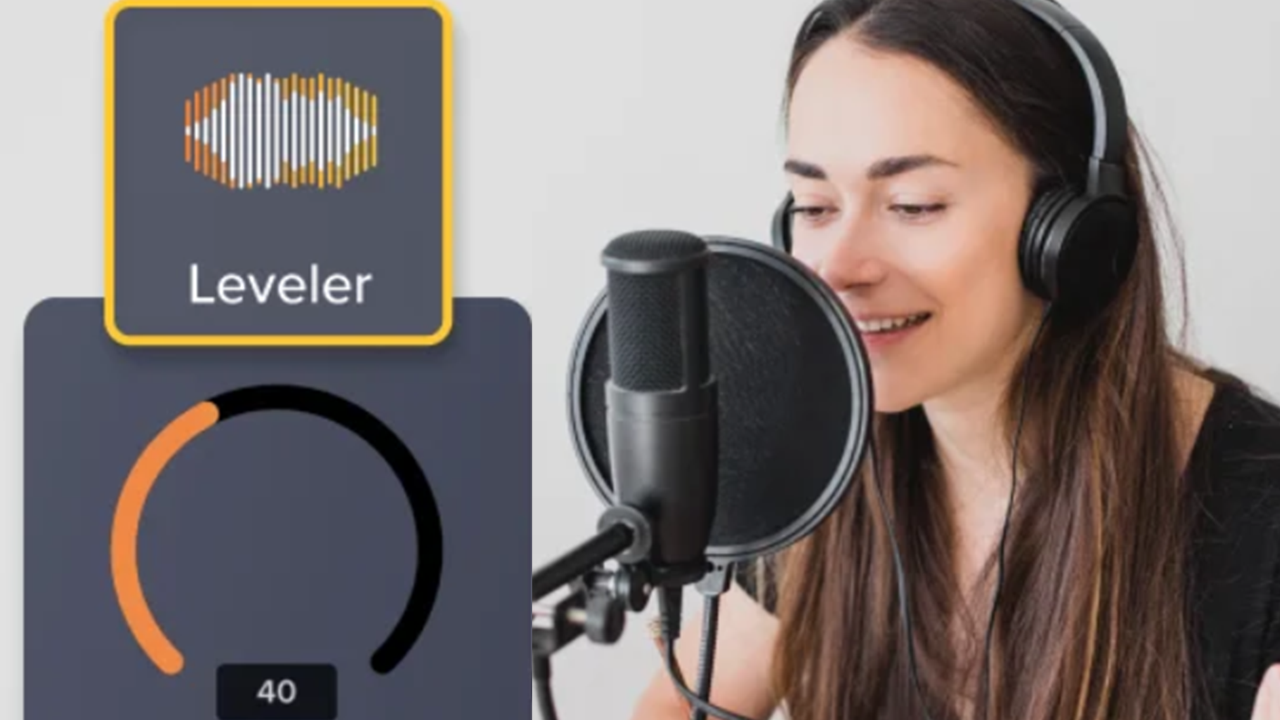
Edit Audio
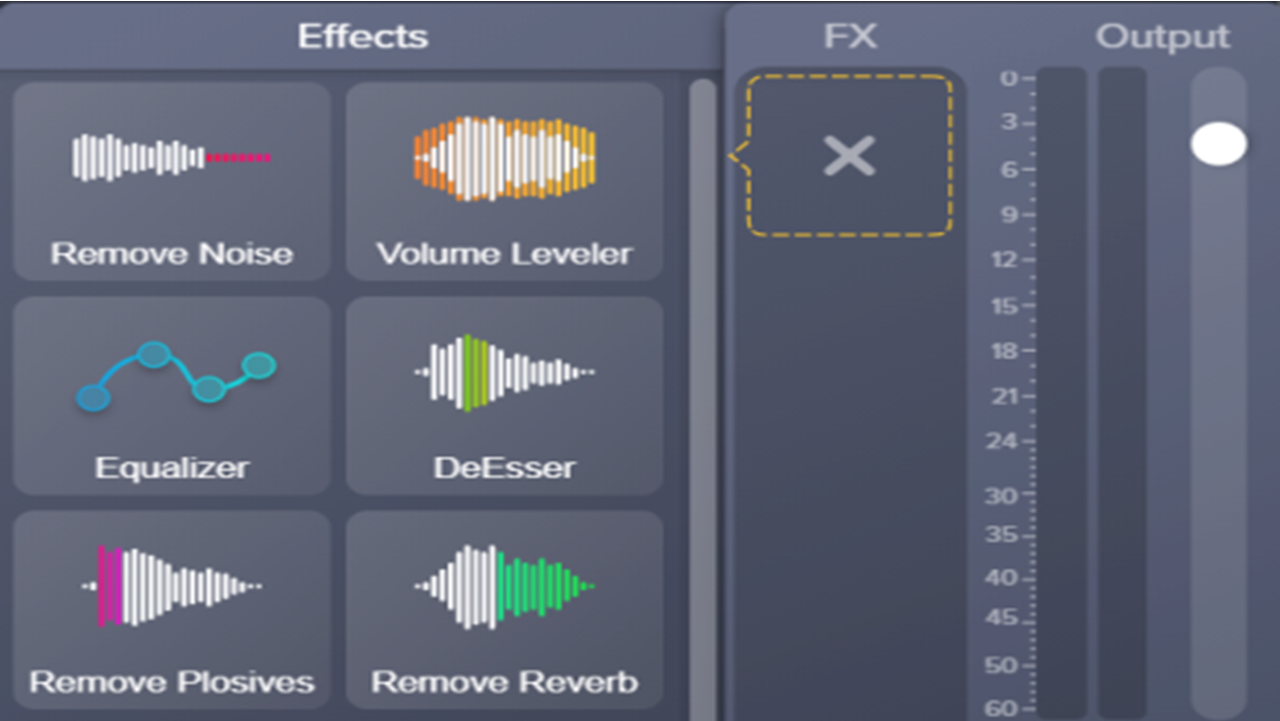
Add Audio Effects

Add Cursor Effects
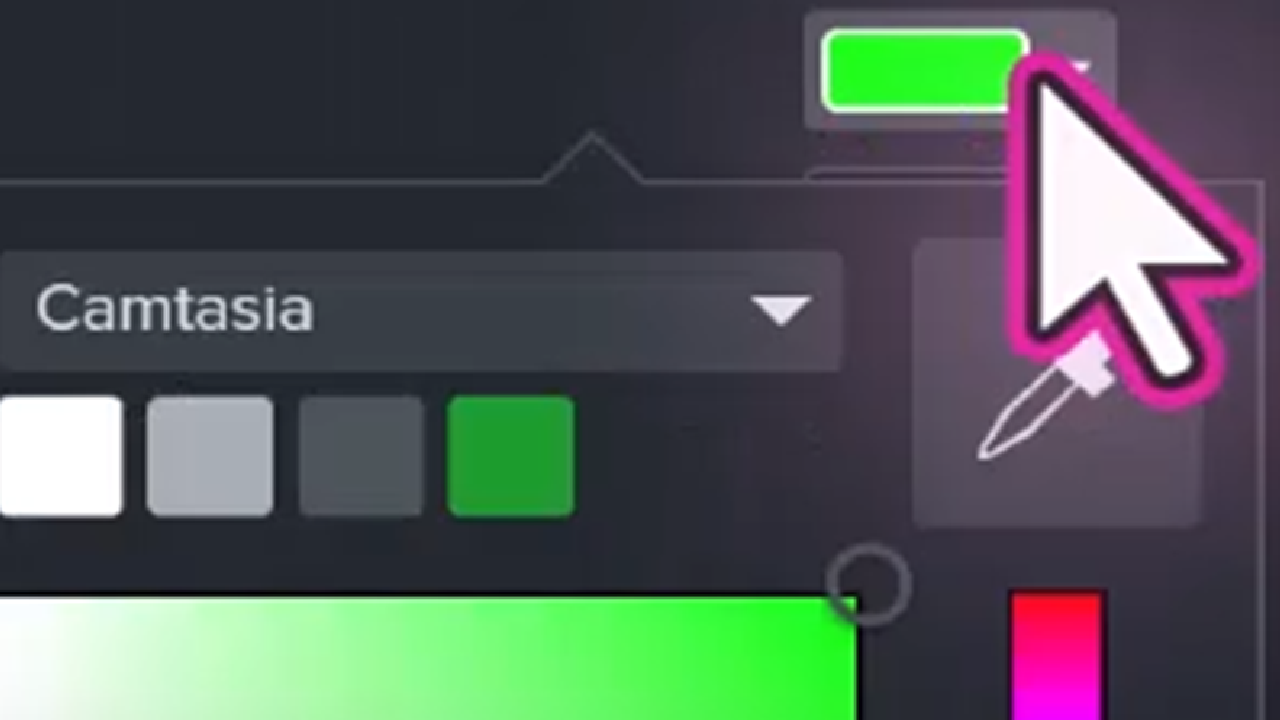
Introduction to Cursor Editing
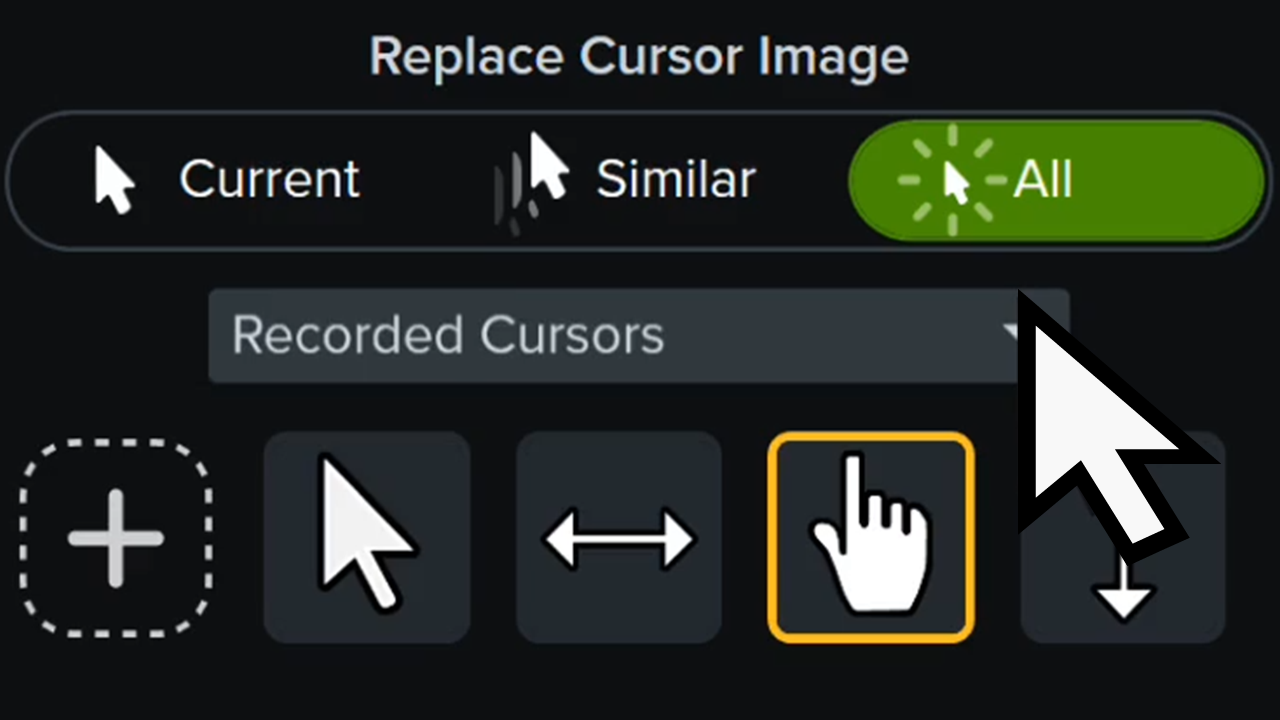
Replace the Cursor
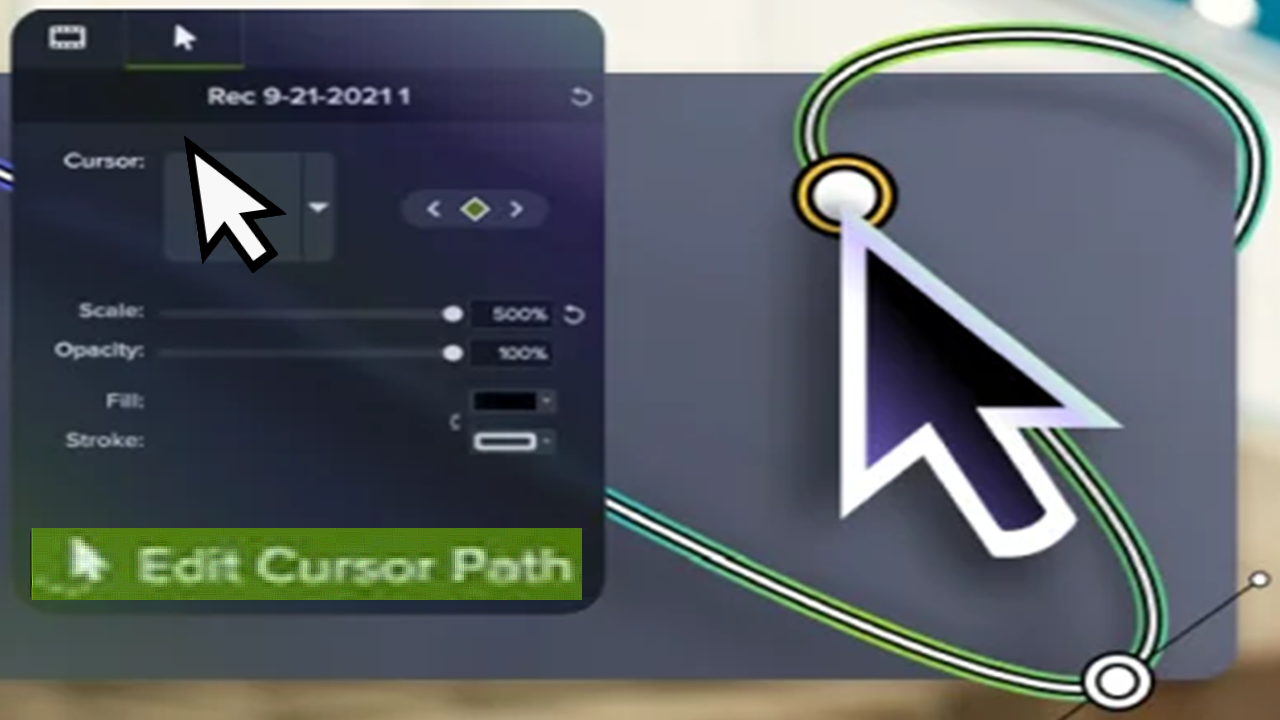
Customize the Cursor Path
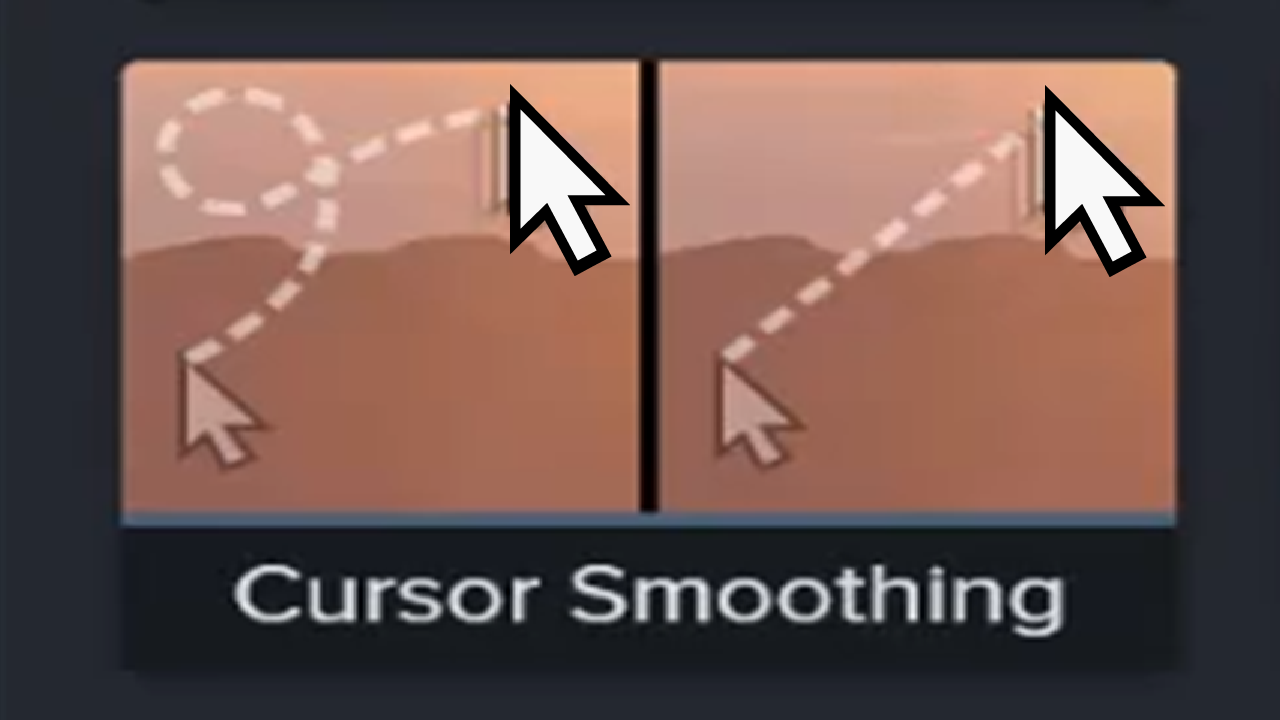
Quickly Smooth Cursor Movements
Animations In-Depth
Zoom In to Focus Attention
Add a Transition
Add Movement to Any Object (Motion Paths)
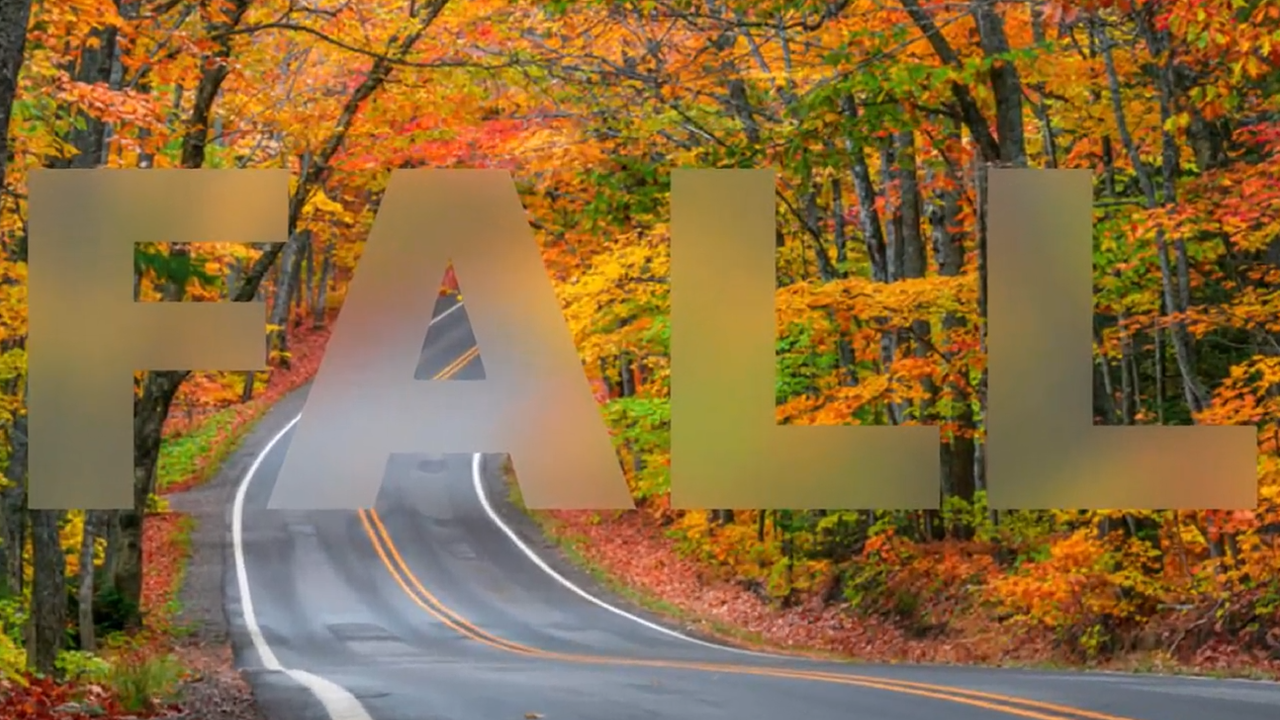
Blur or Mask a Video
Animate Text & Images with Behaviors
Create Stunning Animations with Media Mattes
Add Dynamic Captions
Add Closed Captions to a Video
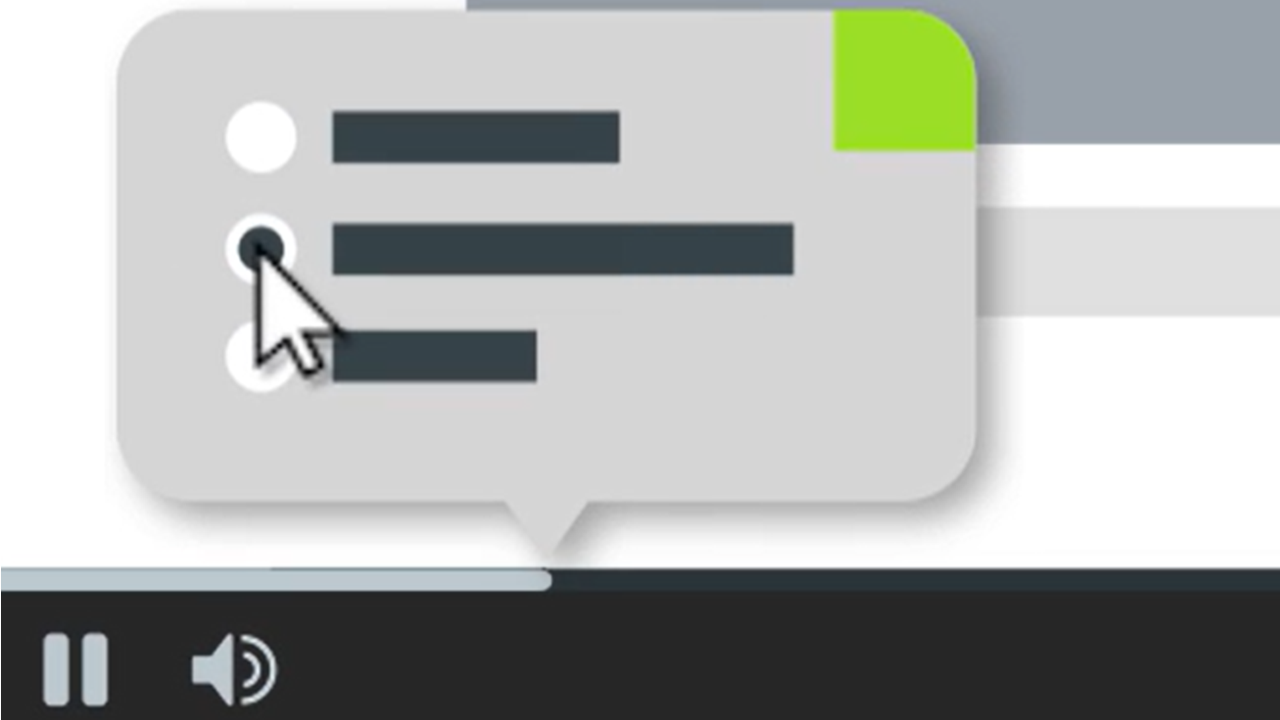
Build Quizzes & Surveys
Add Markers & Video Table of Contents
Add Hotspots (Interactive Videos)
Batch Export Videos
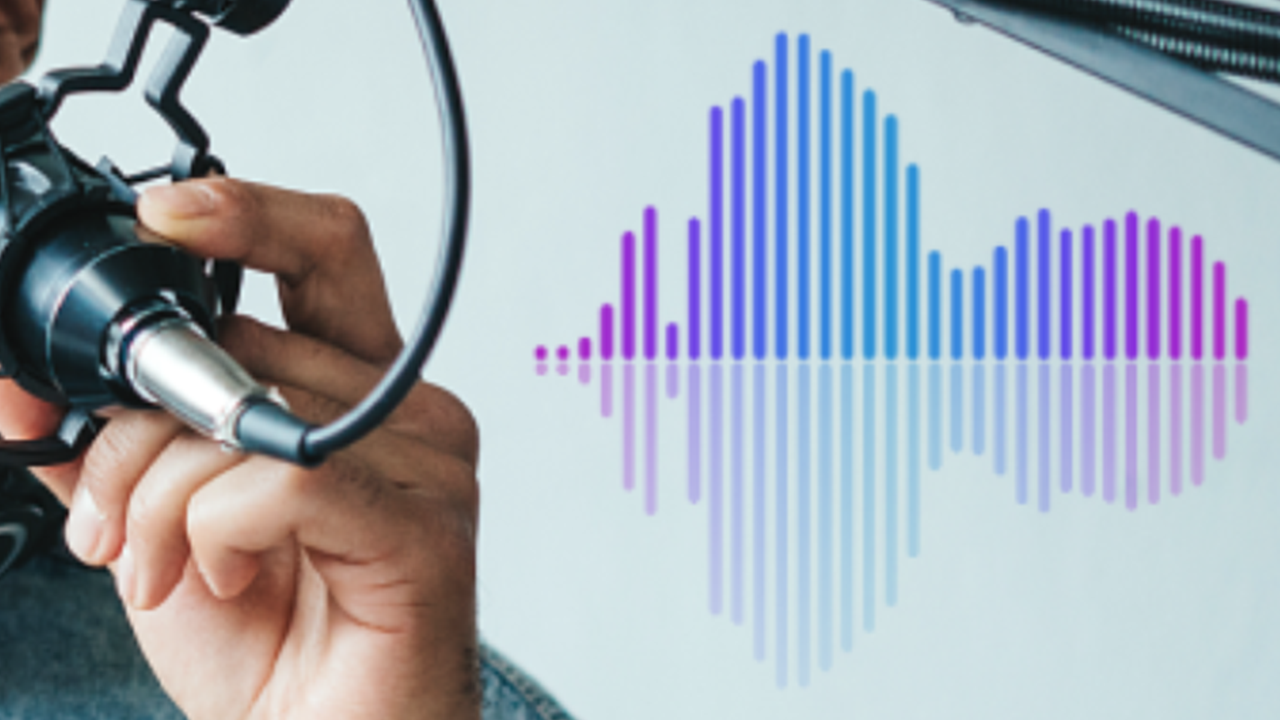
Export an Audio File
Export & Share Your Video
Use Camtasia Videos in Your LMS
Watermark Your Videos (Windows)
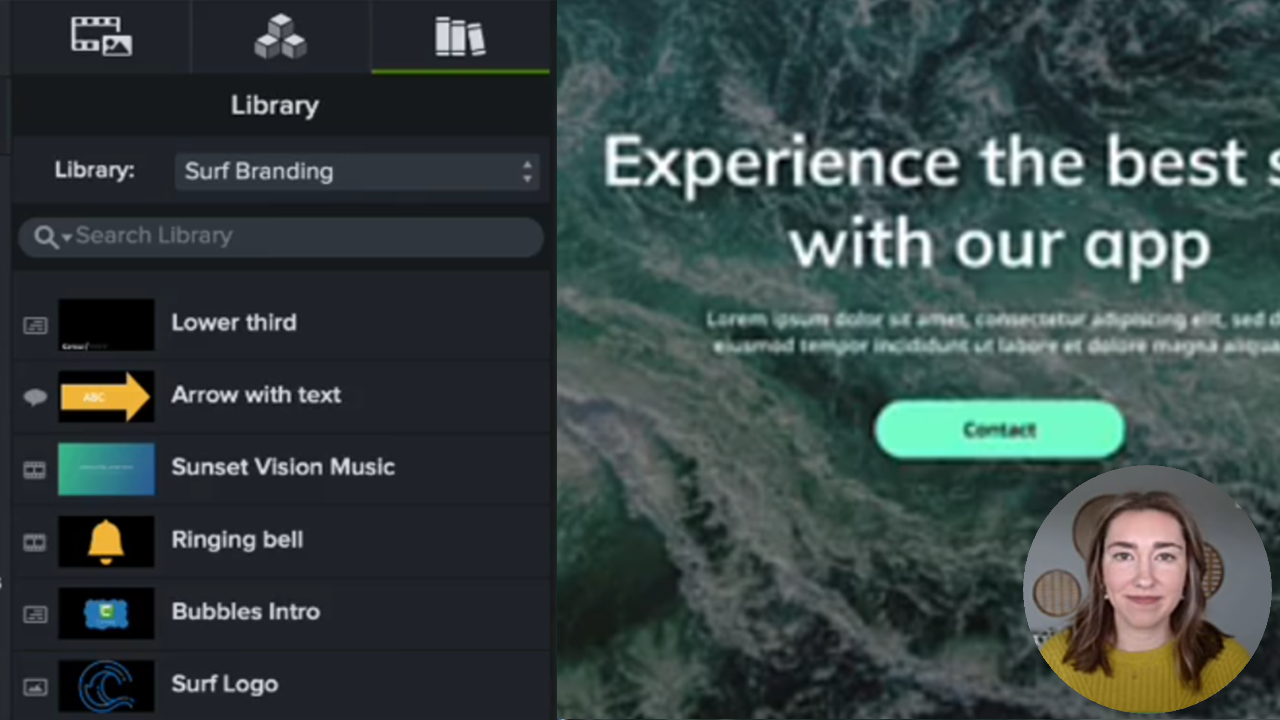
Reuse Media Across Projects (Library)
Customize Camtasia Editor
How to Use a Template
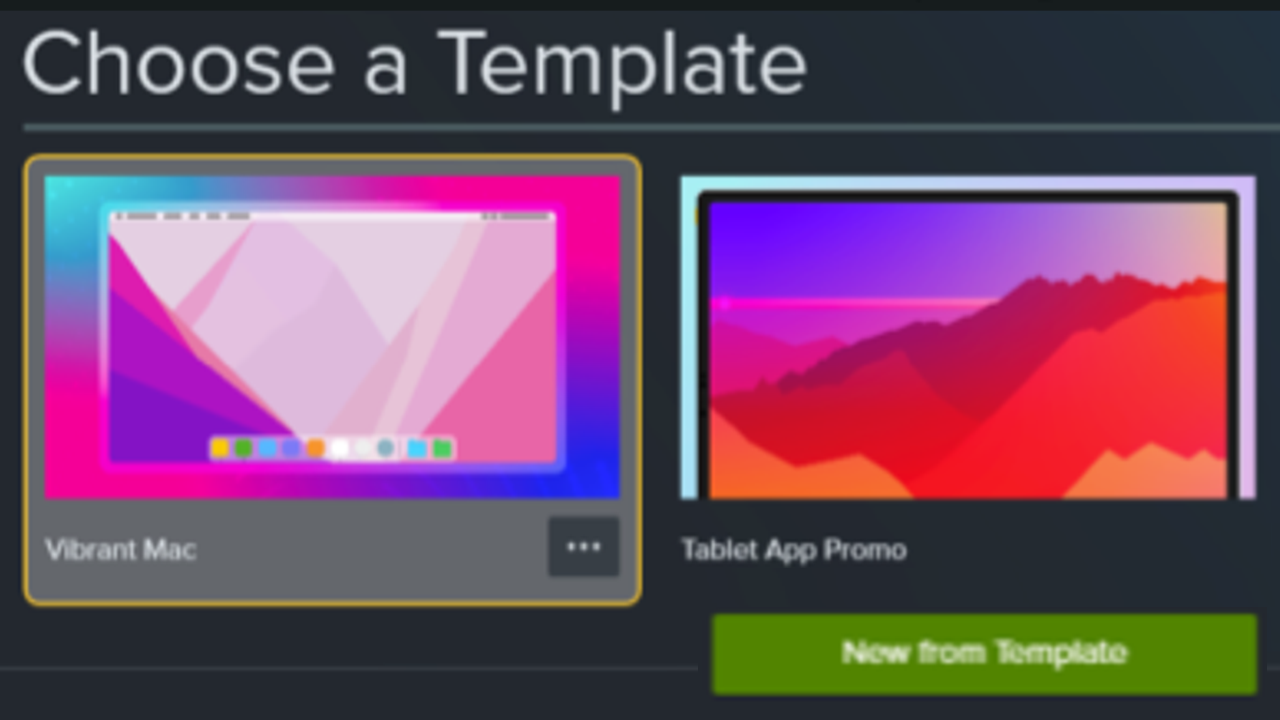
Build a Video Template to Share
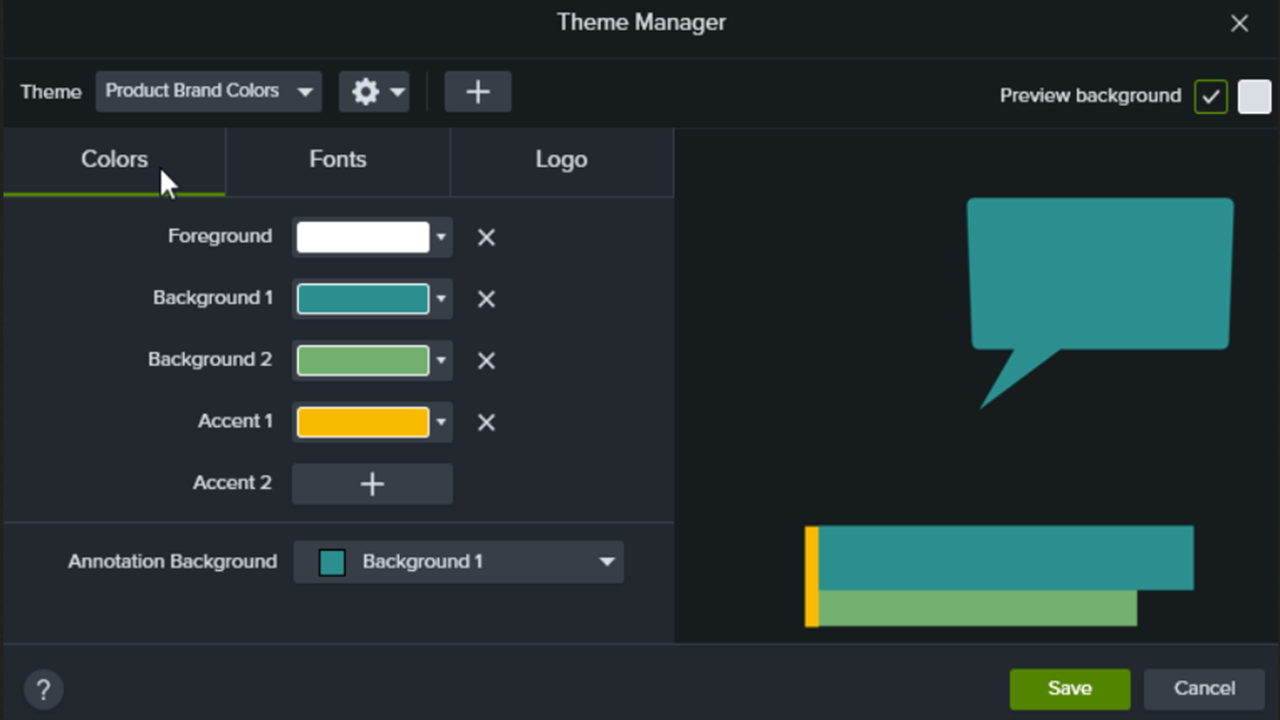
Build Your Color Palette (Themes)
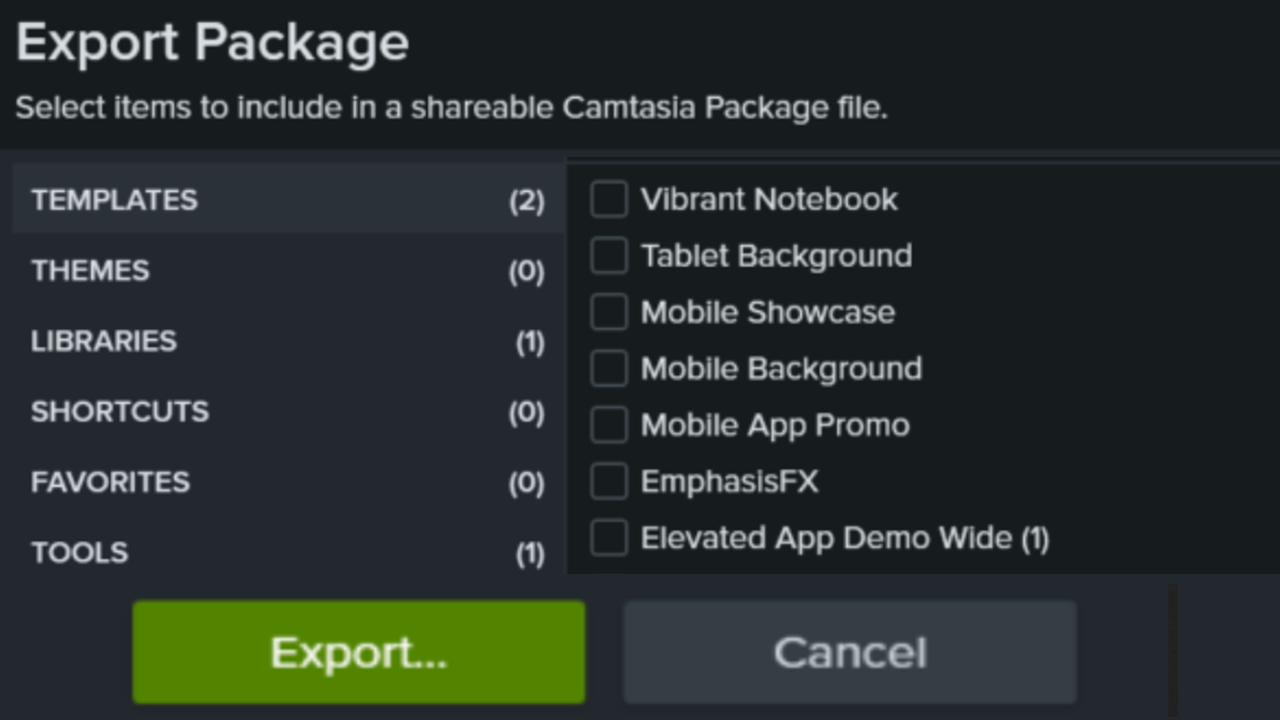
Package & Share Camtasia Editor Resources
Customize Shortcuts
Create Custom Assets
Import & Manage Your Project Media (Media Bin)
Introduction to Rev Media
Introduction to Camtasia Recorder
Learn About Camtasia Editor Files
Explore the Timeline
Record or Generate Voice Narration
Import & Manage Your Project Media (Media Bin)
Edit Zoom Recordings
Edit Microsoft Teams & Other Meeting Recordings
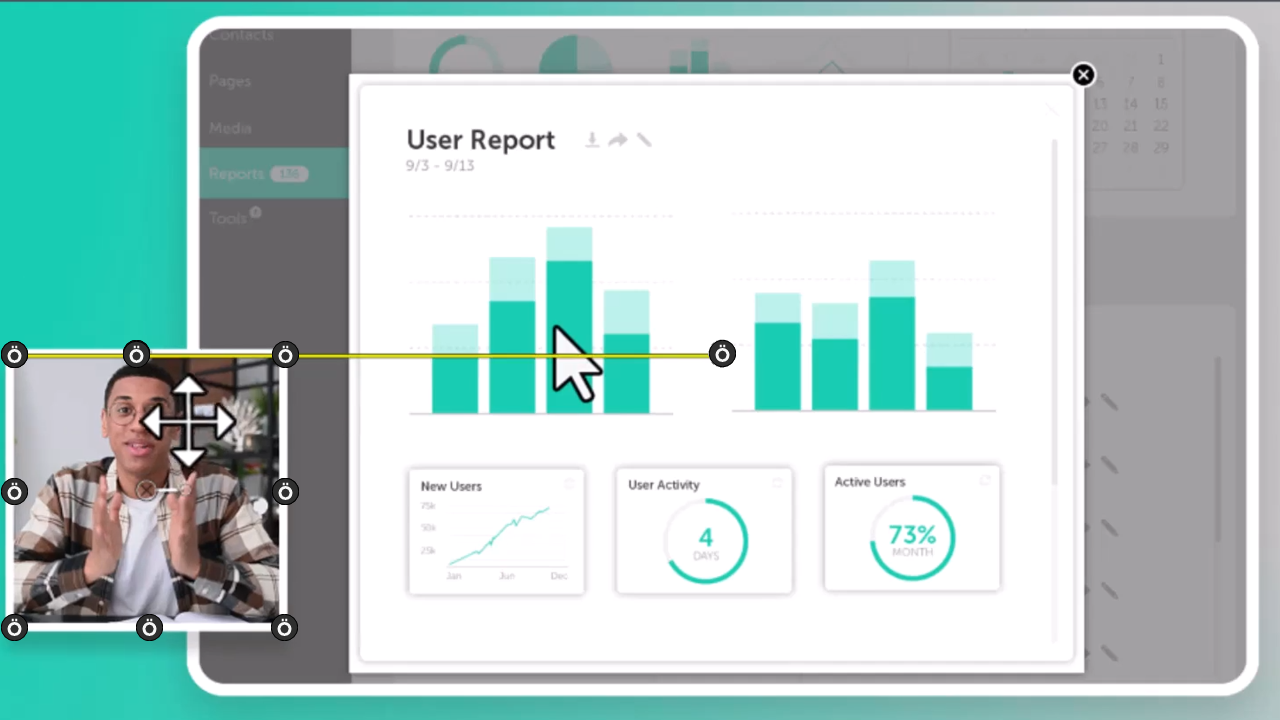
Position Media on the Canvas
Reuse Media Across Projects (Library)
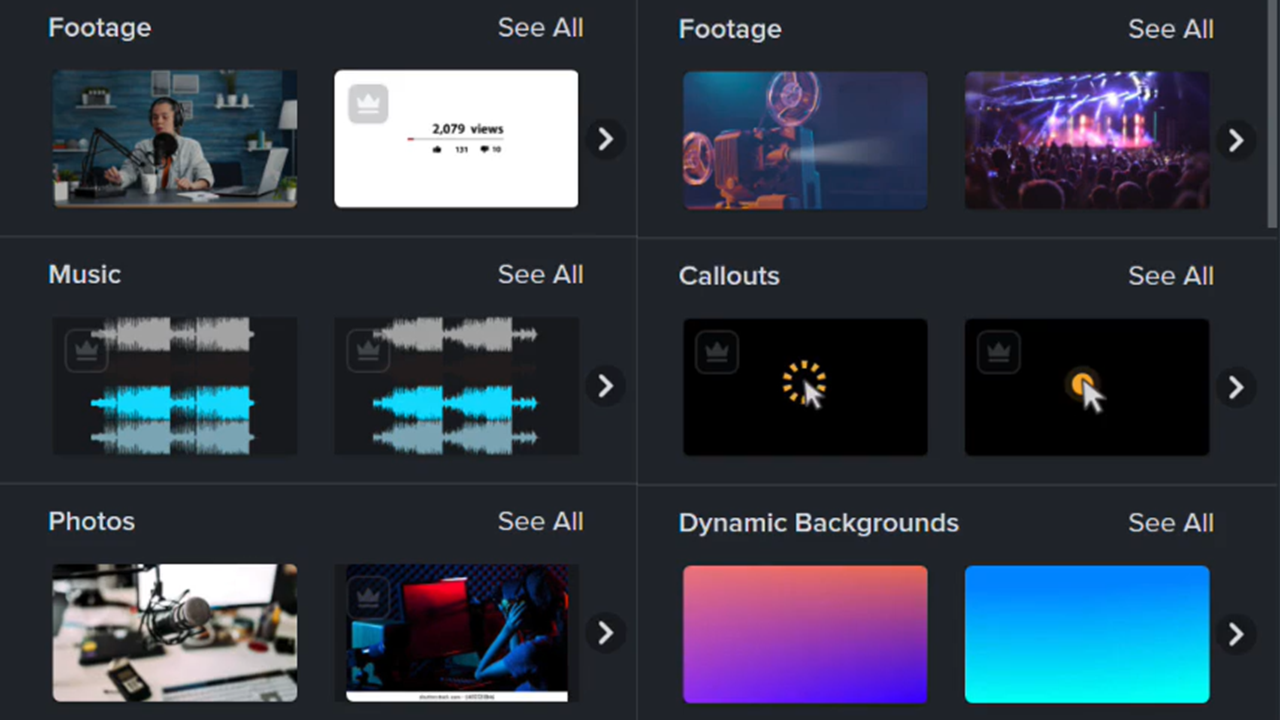
Assemble Your Video
Enhance Your Video with Camtasia Assets
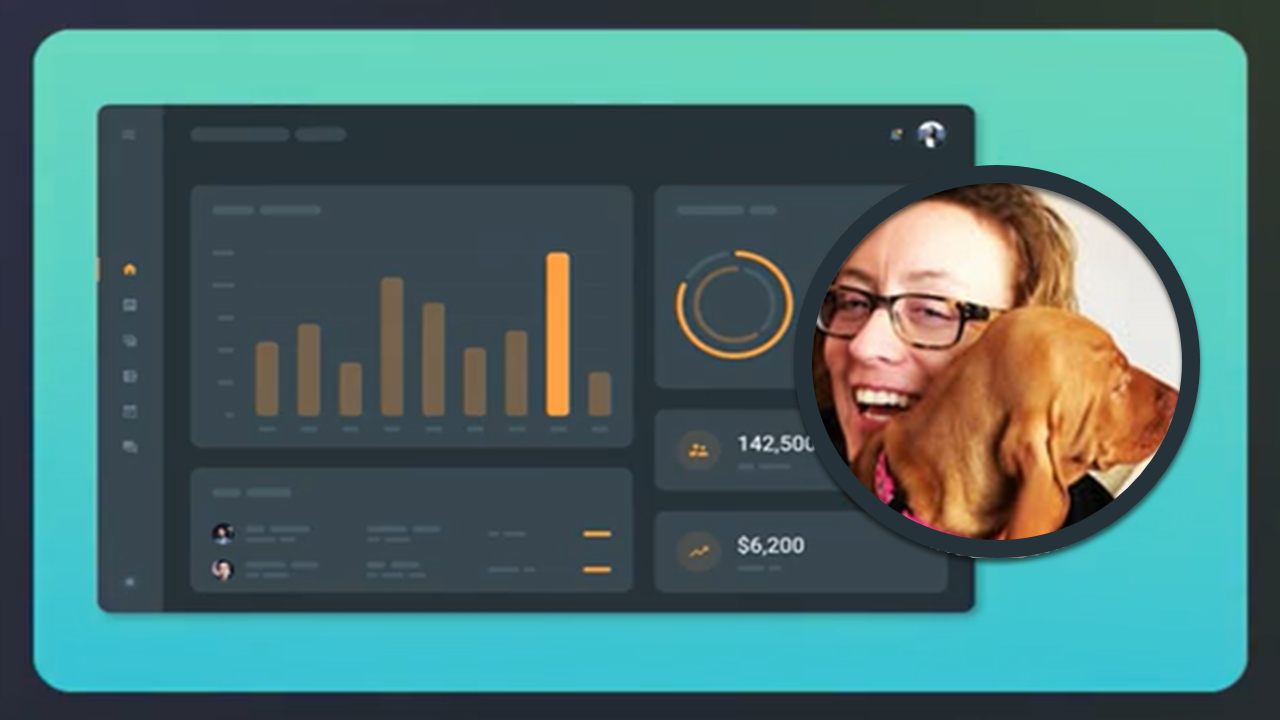
Record & Edit Camera Video (Picture-in-Picture)
Record an iOS Demo or Tutorial